
LED strip lights are the fastest way to change the feel of a room. A $30 strip behind a desk or along a headboard can make a plain bedroom look cozy, a gaming setup look pro, and a living room ready for movie night. They are affordable, easy to install, and one of the most gifted tech accessories for a reason.
This guide covers the best LED strip lights for cozy rooms in 2026, from premium smart home options to budget picks. Prices are current as of October 2026.
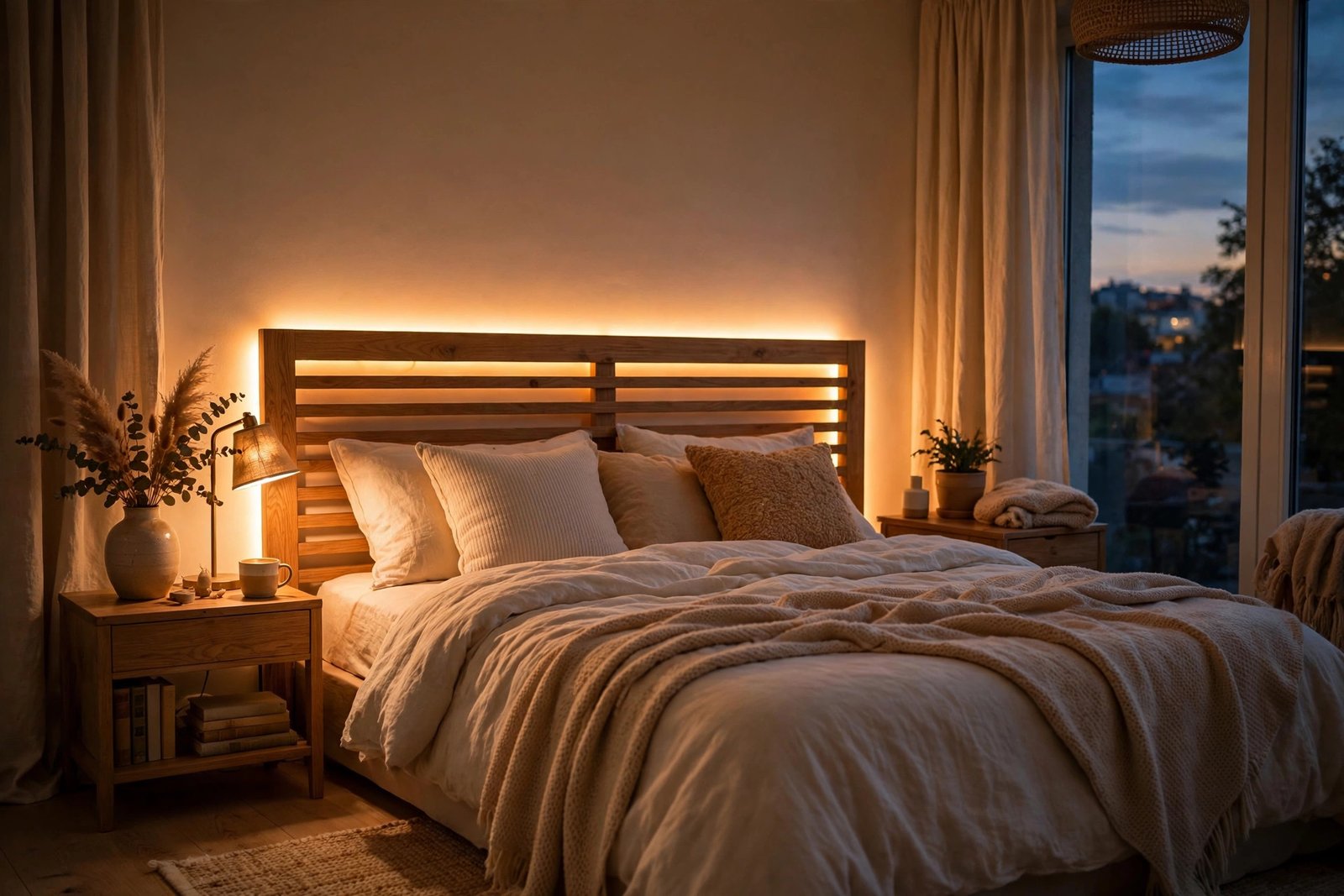
Best Overall: Govee RGBIC LED Strip Lights
Govee dominates the affordable smart lighting market for good reason. Their RGBIC strips can show multiple colors at once along the same strip, creating gradient effects that basic RGB strips cannot. The app offers dozens of scene modes, music sync that pulses with your songs, and scheduling.
For cozy rooms, the warm white and sunset scenes are the ones you will actually use daily. Installation is peel-and-stick, and the 16.4-foot length covers a headboard, desk, or TV stand. At this price, it is hard to justify spending more unless you need deep smart home integration.
- Price: around $25 to $40
- Best for: Bedrooms, desks, and gaming setups on a budget
- Pros: Multi-color RGBIC effects, music sync, good app, very affordable
- Cons: Cloud-dependent app, not as polished as premium brands
Best Premium: Philips Hue Lightstrip Plus
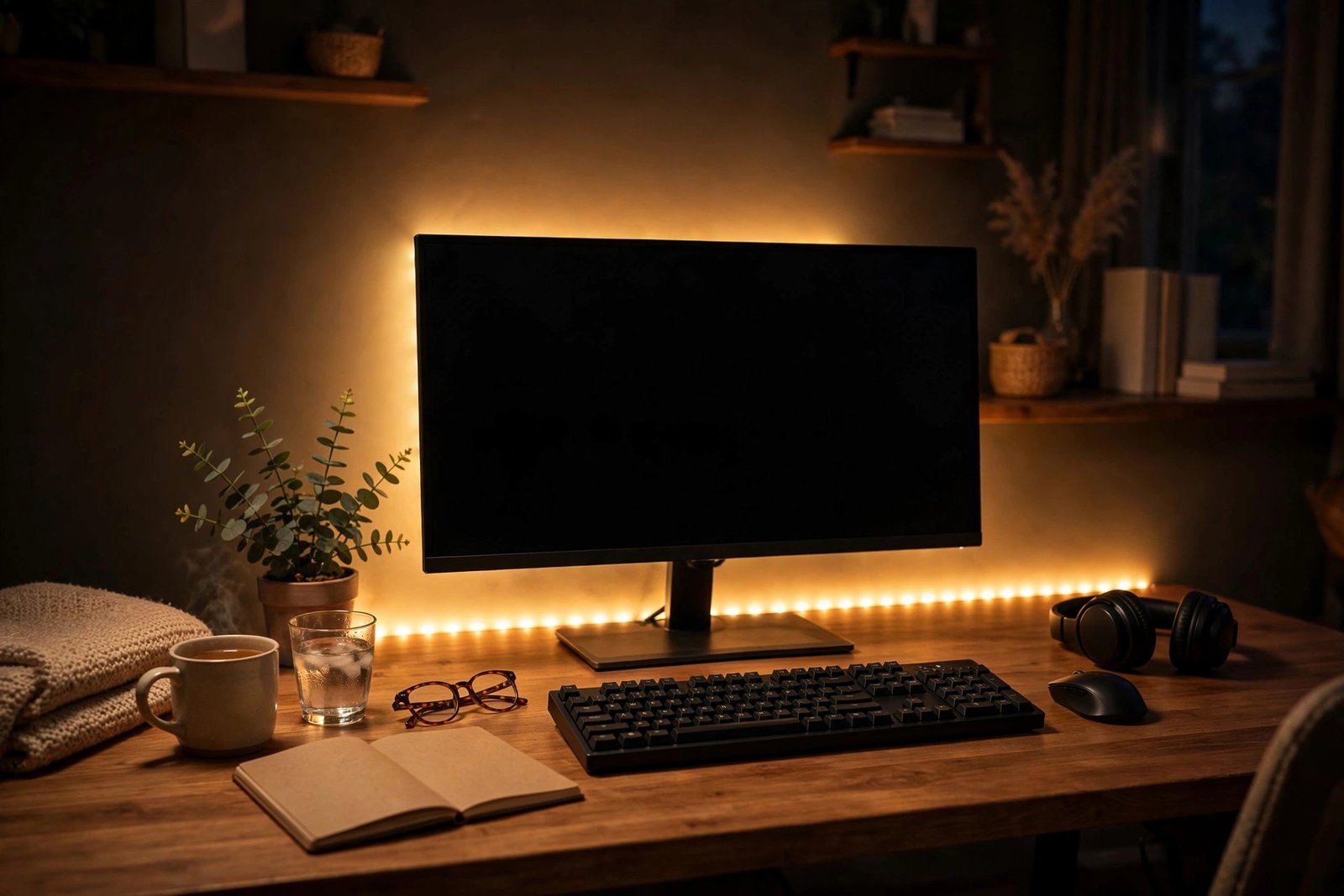
If the recipient already has smart home gear, the Philips Hue Lightstrip Plus is the premium choice. It produces over 16 million colors, integrates with Alexa, Google Assistant, and Apple HomeKit, and can be extended up to 33 feet with add-on strips. The colors are richer and more accurate than budget strips, especially warm whites.
The catch is the ecosystem cost. The strip alone is $80 or more, and some advanced features work best with a Hue Bridge ($60). This is a gift for someone already invested in smart home tech, not a casual first strip.
- Price: around $80 to $90 for the 6.6-foot base (extensions extra)
- Best for: Smart home enthusiasts who own Hue products
- Pros: Best color accuracy, wide smart home support, extendable, reliable
- Cons: Expensive, Bridge recommended for full features, shorter base length
Best for TV Backlighting: Govee TV LED Backlights with Camera
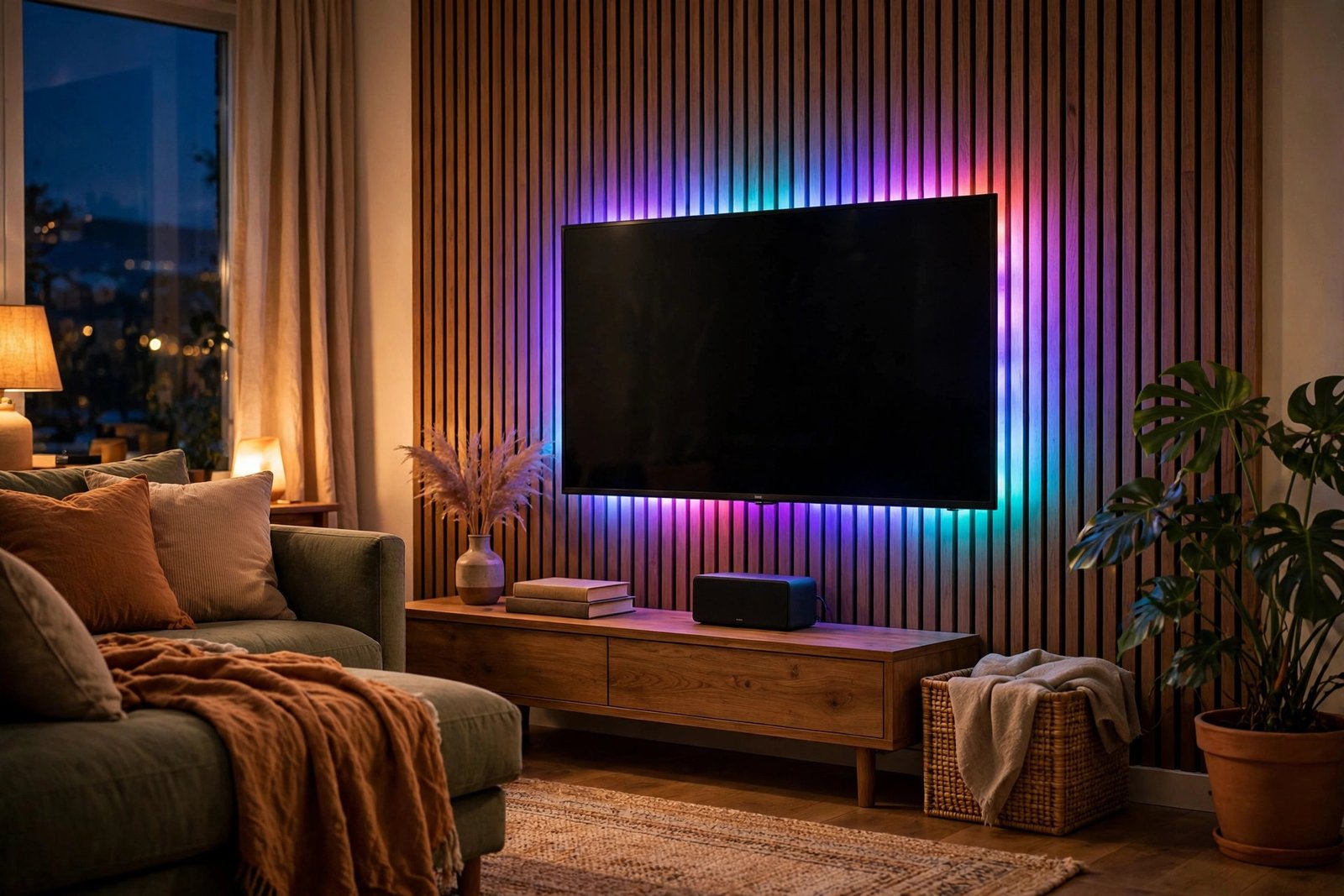
This is a specialized pick that deserves its place. A small camera mounts on top of the TV, watches the colors on screen, and mirrors them on the strip behind the TV in real time. Movies feel more immersive, games feel bigger, and it is genuinely fun to show off.
It also has a microphone mode for music sync. This makes a great gift for a movie lover or gamer who already has a decent TV. Make sure to get the right size for their TV (55 to 65 inch and 75 to 85 inch versions exist).
- Price: around $60 to $80
- Best for: Movie nights and gaming immersion
- Pros: Real-time color matching, music sync, dramatic effect
- Cons: Camera needs calibration, only fits specific TV sizes
Best No-Hub WiFi: LIFX Lightstrip
LIFX strips connect directly to WiFi with no hub or bridge required. They are among the brightest strips available at up to 1,400 lumens, with 16 individually controllable zones for multi-color effects. Setup is quick through the app, and they work with all major voice assistants.
- Price: around $70 to $90
- Best for: Bright rooms where weaker strips wash out
- Pros: Very bright, no hub needed, zoned colors, easy setup
- Cons: Pricier than Govee, WiFi-only (no Bluetooth fallback)
Best Budget: Nexillumi LED Strip Lights
For under $20, Nexillumi strips deliver the core experience: bright colors, remote control, and music sync. They will not match Govee’s app polish or Hue’s color accuracy, but for a teen’s bedroom or a dorm room, they do the job.
- Price: around $12 to $20
- Best for: Dorm rooms, teens, and tight budgets
- Pros: Very cheap, remote included, decent brightness
- Cons: Basic app, less accurate colors, adhesive can weaken over time
Quick Comparison
| Strip | Price | Multi-Color Zones | Hub Needed |
|---|---|---|---|
| Govee RGBIC | $25-$40 | Yes | No |
| Philips Hue Lightstrip Plus | $80-$90 | Yes | Recommended |
| Govee TV Backlights | $60-$80 | Yes | No |
| LIFX Lightstrip | $70-$90 | Yes (16 zones) | No |
| Nexillumi | $12-$20 | No | No |
How to Choose the Right Strip
For cozy bedrooms, prioritize warm whites. The ability to produce a good 2700K warm white matters more than rainbow effects for daily use. Govee and Hue both do this well; the cheapest strips often have a harsh, bluish white.
Measure first. A 16.4-foot (5-meter) strip covers a queen headboard or a standard desk setup. For longer runs like ceiling perimeters, check whether the strip supports extensions before buying.
Match the ecosystem. If the recipient uses Alexa or Google Home heavily, confirm compatibility. Hue works with everything but costs more. Govee works with Alexa and Google Assistant for basic on-off and color commands.
Gifting Tips
LED strips are a fun gift because the recipient sees the transformation immediately. For maximum impact, offer to help install them. The peel-and-stick process takes 15 minutes, but doing it together turns a product gift into an experience.
Pair a strip with a smart plug for the full effect. With both, the recipient can schedule their lights to turn on at sunset and off at bedtime, all from their phone. A Govee strip plus a basic smart plug costs under $50 combined and feels like a much more expensive gift.
For renters, include a pack of removable mounting clips in the gift. It shows you thought about their living situation, and it prevents the awkward moment when they realize the adhesive might damage their walls.
Frequently Asked Questions
Do LED strips damage walls?
The adhesive backing can pull paint off walls when removed, especially on fresh paint. For rentals, mount strips on furniture (headboards, desks, shelves) rather than directly on walls, or use removable mounting clips.
What is the difference between RGB and RGBIC?
Basic RGB strips show one color at a time across the whole strip. RGBIC strips have independent control chips along the strip, so they can display multiple colors simultaneously and create gradients, chasing effects, and segmented scenes.
Can you cut LED strips to length?
Most strips can be cut at marked cut points (usually every few inches). The cut-off remainder cannot be reused unless you buy connector clips. Always cut only at the marked lines or you will damage the strip.
Do LED strips use a lot of electricity?
No. A typical 16-foot strip uses about 24 watts at full brightness, less than most light bulbs. Running one for 5 hours a day costs only a few dollars per year in electricity.

- How to Stop Samsung Galaxy Apps Running in the Background - November 4, 2026
- How to Turn Off Bixby Voice Wake-Up on Samsung Galaxy - November 3, 2026
- How to Turn Off Notification Reminders on a Samsung Galaxy Phone - November 2, 2026