
How to Turn Off Siri Suggestions on iPhone
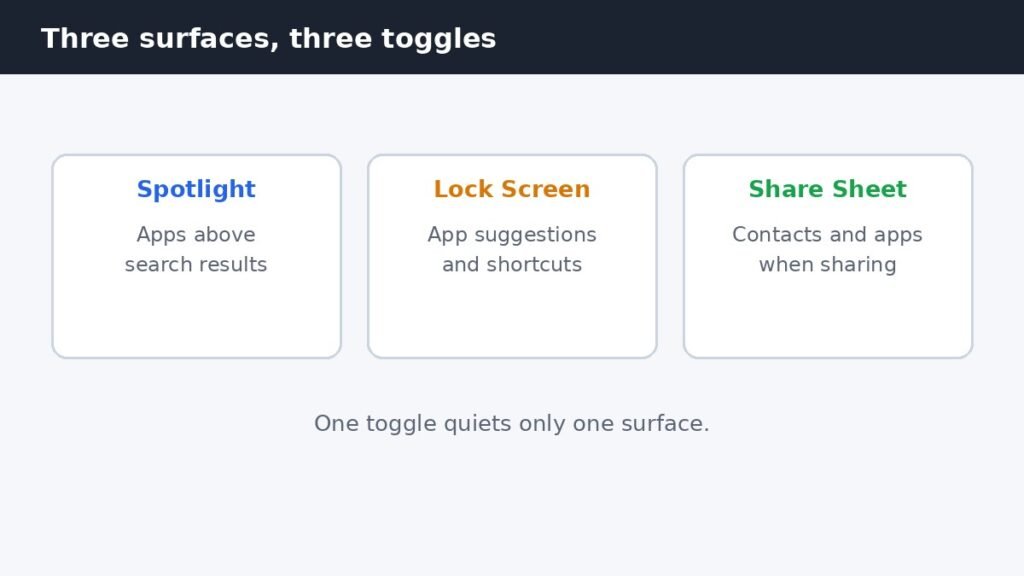
Siri Suggestions put apps, contacts, and shortcuts where you did not ask for them: at the top of search, on
Siri Suggestions put apps, contacts, and shortcuts where you did not ask for them: at the top of search, on
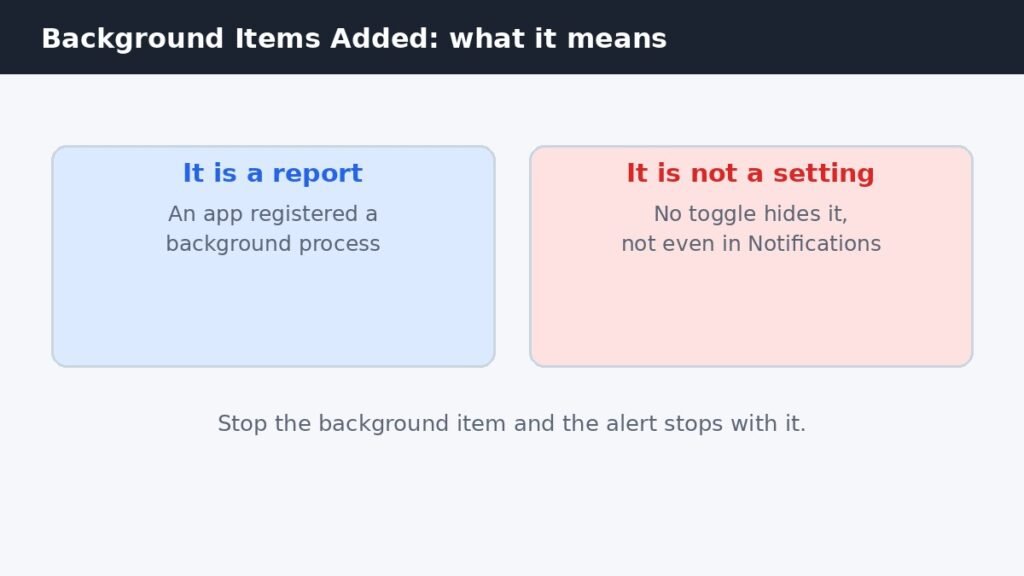
Every time you install a new app, macOS shows a small alert: Background Items Added. It looks like a setting
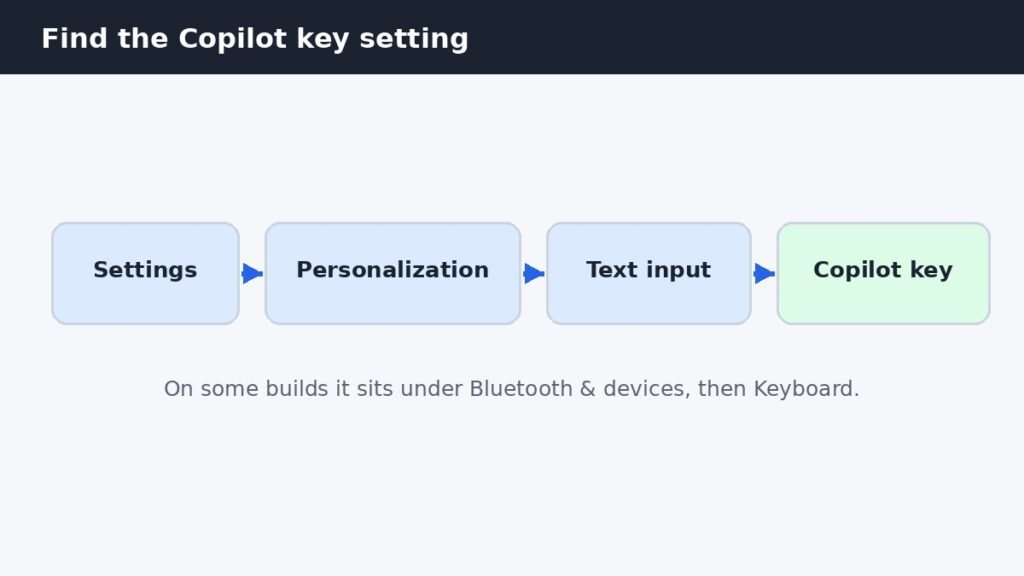
Newer Windows 11 keyboards have a Copilot key where Right Ctrl used to sit, and one stray press opens the
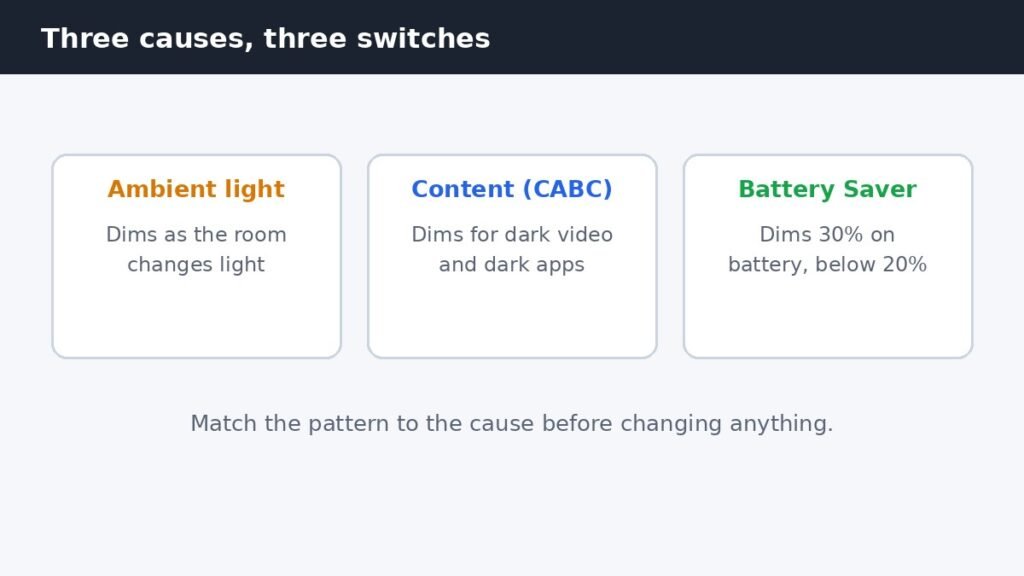
Your laptop screen keeps dimming on its own, and the brightness slider is not the problem. Three separate Windows 11
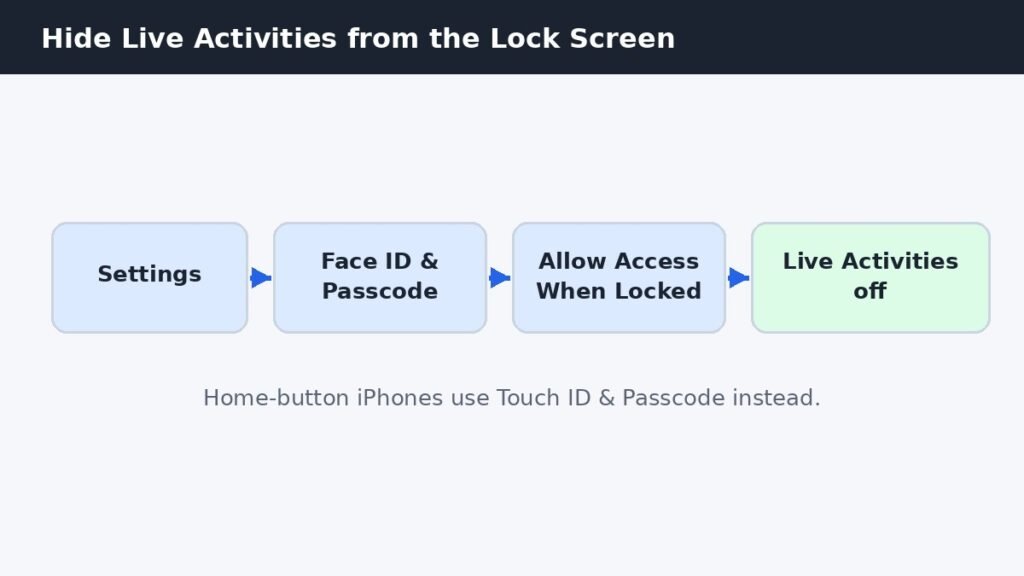
Live Activities are the cards that track a delivery, a ride, a workout, or a score on your iPhone Lock
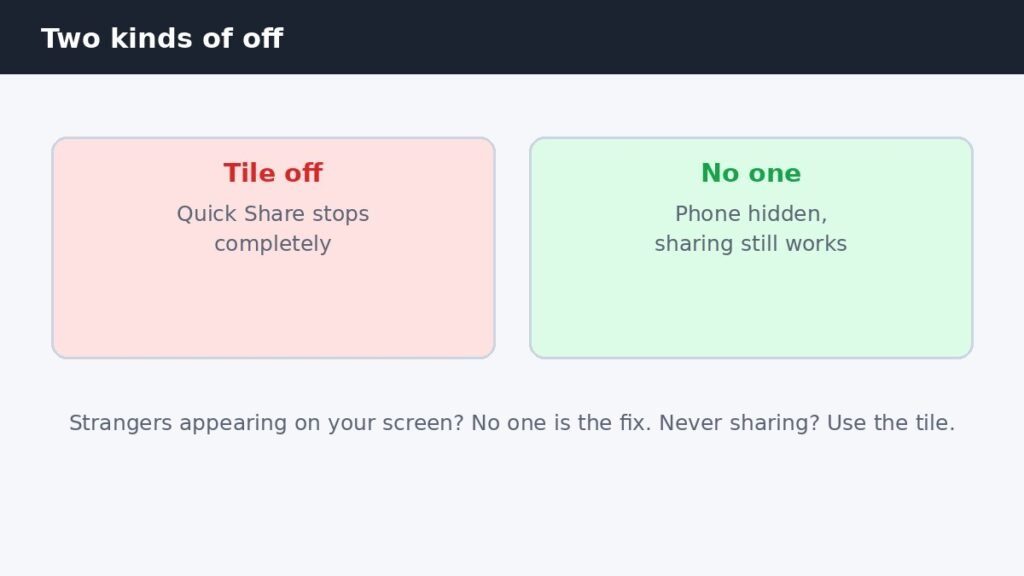
Turning off Quick Share on a Samsung Galaxy phone takes one tap, but there are two different kinds of off,
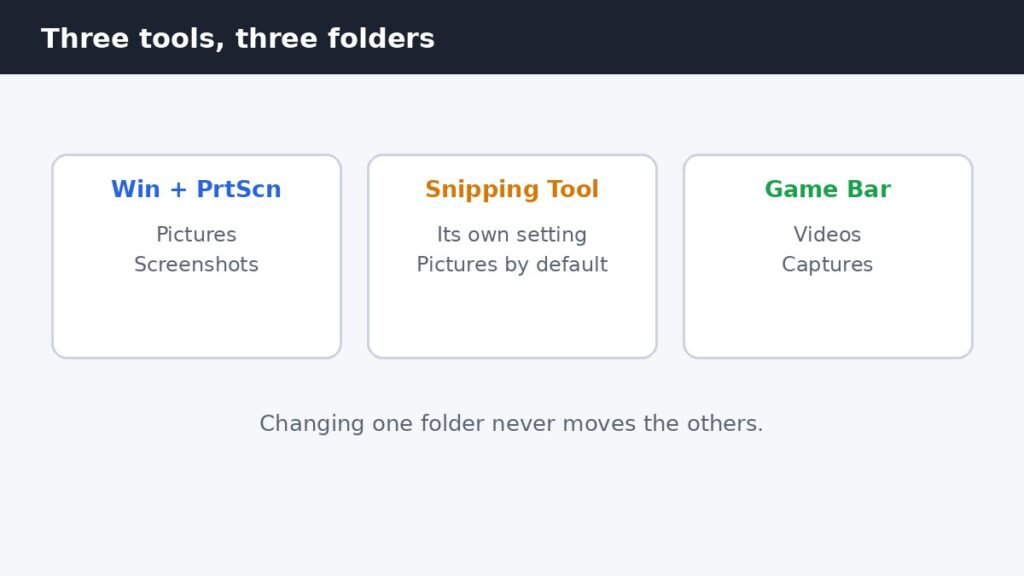
Windows 11 has no single screenshot save setting, because three different tools each save to their own folder. Win +
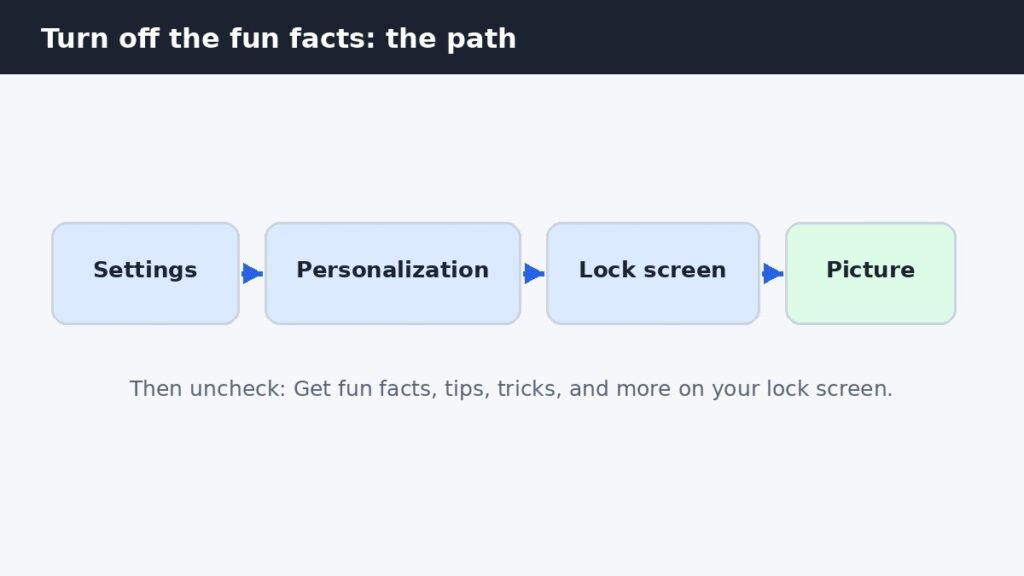
The tips, fun facts, and tricks on your Windows 11 lock screen come from one checkbox, but that checkbox only
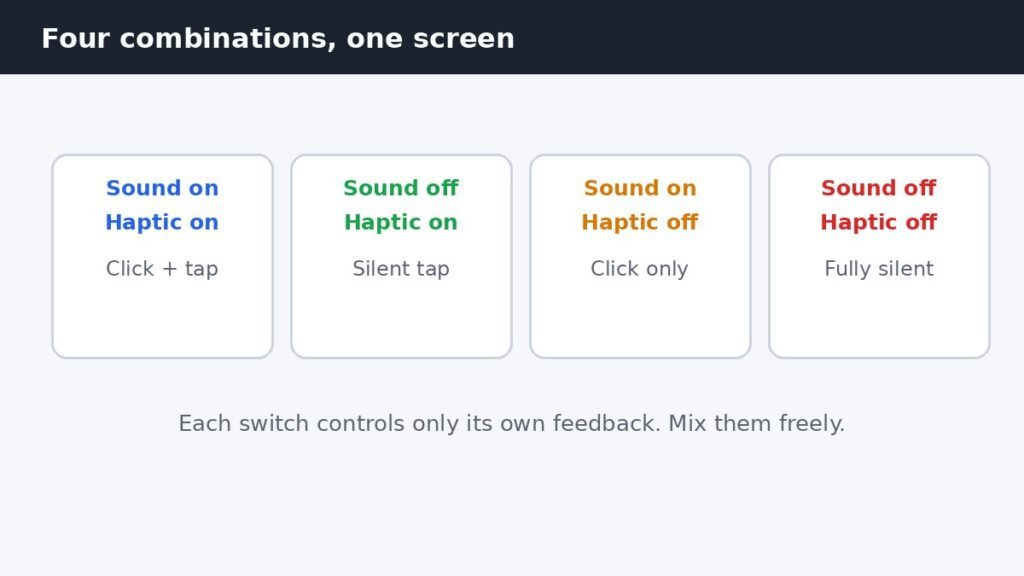
The clicks and the tiny vibration you feel while typing are two separate settings on one screen. Open Settings, tap
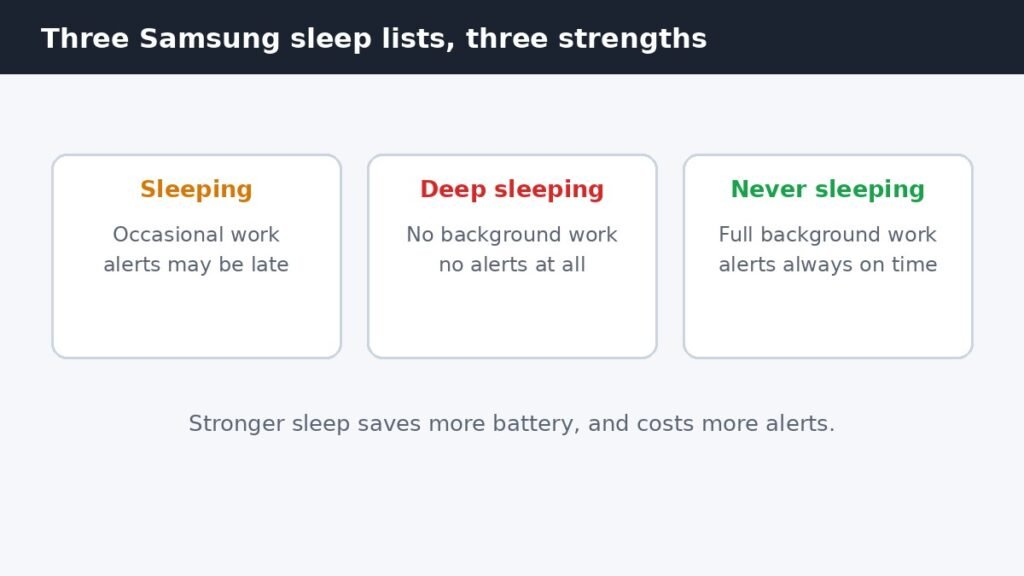
On a Samsung Galaxy phone, the strongest way to stop an app running in the background is to put it
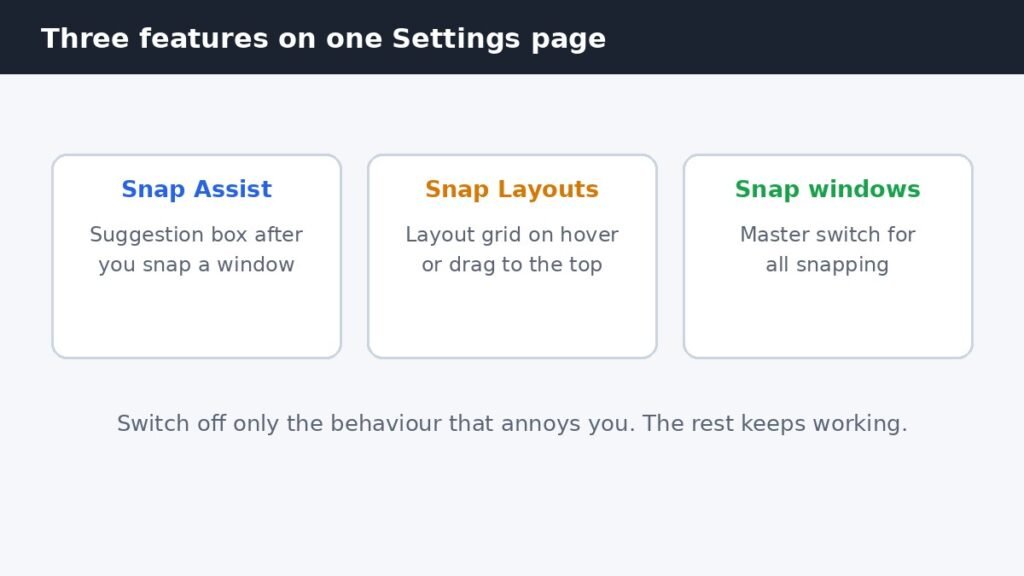
Snap Assist is the suggestion box that appears after you snap a window to one side of the screen, offering
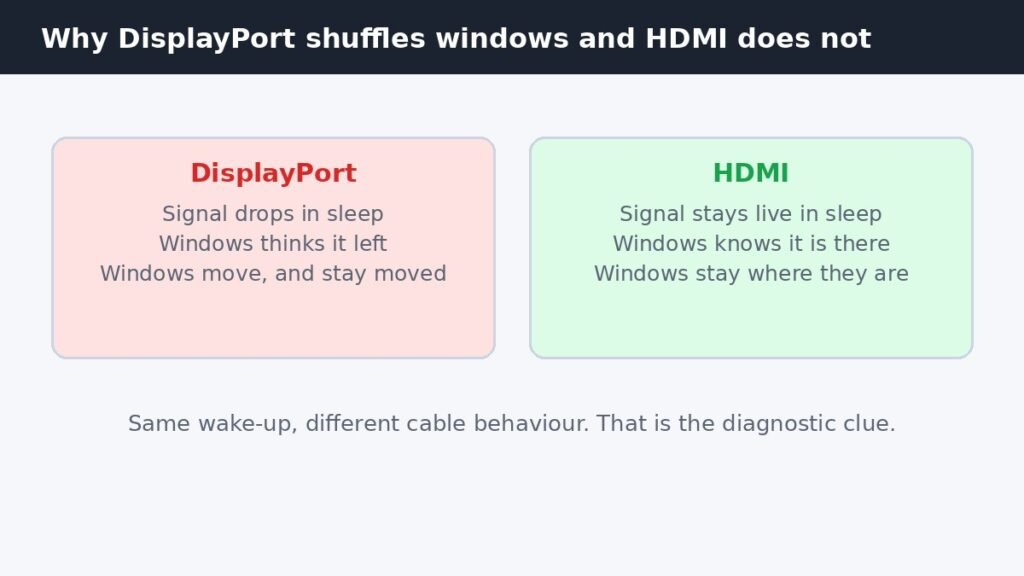
You wake your PC, the second monitor comes back on, and every window has moved. Windows from the second screen