
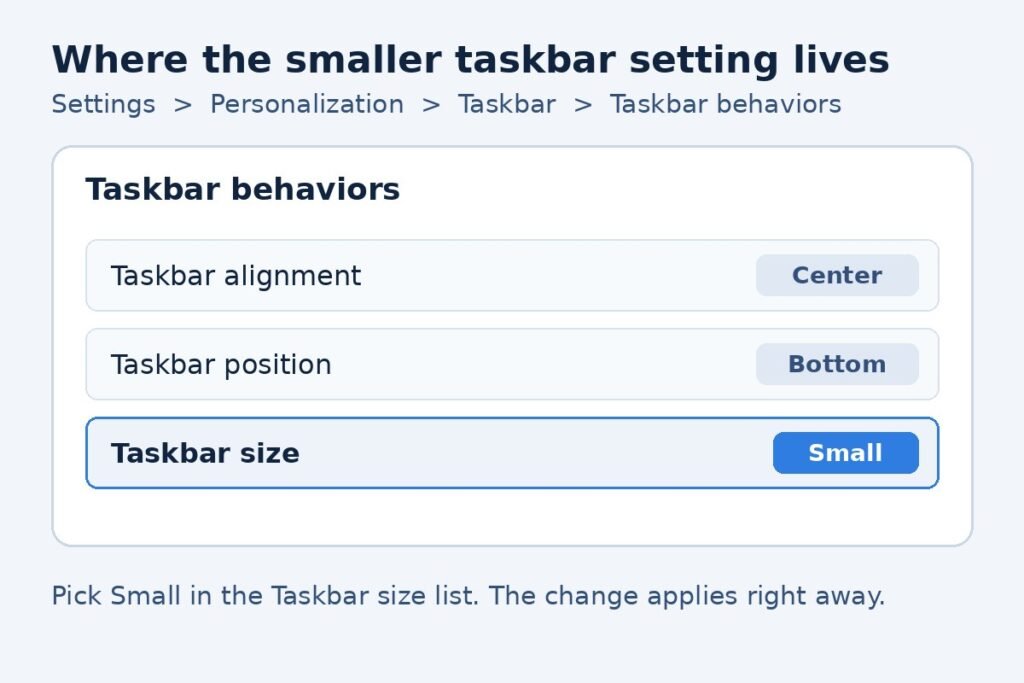
How to Make the Windows 11 Taskbar Smaller
Yes, Windows 11 now has a built-in way to make the taskbar smaller. Open Settings, go to Personalization, then Taskbar,

Yes, Windows 11 now has a built-in way to make the taskbar smaller. Open Settings, go to Personalization, then Taskbar,
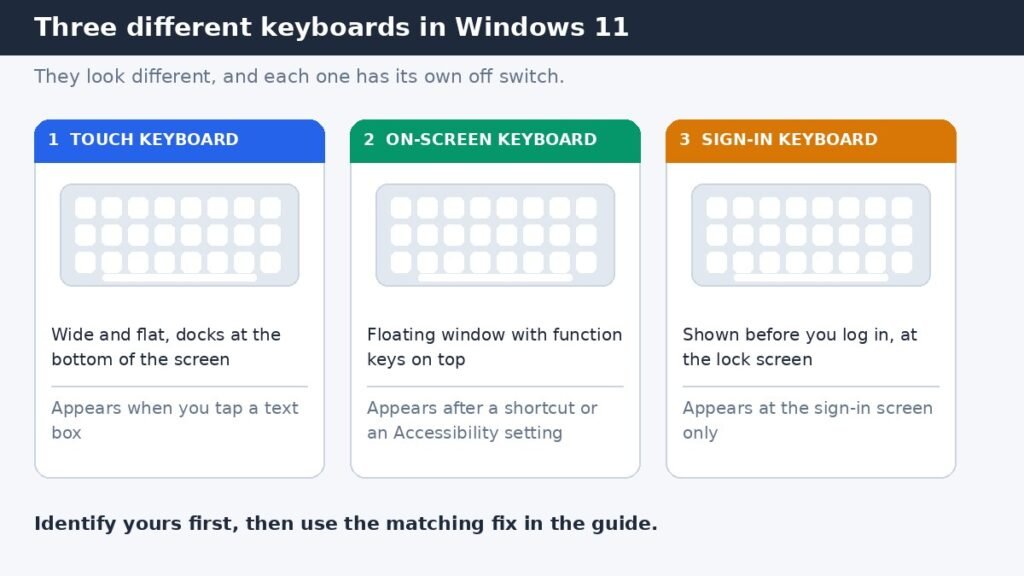
A keyboard that slides up over the screen every time you tap a text box is one of the most
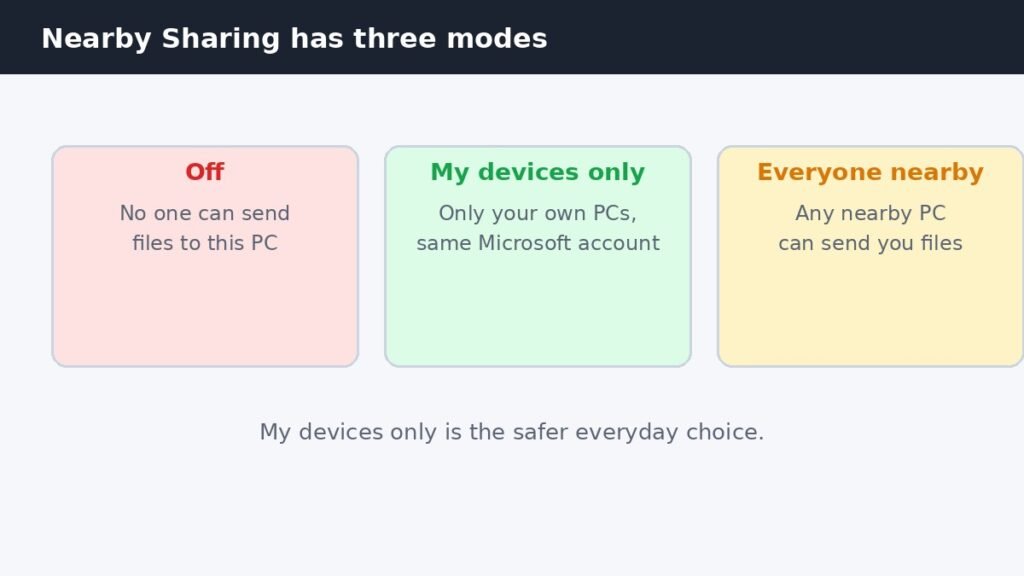
Nearby Sharing lets Windows PCs that are close together send each other files, photos, and links over Bluetooth or Wi-Fi.
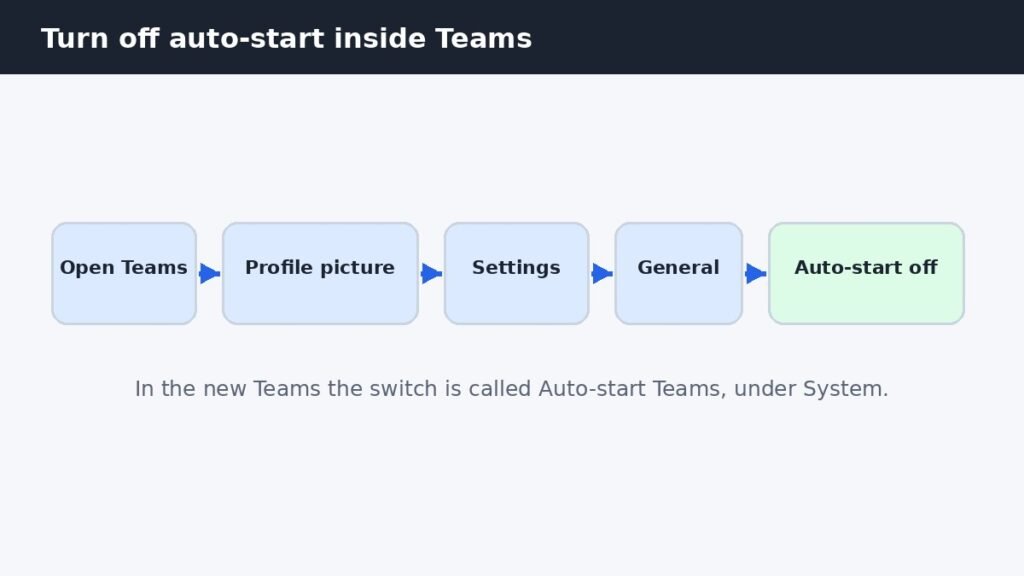
Microsoft Teams opens on its own every time you sign in because it is set to auto-start when it is
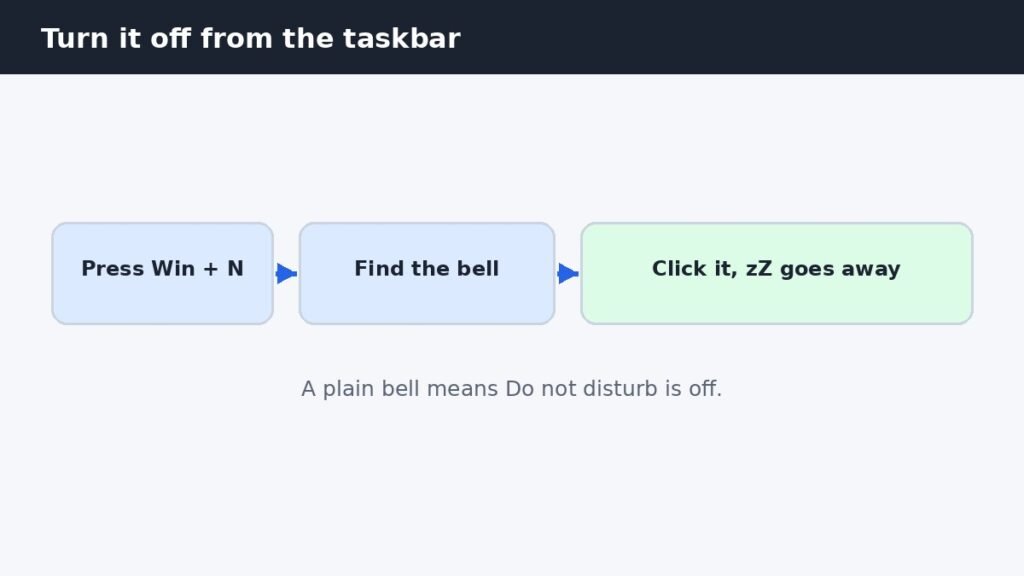
If your Windows 11 PC keeps missing notifications, Do not disturb is almost certainly switched on. The quickest way to
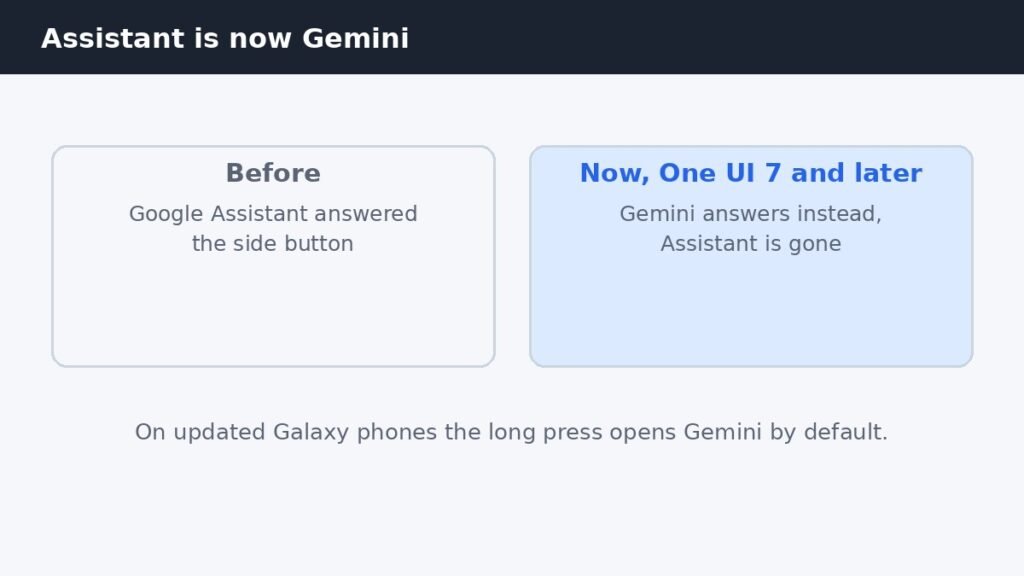
If you hold the side button on your Galaxy phone and Gemini answers instead of Google Assistant, nothing is broken.
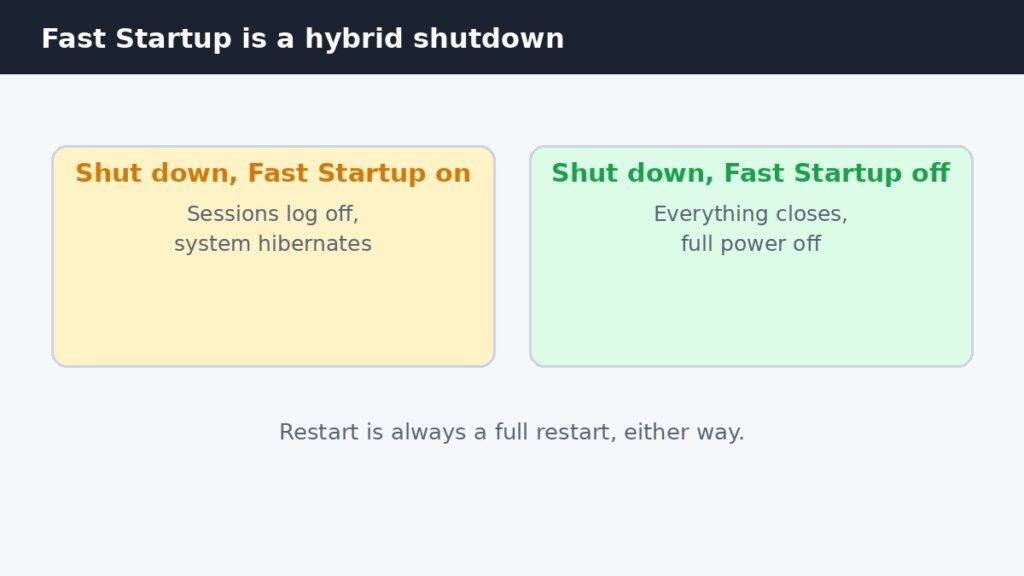
If your Windows 11 PC seems to ignore a shutdown, Fast Startup is the likely reason. It is on by
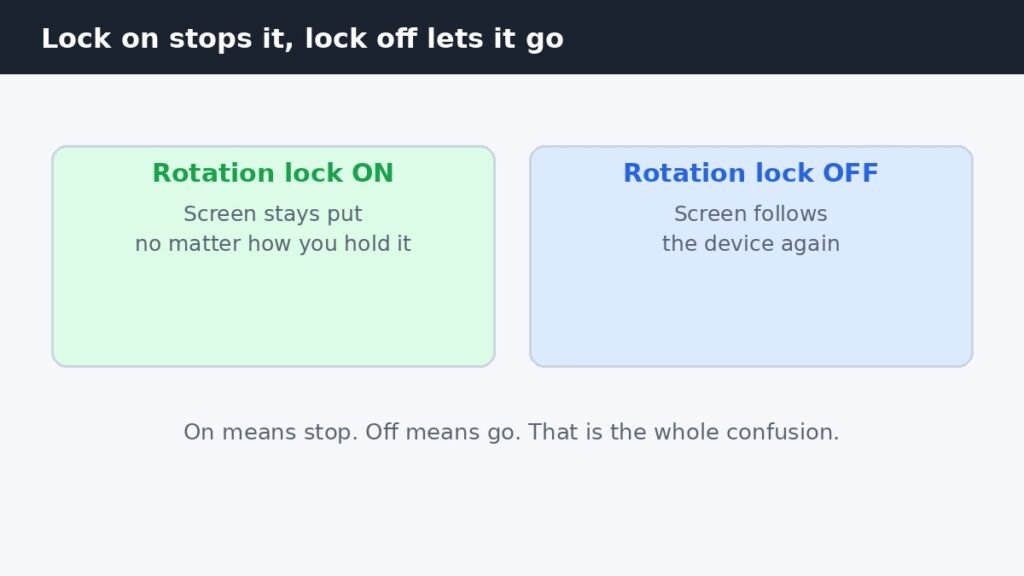
Here is the part that trips almost everyone up: to stop your Windows 11 screen turning on its own, you
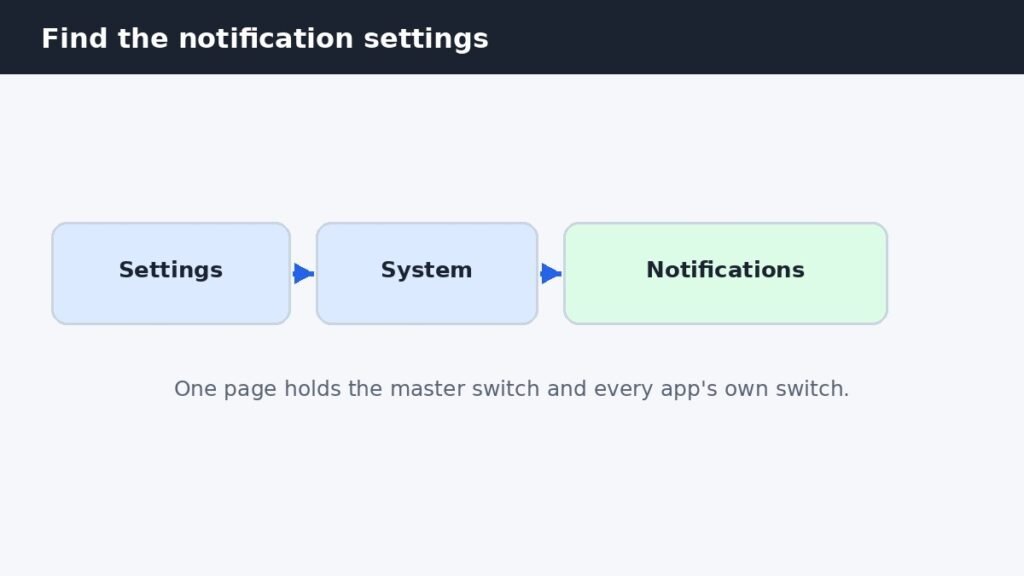
A notification sound is useful exactly once, when it tells you something arrived. After that it is just noise, especially
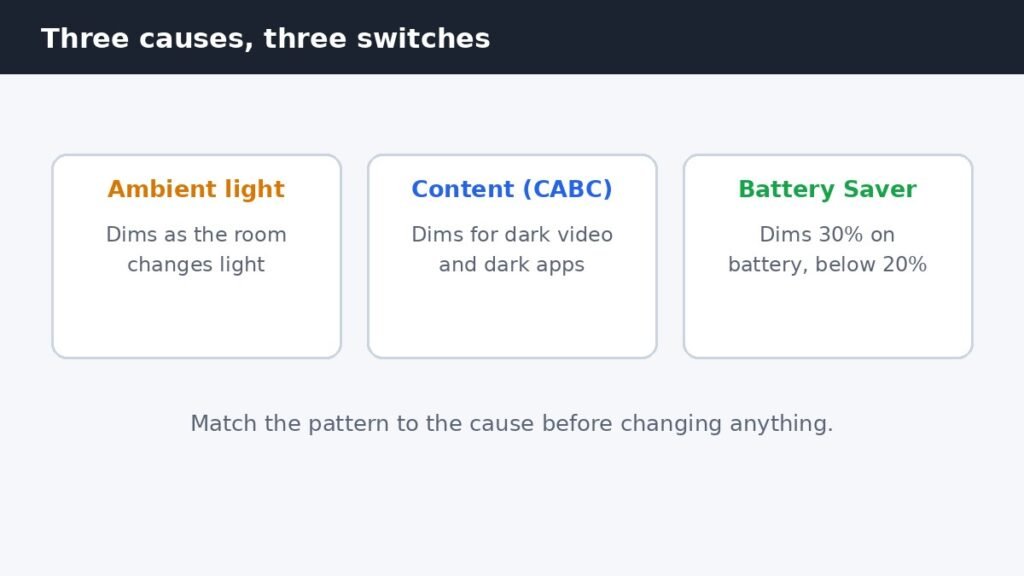
Your laptop screen keeps dimming on its own, and the brightness slider is not the problem. Three separate Windows 11
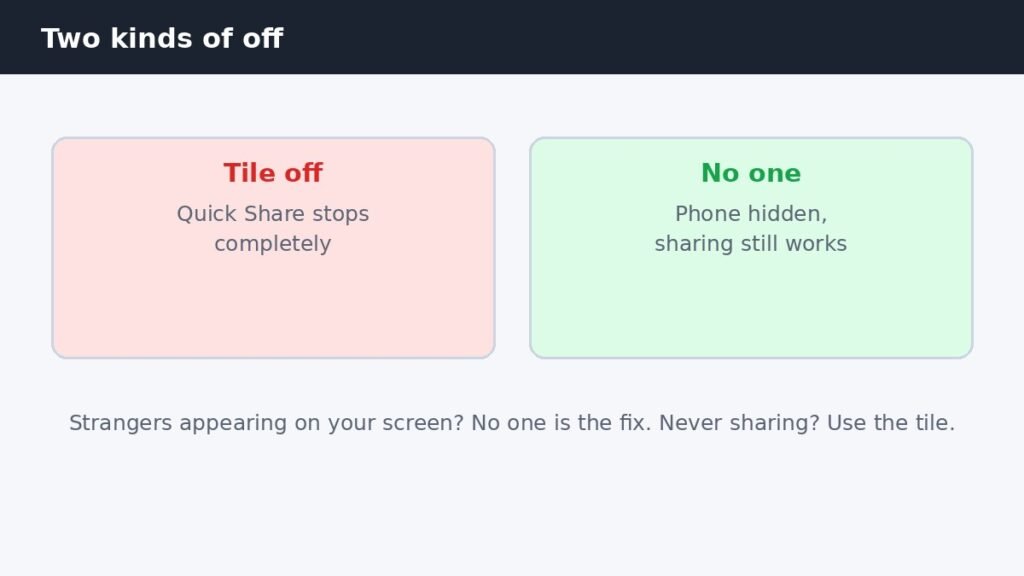
Turning off Quick Share on a Samsung Galaxy phone takes one tap, but there are two different kinds of off,
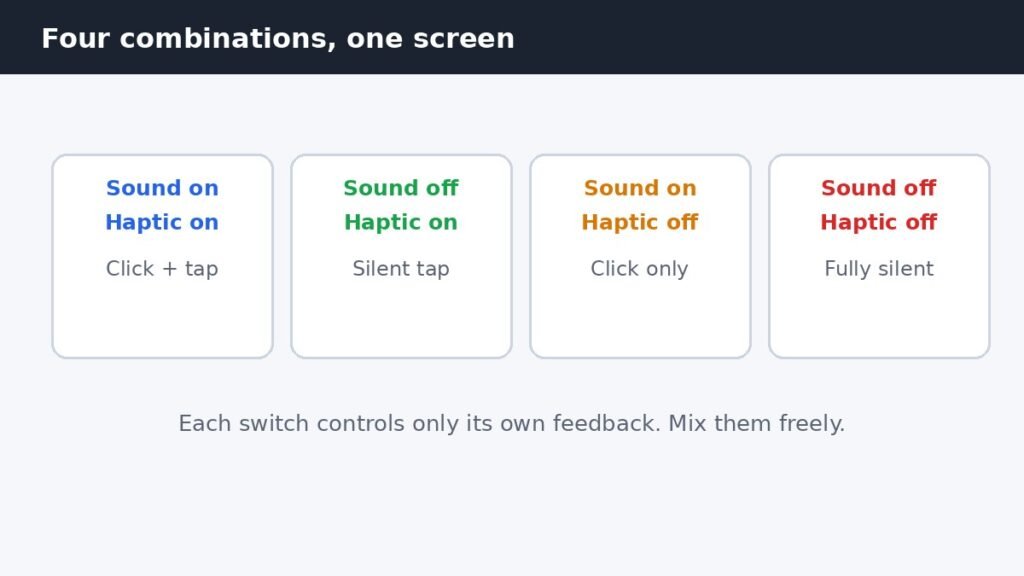
The clicks and the tiny vibration you feel while typing are two separate settings on one screen. Open Settings, tap