
How to Turn Off Auto Rotate on Windows 11
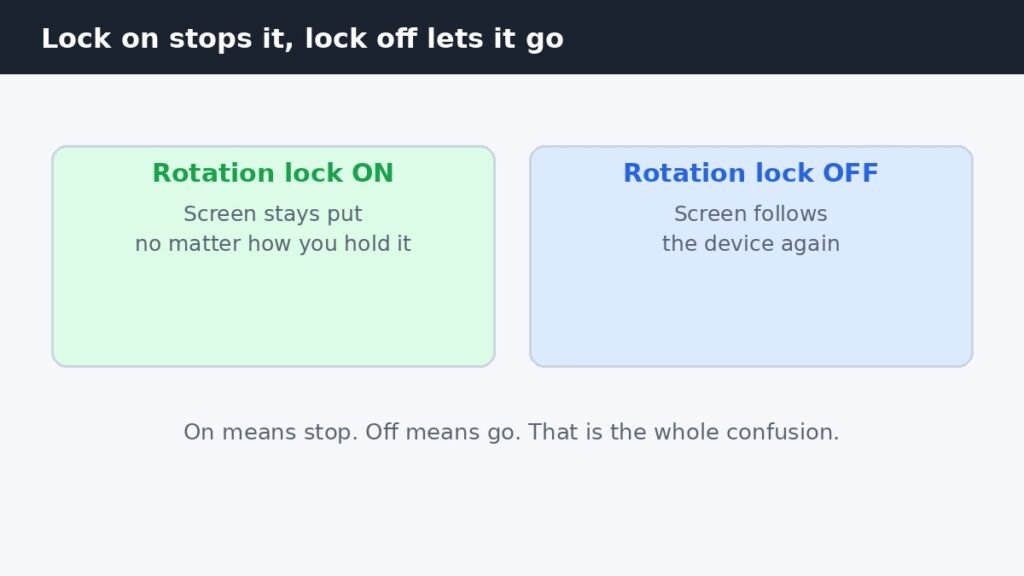
Here is the part that trips almost everyone up: to stop your Windows 11 screen turning on its own, you

Here is the part that trips almost everyone up: to stop your Windows 11 screen turning on its own, you
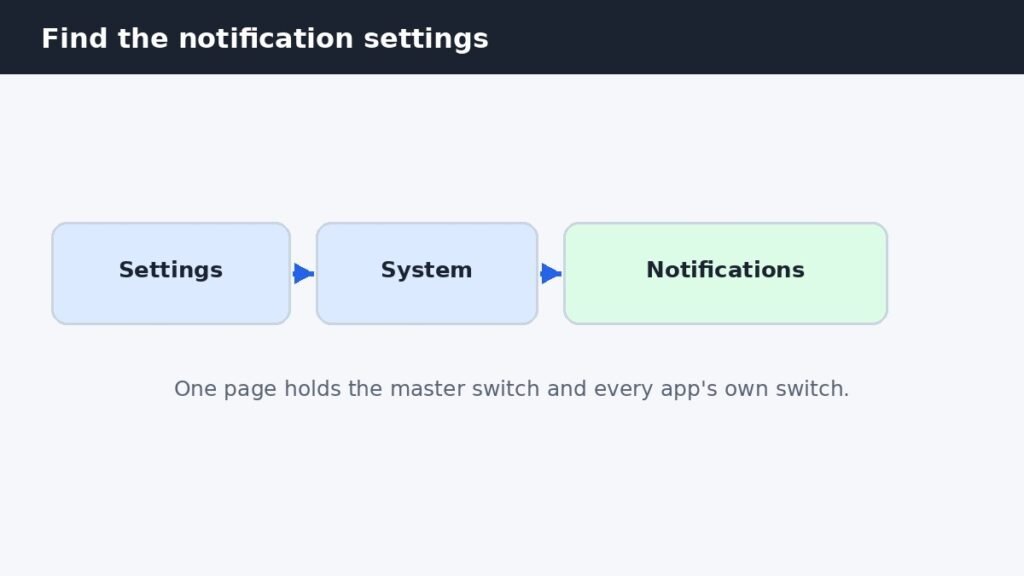
A notification sound is useful exactly once, when it tells you something arrived. After that it is just noise, especially
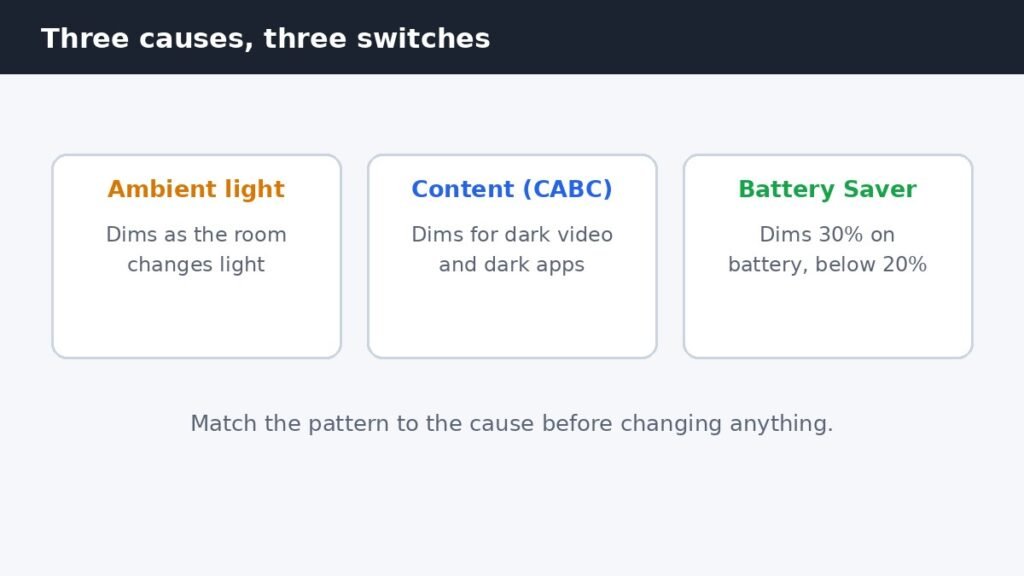
Your laptop screen keeps dimming on its own, and the brightness slider is not the problem. Three separate Windows 11
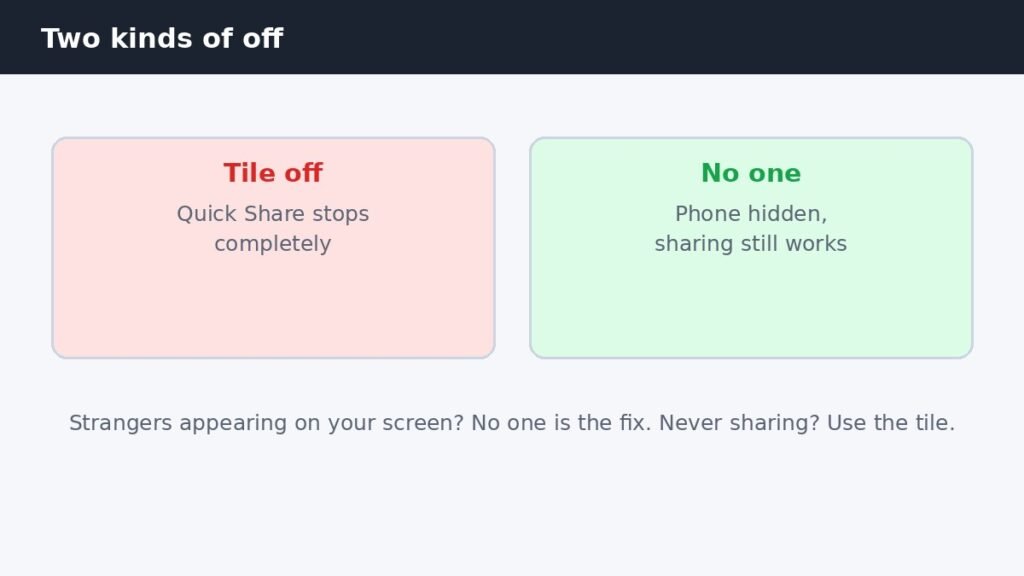
Turning off Quick Share on a Samsung Galaxy phone takes one tap, but there are two different kinds of off,
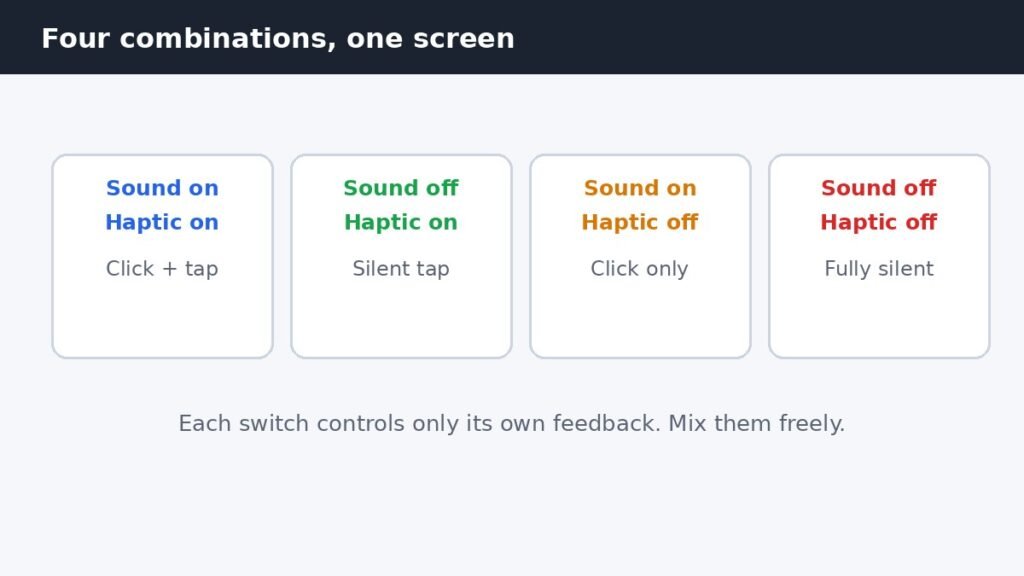
The clicks and the tiny vibration you feel while typing are two separate settings on one screen. Open Settings, tap
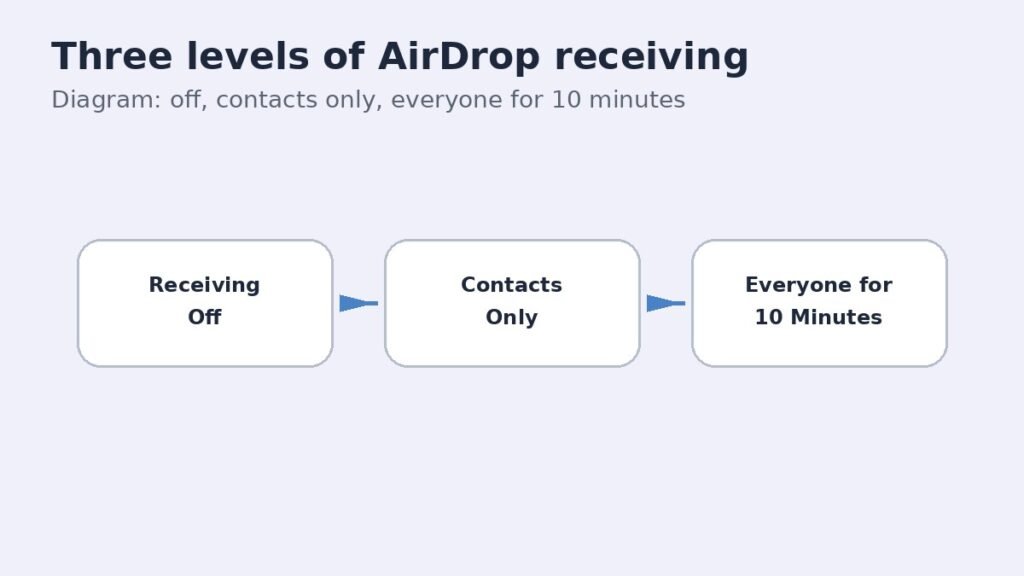
AirDrop receiving is the setting that decides who can see your iPhone and send you files over AirDrop. If you
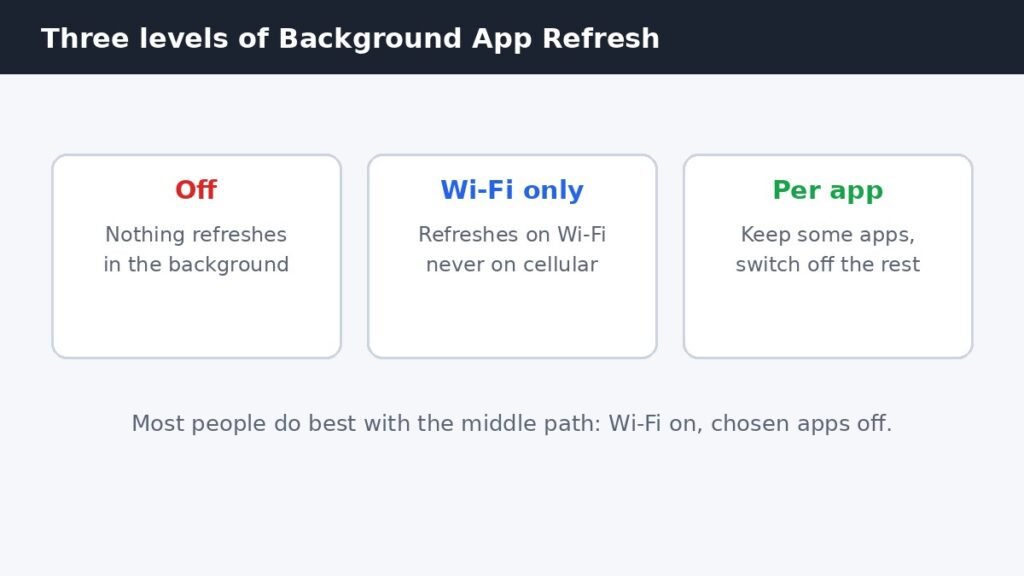
Background App Refresh lets apps fetch new content while you are not using them, so your news feed, inbox, and
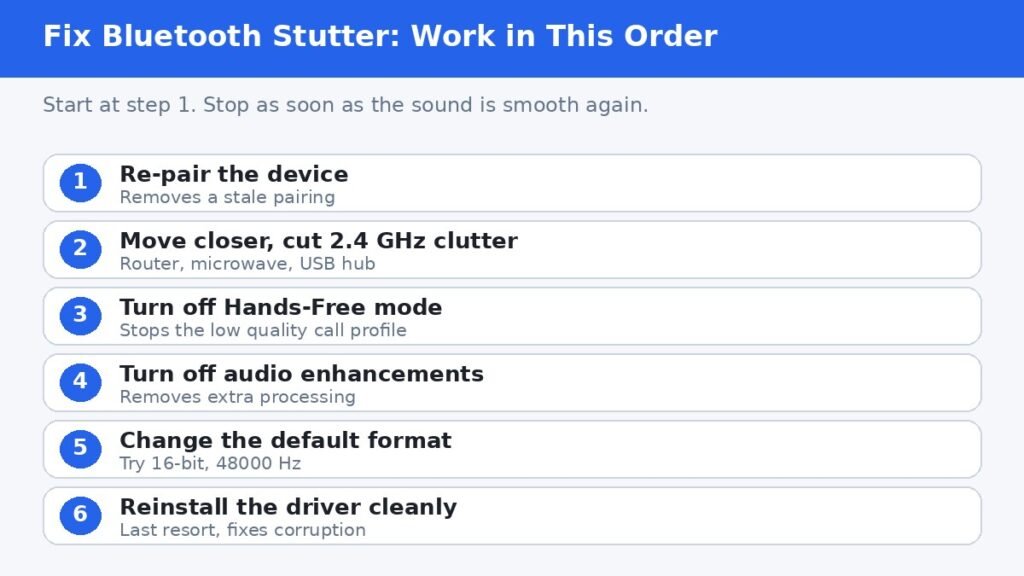
Bluetooth audio stuttering on Windows 11 is almost always fixable without buying anything new. The usual causes are Windows switching
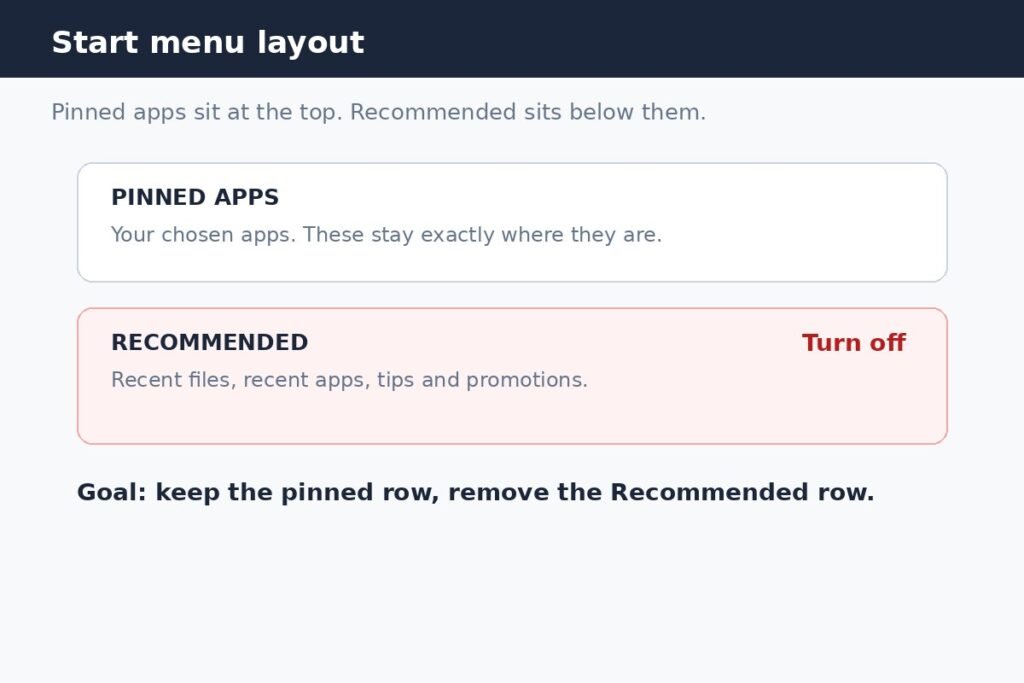
You can turn off the Recommended section in the Windows 11 Start menu from Settings, and on current builds that
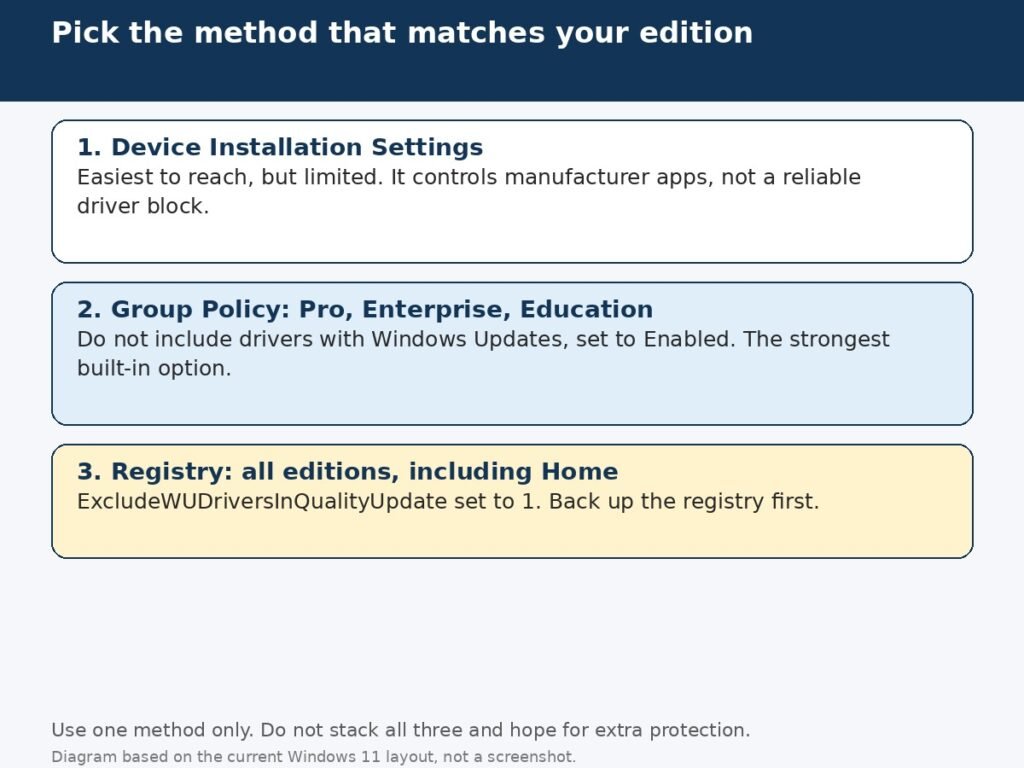
Windows Update normally installs new drivers for your graphics card, sound card, printer, and other hardware without asking. Most of
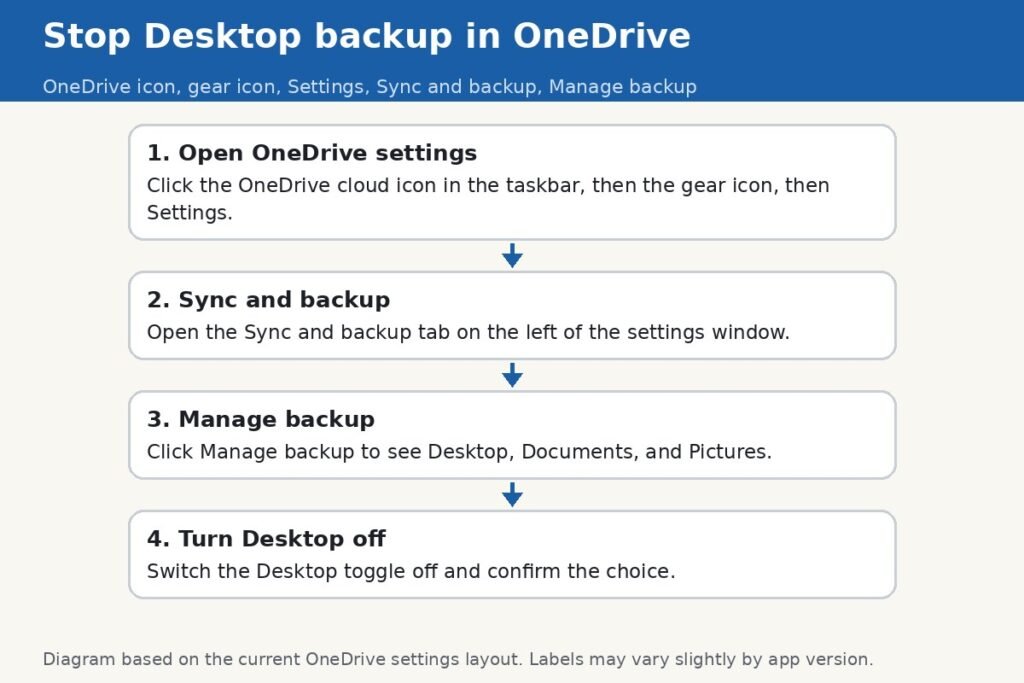
If every file you save to your Desktop ends up in OneDrive, that is not an accident. During Windows 11
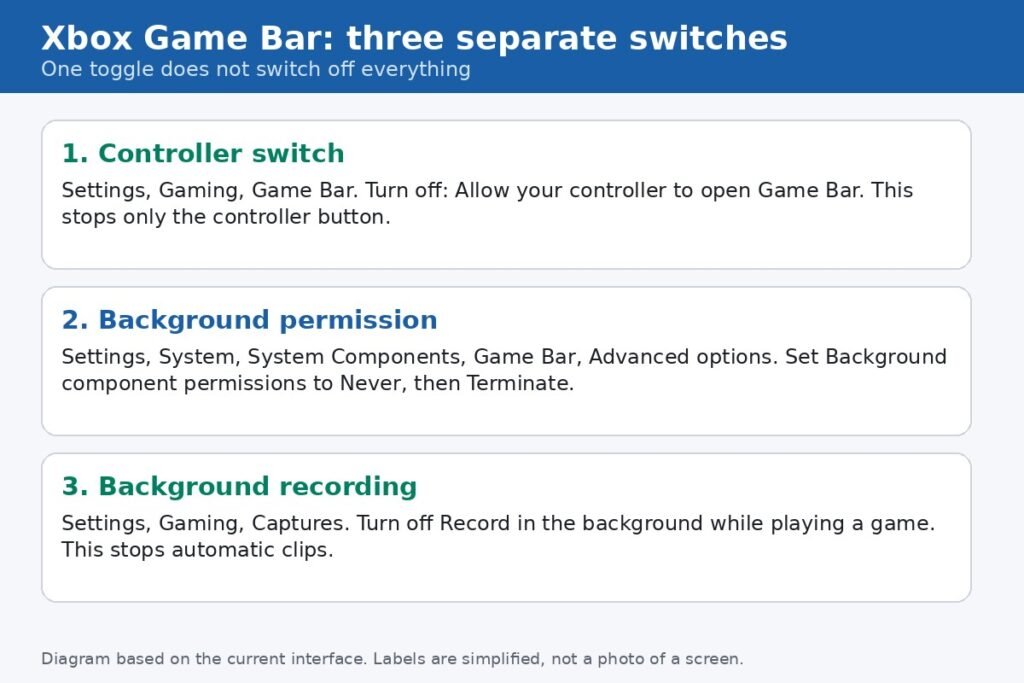
Xbox Game Bar is the overlay that opens over a game or app on Windows 11, with panels for recording