
Quick answer: the free SEO stack that covers a small site end to end is Google Search Console, Bing Webmaster Tools, Ahrefs Webmaster Tools, Screaming Frog, PageSpeed Insights, Google Trends, Ubersuggest, and Google Analytics 4. Each one is genuinely free, each has a hard limit, and none of them does the others’ job.
This guide covers all eight: what each tool does, exactly where its free tier stops, and how to use it in under 20 minutes. No trials that expire, no “free” tools that demand a credit card.
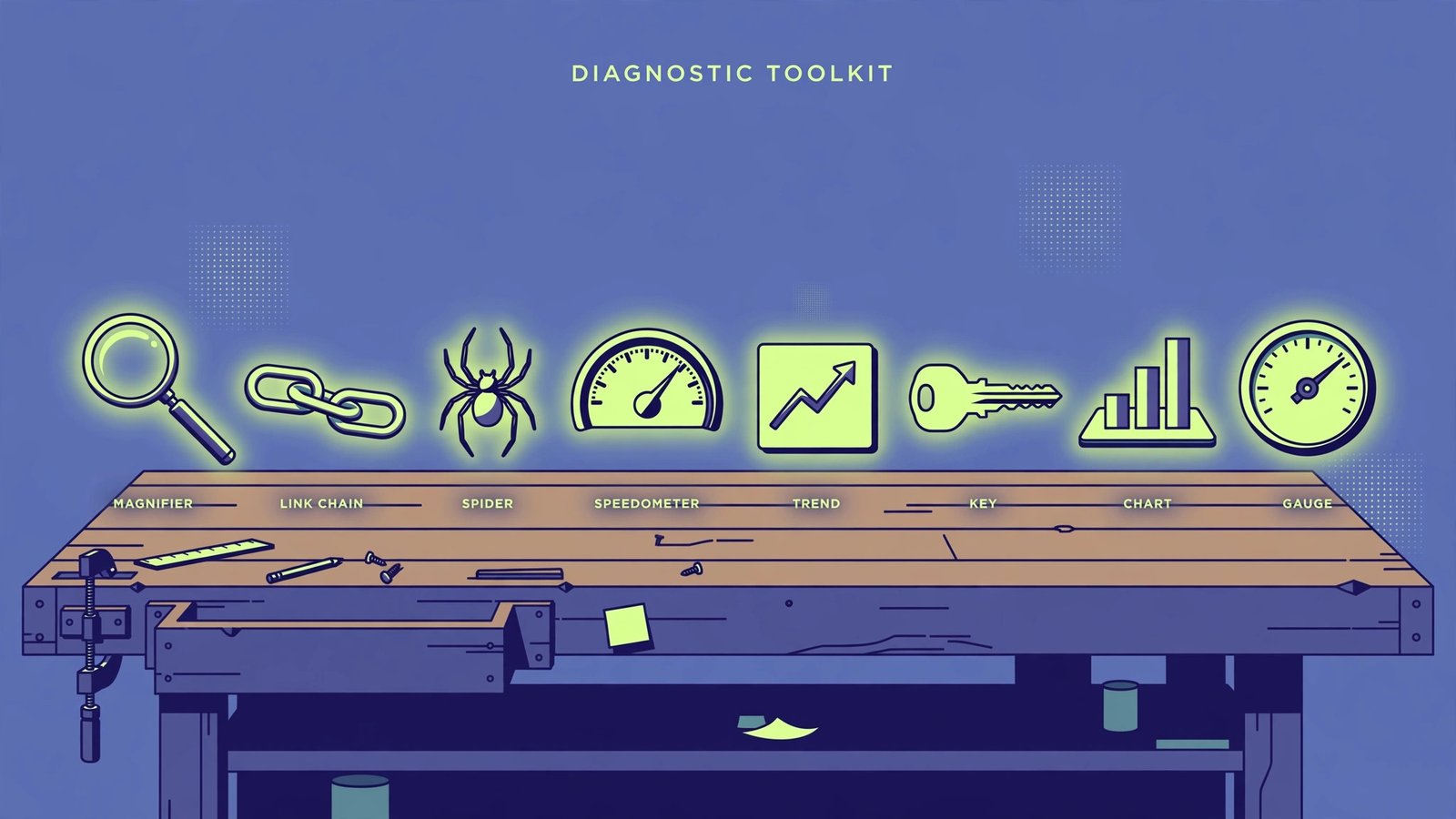
The Free SEO Tools at a Glance
| Tool | Its job | Free-tier limit | Where it stops |
|---|---|---|---|
| Google Search Console | Your Google rankings, clicks, indexing | Fully free, 16 months of data | Your site only; zero competitor data |
| Bing Webmaster Tools | Bing and Copilot visibility, keyword research | Fully free | Only the Bing index, smaller volume |
| Ahrefs Webmaster Tools | Backlinks and technical audits for your site | 5,000 audit credits/month per project; 1,000 backlinks and 1,000 keywords | No competitor research |
| Screaming Frog SEO Spider | Technical crawl: broken links, redirects, titles | 500 URLs per crawl | No saved crawls, no JavaScript rendering |
| PageSpeed Insights | Core Web Vitals diagnosis | Fully free | Diagnoses only; fixing is on you |
| Google Trends | Demand and seasonality | Fully free | Relative interest, not exact search volume |
| Ubersuggest | Keyword ideas and difficulty | 3 searches per day | Daily cap; estimates, not exacts |
| Google Analytics 4 | Traffic quality and conversions | Fully free | Only as good as your setup |
1. Google Search Console: Your Non-Negotiable Starting Point
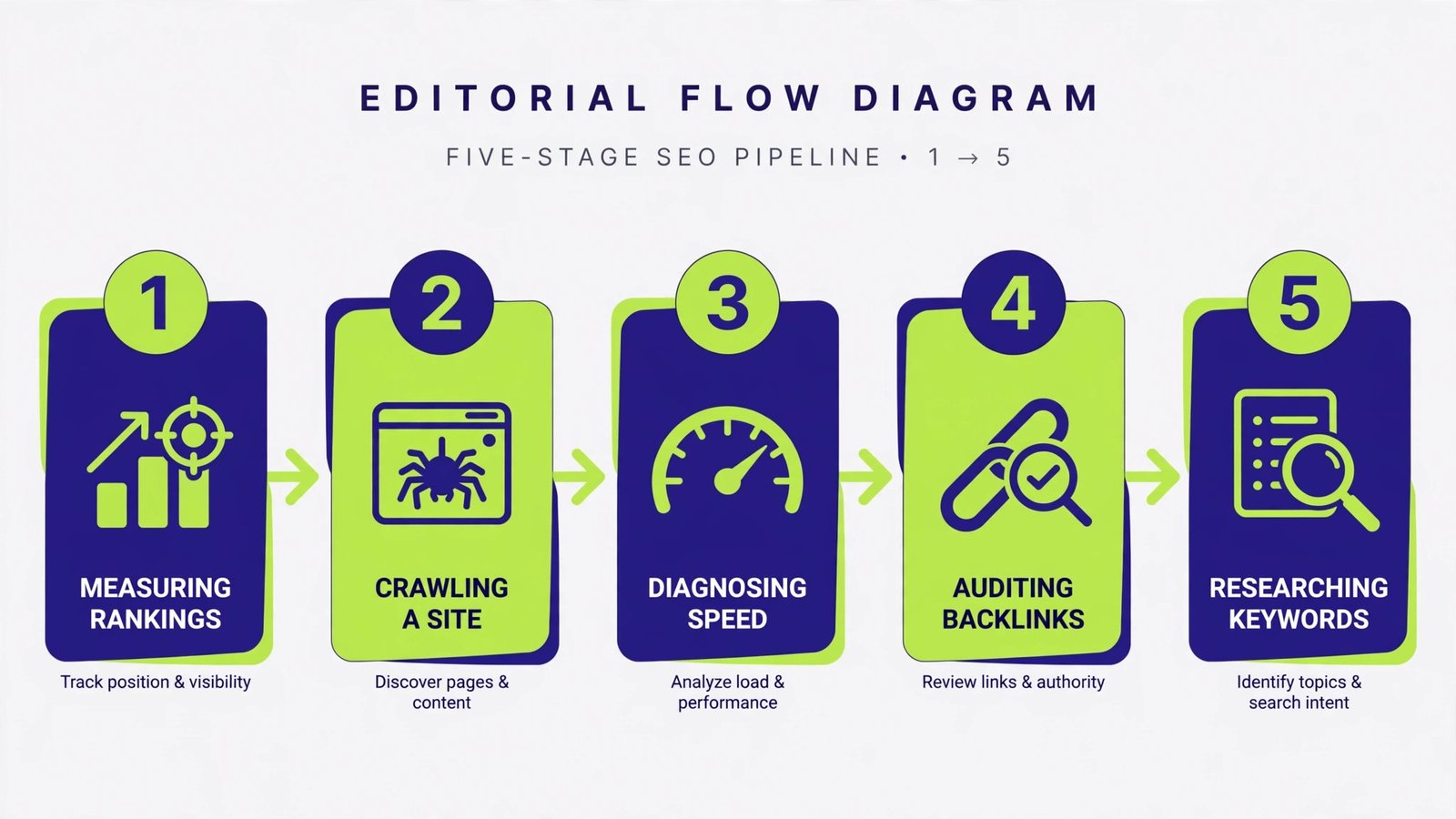
Search Console is the only tool that shows real Google data about your site: which queries bring impressions and clicks, your average position, indexing problems, and Core Web Vitals. It is free forever with no lookup cap, because it only ever reports on a property you have verified.
- Verify your property via DNS record or the HTML file upload, then submit your sitemap under Sitemaps.
- Open Performance and sort queries by impressions with low clicks: those are pages ranking on page one that need better titles.
- Check Pages under indexing monthly for “crawled but not indexed” URLs, which usually means thin content.
Note: data goes back 16 months only, and Search Console never shows competitor keywords. Pair it with Ahrefs Webmaster Tools below for backlinks.
2. Bing Webmaster Tools: The Two-Minute Import
Bing powers a meaningful slice of search, including Copilot answers, and its webmaster tool includes free keyword research and backlink data. The killer feature is a one-click import from Google Search Console that copies your verified sites over in seconds.
- Sign in and choose Import from Google Search Console; authorize once.
- Run Site Scan for a second opinion on technical issues Google did not flag.
- Use Keyword Research for question-style queries to feed your content plan.
3. Ahrefs Webmaster Tools: Free Backlinks and Audits
This is the closest thing to a free Ahrefs. Verify your site and you get Site Audit (170+ technical checks, 5,000 crawl credits a month per project) plus up to 1,000 backlinks and 1,000 organic keywords for your own domains. It does not include competitor research; that stays behind the paid plan.
- Verify ownership, add your site as a project, and run your first Site Audit.
- Fix errors before warnings: broken pages and redirect chains first, missing meta descriptions later.
- Open Backlinks monthly and disavow nothing unless you see obvious spam patterns; most small sites should just build better links.
4. Screaming Frog SEO Spider: The 500-URL Workhorse
The free version crawls up to 500 URLs with no time limit, which covers most small business sites completely. It finds broken links, redirect chains, duplicate titles, and missing meta descriptions faster than any browser-based tool.
- Enter your homepage URL and press Start; let the crawl finish.
- Open the Response Codes tab and filter for 404s and 500s: fix or redirect every one.
- Check Page Titles for duplicates and pages over 60 characters, and Meta Descriptions for missing ones.
Note: past 500 URLs, or when you want saved crawls and JavaScript rendering, the paid license is £199 a year.
5. PageSpeed Insights: Speed Diagnosis in 30 Seconds
Enter any URL and get field data (what real users experience) plus lab data for LCP, INP, and CLS, with a prioritized fix list. It diagnoses; it does not fix. Send its “Opportunities” list to whoever manages your site, biggest savings first.
Note: test both mobile and desktop tabs. A page can pass on desktop and fail on mobile, and mobile is what Google judges.
6. Google Trends: Demand Before You Write
Before targeting a keyword, check whether anyone still searches for it and when. Trends shows relative interest over time, regional hotspots, and rising related queries. It will not give you exact search volume, so use it to validate direction, not to forecast traffic.
- Compare up to five terms to pick the phrasing your audience actually uses.
- Check the 5-year view: a steady decline means the topic is dying no matter how well you write.
7. Ubersuggest: Keyword Ideas on a Daily Budget
Ubersuggest gives keyword ideas, volume estimates, difficulty scores, and content suggestions. The free tier resets at 3 searches per day, so spend them wisely: one seed keyword, then drill into its best ideas rather than starting fresh searches. Treat its numbers as estimates and cross-check anything important against Search Console.
Note: when you write the content those keywords suggest, match search intent first. A keyword with the wrong intent behind it will not convert no matter how well it ranks.
8. Google Analytics 4: Did Any of This Work?
Rankings are a means, not an end. GA4 tells you whether the traffic you earned actually engages, converts, or buys. The free tier is the full product; its only real limit is setup quality. At minimum, configure one conversion event that represents business value (a purchase, a signup, a contact form) before you declare any SEO campaign a success.
Putting Them Together: The Free Monthly Workflow
- Week 1: Measure. Search Console Performance: which queries gained or lost clicks? GA4: did conversions move?
- Week 2: Crawl. Screaming Frog for new broken links and title issues; Ahrefs Site Audit for anything deeper.
- Week 3: Speed. PageSpeed Insights on your top 10 trafficked pages; fix the biggest opportunity on each.
- Week 4: Plan. Trends to validate topics, Ubersuggest’s 3 daily searches for keyword angles, and fresh alt text for images on any new visual content.
Our Take: What Free Cannot Do
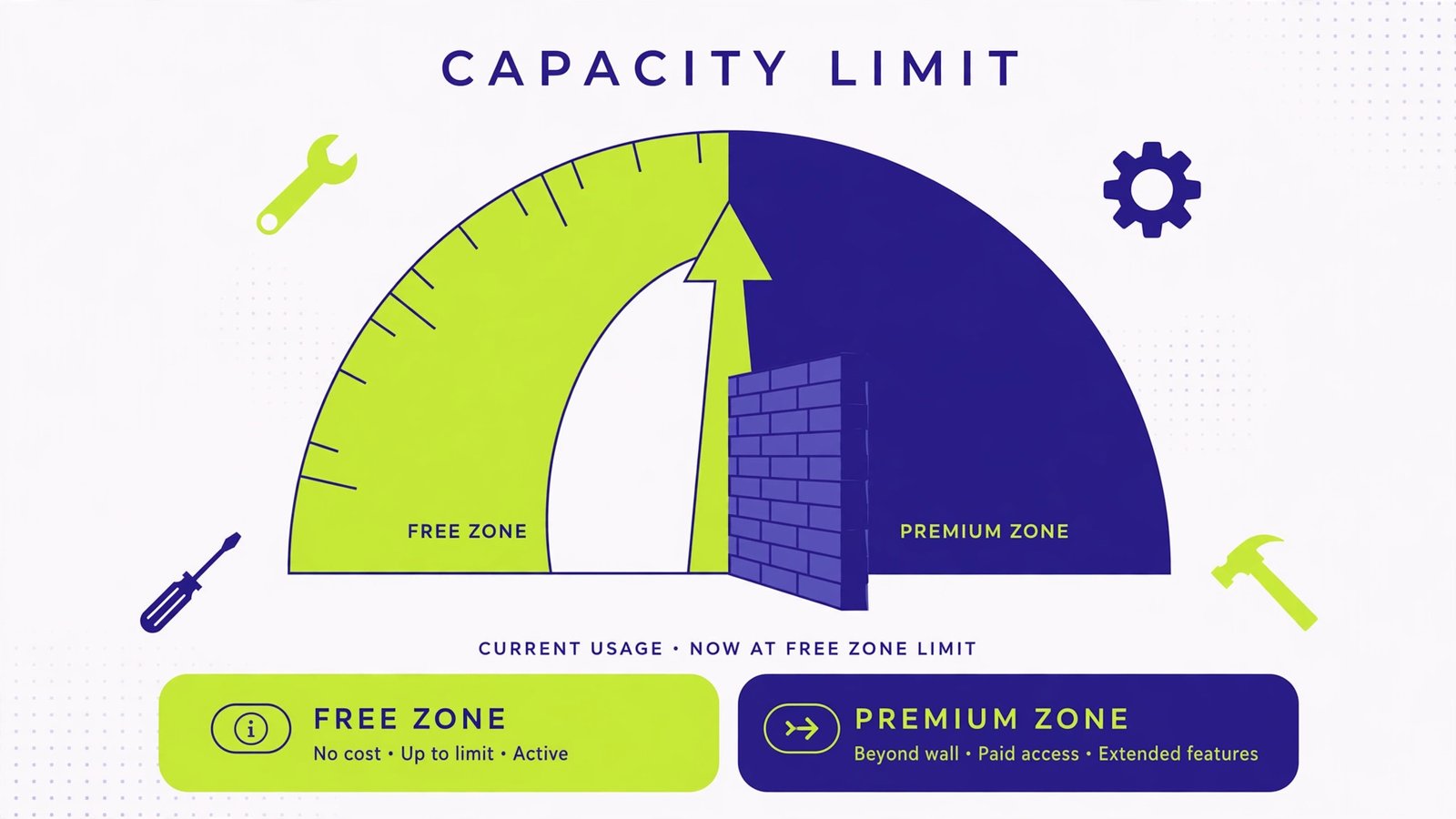
Honesty matters here. No free tool gives you real competitor keyword research, historical backlink tracking, or rank tracking at scale; those are the three jobs that justify a paid subscription when a site starts earning. What the free stack does give you is everything a small site needs to find and fix its own problems: real Google data, a proper crawl, speed diagnosis, and backlink visibility. Run this workflow monthly for six months before spending a dollar on software. If you outgrow it, you will know exactly which paid feature you are buying and why. For traffic beyond search, these Pinterest SEO tips open a second free channel most site owners ignore.

- How to Change the Lock Screen Timeout on Windows 11 - October 25, 2026
- How to Fix the Windows 11 Taskbar Auto-Hide Problem - October 24, 2026
- How to Fix a Laptop Camera Not Working in Windows 11 - October 23, 2026