
Bluetooth trackers are one of the most practical gifts you can give. They attach to keys, slip into wallets, hide in luggage, and help find lost items through a phone app. With Apple, Tile, Chipolo, and Samsung all competing in 2026, choosing the right one depends on what phone the recipient uses.
This guide compares the best Bluetooth trackers of 2026 honestly: Apple AirTag 2, Tile Pro, and Chipolo POP. Prices are current as of November 2026.
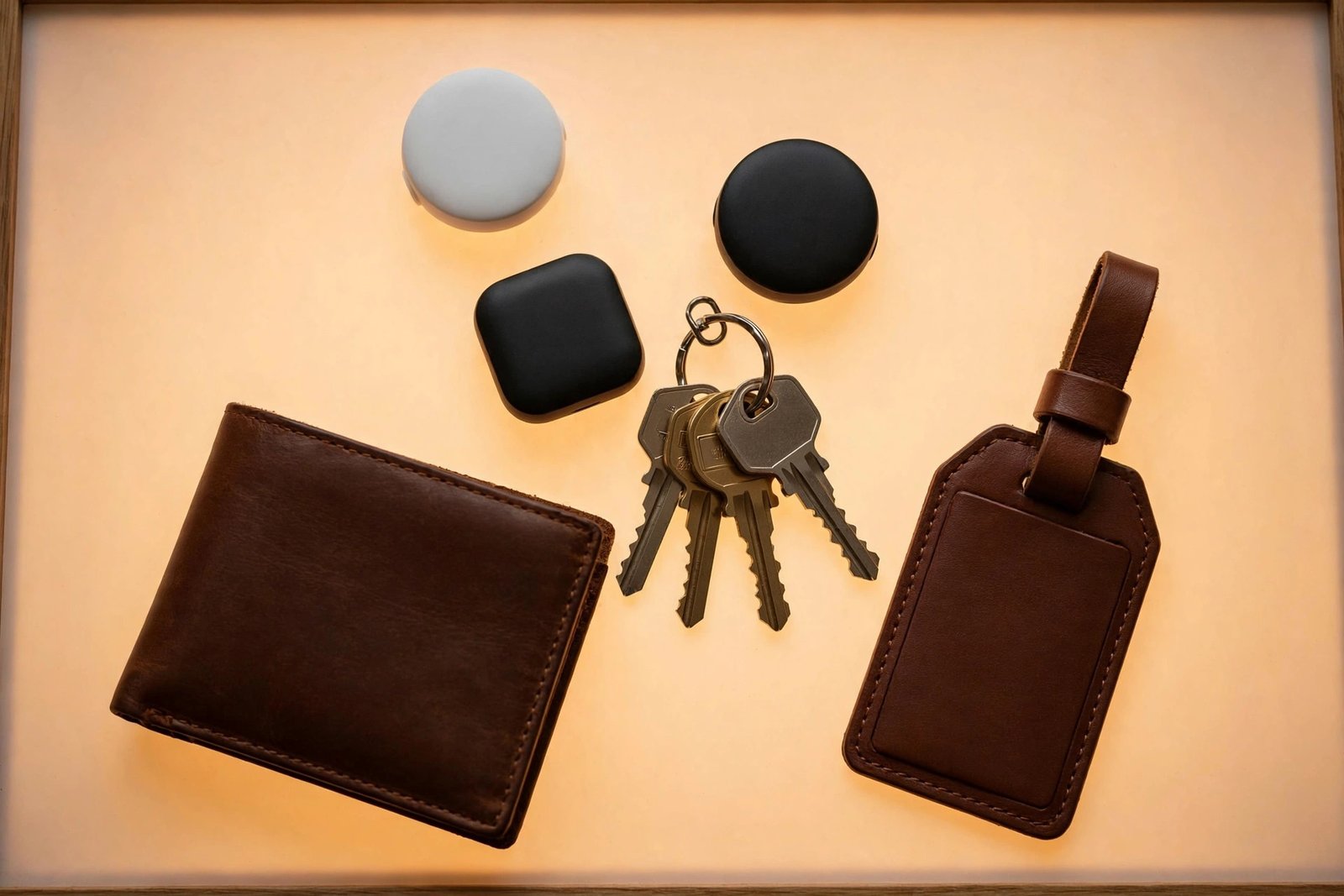
Apple AirTag 2: Best for iPhone Users
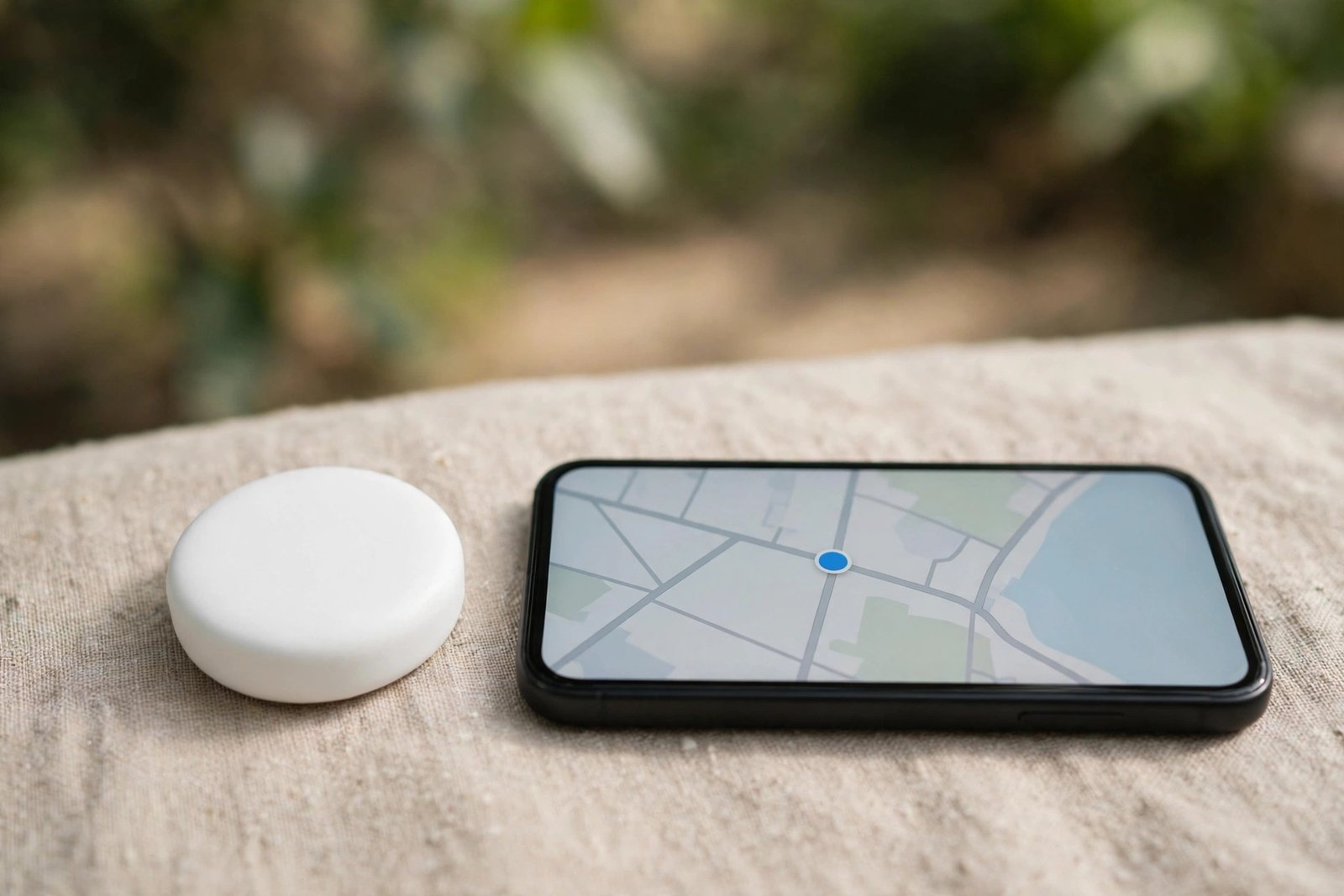
Apple announced the second-generation AirTag on January 26, 2026. It keeps the same round shape and replaceable CR2032 battery, but adds a second-generation Ultra Wideband chip, Precision Finding that reaches up to 1.5 times farther than the first model, and a speaker Apple rates 50 percent louder. It needs an iPhone running iOS 26.2.1 or later, and Precision Finding also works from a compatible Apple Watch. It tracks through Apple’s Find My network, which uses over a billion Apple devices worldwide to locate lost items. For iPhone users, nothing else finds things as precisely.
It tracks through Apple’s Find My network, which uses over a billion Apple devices worldwide to locate lost items. For iPhone users, nothing else finds things as precisely.
Precision Finding shows an on-screen arrow pointing toward the tag when you are nearby, which feels almost magical the first time. The battery is a replaceable CR2032 rated for over a year, and it is IP67 water resistant.
For travel, the AirTag has one more trick the others cannot match yet: Share Item Location lets you send a secure link with the tag’s live location to an airline, and more than 50 airlines now accept it to help find delayed luggage. Google is adding a similar airline-sharing feature to Find Hub, but Apple’s version is the one widely live today.
The limitation is absolute: AirTags only work with iPhones. There is no Android support at all. If the recipient uses Android, stop here and look at the options below.
- Price: $29 (single), $99 (4-pack)
- Best for: iPhone users, no exceptions
- Pros: Largest tracking network, Precision Finding with UWB, loud speaker, IP67 rated
- Cons: iPhone only, no built-in keyring hole (needs a holder)
Tile Pro: Best for Mixed iPhone and Android Households
The Tile Pro is the most versatile tracker here. It works with both iPhone and Android, has the longest claimed Bluetooth range in its class at 500 feet, and includes a built-in keyring hole so it needs no extra holder. The battery is a replaceable CR2032 and lasts about a year, and the ring is rated at 110 dB, the loudest in the Tile range. Treat the 500-foot figure as an open-air claim: independent testing puts real-world range closer to 120 feet once walls and furniture get in the way, which is normal for Bluetooth trackers.
Tile’s tracking network has over 70 million devices, which is large but far smaller than Apple’s billion-plus network. In practice, this means Tile works great for finding things nearby (the 400-foot Bluetooth range is genuinely useful) but is less effective for locating items lost far away in areas with few Tile users.
Choose Tile Pro when the household has both iPhones and Androids, or when you are not sure what phone the recipient uses. It is the safest universal gift.
- Price: $34.99 (single)
- Best for: Cross-platform households, uncertain gift situations
- Pros: Works on iPhone and Android, 400-foot Bluetooth range, built-in keyring hole, IP68 rated
- Cons: Smaller crowd network than Apple, no precision finding, slightly pricier
Chipolo POP: Best Flexible Pick
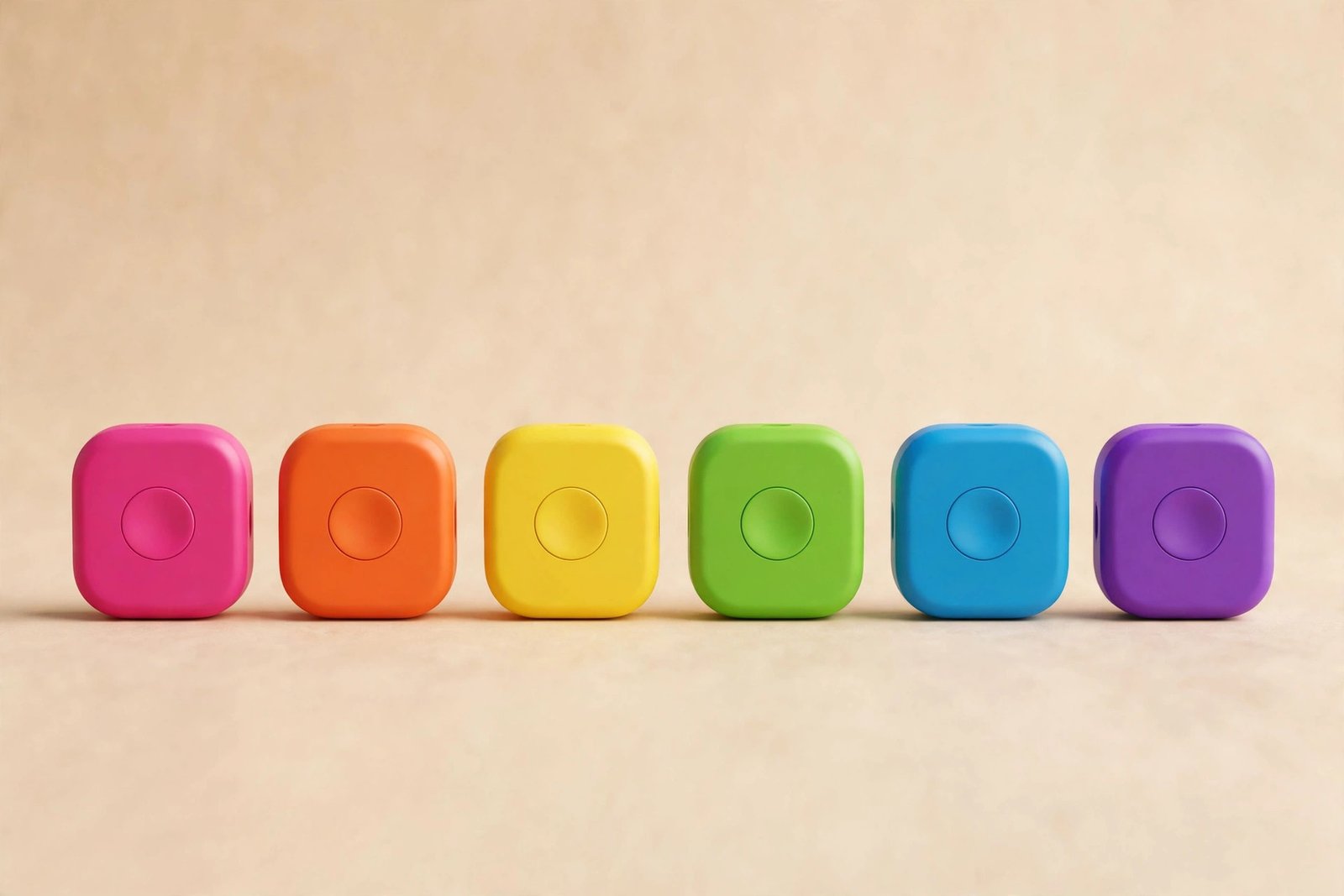
The Chipolo POP is the cleverest option.
The Chipolo POP is the cleverest option. At setup, you choose whether it joins Apple’s Find My network or Google Find Hub (the new name for Google’s Find My Device network since May 2025). That means one $29 tracker can serve an iPhone user or an Android user, just not both at the same time. Switching networks later means removing the tag and setting it up again from scratch, so pick the network that matches the recipient’s phone and leave it there.
It has the loudest speaker of the three on paper, rated at about 120 dB against Tile Pro’s 110 dB, which matters when your keys are buried in couch cushions.
The battery is a replaceable CR2032. It is IP55 rated, which handles rain and splashes but not submersion, so it is less water-resistant than the AirTag 2 or Tile Pro.
Chipolo POP is the best value pick and a great gift when you know the recipient’s phone type but want maximum loudness and flexibility.
If the gift is for a wallet rather than keys, look at the Chipolo CARD instead. It is the same idea in a credit-card shape that slides into a wallet, joins Find My or Find Hub one at a time like the POP, recharges over Qi wireless charging instead of using a coin battery, and is rated IP67. At $39 it costs more than the POP, but it solves the one shape the round tags cannot.
- Price: $29 (single); multi-packs are discounted on Chipolo’s site
- Best for: Loudest ring, flexible iPhone-or-Android choice
- Pros: Works with Apple or Google network, very loud speaker, affordable, replaceable battery
- Cons: One network at a time, IP55 only (no submersion), no UWB precision finding
Head-to-Head Comparison
| Feature | AirTag 2 | Tile Pro | Chipolo POP |
|---|---|---|---|
| Price | $29 | $34.99 | $29 |
| iPhone support | Yes | Yes | Yes (Find My) |
| Android support | No | Yes | Yes (Google Find Hub) |
| Precision finding | Yes (UWB) | No | No |
| Bluetooth range | Not published | 500 ft claimed | ~300 ft claimed |
| Water resistance | IP67 | IP68 | IP55 |
| Battery | CR2032, 1+ year | Replaceable, 1 year | CR2032, 1 year |
| Keyring hole | No | Yes | Yes |
Which One Should You Buy as a Gift?
They use an iPhone: Get the AirTag 2. The Find My network is unmatched, Precision Finding is genuinely useful, and at $29 it is the obvious choice. Buy the 4-pack if you are gifting to family.
They use Android: Get the Chipolo POP and set it up for Google Find Hub. It is loud, affordable, and simple. Alternatively the Tile Pro works well if they might switch phones later.
You are not sure what phone they use: Get the Tile Pro. It works with both platforms out of the box, has a keyring hole, and the 400-foot Bluetooth range is useful regardless of network size.
They use Samsung: Consider the Samsung Galaxy SmartTag3 ($29.99) instead. It integrates with Samsung’s SmartThings Find network and works best within the Samsung ecosystem.
Gifting Tips
Bluetooth trackers are ideal stocking stuffers. They are small, affordable, and everyone has keys. For a thoughtful touch, attach the tracker to a new keychain or luggage tag before wrapping it, so the gift feels personal rather than generic.
The 4-packs offer the best value and make great family gifts. Split a 4-pack of AirTags among family members, or give the whole pack to a parent who loses everything. At $99 for four, the per-unit cost drops to under $25.
If you are giving an AirTag, consider adding a holder. AirTags have no built-in keyring hole, so a simple silicone holder ($10 to $15) completes the gift. Without one, the recipient cannot attach it to anything right away.
Frequently Asked Questions
Do Bluetooth trackers need a subscription?
No. AirTag 2, Tile Pro, and Chipolo POP all work without any subscription. Tile offers an optional Premium plan with extra features like smart alerts, but the core finding features are free.
Can someone use a tracker to stalk me?
Both Apple and Google have built-in unknown-tracker alerts. If an AirTag or compatible tracker is traveling with you and separated from its owner, your iPhone or Android phone will notify you. This is an important safety feature, not a flaw.
How long does the battery last?
About a year for all three, using a standard CR2032 coin battery (Tile Pro uses a replaceable battery as well). Your phone notifies you when the battery runs low, and replacing it takes seconds.
Can I put a tracker in checked luggage?
Yes. Bluetooth trackers are allowed in checked luggage. Many travelers put an AirTag or Tile in their suitcase to track it through airports. Note that real-time tracking depends on other phones in the network being nearby.

- How to Install Ubuntu 24.04 LTS Step by Step (Dual-Boot Guide) - November 27, 2026
- How to Run Local AI Models on Your PC With Ollama (Step-by-Step Guide) - November 26, 2026
- How to Use Remote Desktop on Windows 11 (Step-by-Step Guide) - November 25, 2026