
Yes, you can turn off most emergency alerts on your iPhone in under a minute. Open Settings, tap Notifications, scroll to the very bottom, and switch off the alert types you no longer want under Government Alerts. There is one honest limit to know first. In the United States, national alerts have no switch at all, and in some countries or regions you may not be able to turn off Government Alerts at all.
Some alerts cannot be turned off
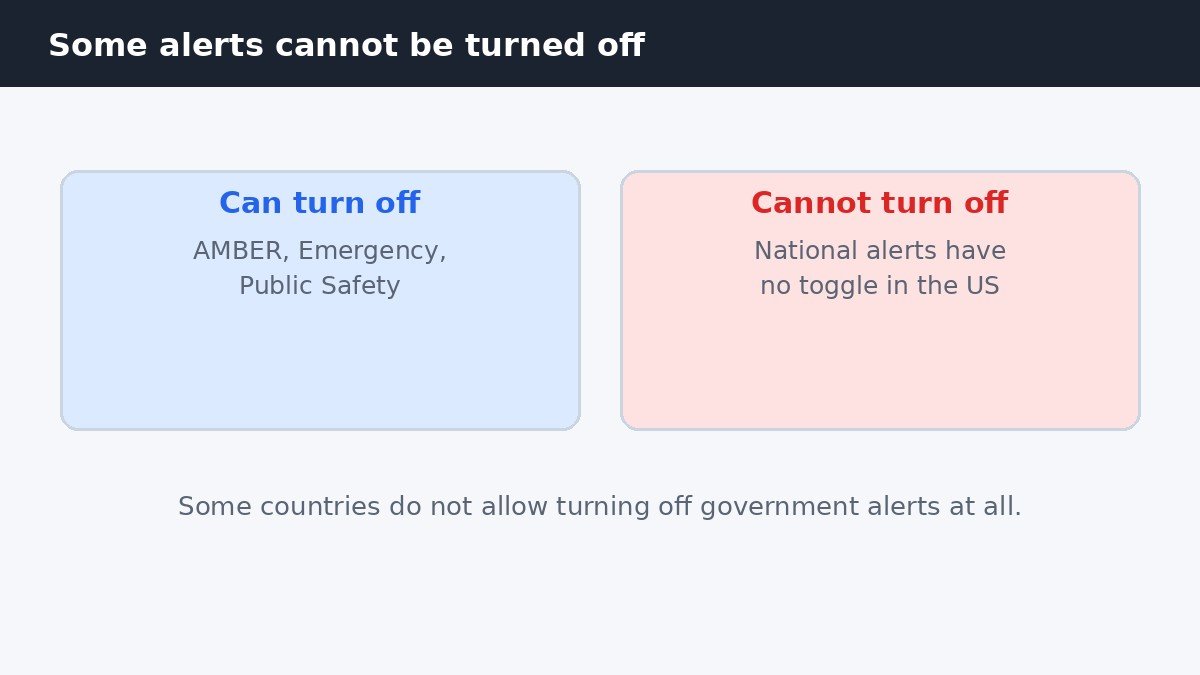
Government Alerts are on by default, and they need a SIM or eSIM from a supported carrier. Apple says some government alerts cannot be turned off, and advises checking your local government emergency alert policy for the rules where you live. That is not a setting you have missed. It is how the system is designed, because these alerts are meant to reach everyone in an area when lives are at risk.
In the United States, the alert with no toggle is the national alert, sometimes called a presidential alert. It is reserved for the most serious nationwide emergencies, and it will still sound even if you switch off every other alert type. Other countries have their own rules, so the list you can switch off can differ by region and carrier. If a toggle is missing, local policy is usually the reason.
Turn off each type of government alert
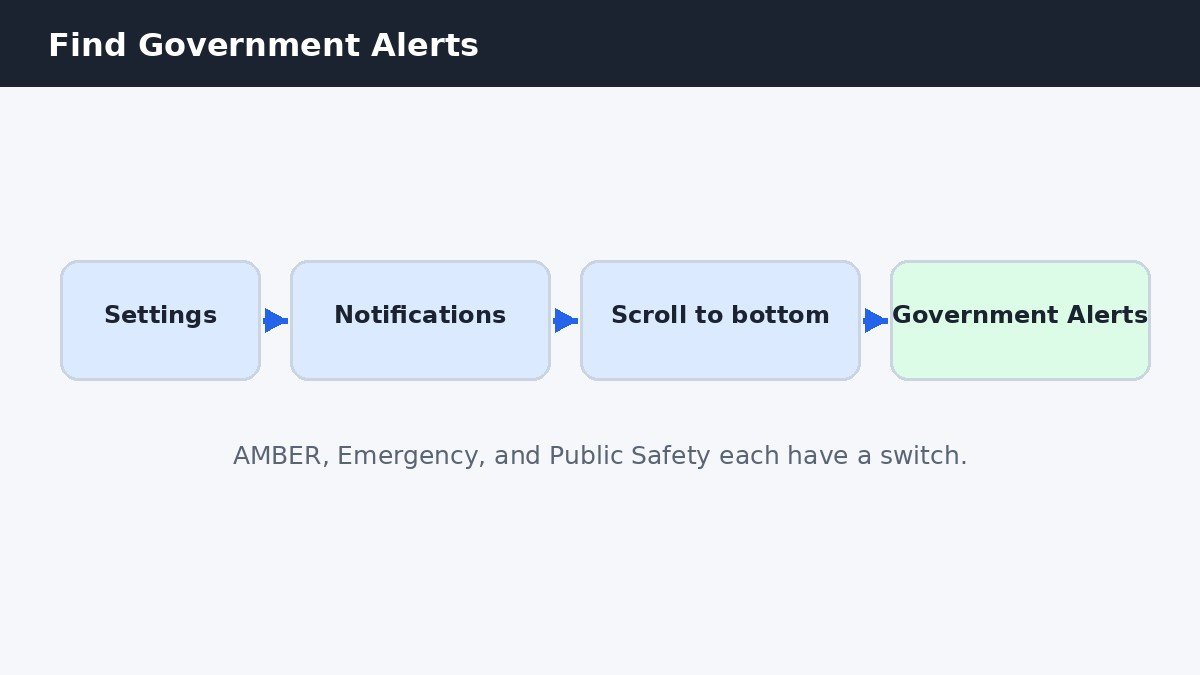
The path has stayed the same since iOS 16, so these steps work on iOS 26 too. Open Settings, then tap Notifications. Scroll all the way to the bottom, where you will find a section called Government Alerts. It lists each alert type separately, so you can switch off one type and leave the others on. Turn off AMBER Alerts for missing children, Emergency Alerts for severe weather and similar threats, or Public Safety Alerts for lower urgency community advisories.
| Alert type | What it covers | Can you turn it off? |
|---|---|---|
| AMBER Alerts | Missing children | Yes, with its own switch |
| Emergency Alerts | Severe weather and threats | Yes, with its own switch |
| Public Safety Alerts | Community advisories | Yes, with its own switch |
| National alerts | Nationwide emergencies | No, in the United States |
Turning off one type does not affect the others, so choose based on what actually bothers you. Many people find AMBER Alerts the noisiest, because they can arrive late at night, while still wanting severe weather warnings. If that sounds like you, switch off AMBER Alerts only and leave Emergency Alerts on.
Keep the alerts but silence the loud sound
For most people, the real problem is not the alert itself. It is the loud alarm sound that plays with it, even when the phone is in Silent mode. There is a quieter option that keeps the safety benefit and removes the shock. On the Government Alerts screen, tap the words Emergency Alerts themselves, not the switch beside them. Tapping the label opens a submenu. In it, turn off Always Play Sound. The alert will still appear on your screen, but it will not play the loud alarm sound, so it respects Silent mode. Apple’s guide to government, emergency, and enhanced safety alerts explains the same setting.
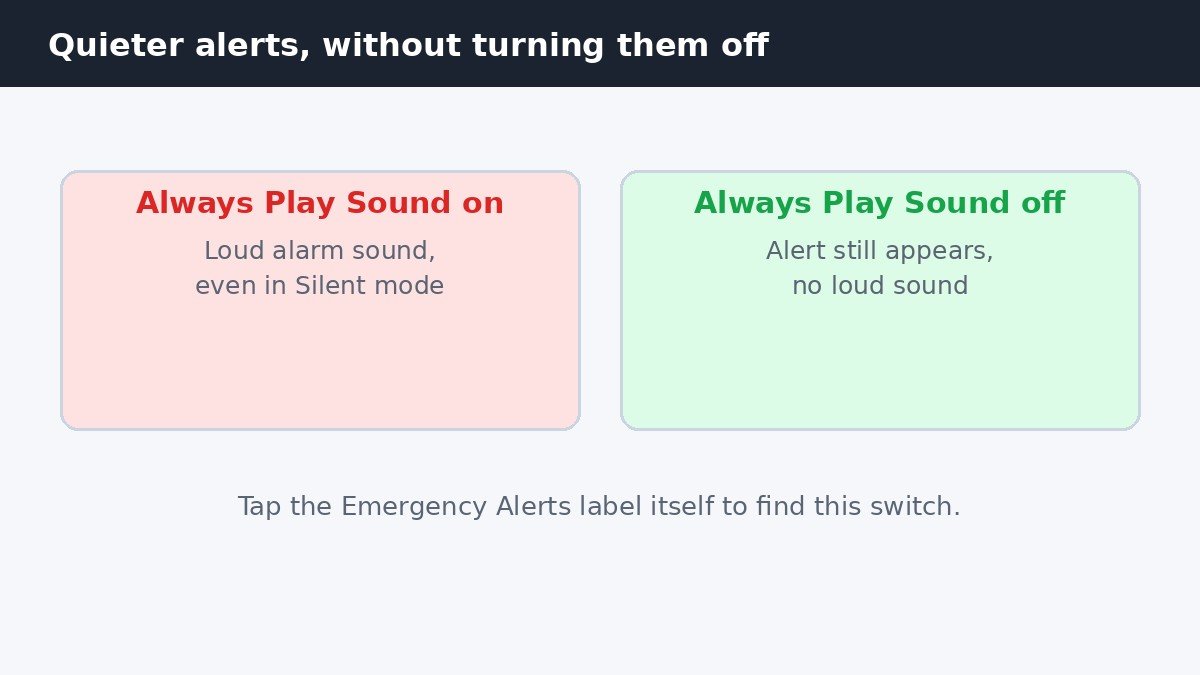
Try this option first if you only want the alerts off because they wake you up or startle you at work. You still get the warning on screen and can read it when you next look at your phone, but the siren no longer cuts through a quiet room. The same submenu approach works for the other alert types too.
If the Government Alerts section is missing
If you scroll to the bottom of Notifications and there is no Government Alerts section, your carrier may not support government alerts in your region, or your phone may not have a supported SIM or eSIM. Both are needed before the section appears. First, check you have not simply missed it. Use the search field at the top of Settings and type alerts, which will take you straight to the setting if it exists. If search finds nothing, the feature is not available on your carrier or in your region.
A missing section can also be temporary. If you recently changed carrier or set up a new SIM or eSIM, restart your iPhone and check again. If you are travelling, the alerts available to you can change with the local carrier and emergency alert system. If it never appears and you live where government alerts are used, ask your carrier whether its service supports them. If you are tidying up other noisy iPhone settings too, our guide on how to turn off Live Voicemail on iPhone covers another feature you can quiet in a similar way.
Enhanced Safety Alerts and test alerts
On iOS 26.2 or later, Apple adds a separate group called Enhanced Safety Alerts. This group is only for the United States and Taiwan, and it is on by default. It includes Earthquake Alerts and Imminent Threat Alerts, each with its own switch under Settings, Notifications, Enhanced Safety Alerts. These are separate from the Government Alerts above, so switching off Emergency Alerts does not switch these off.
There is also a Test Emergency Alerts switch, which is off by default. In the United States, it can be enabled when you have a US SIM or eSIM, or while you are roaming in the United States. It is meant for testing the alert system, so most people will never need it. Unless you have a specific reason to receive test alerts, leave it off. It sits in the same Notifications area, so if you ever see it, you will know what it is for.
Should you turn emergency alerts off?
Turning these alerts off carries a real risk, so weigh that before you switch them off. Emergency Alerts are how warnings about severe weather, floods, wildfires, and other fast moving dangers reach your phone, often before the news does. If the alerts are off, you may not learn about a danger in your area until much later. That is why the quieter option above is the better first step for most people.
If you still want them off, switch off only the types you do not need and leave the rest on, especially Emergency Alerts for severe weather. The switches are easy to find again, so you can turn any alert type back on whenever your situation changes. National alerts will stay on regardless, which is by design.

- How to Turn Off Emergency Alerts on iPhone - November 9, 2026
- How to Disable Shake to Undo on iPhone - November 8, 2026
- How to Turn Off Auto-Brightness on iPhone - November 7, 2026