
If you’re drowning in lecture slides the week before exams, Gemini Notebook (renamed from Gemini Notebook in July 2026) is the single most useful AI study tool you can open, it’s free, it answers only from your own uploaded material, and it turns a semester of PDFs into a study guide that doesn’t hallucinate. Around it, build a small stack: ChatGPT as your all-round tutor, Perplexity for research you can cite, Claude for feedback on your writing, and Grammarly for the final polish. Everything below is free to start, the paid tiers are optional, and I’ll say exactly when they’re worth it.
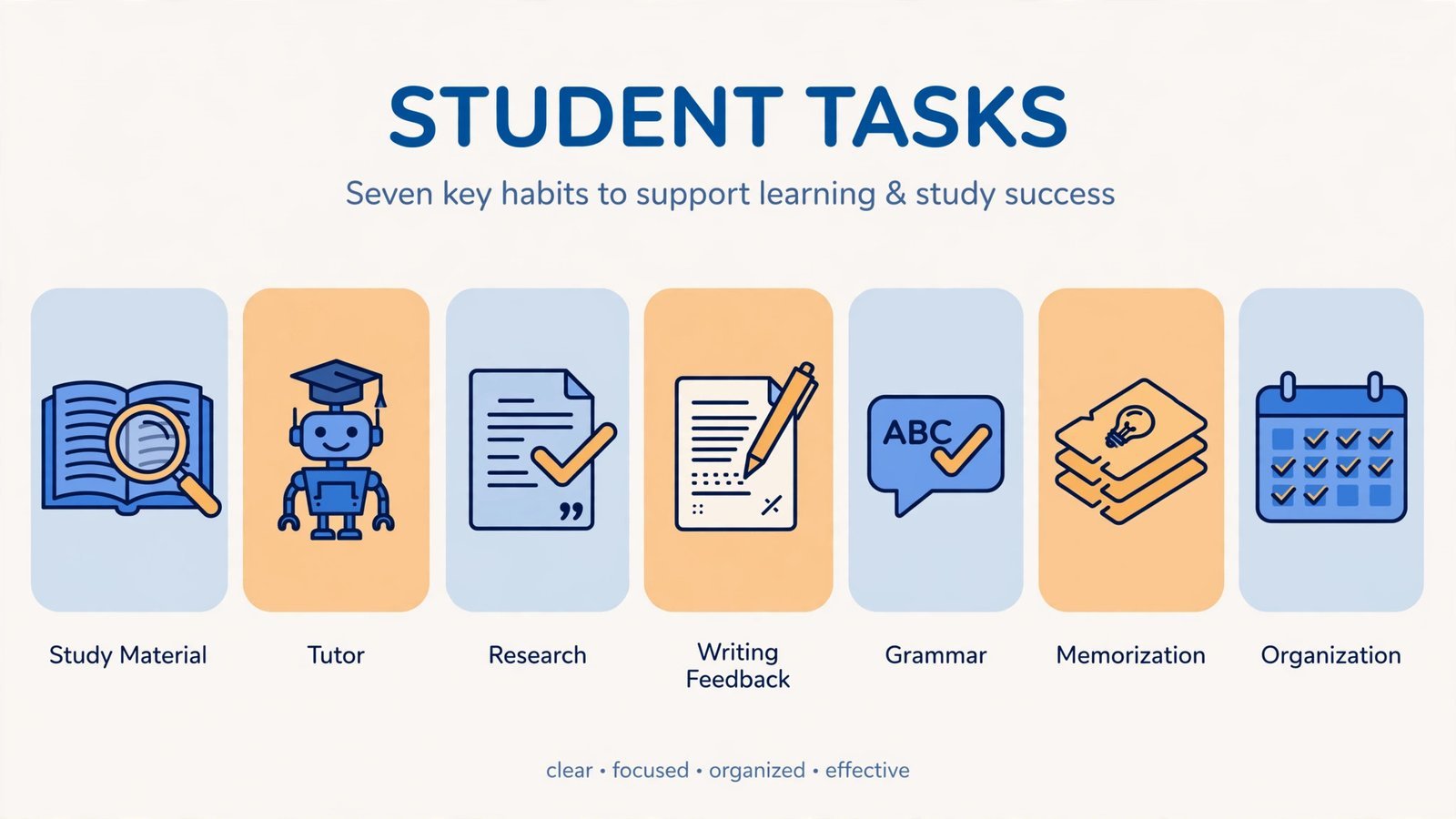
Note: Before you use any of these for coursework, check your school’s AI policy. Most institutions allow AI for explaining concepts, brainstorming, and editing, and prohibit submitting AI-generated work as your own. The line is real, and “everyone does it” isn’t a defense. More on staying on the right side of it below.
The best AI study tool for learning your own course material: Gemini Notebook
Price: Free · Platforms: Web (Google account) · Free tier: The whole thing
Gemini Notebook is Google’s research assistant with one killer constraint: it only answers from sources you upload, lecture slides, PDFs, your notes, a textbook chapter. That single design decision kills the biggest problem with studying via chatbot: fabricated facts. Ask it for the five key concepts in chapter 7 and it answers from chapter 7, with citations pointing at the exact passages. It also generates audio overviews, a podcast-style discussion of your material you can listen to on a walk, plus timelines, FAQs, and study guides.
The limitation is obvious: it’s only as good as what you feed it. An empty notebook is an empty tool, and it won’t help with open-ended “explain quantum tunneling” questions the way a general chatbot will. But for the most common student workflow, “I have 200 pages and an exam Friday”, nothing else comes close, and it’s completely free.
Reasons to buy (it’s free, reasons to use):
- Source-grounded answers with citations to your own material, minimal hallucination risk
- Audio overviews turn readings into listenable review sessions
- Completely free with generous limits
- Handles long documents (hundreds of pages) without choking
Reasons to avoid:
- Useless without uploaded sources, not a general-knowledge tutor
- Google account and ecosystem required
- Won’t brainstorm, write, or reason beyond your material
Scorecard:
- Study help, 5/5: Purpose-built for exam prep from your own material.
- Writing help, 2/5: Not its job.
- Research, 4/5: Excellent within your sources; can’t browse beyond them.
- Free tier, 5/5: Fully free.
- Ease, 4.5/5: Upload, ask, done.
The best all-round AI tutor: ChatGPT
Price: Free · Plus $20/month · Platforms: Web, iOS, Android, desktop · Free tier: GPT-5.2 with message caps (a $8/month “Go” tier also exists)
ChatGPT is the default for a reason: it’s the most versatile study companion, explaining concepts at 1 AM, working through problem sets step by step, generating practice questions, outlining essays. The free tier runs the same flagship model as Plus, just with usage caps, so there’s no trial timer pressuring you. Study Mode is the feature to know about: instead of handing you answers, it guides you Socratically, asking questions, checking understanding, which is the difference between learning and copying.
The flaws are well documented and worth repeating: ChatGPT hallucinates, and it hallucinates confidently, especially citations. Never paste an AI-generated bibliography into a paper without verifying every entry; fabricated references are the fastest way to torpedo your credibility. And the free caps bite exactly when you need it most: exam week. If you hit the wall regularly, that’s the honest signal Plus might be worth $20 for a month.
Reasons to buy:
- Most versatile tutor, explanations, practice questions, outlines, brainstorming
- Study Mode teaches instead of just answering
- Free tier uses the flagship model, not a crippled demo
- Huge ecosystem of study prompts and workflows from other students
Reasons to avoid:
- Hallucinates facts and citations with total confidence, verify everything
- Free message caps hit hardest during crunch time
- Too easy to use as an answer machine instead of a learning tool
Scorecard:
- Study help, 4.5/5: Superb tutor, especially in Study Mode.
- Writing help, 4/5: Great for outlining and feedback; don’t let it write for you.
- Research, 3/5: Usable, but verify every claim and citation.
- Free tier, 4/5: Real model, real caps.
- Ease, 5/5: The interface everyone already knows.
The best AI tool for research you can actually cite: Perplexity
Price: Free · Pro $20/month · Education Pro $10/month · Platforms: Web, iOS, Android · Free tier: Usable daily search with cited answers
Perplexity is an answer engine, not a chatbot: every response comes with clickable sources you can actually open and check. For the “find me three credible sources on X” workflow, it’s dramatically better than asking a chatbot and hoping. Students get the best deal in AI here, Education Pro at $10/month, half the public price, with unlimited Pro Search and Deep Research for serious literature digging.
It’s not a tutor, don’t ask it to teach you calculus, and the free tier’s Pro Search allotment runs out if you’re researching heavily. But as the research leg of your stack, paired with Gemini Notebook for your own materials, it covers the “is this true and where’s the proof” need better than anything else. For more on the current AI landscape, see trending AI apps worth using.
Reasons to buy:
- Every answer cites real, clickable sources, verifiable by design
- Education Pro ($10/mo) is the best student deal in AI tools
- Deep Research mode handles genuine literature reviews
- Fast, closer to search than to chatbot conversation
Reasons to avoid:
- Not a tutor; weak at teaching and step-by-step explanation
- Free tier limits bite during heavy research weeks
- Source quality varies, it cites what’s out there, including junk
Scorecard:
- Study help, 3/5: Research assistant, not a teacher.
- Writing help, 2.5/5: Finds sources; won’t improve your prose.
- Research, 5/5: The best in class for cited answers.
- Free tier, 4/5: Generous for casual use.
- Ease, 4.5/5: Ask a question, get an answer with receipts.
The best AI for feedback on your writing: Claude
Price: Free · Pro $20/month · Platforms: Web, iOS, Android · Free tier: Generous for casual use, stricter caps than ChatGPT
Claude is the second opinion your essays deserve. Where ChatGPT is the eager tutor, Claude is the careful editor: paste in a draft and ask what’s unclear, where the argument sags, or which paragraph a tired professor will skim. It handles long documents gracefully, full essays, research papers, messy first drafts, and its feedback tends to be specific rather than flattering. Students also rate it highly for reasoning-heavy subjects and coding help.
The free tier’s usage caps are stricter than ChatGPT’s, so it’s better as your specialist (writing feedback, long-document analysis) than your daily driver. And the same academic-integrity line applies: feedback on your draft is learning; generating the draft is not.
Reasons to buy:
- Best-in-class feedback on existing writing, specific, honest, actionable
- Handles long documents without losing the thread
- Strong reasoning for math, science, and code
- Calmer, less sycophantic tone than most chatbots
Reasons to avoid:
- Stricter free-tier caps than the competition
- Weaker ecosystem of integrations and study templates
- Still an AI, its “feedback” can miss what a human reader would catch
Scorecard:
- Study help, 4/5: Excellent explainer and reasoner.
- Writing help, 5/5: The best feedback loop for your own drafts.
- Research, 3.5/5: Good analysis; cite-check everything.
- Free tier, 3.5/5: Works, but caps arrive sooner.
- Ease, 4.5/5: Clean, distraction-free interface.
The best final pass on your essays: Grammarly
Price: Free · Pro ~$12/month (student discount roughly half) · Platforms: Web, browser extension, desktop, mobile keyboard · Free tier: Grammar, spelling, and basic clarity
Grammarly is the least glamorous tool here and the one you’ll use most often. The free tier catches grammar, spelling, and punctuation across everything you type, essays, emails to professors, discussion posts, via the browser extension. Pro adds tone, clarity, and full-sentence rewrites, and the student discount (roughly half price) makes it the cheapest paid upgrade in this roundup for high-stakes writing.
Two honest caveats. First, the upsell pressure is constant, the free tier is good, but Grammarly really wants you on Pro. Second, heavy Pro rewriting can flatten your voice into generic “correct” prose; accept the grammar fixes, think twice before accepting every style suggestion. Run questionable passages through a free plagiarism checker too, not because Grammarly plagiarizes, but because AI-assisted paraphrasing anywhere in your workflow deserves a second look.
Reasons to buy:
- Catches real errors everywhere you type, not just in a separate app
- Free tier covers the essentials
- Student discount makes Pro genuinely affordable
- Tone detector saves you from accidentally curt emails to professors
Reasons to avoid:
- Persistent upselling to Pro
- Over-accepting style suggestions homogenizes your writing
- Pro suggestions sometimes “fix” intentional stylistic choices
Scorecard:
- Study help, 2/5: Not a study tool.
- Writing help, 4.5/5: The standard for a reason.
- Research, 1/5: N/A.
- Free tier, 4/5: Covers grammar and spelling well.
- Ease, 5/5: Invisible until you need it.
The best AI tool for memorizing terms fast: Quizlet
Price: Free · Plus ~$7.99/month · Platforms: Web, iOS, Android · Free tier: Core flashcards; AI features mostly paywalled
Some learning is just repetition, and Quizlet remains the fastest way to drill vocabulary, definitions, dates, and formulas. The AI layer (Q-Chat tutor, Magic Notes that turn your uploads into flashcard sets) is genuinely useful, Magic Notes in particular saves the tedious card-creation step, but most of the AI features sit behind Plus, which makes the free tier feel thinner than it used to.
The honest assessment: the free flashcard core still works, millions of shared sets mean someone has already made cards for your course, and spaced repetition beats re-reading every time. Pay for Plus only during exam season if the AI features click for you; otherwise the free tier plus discipline does the job.
Reasons to buy:
- Fastest path from “need to memorize” to drilling
- Huge library of shared sets for common courses
- Magic Notes converts uploads to flashcards automatically (Plus)
- Learn mode uses spaced repetition properly
Reasons to avoid:
- AI features are largely paywalled, the “AI flashcard app” pitch costs $7.99/mo
- Shared sets vary in quality; verify against your course
- Only as good as your consistency, the app can’t drill for you
Scorecard:
- Study help, 4.5/5: Unbeatable for memorization specifically.
- Writing help, 1/5: N/A.
- Research, 1/5: N/A.
- Free tier, 3/5: Core works; AI costs extra.
- Ease, 4.5/5: Flashcards are flashcards.
The best AI tool for keeping the semester organized: Notion
Price: Free · Education plan free (Plus tier with school email) · AI add-on extra · Platforms: Web, iOS, Android, desktop · Free tier: Generous; Education unlocks Plus free
Notion is where the other six tools’ output goes to live: class notes, assignment trackers, essay drafts, revision schedules. The Education plan gives students the Plus tier free with a school email, unlimited file uploads and version history, which removes the main reason to pay. Notion AI (summaries, drafting help, Q over your workspace) comes as a limited trial with a student discount on the add-on, but treat it as a bonus: the organizational core is the actual value.
The learning curve is real, Notion’s flexibility means your first setup takes an afternoon, and it’s overkill if you just need a to-do list. But for anyone juggling five courses, it’s the difference between “I think the deadline is Thursday” and knowing. If you’re building skills for freelance work alongside study, see freelancing sites for students; and coders should add AI code generators to the stack.
Reasons to buy:
- Education plan is free with a school email, the full Plus tier
- One workspace for notes, deadlines, drafts, and revision plans
- Templates for every student workflow already exist
- AI Q over your own notes is genuinely useful (within trial limits)
Reasons to avoid:
- Setup takes real time; flexibility is a tax on beginners
- Full Notion AI costs extra beyond the trial
- Overkill for simple needs, a notes app suffices for some
Scorecard:
- Study help, 3.5/5: Organization is study help, indirectly.
- Writing help, 3/5: Good drafting space; AI help costs extra.
- Research, 2/5: Stores research; doesn’t find it.
- Free tier, 4.5/5: Education plan is the real deal.
- Ease, 3.5/5: Powerful, with a learning curve to match.
Quick comparison
| Tool | Best for | Free tier | Paid from | When to pay |
|---|---|---|---|---|
| Gemini Notebook | Studying your own material | Full | Free | Never, it’s free |
| ChatGPT | All-round tutoring | GPT-5.2 with caps | $20/mo | Exam month, if caps bite |
| Perplexity | Cited research | Usable daily | $10/mo edu | Thesis / heavy research periods |
| Claude | Writing feedback | With caps | $20/mo | Rarely, free suffices for most |
| Grammarly | Final polish | Grammar basics | ~$6/mo student | Dissertation / applications season |
| Quizlet | Memorization | Core flashcards | ~$7.99/mo | Exam season, if you like Magic Notes |
| Notion | Organization | Plus free (edu) | AI add-on extra | Almost never, edu plan covers it |
Using AI without crossing the line
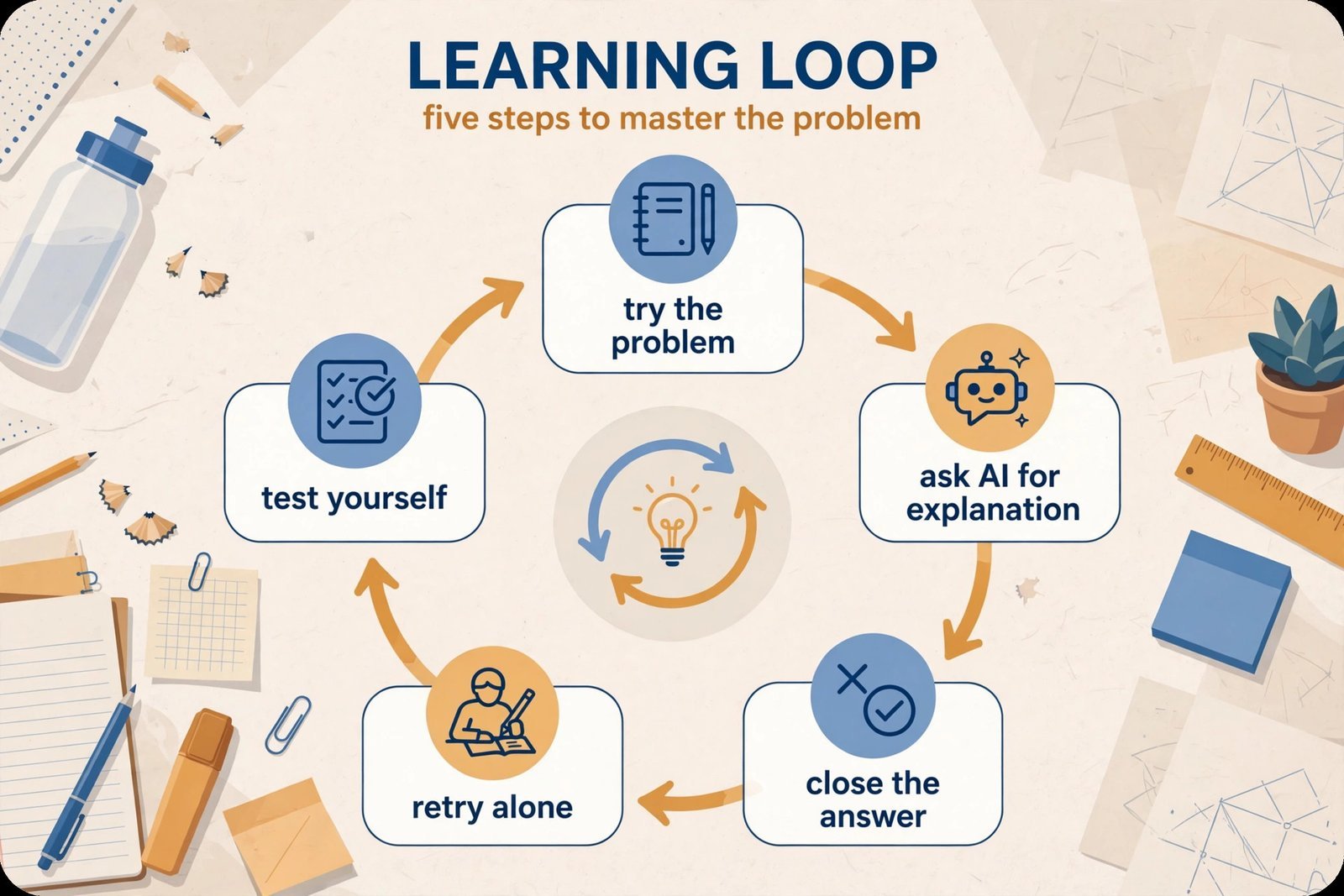
The rule that keeps you safe is simple: use AI to learn, not to bypass learning. That means it’s fine to have a concept explained five ways, to generate practice questions, to get feedback on your draft, to organize your notes. It becomes academic dishonesty when you submit AI-generated text as your own, invent citations, or use paraphrasers to disguise copying. UNESCO’s AI competency framework for students is worth a skim for the bigger picture on learning with AI rather than through it.
Three practical habits: verify every claim before it enters an assignment (especially citations, chatbots invent them); write in your own voice and use AI for feedback, not drafting; and disclose AI use when your course requires it. One more caution: AI detectors are unreliable, don’t treat a “human” score as proof of originality or a “flagged” score as proof of cheating. Your process (notes, drafts, revisions) is the real evidence of your work.
Frequently asked questions
Is using AI tools for studying cheating?
It depends on your institution’s policy, which you should actually read. Generally: using AI to understand concepts, brainstorm, outline, and proofread is accepted; submitting AI-generated work as your own without disclosure is academic dishonesty at most schools. When in doubt, ask your professor, they’d rather answer the question than file the report.
Can I get through a semester on free tiers alone?
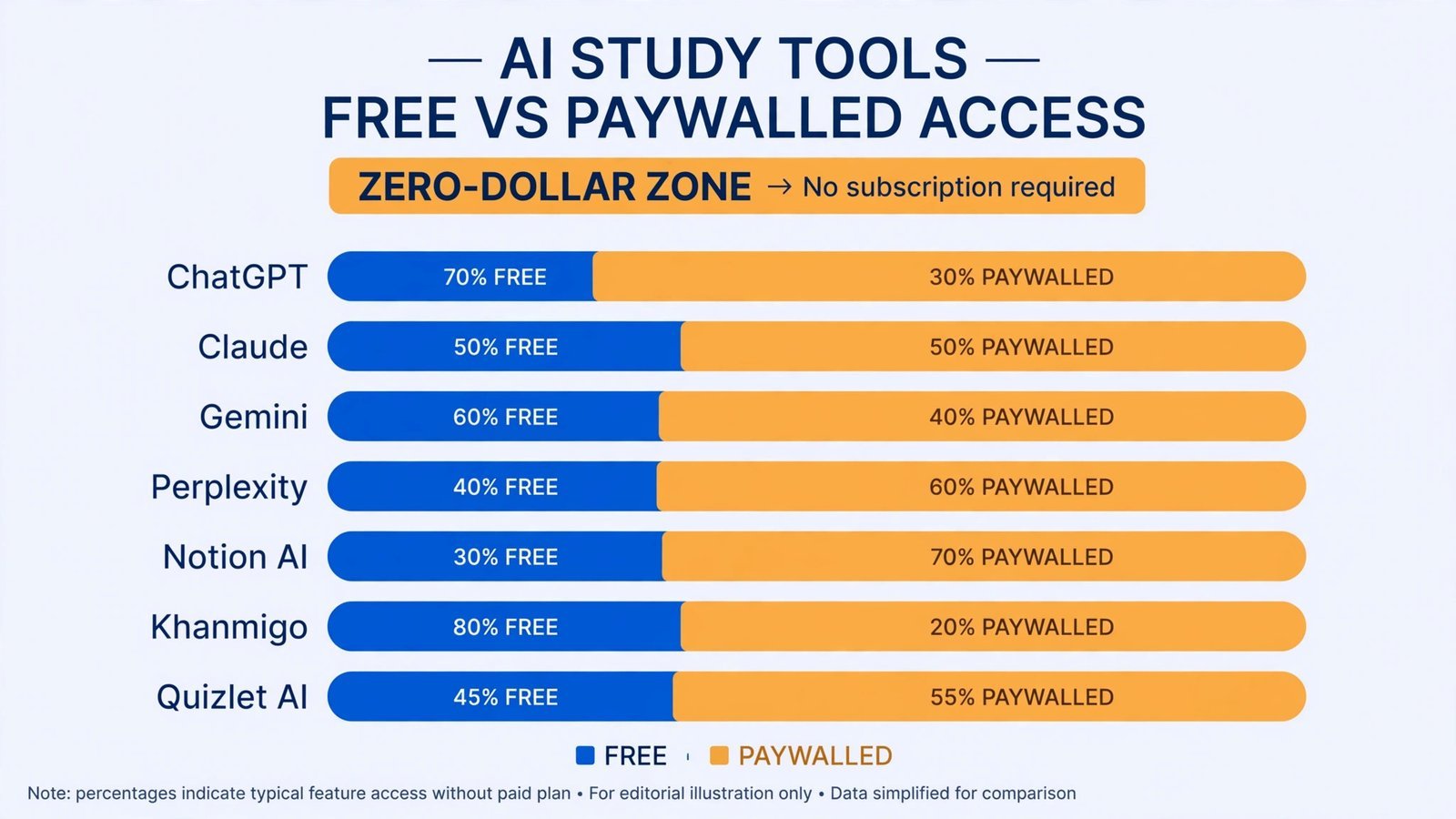
Yes, for daily studying. Every tool above has a working free tier; the caps bite at crunch time, not in week three. The only paid tier I’d call genuinely worth it is Perplexity’s $10/month Education Pro during heavy research periods, everything else is optional.
Can I trust AI-generated citations?
No, not without checking. Chatbots fabricate references that look perfectly real: plausible authors, real journals, wrong everything. Use Perplexity for research specifically because its citations are clickable and verifiable, and open every source before it goes in your bibliography.
Will my professor know I used AI?
Maybe, and that’s the wrong question. AI detectors are unreliable in both directions, but professors know your voice from your in-class work, a sudden leap in polish is noticeable with or without software. Use the tools to get better at the work, not to skip it, and the question answers itself.
Why you can trust this guide
Every tool above was verified as current in October 2026, including Google’s July 2026 rename of NotebookLM to Gemini Notebook and the current education pricing for Perplexity and Grammarly. I scored on what matters to students specifically (does it help you learn, does it help you write, can you verify its output, what does free actually include) rather than generic “power” rankings, and the academic-integrity section says what most roundups won’t: where the line is and how detectors actually behave. No tool paid for placement.
Read next: once your study stack is set, put the same discernment into the rest of your digital life, our trending AI apps worth using separates signal from noise across the board.

- How to Fix Windows 11 Search Not Finding Files - October 24, 2026
- How to Fix Windows 11 Clock Showing the Wrong Time - October 23, 2026
- How to Fix File Explorer Slow to Open in Windows 11 - October 22, 2026