
You need to trim a voice memo, clean up podcast audio, or mix a track on your phone, and you do not want to pay for a desktop DAW. These six Android audio editors are all still maintained in 2026, from a genuinely free multitrack studio to a pro-grade recorder. Pick by the job, not the hype.
1. WaveEditor: the best all-round free editor
WaveEditor (from Sound-Base Audio) is the closest thing Android has to a free Audacity. It was updated in July 2026, holds a 4.4-star average across 9 million+ installs, and packs multitrack cut/copy/paste editing, WAV/MP3/FLAC/OGG import and export, USB microphone support for high-quality recording, and pro analysis tools like FFT, spectrogram, and oscilloscope. The free version is genuinely usable; the Pro upgrade removes ads and unlocks the full effects suite. The honest weakness: the interface is dense, and beginners will feel lost for the first hour. Get WaveEditor on Google Play.
2. Lexis Audio Editor: the best for quick, simple edits
Lexis is the anti-bloat option: cut, copy, paste, trim, noise reduction, normalization, and pitch control in an interface anyone can learn in minutes. It handles WAV, M4A, AAC, FLAC, and WMA, and can even pull audio from MP4 and 3GP video files, which is handy for extracting sound from clips. The tradeoff is depth: it is single-track only, and the design looks dated. For trimming voice memos or cleaning up a podcast segment, though, nothing is faster. If you record shows regularly, our guide to podcast recording software covers the capture side too.
3. BandLab: the best free music studio
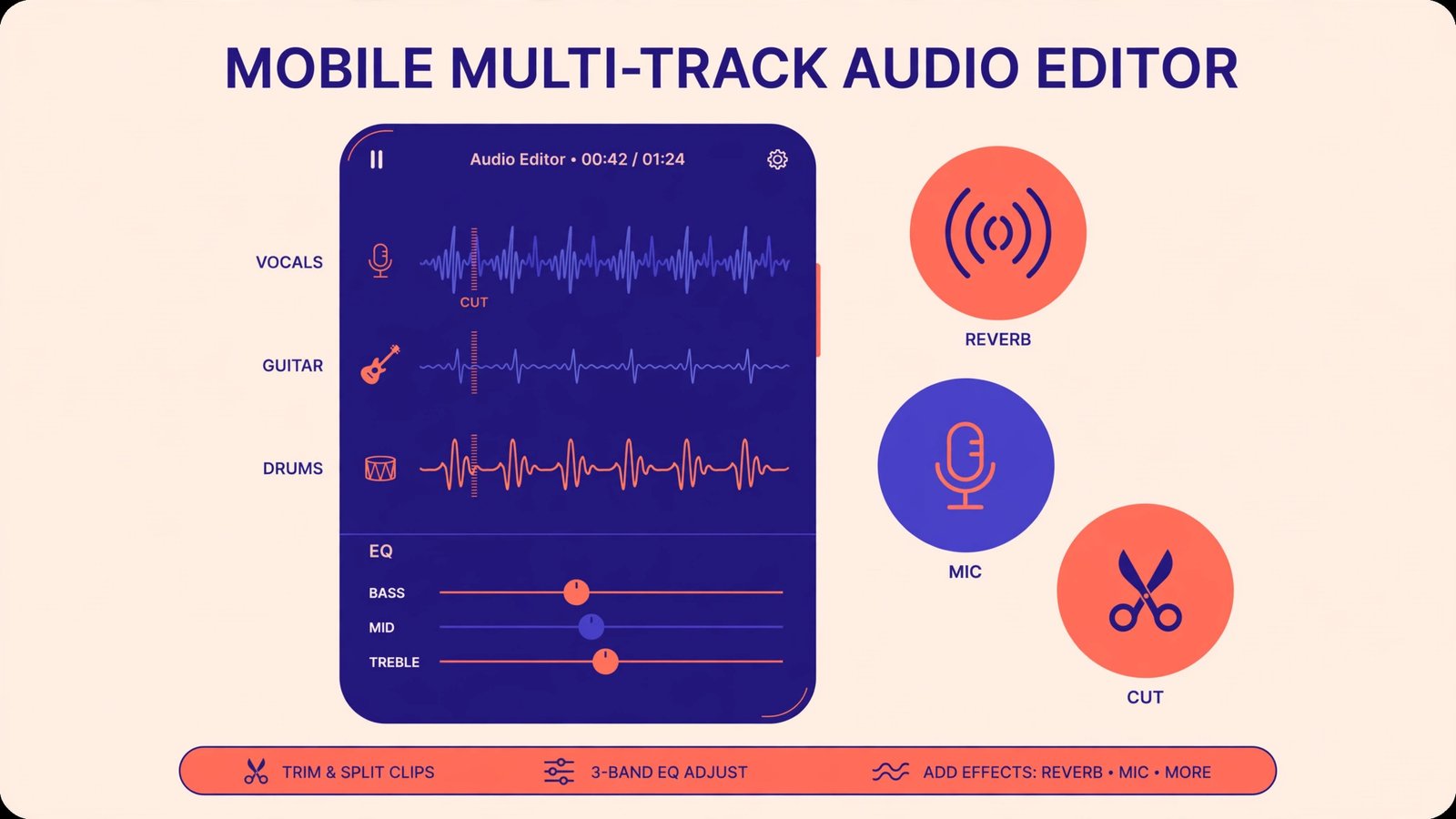
BandLab is completely free and is now, by several 2026 counts, the most-downloaded mobile DAW, outpacing even GarageBand. You get a multitrack mixer, built-in effects, auto-pitch, a loop library, and cloud collaboration, and projects sync between your phone, tablet, and the web version. It is the obvious pick if you make music rather than edit recordings. Two honest caveats: you need a BandLab account, and it is built for music creation, not precision waveform surgery. For that, pair it with WaveEditor above. iPhone users hunting for quick music grabs can also check our music downloader for iPhone roundup. Visit BandLab’s official site.
4. Audio Evolution Mobile Studio: the best for USB hardware
If you record with an external USB microphone or audio interface, Audio Evolution Mobile Studio is the Android editor that takes hardware seriously. Multitrack recording, move/cut/trim/split editing, and clean USB audio interface support make it the closest to a desktop DAW workflow on this list. The downside is the price of admission: it is a paid app with a real learning curve, so only buy it if you actually own the hardware to plug into it.
5. FL Studio Mobile: the best for beat-making
FL Studio Mobile is for creating music from scratch, not editing existing audio. Step sequencer, virtual instruments, chorus/filters/delay/reverb effects, presets and sample packs, plus MIDI controller support: it is a genuine production tool in your pocket. The weakness is scope. If all you need is trimming a voice note, this is expensive overkill, and the phone UI can feel cramped during long sessions. When you move mixes to a computer, a sound equalizer for Windows 11 helps them translate to laptop speakers.
6. AudioLab: the best quick-task utility
AudioLab is the Swiss-army knife for small jobs: fast trim, merge, and format conversion, plus ringtone making and basic voice effects. It launches quickly, does one job well, and gets out of the way. Do not expect pro features like multitrack mixing or spectral analysis; this is the app for “cut the silence off this recording,” and it is good at exactly that.
The six editors, compared
| App | Best for | Price | Multitrack | Main limitation |
|---|---|---|---|---|
| WaveEditor | All-round editing + recording | Free; Pro upgrade | Yes | Dense UI for beginners |
| Lexis Audio Editor | Quick simple edits | Free; paid upgrade | No | Single-track, dated design |
| BandLab | Music creation | Free | Yes | Account required; not a precision editor |
| Audio Evolution Mobile | USB hardware recording | Paid | Yes | Learning curve; needs hardware |
| FL Studio Mobile | Beat-making | Paid | Yes | Overkill for simple trimming |
| AudioLab | Quick trim/convert jobs | Free | No | No pro mixing features |
The verdict: which one should you install?
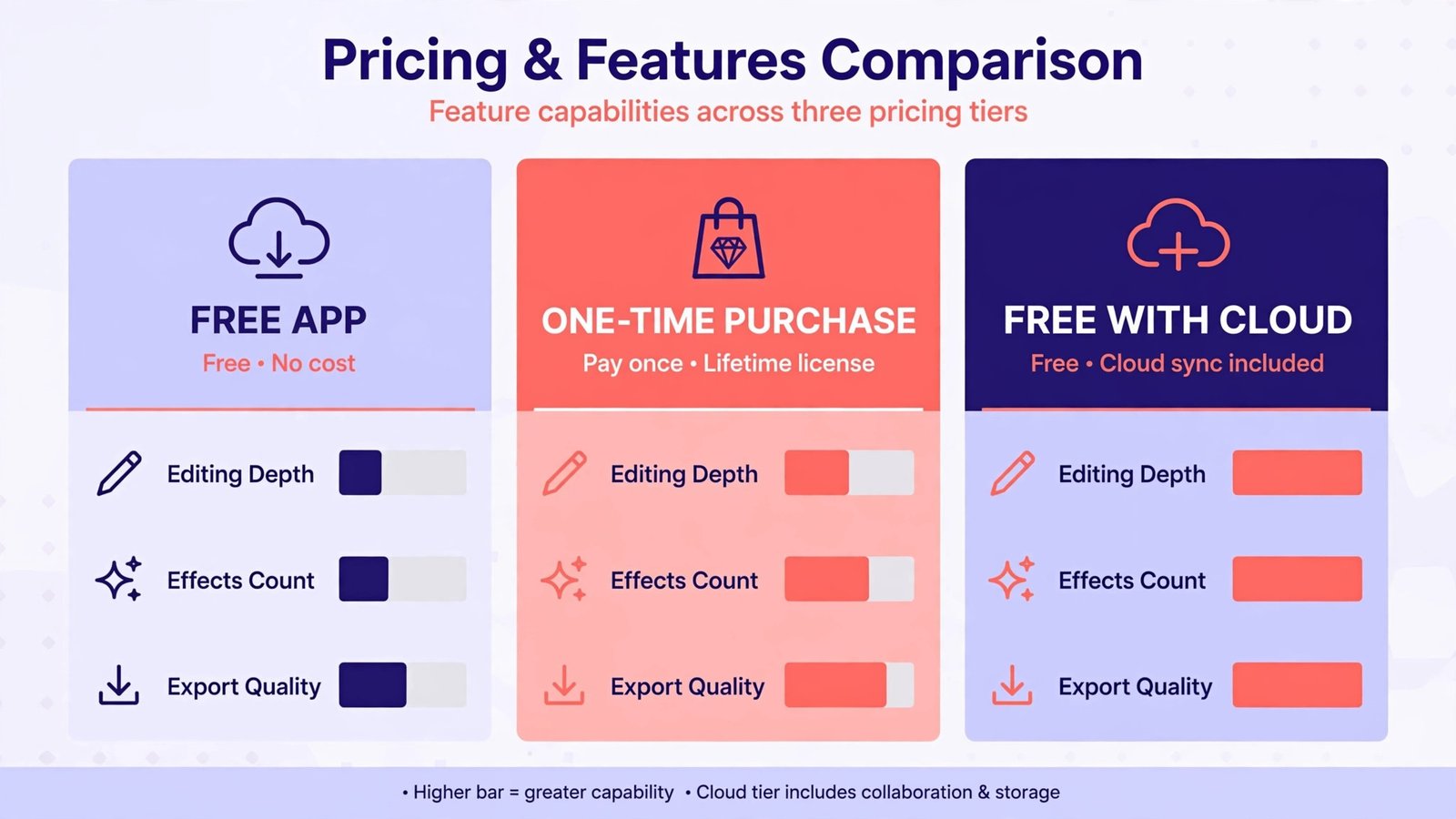
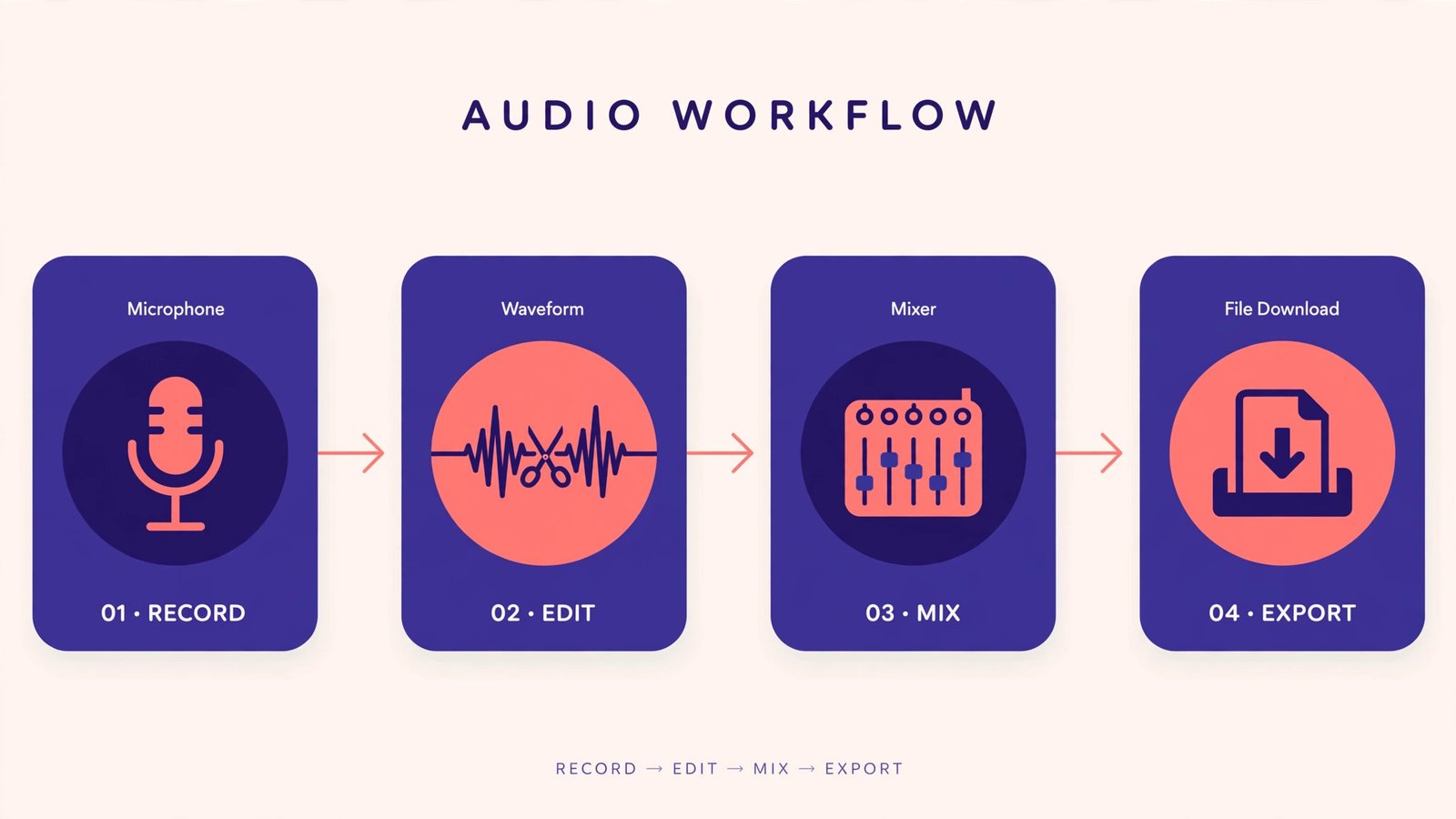
Match the app to the task. For general recording and editing, WaveEditor wins: it is free, maintained (updated July 2026), and the most capable. For making music, BandLab is free and excellent, while FL Studio Mobile suits producers who want the desktop FL workflow. For fast trims, Lexis or AudioLab are the two-minute answer. And if you plug in a USB mic or interface, Audio Evolution Mobile Studio is worth paying for.
Start with the free options. You can always pay later, once you know which limits actually bother you.
Frequently asked questions
Can I remove background noise with a free Android app? Yes. Both Lexis Audio Editor and WaveEditor include noise reduction in their free tiers. For heavy cleanup, record in a quiet room first; no app fully rescues a noisy recording.
Is BandLab really free? Yes. BandLab’s core DAW, effects, and cloud storage cost nothing. It monetizes through optional paid sound packs and hardware, not by locking basic features.

- How to Change the Screenshot Save Location on Mac - October 24, 2026
- How to Turn Off Stage Manager on Mac - October 23, 2026
- How to Reset Your Private Space PIN on Android If You Forgot It - October 22, 2026