
A spam call blocker is an app that checks incoming calls against a database of known spam numbers, and either warns you, sends the call to voicemail, or blocks it outright. The good ones catch most robocalls before your phone even rings. These are the seven that do the job best in 2026.
How these apps catch spam
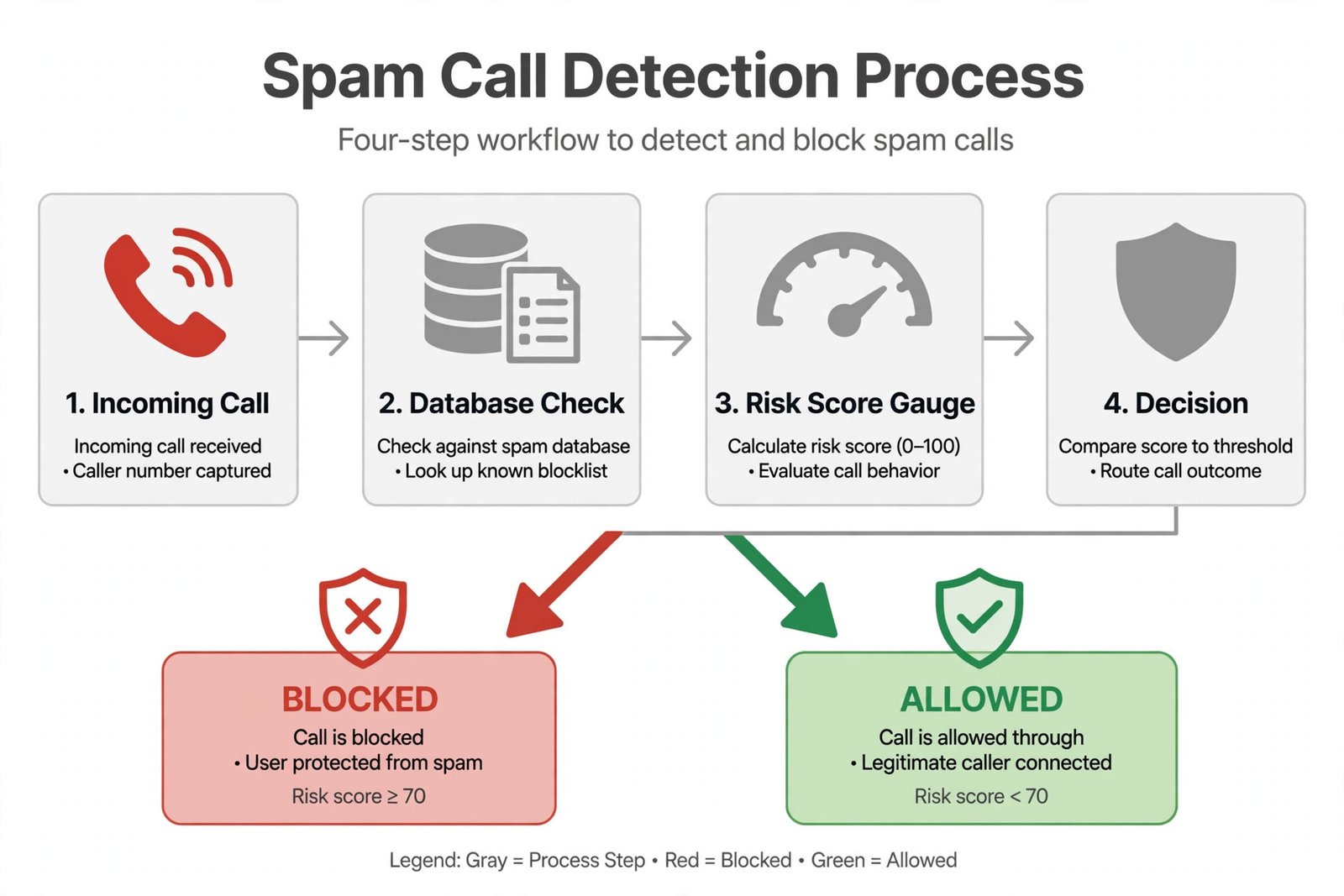
Blockers use three methods. Blocklists match numbers against reported spam databases: simple and effective against repeat offenders. Reputation scoring rates numbers by how the community and the carrier treat them, catching new spam faster. Audio fingerprinting recognizes the sound of known robocall scripts even when the number is spoofed. The best apps combine all three, which is why no single app catches everything.
The 7 best spam call blocker apps
Each pick below is live in 2026. Every entry lists strengths, caveats, and a verdict.
1. Truecaller: biggest spam database
Truecaller identifies unknown callers in real time using one of the largest crowdsourced number databases in the world, with over 500 million users contributing. The free tier offers caller ID and basic spam blocking with ads, while the paid tier adds an AI Assistant that answers suspicious calls for you and sends a live transcript.
- Strengths: unmatched at naming unknown numbers, huge global database, AI call screening on paid plans.
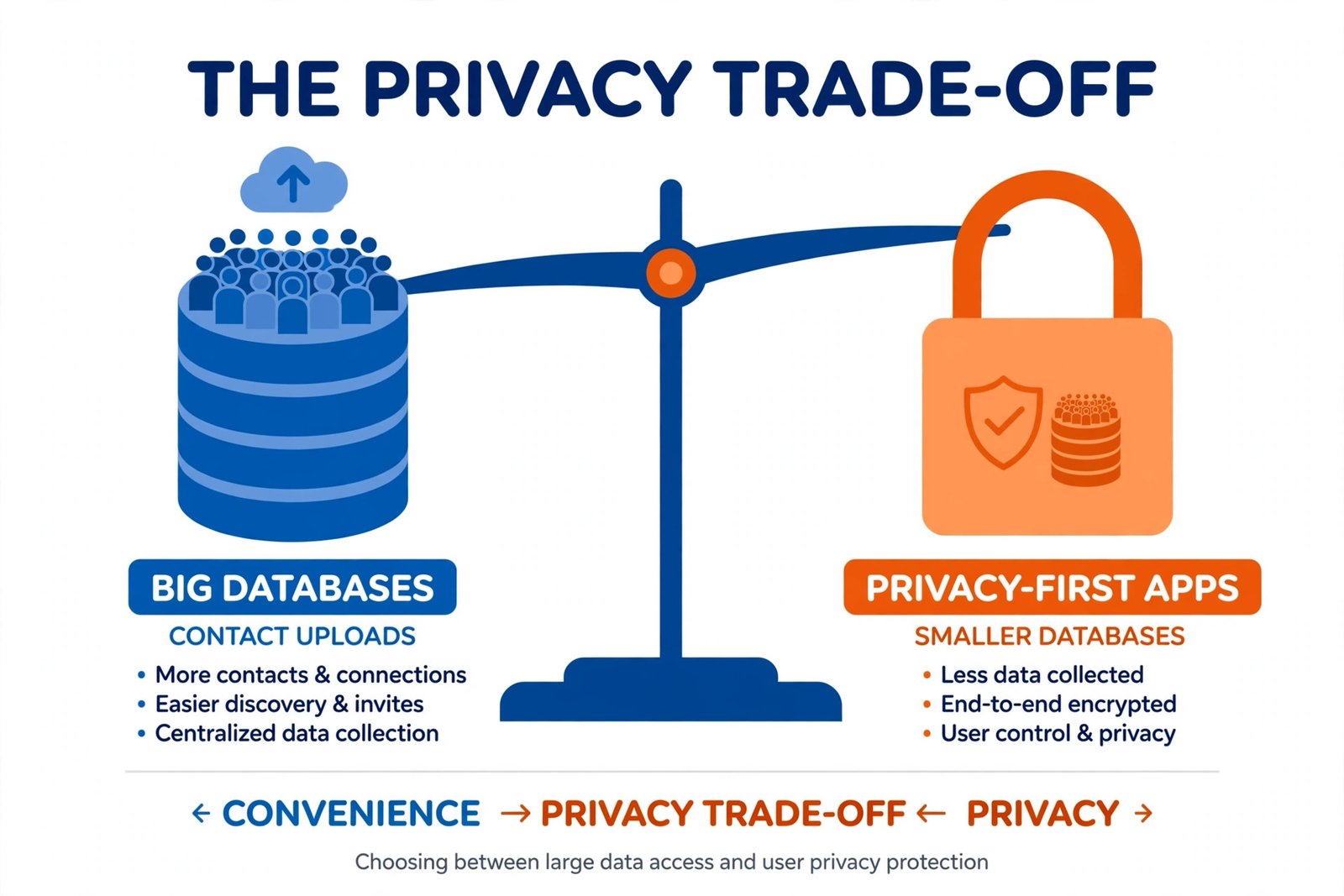
- Caveats: the free version shows ads, and the app uploads your contacts to build its database, which is a real privacy trade-off.
Verdict: the best pick when identifying the caller matters as much as blocking spam.
2. Hiya: best blocking without the contact upload
Hiya focuses on quiet, effective spam blocking. It warns or blocks based on number reputation, and on Android it can act as your default phone app to stop spam at the moment the call arrives. Its paid Call Screener asks unknown callers for a name and reason before your phone rings.
- Strengths: strong free tier, no contact-upload requirement, clean and unobtrusive.
- Caveats: weaker at naming legitimate unknown callers than Truecaller; call screening needs the paid tier.
Verdict: the privacy-friendlier mainstream pick. Choose this over Truecaller if blocking matters more than identifying.
3. RoboKiller: most aggressive against robocalls
RoboKiller uses audio fingerprinting to catch spoofed numbers that list-based blockers miss, and its signature feature is a library of “answer bots” that waste scammers’ time with recorded conversations. It also blocks spam texts.
- Strengths: best-in-class against spoofed robocalls, answer bots actively punish scammers, real-time call screening with transcription.
- Caveats: premium-only with no free tier, starting around $4.99 per month or $39.99 per year; occasional false positives on legitimate calls.
Verdict: worth paying for if robocalls are ruining your day. Overkill if you get one spam call a week.
4. Call Control: best free dialer replacement
Call Control combines a community-sourced spam database with the FTC Do Not Call registry and can replace your default dialer entirely. Its free tier is more generous than most, and the premium plan costs just $9.99 per year.
- Strengths: generous free tier, works as a full dialer replacement, very cheap premium.
- Caveats: database strength varies by region; the interface is functional rather than polished.
Verdict: the best value pick: nearly everything free, and the paid tier costs less than a dollar a month.
5. Should I Answer?: best for maximum privacy
Should I Answer? is a fully free call blocker that keeps your data on your device instead of uploading it. Its database is smaller than Truecaller’s, but for users who refuse to trade contacts for blocking, that is the point.
- Strengths: completely free, privacy-first with no contact uploads, simple and focused.
- Caveats: smaller database means more unknown numbers slip through; no frills or screening features.
Verdict: the principled pick. Accept slightly weaker blocking in exchange for keeping your data yours.
6. Nomorobo: best budget option
Nomorobo won the FTC’s Robocall Challenge and remains one of the cheapest effective blockers at $1.99 per month after a 14-day trial. It also works on landlines, which most app-based blockers cannot touch.
- Strengths: very affordable, proven track record, covers landlines as well as mobiles.
- Caveats: no free tier beyond the trial; mobile features are simpler than Truecaller or Hiya.
Verdict: the cheapest way to get serious robocall protection, especially if you also have a landline.
7. YouMail: best free voicemail plus blocking
YouMail pairs call blocking with a proper visual voicemail service: custom greetings, transcribed voicemails, and spam filtering in one free tier. Paid plans add robocall blocking extras and business features.
- Strengths: generous free plan with visual voicemail and transcription, good for professionals.
- Caveats: paid plans are above average for this category; the app wants to be your whole phone system.
Verdict: the pick if you want better voicemail and spam blocking in one free download.
Comparison at a glance
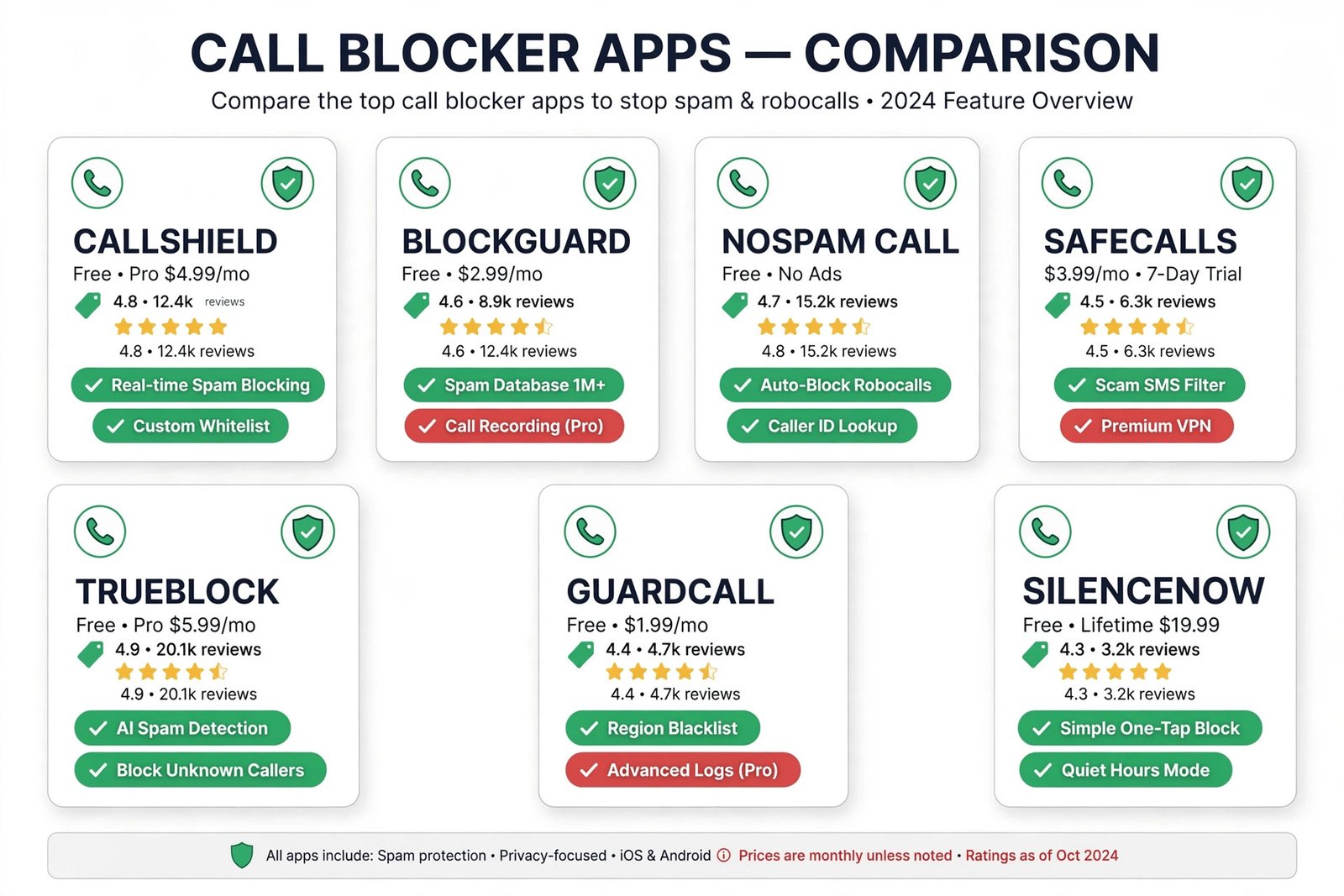
| App | Best for | Free tier | Paid from | Privacy note |
|---|---|---|---|---|
| Truecaller | Identifying callers | Yes, with ads | Paid plan | Uploads contacts |
| Hiya | Quiet blocking | Strong | Paid plan | No contact upload |
| RoboKiller | Fighting robocalls | None | $4.99/mo | Standard |
| Call Control | Free dialer | Generous | $9.99/yr | Standard |
| Should I Answer? | Privacy | Full app free | Free | On-device data |
| Nomorobo | Budget | Trial only | $1.99/mo | Standard |
| YouMail | Voicemail + blocking | Generous | Paid plans | Standard |
Do not forget your carrier’s free filter
Before you install anything, turn on the spam filter your carrier already gives you: AT&T Call Protect, T-Mobile Scam Shield, or Verizon Call Filter. These are free, work at the network level, and stack with any app on this list. The apps above are a second layer, not a replacement.
Our take
Most people should install Hiya: strong free blocking without handing over their contacts. If knowing who called matters to you, accept Truecaller’s trade-off and get the biggest database in the business. If robocalls are genuinely disrupting your life, RoboKiller is the only one worth paying for. And whatever you choose, keep your carrier’s free filter on: the layers stack.
For a deeper look at the identification side, see our roundup of caller ID apps for Android, and use Do Not Disturb mode to silence whatever still gets through at night.
Frequently asked questions
Will these apps work with my carrier?
Yes. They work alongside your carrier, not instead of it. Android lets a call-screening app see incoming numbers and block or label them before your phone rings. Keep your carrier’s own spam filter enabled too.
Why do I still get spam calls after installing one?
No app catches everything. Spoofed numbers rotate constantly, and “neighbor” numbers that look local slip past list-based blockers. That is why RoboKiller’s audio fingerprinting exists. Report numbers that get through: community reports train these databases.
Are free spam blockers safe for my privacy?
It depends on the app. Truecaller builds its database by uploading users’ contacts, which is effective but invasive. Hiya, Should I Answer?, and Call Control are lighter on data collection. Read the privacy policy before installing, especially for free apps.
Can I block spam calls on iPhone too?
Yes, with limits. Truecaller, Hiya, RoboKiller, and Nomorobo all have iPhone apps, but Apple’s API restrictions mean some features, like automatic blocking, are weaker than on Android. On iPhone, also enable Silence Unknown Callers in Settings.

- How to Change the Lock Screen Timeout on Windows 11 - October 25, 2026
- How to Fix the Windows 11 Taskbar Auto-Hide Problem - October 24, 2026
- How to Fix a Laptop Camera Not Working in Windows 11 - October 23, 2026