
Most vocabulary apps fail at the one job they promise. They keep you tapping through word lists for weeks, and the words still evaporate before your next conversation. The problem is rarely you. It is the method, and once you understand what actually makes words stick, picking the right app becomes easy.
What Actually Makes Words Stick
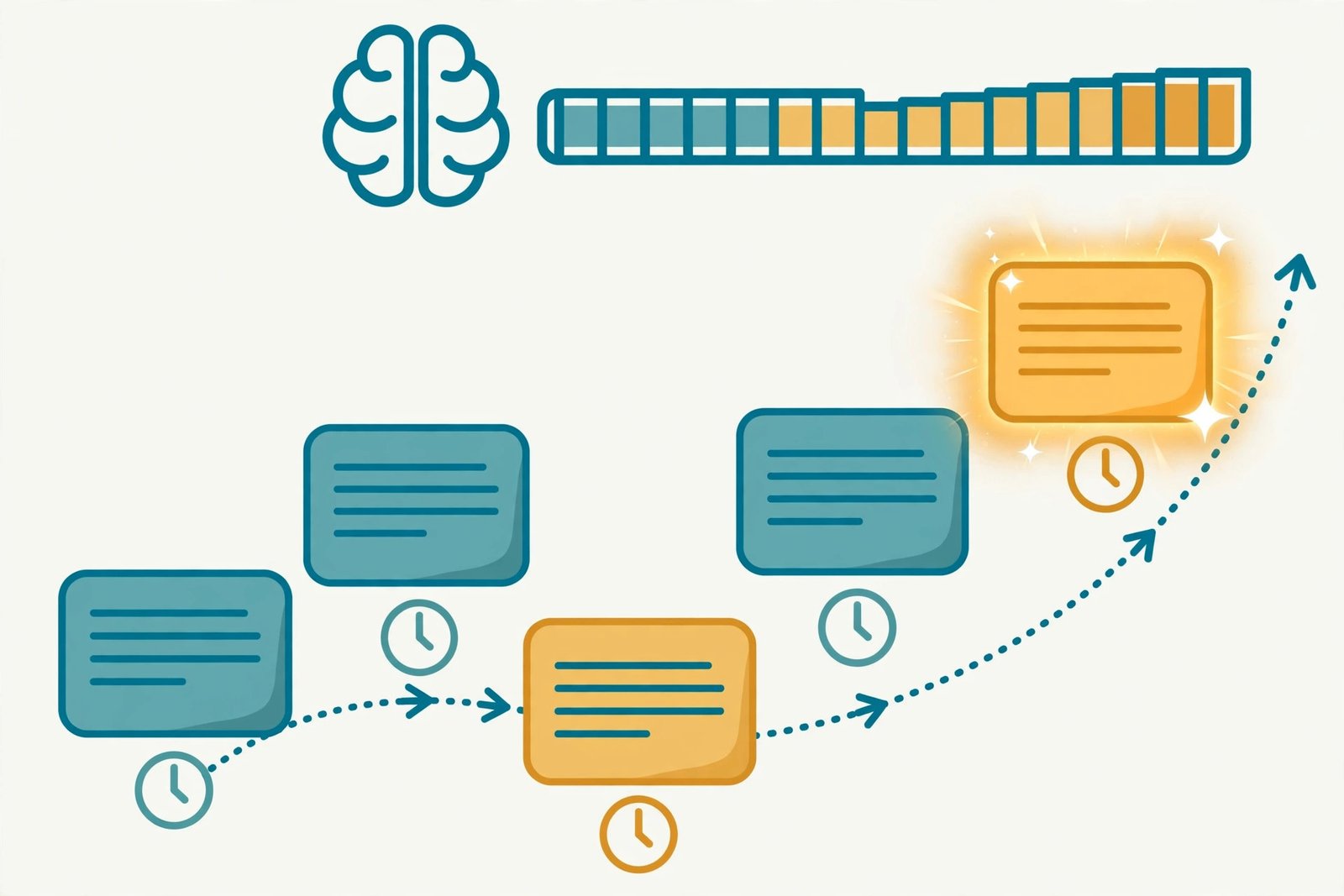
Three findings from memory research explain nearly everything. First, spaced repetition beats cramming decisively: reviewing a word at growing intervals, just as you are about to forget it, produces far better long-term retention than seeing it five times in one sitting. University studies found learners using digital flashcards with spaced repetition retained significantly more vocabulary over three and six months than those using paper word lists.
Second, context beats isolation. Meeting a word inside a real sentence teaches you its grammar, its collocations, and its tone. A flashcard teaches you its definition. You need both, in that order of importance. Third, recognition is not production. Flashcards mostly train you to recognize words. Using them in speech or writing is a separate skill that needs separate practice. Any app that only quizzes you is doing half the job, so plan to read and listen alongside it. Research suggests a word needs roughly 7 to 16 meaningful encounters before it is truly yours.
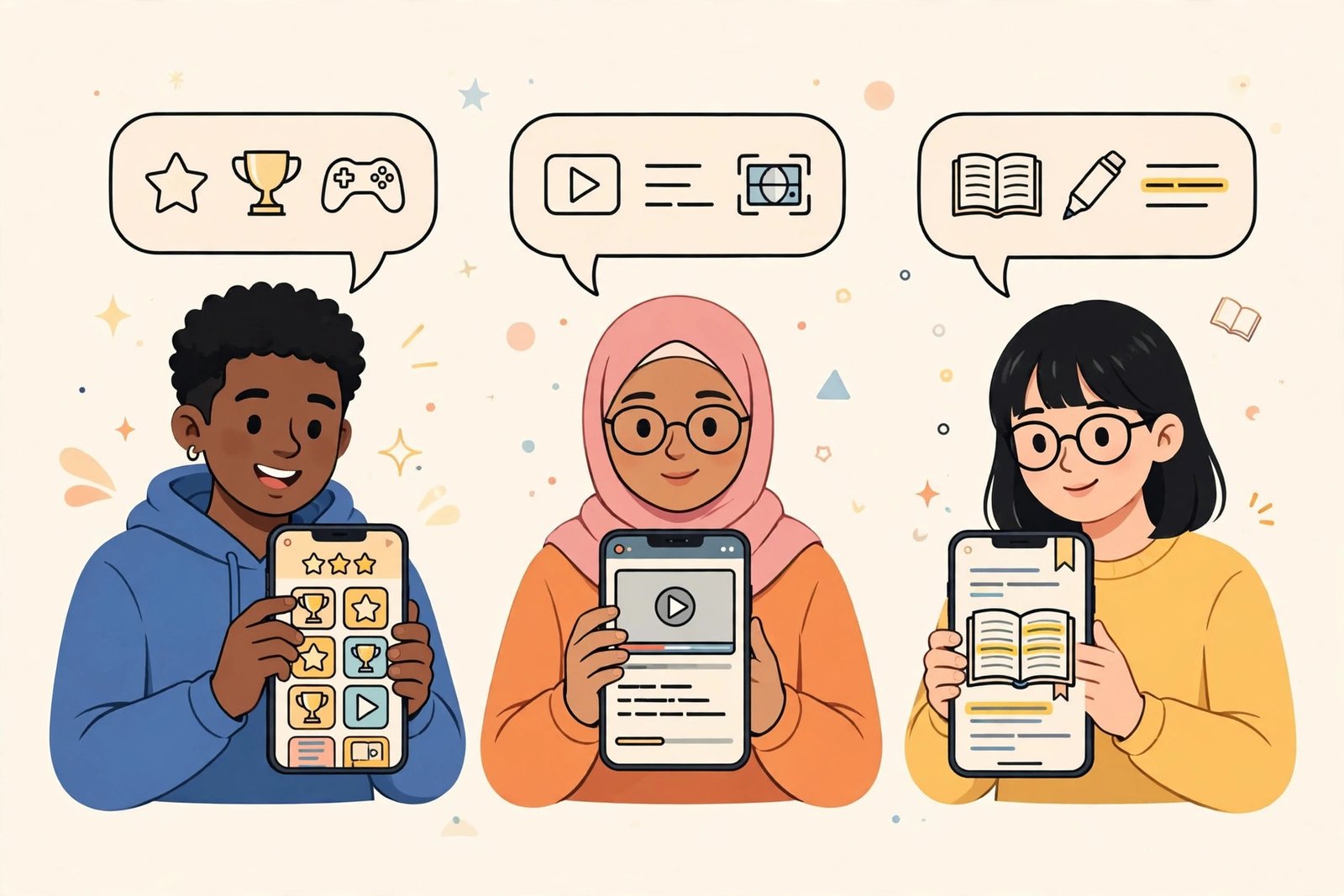
Pick Your App by How You Learn
Anki: For the Serious Studier
Anki is the gold standard for a reason. It is free on desktop, Android, and the web, uses the modern FSRS scheduling algorithm, and lets you build exactly the cards you want, with audio, images, and example sentences. The official iPhone app is a one-time $24.99 purchase. The trade-off is a dated interface and a real learning curve: you will spend an evening learning the app before it starts paying you back. Worth it if you are preparing for an exam or learning hundreds of words. A 2026 flashcard app comparison still ranks it the most capable option.
Memrise: For Beginners Who Need Fun
Memrise teaches vocabulary through short videos of native speakers, which trains your ear while you learn words. The free plan includes official courses, video clips, and review plans, enough to judge whether you like it. Paid plans start at $61.99 a year. It is ideal for the first few months of learning, less so for advanced learners who need depth.
WordUp: For the AI-Guided Learner
WordUp builds a personal Knowledge Map of the words you know, spots your gaps, and serves words drawn from real movie and TV usage, each wrapped in definitions, images, short clips, and usage tips. Its nine challenge types use spaced repetition under the hood. The free tier is genuinely useful. If you like the idea of AI doing the planning while you do the learning, start here. It sits comfortably among the trending AI apps actually worth using in 2026.
Vocabulary.com: For the Adaptive Challenger
Vocabulary.com’s adaptive engine has processed billions of answered questions to build a precise profile of what you know, then targets your exact gaps with varied question types and rich examples from news and literature. It feels more like tutoring than testing. Best for students and professionals who want serious, personalized practice rather than games.
Duolingo: For the Casual Gamer
Duolingo’s free tier remains the easiest way to build a daily habit: short, gamified lessons with streaks that keep you coming back. It will not take you to advanced vocabulary on its own, but as a habit-builder paired with reading, it earns its place. Just know its vocabulary depth is shallower than the dedicated apps above.
The Apps Compared
| App | Best for | Price | Spaced repetition |
|---|---|---|---|
| Anki | Serious studiers, exam prep | Free; $24.99 one-time on iOS | Yes, FSRS |
| Memrise | Beginners, listening + words | Free tier; Pro from $61.99/yr | Built into courses |
| WordUp | AI-guided personalized learning | Free tier; paid plans available | Yes, in challenges |
| Vocabulary.com | Students, adaptive practice | Free tier; paid plans available | Adaptive engine |
| Duolingo | Daily habit, casual learners | Free tier; paid plans available | Light |
The Method That Beats Any App
Here is the uncomfortable truth: the app matters less than the routine. This is what works, regardless of which app you choose.
- Learn 5 to 10 words a day, not 50. Small daily doses with proper review beat heroic cramming sessions that you abandon by Thursday.
- Always learn words in sentences. When you add a word to Anki or any flashcard app, put the example sentence on the card, not just the definition. You will remember how to use it, not just what it means.
- Read something you enjoy. Graded readers, news articles, or even subtitles on shows you love provide the repeated natural encounters words need. Watching K-dramas with English subtitles counts as study if you pause to note new words.
- Use the word within 24 hours. Write a sentence with it, drop it into a conversation, or explain it to someone. Production is what moves a word from “I recognize this” to “this is mine.”
- Do your reviews before learning new words. The review queue is the engine. New cards without reviews are just a growing pile of forgotten words.

Our Take
If you want one recommendation: start with Anki if you are serious, WordUp if you want guidance, or Memrise if you are a beginner who needs motivation. Then protect a 15-minute daily habit, learn every word inside a sentence, and read something real every week. Students building study routines will also get mileage from the best AI tools for students. Do that for three months and you will have something no app alone can give you: words that actually stay.
Quick Answers
How many new words should I learn per day?
Five to ten. The bottleneck is never learning new words; it is reviewing old ones. Ten words a day is 3,650 words a year, which is a transformational vocabulary.
Can a vocabulary app alone make me fluent?
No. Apps build your word bank, but fluency needs listening, speaking, and reading in real contexts. Pair any app with regular reading and conversation practice. The research behind this is summarized in a 2024 review of mobile vocabulary learning studies.

- How to Fix the Windows 11 Taskbar Auto-Hide Problem - October 24, 2026
- How to Fix a Laptop Camera Not Working in Windows 11 - October 23, 2026
- How to Fix the Brightness Slider Missing in Windows 11 - October 22, 2026