
Bixby voice wake-up is the hands-free listening feature that wakes Samsung Galaxy phones when you say Hi, Bixby. If Bixby keeps waking by accident, or you simply never use voice control, you can switch the wake word off without removing Bixby itself. Open Settings, tap Advanced features, tap Bixby, tap Voice registration, and set Voice wake-up to Off. From then on, saying Hi, Bixby does nothing, but Bixby still opens from the side key and from the app.
What voice wake-up is, and what it is not
Voice wake-up only controls whether the phone listens for the Hi, Bixby phrase. It does not remove Bixby, does not delete Bixby routines, and does not change what the side key does. That narrow scope is exactly why it is the right fix for accidental wake-ups: it stops the phone reacting to a spoken phrase, while leaving everything else untouched.
Samsung also offers a separate Talk to Bixby without wake-up option, which lets Bixby take commands during certain moments, such as when an alarm rings or a call arrives, without a wake word. That is a different setting from Voice wake-up, so leave it alone unless you specifically want that behaviour.
Turn off Bixby voice wake-up
These steps follow the current One UI path, and they assume Bixby Voice has been set up on the phone. If Bixby was never set up, the Voice registration screen may ask you to complete setup first, in which case you can simply skip setup and leave wake-up off.
- Open Settings.
- Tap Advanced features.
- Tap Bixby.
- Tap Voice registration.
- Under Voice wake-up, select Off.
- Say Hi, Bixby out loud to confirm nothing happens. If Bixby still wakes, check the next section for the older menu layout.
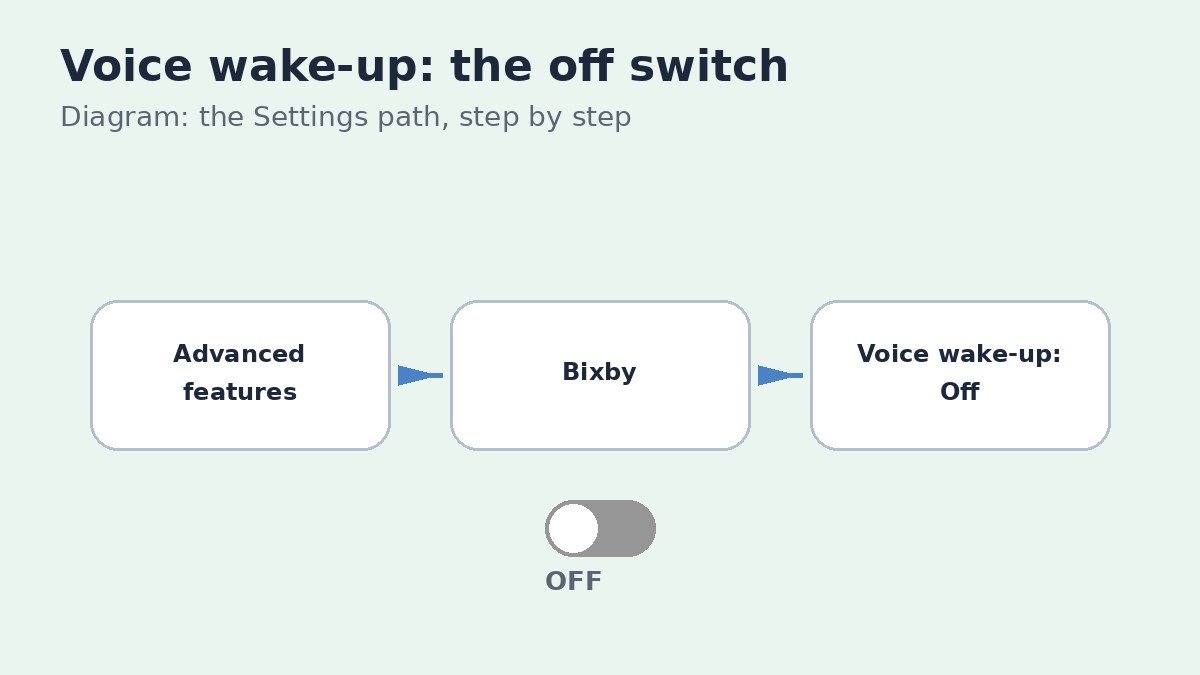
Samsung documents this same path for Galaxy phones and tablets, including the Voice registration screen and the wake-up sensitivity choices that sit beside it. For the official walkthrough, see Samsung support on talking to Bixby using voice wake-up. Lowering wake-up sensitivity to Low is an alternative if you still want hands-free control but with fewer false triggers.
If you cannot find the setting
Menu names vary slightly between One UI versions and phone models, so do not worry if your screens look a little different. On some phones the same switch appears directly as Voice wake-up inside Bixby settings, without a separate Voice registration step. On older phones, open the Bixby app, tap the menu icon, tap Settings, then tap Voice wake-up and switch Wake up with Hi, Bixby off.
If the Bixby entry is missing from Advanced features entirely, Bixby Voice may not be set up or may not be available in your region or on your model. In that case voice wake-up cannot trigger anyway, so there is nothing to switch off.
If Bixby still wakes after you switch it off, restart the phone once and test again with the exact phrase, because a restart clears any listening session that was already running when you changed the setting. Also check that no second user profile on the phone has its own Bixby setup, since a fresh profile can carry its own defaults.
The side key is a different fix
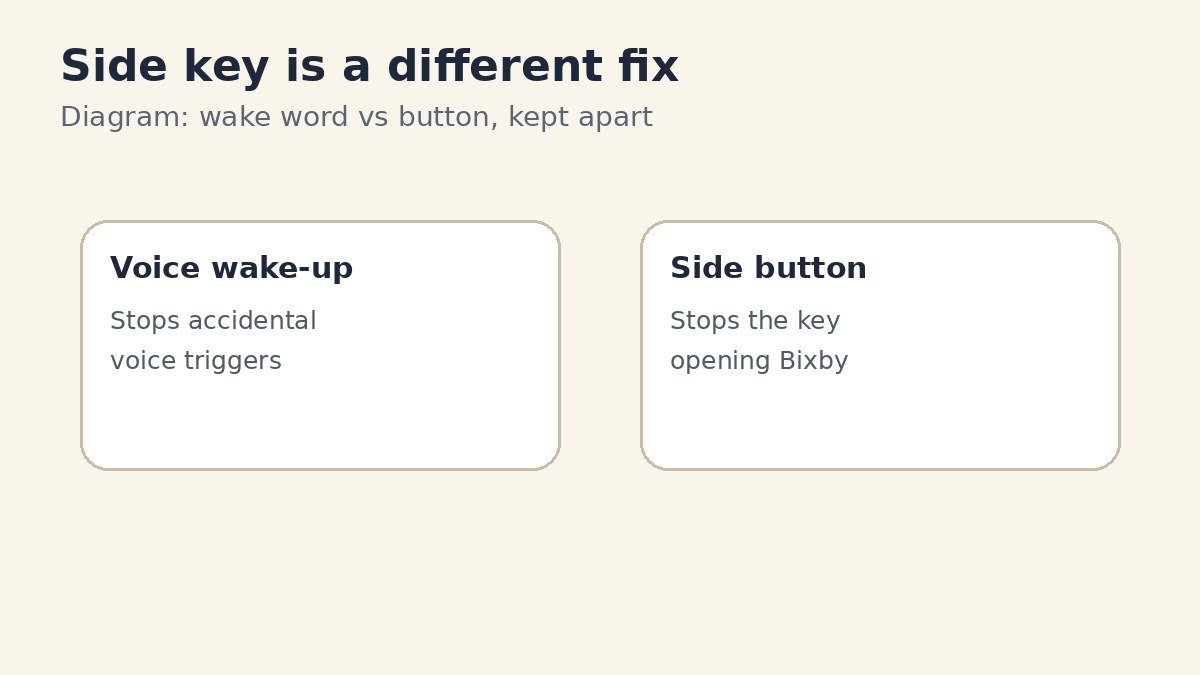
If Bixby opens when you press and hold the side key, turning off voice wake-up will not help, because that is a button shortcut, not a voice trigger. The fix for that lives in a different menu: Settings, then Advanced features, then Side button, where Press and hold can be changed to Power off menu. Keep the two fixes apart, and apply the one that matches how Bixby actually opens on your phone.
What still works after voice wake-up is off
| Way to open Bixby | After voice wake-up is off | Notes |
|---|---|---|
| Saying Hi, Bixby | No longer wakes Bixby | This is the change you just made |
| Pressing and holding the side key | Still opens Bixby | Change Side button settings to stop this |
| Opening the Bixby app | Still works normally | Voice commands work once Bixby is open |
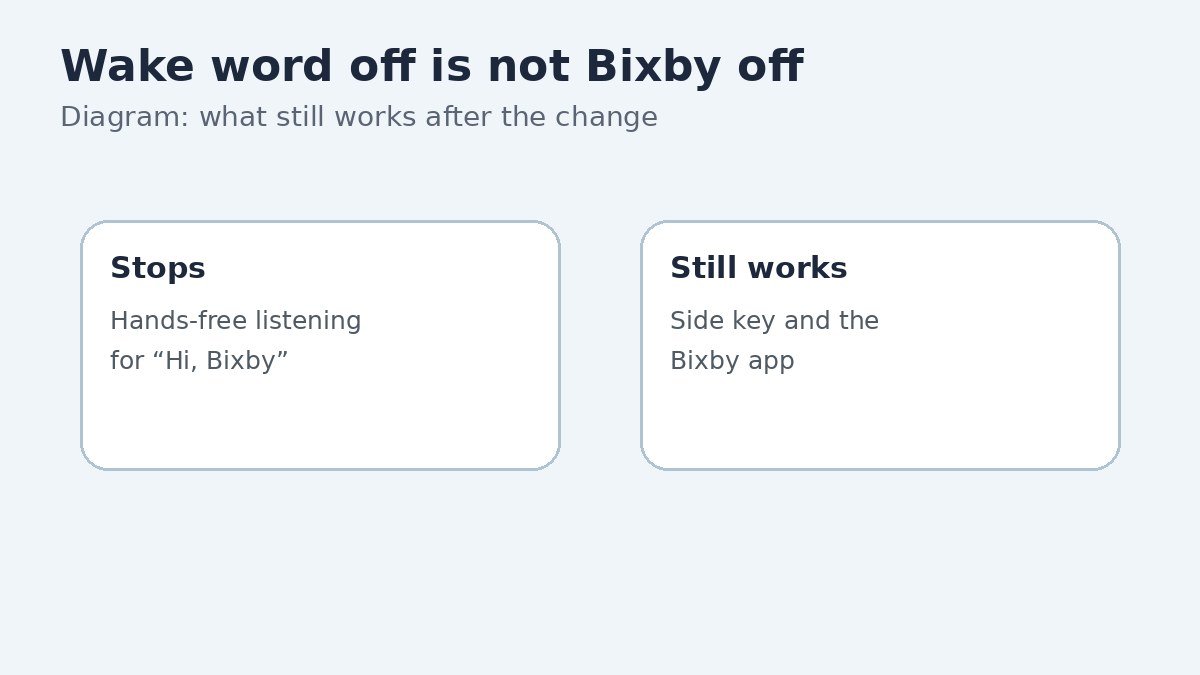
One useful side effect is a quieter phone in noisy rooms and during television shows, where a similar-sounding phrase used to wake Bixby by mistake. The phone also stops listening for the wake word, which some owners prefer on privacy grounds, even though the change is small.
Turning off the wake word is a one-minute change with no downside for anyone who opens Bixby by key or app anyway. If you ever want hands-free control back, return to the same Voice registration screen and switch Voice wake-up on again.

- How to Turn Off Bixby Voice Wake-Up on Samsung Galaxy - November 3, 2026
- How to Turn Off Notification Reminders on a Samsung Galaxy Phone - November 2, 2026
- How to Turn Off StandBy Mode on iPhone - November 1, 2026