
Android 17 is the 2026 version of the software that runs most of the world’s phones. Google released it for Pixel phones on June 16, 2026, and every major phone maker is now rolling out its own version. Here is what changed, in plain language, plus a date-stamped tracker of which phones get it and when.
Android 17 in plain English
Android 17 is the latest full version of Google’s phone operating system. Google calls it “Cinnamon Bun” internally, and developers call it API level 37. It arrived first on Google’s own Pixel phones, and other brands build their own versions on top of it, the same way Samsung adds its One UI layer.
This year’s release is less about a bold new look and more about daily life: juggling apps more easily, tighter control over your data, smoother performance on demanding games, and groundwork for smarter AI features that arrive over the coming months. Google announced the release on its official Android Developers blog. Pixel owners also got a quarterly follow-up, called QPR1, on September 15, 2026, which went out to 25 Pixel models from the Pixel 6 up to the Pixel 11 Pro Fold.
What is new in Android 17
These are the changes you will actually notice, grouped by what they change for you.
Look and feel
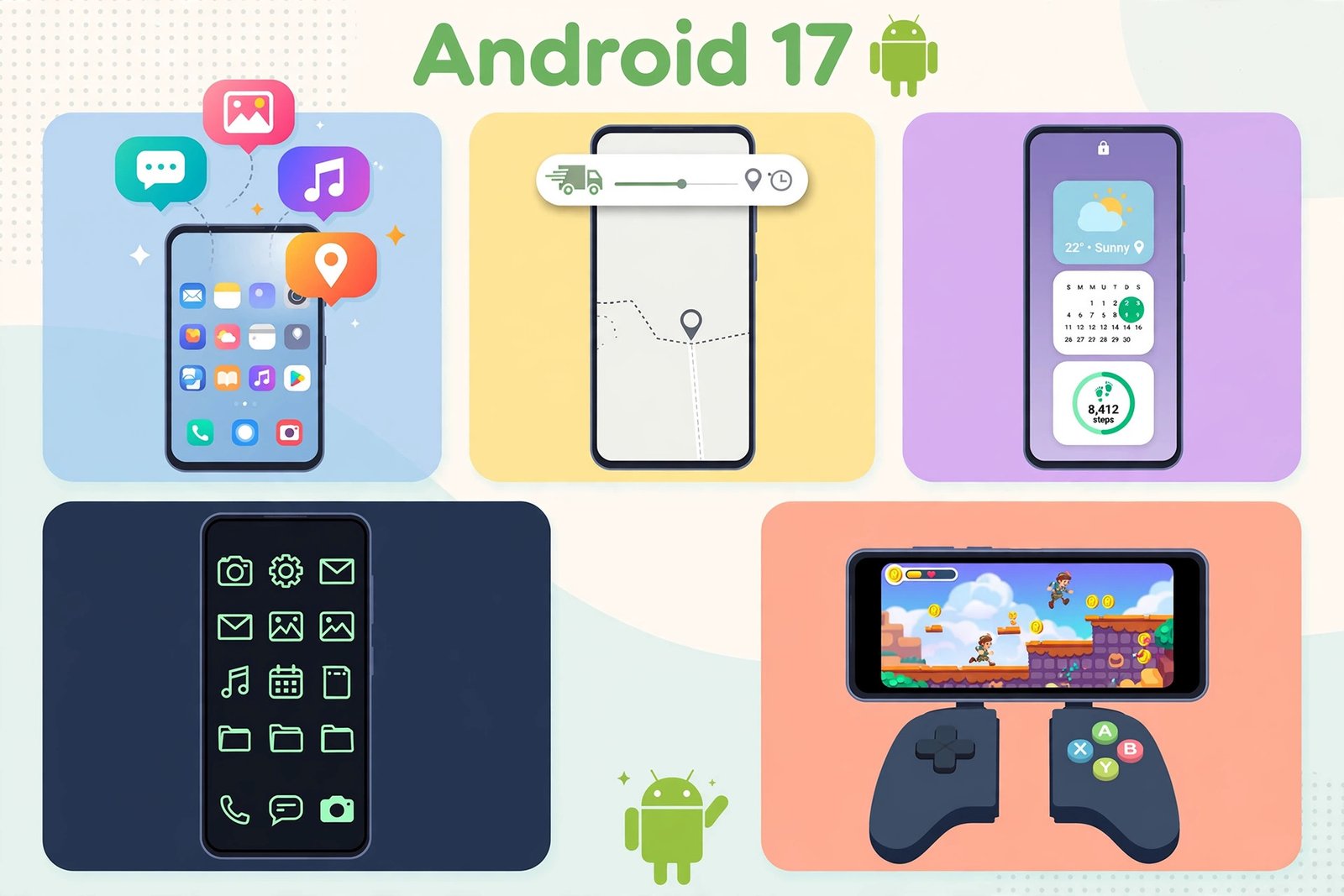
- Material 3 Expressive is the default design. Menus, buttons and icons are rounder and springier, with softer blur effects.
- More home screen control. Icons can be forced into your theme color, a dark theme can be applied per app, and Pixel’s launcher can hide app names under icons.
- Lock screen widgets are back. Check weather, calendar or timers without unlocking.
- Separate Wi-Fi and mobile data toggles. The single “Internet” button is gone, so each connection flips independently.
- Better screen recording. You can now overlay your selfie camera while capturing the screen, handy for tutorials and reactions without a separate app.
Privacy and security
- Temporary precise location. An app can get your exact location for one session only. A persistent indicator shows which apps recently used your location.
- Share a few contacts, not the whole address book. Apps receive only the contacts you pick.
- Apps must ask to see your home network. A new local network permission covers smart home gadgets, printers and TVs on your Wi-Fi.
- Stronger theft protection. “Mark as lost” in Find Hub locks a stolen phone with your biometrics, so a thief who knows your passcode still cannot get in. An encrypted log of break-in attempts is saved to Google Drive, and PIN guessing gets longer waits between failed attempts.
- Parental controls on every device. The full set is no longer limited to certain phones.
The basics still matter most. Use strong, unique passwords, ideally with a good password manager for Android, and switch on passkeys where they are supported.
Performance and multitasking
- Floating Bubbles for any app. Long-press any app icon to open it as a small floating window above other apps. On foldables and tablets, bubbles collect in a bottom bar where you can resize or expand them.
- Live Updates. Delivery tracking, rideshare arrivals and scores now stay visible as persistent, real-time notifications across the lock screen, always-on display and status bar. If they get noisy, our guide to Do Not Disturb mode on Android shows how to quiet things down.
- Smoother under the hood. The redesigned system runtime cleans memory more often in small sweeps, which means less stutter when scrolling and less battery drain. App memory limits stop one greedy app from slowing the whole phone.
- Foldable gaming mode. A 50/50 split puts the game on the top half and a virtual gamepad on the bottom. The Vulkan 1.4 graphics standard is now mandatory, and apps built for Android 17 must properly support large screens instead of being squished into a phone-shaped window.
Smarter AI features
Gemini Intelligence, the biggest AI piece, is rolling out in waves. It is a more proactive assistant that understands context, fills in complex forms and acts across apps, and select advanced devices get it first. Smaller touches are here already: a dedicated assistant volume slider, notification summaries, Motorola’s Qira agent, Nothing’s Essential Space tools, and the AI Mind Pilot features arriving with ColorOS 17.
Rollout tracker: which phones get Android 17 (and when)
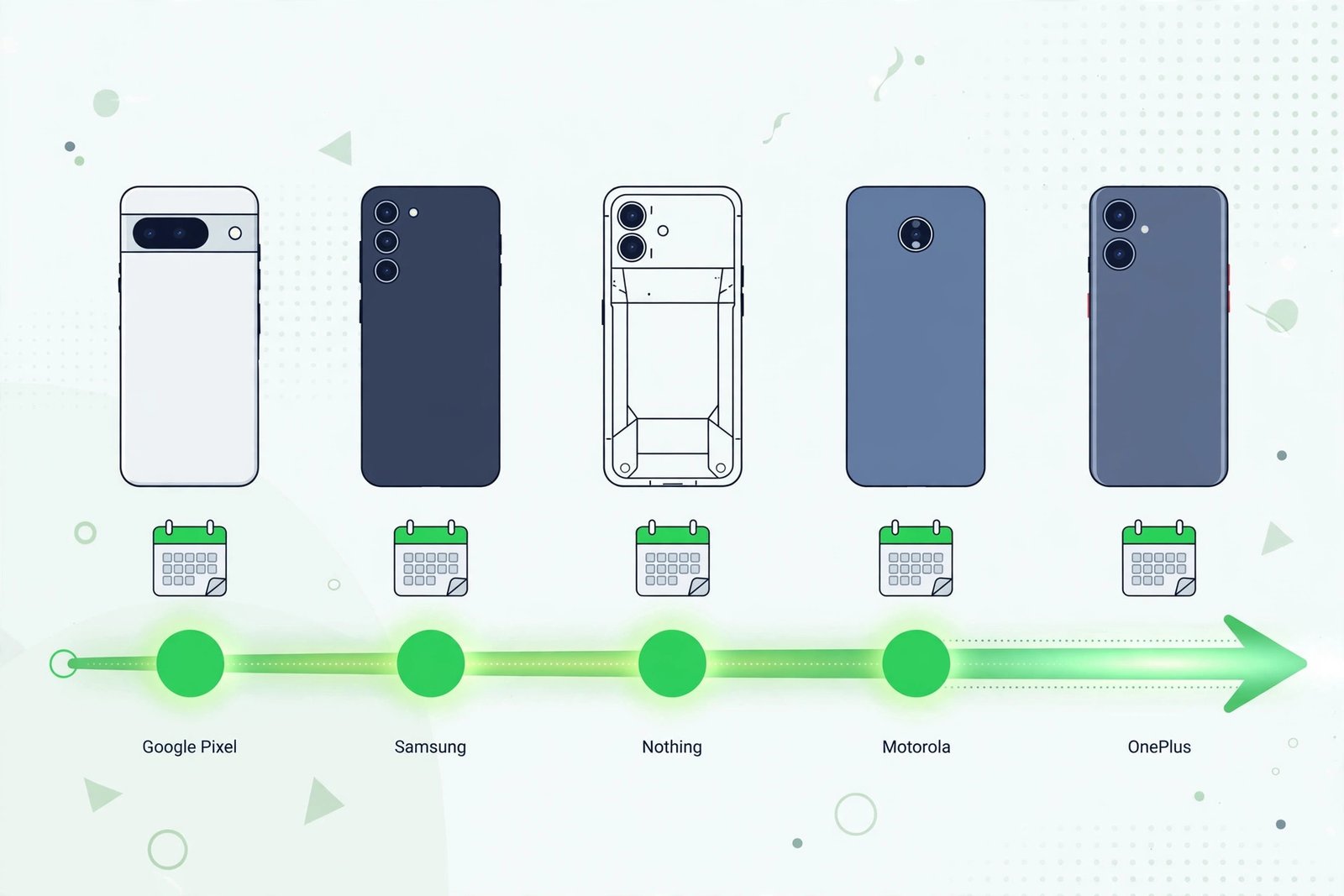
Every brand except Google has to adapt Android 17, test it and push it out region by region and carrier by carrier. That is why your neighbor can have it while you wait. Here is where each brand stands as of October 18, 2026.
| Brand | Software name | Status | First devices |
|---|---|---|---|
| Google Pixel | Android 17 / QPR1 | Stable since June 16, 2026 | Pixel 6 and newer |
| Samsung | One UI 9 | Stable since September 16, 2026 | Galaxy Z Fold8, Flip8; Galaxy S26 series |
| Nothing | Nothing OS 5.0 | Stable since October 12, 2026 | Nothing Phone (3) |
| Motorola | Hello UI (Android 17) | Rollout reported from October 6, 2026 | Razr Ultra 2026 |
| OnePlus / OPPO | ColorOS 17 | Announced; starts October 29, 2026 | OnePlus 15, OnePlus Pad 4 |
Google Pixel
Pixels were first, as always. Android 17 stable landed on most supported Pixel devices on June 16, 2026, from the Pixel 6 line through the Pixel 11 series and the Pixel Fold models. The September Pixel Drop brought the QPR1 follow-up. On a Pixel 6 or newer, the update should already be waiting in Settings.
Samsung: One UI 9
Samsung’s version is called One UI 9. The Galaxy Z Fold8, Z Fold8 Ultra and Z Flip8 shipped with it when they launched in July 2026, and the Galaxy S26 FE and Tab S12 series came with it out of the box. For everyone else, the stable rollout began September 16, 2026 with the Galaxy S26 series, starting in South Korea and reaching the US later that month. The Galaxy S25 series, Z Fold7 and Z Flip7 were reported getting the stable update from September 28 in South Korea, followed by the US on October 2 and India on October 6. The Galaxy S24 series was reported joining the stable rollout in South Korea from October 6, and by mid-October the update had expanded to the full S23 and S24 series plus the Z Fold6, Z Flip6, Z Fold5 and Z Flip5.
One UI 9 adds Samsung extras: My FanCam reframes videos to follow a selected person; Call Brief shows incoming-call context; smarter Now Nudge suggestions; customizable Now Brief cards; Security Brief and Privacy Alerts; expanded scam detection; and a Warranty and Care menu in Settings. Check under Settings, Software update, Download and install.
| Samsung model | One UI 9 (Android 17) status |
|---|---|
| Galaxy Z Fold8, Z Fold8 Ultra, Z Flip8 | Shipped with it (July 2026) |
| Galaxy S26, S26 Plus, S26 Ultra | Stable since September 16, 2026 |
| Galaxy S25 series, Z Fold7, Z Flip7 | Reported stable from September 28, 2026 |
| Galaxy S24 series | Reported stable from October 6, 2026 |
| Galaxy S23 series, Z Fold6/Flip6, Z Fold5/Flip5 | Expanding mid-October 2026 |
| Galaxy A series and Galaxy S23 FE | Through late 2026 into January 2027 |
Nothing: Nothing OS 5.0
Nothing started the stable Nothing OS 5.0 rollout for the Nothing Phone (3) on October 12, 2026, after an August beta. It is staggered by region, so check under Settings, System, System update. The roadmap has the Phone (4a) Pro, (4a), (3a) Pro and (3a) in early November; the Phone (2a) and (2a) Plus in mid-November; the Phone (3a) Lite in late December; and the Phone (4b) and CMF Phone 2 Pro in mid-January 2027. The Nothing Phone (1), Phone (2) and CMF Phone 1 will not get it.
Beyond Android 17 itself, Nothing OS 5.0 brings a redesigned launcher, the new Geist typeface, a Micrographics lock screen clock, expanded Glyph Interface controls and widgets, and improved Essential Space AI tools.
Motorola
Motorola’s stable Android 17 rollout began with the Razr Ultra 2026, reported from October 6, 2026, starting in the US. The 4.17GB download (software version A171WLH.38-19-5) adds Motorola’s Qira AI agent, a remappable AI Key double-press, an HDR Intensity slider, dismiss-notification haptics, and a redesigned Settings page. The Edge 60 Pro, Edge 60 Fusion, Motorola Signature and Edge 70 are following in the US and India. Check under Settings, System, System updates.
OnePlus and OPPO: ColorOS 17
OPPO launched ColorOS 17, its Android 17 based software, globally on October 13, 2026. OnePlus owners should know OxygenOS is being retired on supported phones: the update arrives as ColorOS 17 instead, a switch OnePlus calls voluntary with a rollback option. The schedule starts October 29, 2026 with the OnePlus 15 and OnePlus Pad 4, then October 30 brings the OnePlus 15R, 13 and 13s, with more devices through November and December and a final batch in Q1 2027. It adds a Living Flow design and AI features including AI Mind Pilot and AI Mind Space.
Everyone else: what is expected
Honor, iQOO, Lenovo, Realme, Sharp, vivo and Xiaomi all ran Android 17 beta builds, so their stable versions are in the pipeline. Xiaomi’s HyperOS, Vivo’s OriginOS and Honor’s MagicOS updates are expected from late 2026 into early 2027, but none had published firm stable dates as of October 18. If your brand is not listed above, your maker’s community forum is the best place to watch.
Staggered rollouts are normal. Two people with the same phone in the same city can get the update days apart. If your phone is on the list but shows no update, check back in a few days before trying anything drastic.
How to check if your phone has Android 17
First, check your version. Open Settings, tap About phone, and look at Android version. If it says 17, you are done. If not, look for the update manually:
- Open Settings, then System, then Software update. On Samsung it is Settings, then Software update, then Download and install.
- Tap Check for updates. If Android 17 is available for your model and region, it will appear.
- Before installing, connect to Wi-Fi, charge to at least 50 percent, and back up anything important. Major updates run several gigabytes.
Never install update files from random websites. Fake “Android 17” downloads are a classic way to spread malware. The only safe sources are your phone’s own updater and your manufacturer’s official pages.
Android 17 FAQ
Is my phone eligible for Android 17?
Flagships released in 2023 or later from Samsung, Google, Nothing, Motorola and OnePlus are generally in line. Check the tracker above and your manufacturer’s support pages.
How big is the update?
Several gigabytes. Motorola’s Razr Ultra 2026 build is about 4.17GB, and Samsung’s full update for the S26 was around 4.1GB, so clear space and use Wi-Fi. Phones that joined the beta get a much smaller delta download.
Will it delete my photos and apps?
No. A normal over-the-air update keeps everything. Still, back up anything important before any major update.
Do I need a new phone for the AI features?
No. Bubbles, Live Updates, the privacy controls and the performance improvements come with Android 17 on any supported phone. The most advanced AI features, like the full Gemini Intelligence layer, roll out in waves and favor newer, more powerful devices.
What if my phone never gets Android 17?
Keep installing the security updates your maker still sends, and be more careful with sideloaded apps. When security patches stop too, that is the real signal to start shopping for a replacement.
The bottom line
Android 17 is a practical upgrade rather than a flashy one. On a recent Pixel, Samsung flagship, Nothing Phone (3) or Motorola Razr Ultra 2026, it is either already installed or on its way. OnePlus and OPPO owners start getting it at the end of October. Everyone else should watch their maker’s schedule, because the waves keep coming into 2027.

- Android 17: What Is New, and Which Phones Get It in 2026 - October 18, 2026
- How to Run Android Apps on Windows 11 Without WSA in 2026 - October 17, 2026
- iPhone Duo: Should You Buy Apple’s First Foldable? - October 16, 2026