
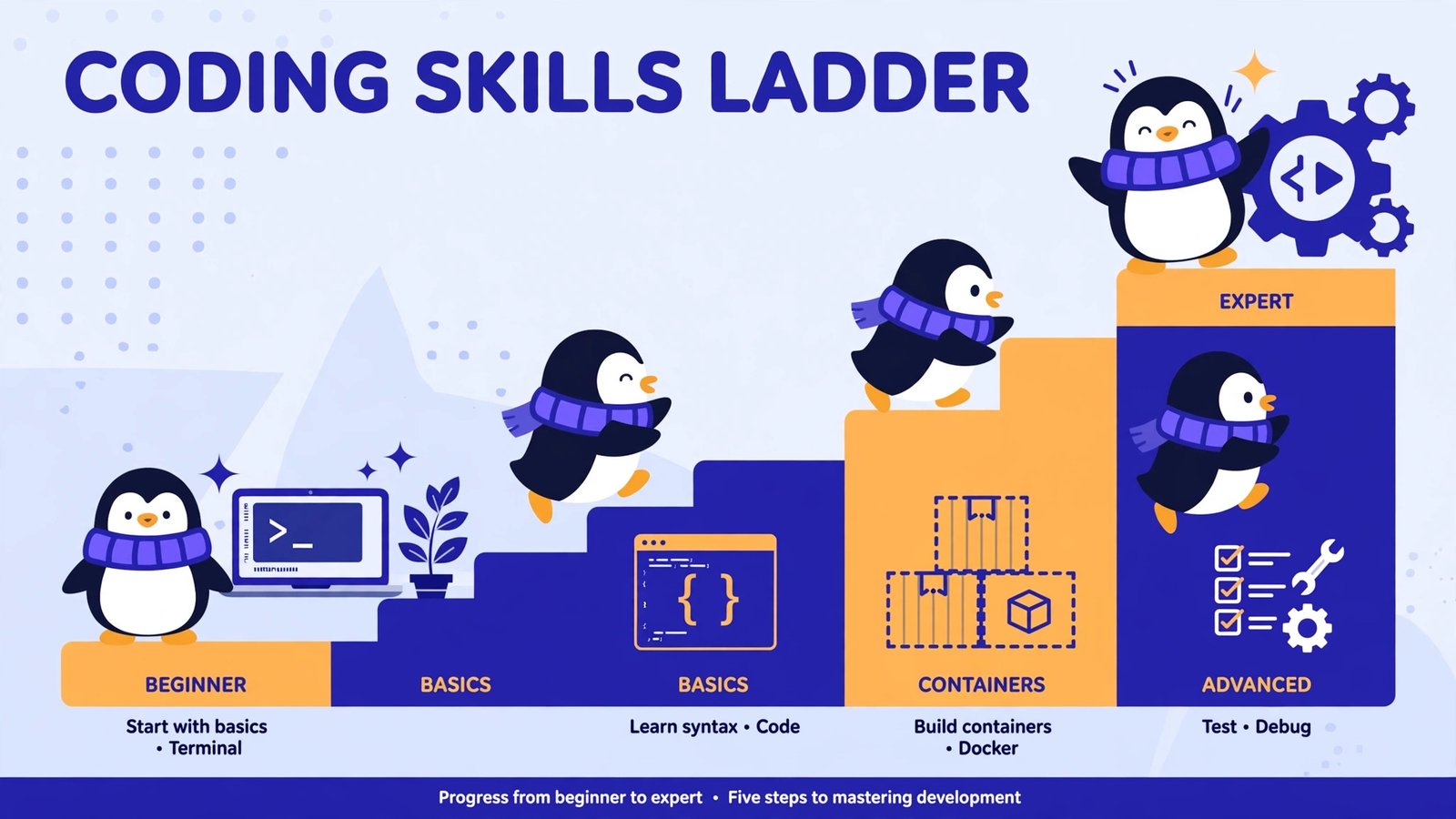
Every programmer eventually asks which Linux distro to code on, and the honest answer is that the distro matters less than the hours you put into it. But the wrong starting point can waste weeks of those hours. Below are the six distros I would actually recommend in 2026, ranked from easiest to hardest, with a clear pick at each level. Let’s begin with the easiest method.
Before you pick: one confusion to clear up. Ubuntu currently has two LTS releases floating around: 24.04 and 26.04. Both work, but if you are setting up fresh in late 2026, install 26.04 LTS: it ships Python 3.13 natively and is the current long-term release. And if anyone hands you a Fedora 43 ISO, decline politely: Fedora 43 reaches end of life in early December 2026, so it is a dead end for a new machine. Fedora 44 is the current stable release, with Fedora 45 landing around October 20, 2026.
1. Ubuntu 26.04 LTS: start here
Ubuntu 26.04 LTS is the default recommendation for a reason: the largest package ecosystem, the most answered questions on the internet, and a five-year support window so your dev machine doesn’t demand an upgrade every spring. It ships GNOME 50 on Wayland, a modern kernel, and Rust-based core utilities. For a beginner or a student, nothing else causes fewer surprises.
- What this gives you: apt with the biggest package archive in Linux, Snap and Flatpak support, and first-class documentation for nearly every dev tool.
- Who it is for: Beginners, students, and anyone who wants to write code instead of maintaining an operating system.
- The trade-off: Packages are stable rather than bleeding-edge; if you need the absolute latest compiler on day one, look at Fedora below.
We recommend Ubuntu 26.04 LTS as the default pick for most programmers in 2026. Pair it with an AI code generator and you have a serious development setup in under an hour.
2. Pop!_OS 24.04 LTS: the NVIDIA and machine-learning pick
Pop!_OS is Ubuntu’s cooler sibling, built by System76, and its superpower is graphics drivers: NVIDIA drivers come pre-configured, and the CUDA toolkit installs without the driver-conflict dance you get on vanilla Ubuntu. Version 24.04 LTS ships COSMIC 1.0, System76’s own Rust-based desktop with automatic window tiling built in, which is a joy for keyboard-driven coding sessions.
- What this gives you: Frictionless NVIDIA and CUDA setup for ML work, Ubuntu-compatible package base, and a tiling desktop purpose-built for workflows.
- Who it is for: Machine-learning developers, gamers who code, and anyone with an NVIDIA GPU who is tired of driver troubleshooting.
- The trade-off: A smaller community than Ubuntu, so obscure problems have fewer answered threads.
We recommend Pop!_OS if your work touches GPUs at all. For pure web development, Ubuntu above is equally good and better documented.
3. Fedora 44: the cutting-edge-but-sane pick
Fedora is where new Linux technology lands first, after Red Hat’s engineers have beaten it into shape. Fedora 44 ships the newest GNOME, the newest toolchains (Python, Go, GCC, LLVM all a version ahead of Ubuntu LTS), and strong container tooling with Podman. Linus Torvalds uses Fedora, which tells you something about its developer credibility.
- What this gives you: Near-upstream packages, SELinux security defaults, and a six-month release cadence that keeps your toolchain fresh.
- Who it is for: Developers who want the latest tools without the maintenance overhead of a rolling release, and anyone targeting the Red Hat ecosystem.
- The trade-off: Each release is supported for about 13 months, so you will upgrade roughly yearly. Do not confuse this with a rolling release; it is not.
We recommend Fedora for experienced developers who know what “I need the newest GCC” means. If that sentence means nothing to you, stick with Ubuntu.
4. Debian 13 “Trixie”: the rock that never moves
Debian 13, released in 2025, is the foundation half the Linux world is built on. It is conservative by design: packages are tested for years before they land, and the system changes as little as possible between releases. For backend developers and server engineers, this stability is a feature, not a limitation.
- What this gives you: A massive, meticulously tested package repository and a system you can set up once and forget for years.
- Who it is for: Backend developers, sysadmins, and anyone whose production servers run Debian or Ubuntu.
- The trade-off: Software versions lag behind; you will sometimes install newer tools manually or via containers.
We recommend Debian when your dev machine should mirror production as closely as possible. Match the distro to the deployment target: fewer surprises at 2 a.m.
5. openSUSE Tumbleweed: rolling release with a safety net
Tumbleweed gives you Arch-style freshness with something Arch refuses to: automatic system snapshots before every update, so a bad upgrade is one reboot away from being undone. It is the rolling release for people who have been burned by rolling releases before.
- What this gives you: The newest stable packages continuously, YaST for system administration, and snapper snapshots as a built-in undo button.
- Who it is for: Developers who want fresh packages but also want to sleep at night.
- The trade-off: Smaller community than Ubuntu or Fedora, and some third-party software targets Ubuntu first.
We recommend Tumbleweed as the sane middle ground between Fedora’s freshness and Arch’s intensity. If snapshots sound like a gimmick to you, you have never debugged a broken Tuesday morning update.
6. Arch Linux: full control, full responsibility
Arch hands you a minimal base and the Arch User Repository, then gets out of your way. You build exactly the system you want, with the newest packages available anywhere, and you learn how Linux actually works in the process. The cost is maintenance: after some updates you will spend an hour fixing a broken module or a Wayland regression.
- What this gives you: The freshest packages in Linux, a lean system with nothing you did not ask for, and the best wiki in the ecosystem.
- Who it is for: Experienced developers who enjoy tinkering and want total control.
- The trade-off: Unpredictable maintenance overhead makes it a poor choice for shared team environments or anyone on a deadline.
We recommend Arch only if you already know your way around a terminal and treat system maintenance as a hobby, not a tax. It is the hardest method on this list, and the ranking is honest about that.
Your first hour, whichever you chose
Once your distro is installed, the developer setup is nearly identical everywhere. On Ubuntu, Pop!_OS, or Debian:
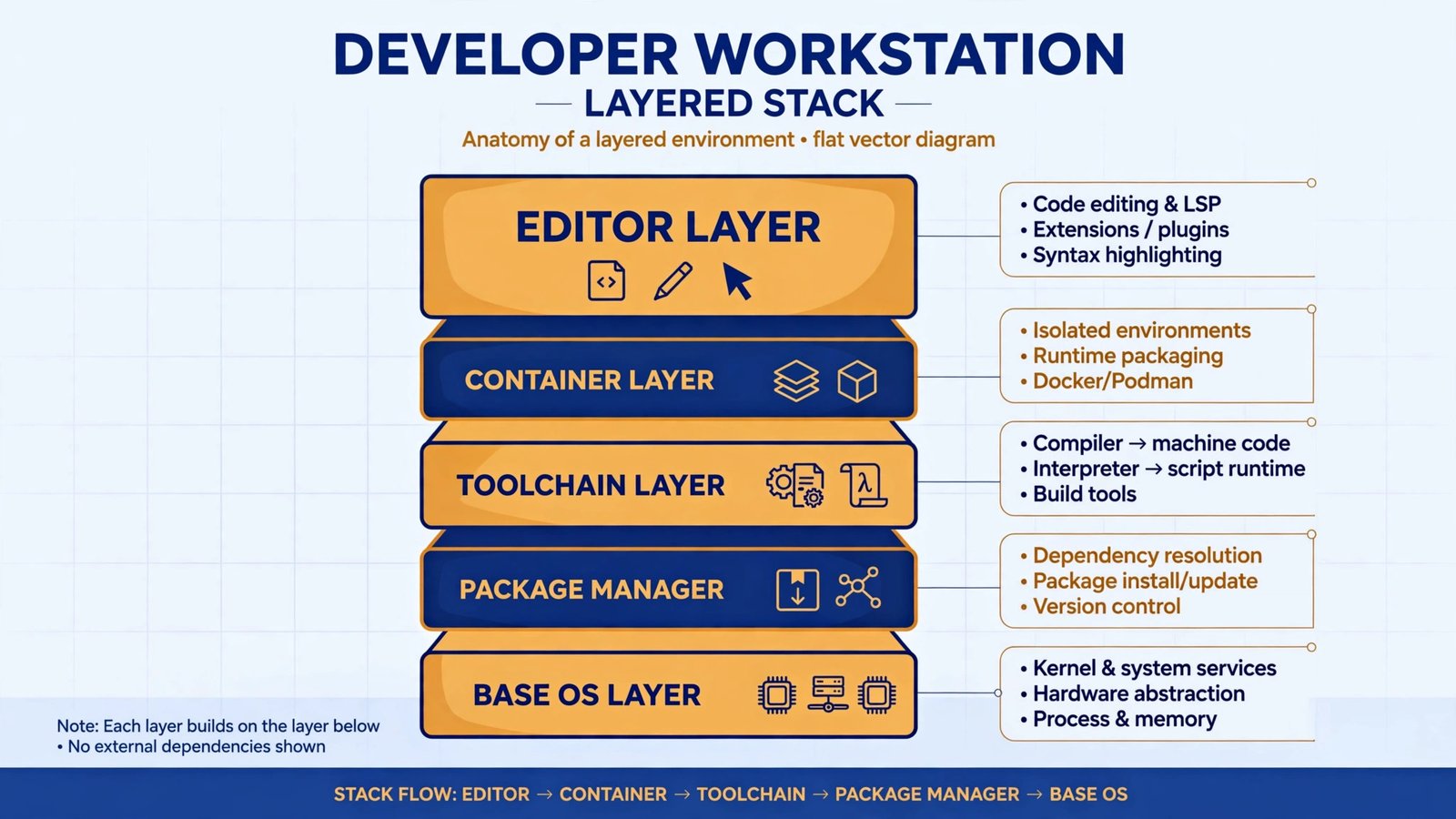
sudo apt update && sudo apt install -y build-essential git curl python3-venvOn Fedora:
sudo dnf groupinstall -y "Development Tools" && sudo dnf install -y git curlOn Arch or Tumbleweed, swap in pacman -S base-devel git or the equivalent zypper pattern. Then install your editor, set up SSH keys, and clone something. If you are building a career out of this, read our guide on becoming a DevOps engineer; if you live in the browser, these Chrome extensions for web developers will save you hours.
Our recommendation, in one line
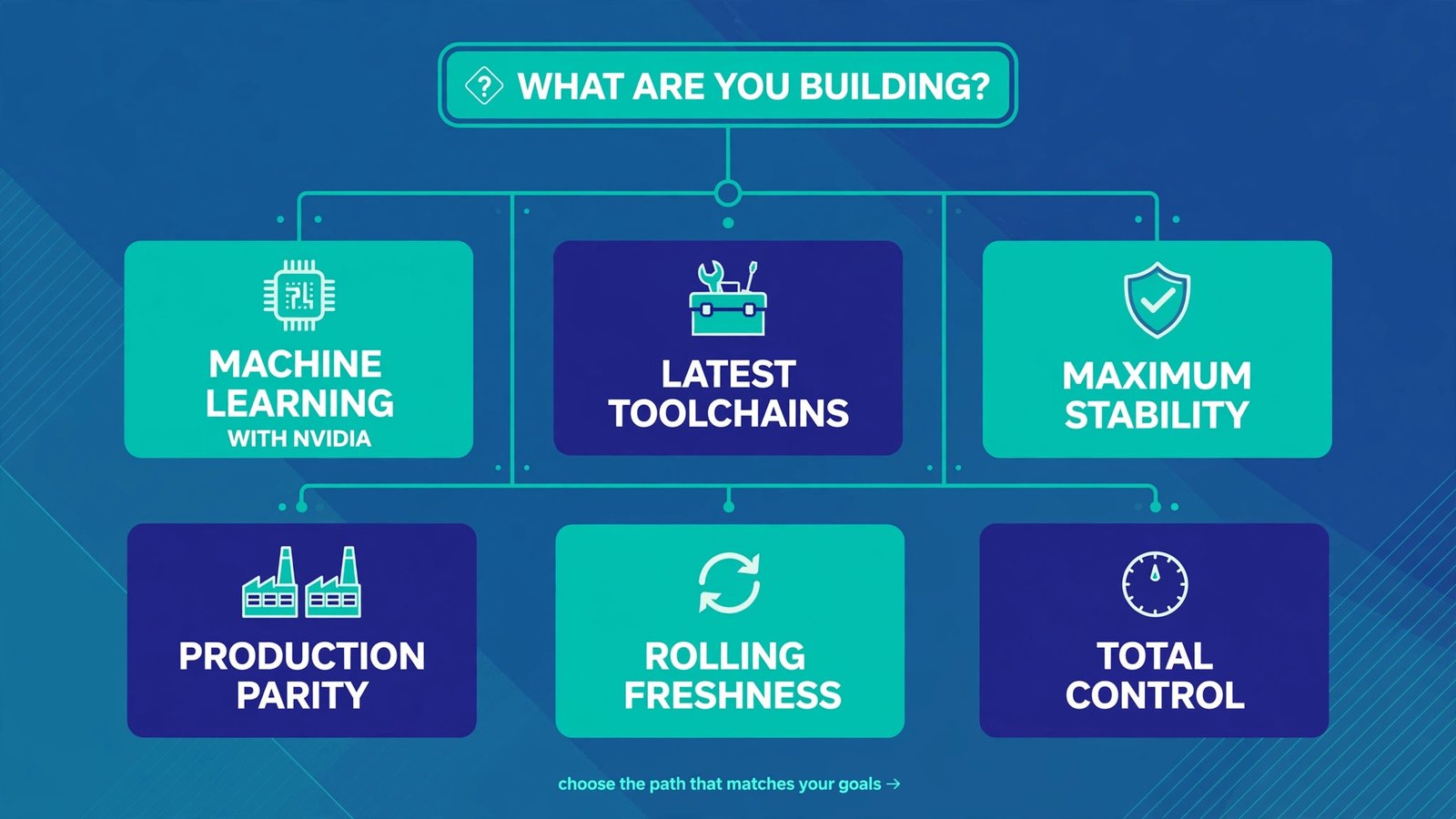
New to Linux? Ubuntu 26.04 LTS. NVIDIA or ML work? Pop!_OS 24.04 LTS. Experienced and want the newest tools? Fedora 44. Need production parity? Debian 13. Want rolling with a safety net? openSUSE Tumbleweed. Want total control and accept the maintenance? Arch. Pick one, commit to it for at least three months, and spend the saved decision energy on actual code.

- How to Fix a Laptop Camera Not Working in Windows 11 - October 23, 2026
- How to Fix the Brightness Slider Missing in Windows 11 - October 22, 2026
- How to Stop Phone Link From Opening on Startup in Windows 11 - October 21, 2026