
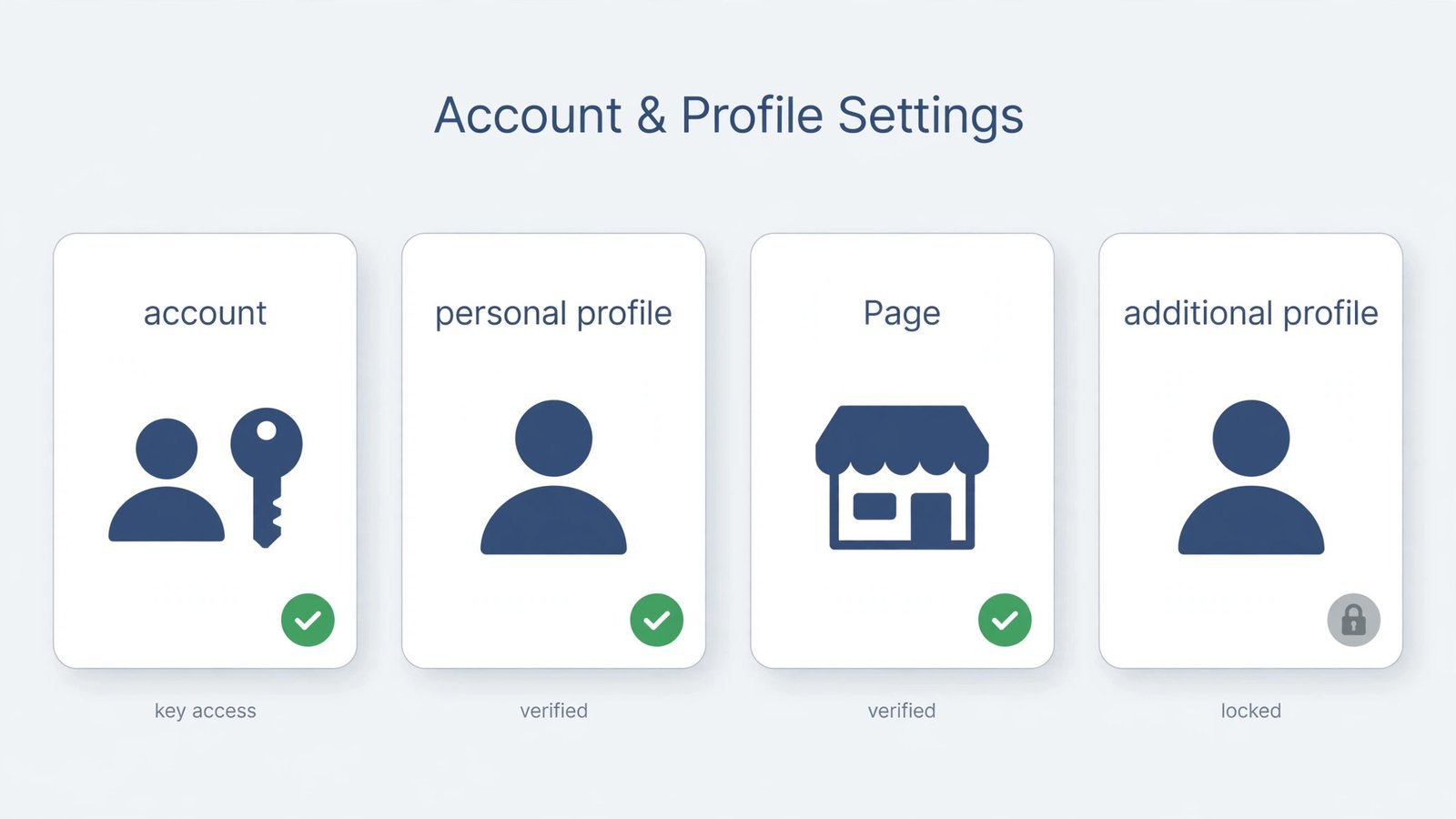
Here’s the policy, plainly: Meta allows one personal Facebook account per person. Creating a second account for yourself breaks Facebook’s Community Standards and can get both accounts restricted. Meta did roll out “additional profiles”, extra profiles under one login, but you can no longer create new ones; only profiles created earlier still work. So instead of a second account, here’s what actually fits your situation.
Facebook accounts, profiles, and Pages, what’s what
Facebook’s words get mixed up constantly, and the distinction is the whole answer. Your account is your login identity, one per person, non-negotiable. Your profile is the personal presence attached to that account. A Page is a separate public presence for a business, brand, or project, and you can create as many Pages as you like from your one account.
Why does this matter? Because almost everyone asking for a “second account” wants one of three things: a business presence (use a Page), a separate identity for a hobby or community (this was the job of additional profiles, but creation is now closed), or a fresh start after a ban (a new account won’t survive; Meta links it back to you). Match your actual goal to the right tool and you stay inside the rules.
| What you want | What to use | The rule |
|---|---|---|
| A personal presence as yourself | Your personal profile | One per person, this is mandatory |
| A presence for a business, brand, or project | A Facebook Page | Create as many as you like from your account |
| A separate identity for interests or communities | An additional profile | Creation discontinued, existing ones still work |
| A second login to keep things “separate” | Don’t, not allowed | Against Community Standards; risks both accounts |
How to get what you actually want (the compliant way)
For a business, brand, or public project, a Page is the right tool, and it’s free and unlimited.
- Log in to Facebook and open the menu (your profile picture, top right on desktop or bottom right in the app).
- Click Create, then choose Page.
- Enter a Page name and pick a category that describes what it’s for.
- Add a bio, profile picture, and cover photo so it looks legitimate from day one.
- Click Create Page, then invite people and start posting. You manage it from your personal account, no second login needed.
Note: Many older guides tell you to tap “Create New Profile” to add an extra profile under your account. Meta has removed that option, if you don’t see it, that’s why, not a bug. Existing additional profiles are unaffected and can still be switched between from the profile menu.
Why a Page beats a second account anyway
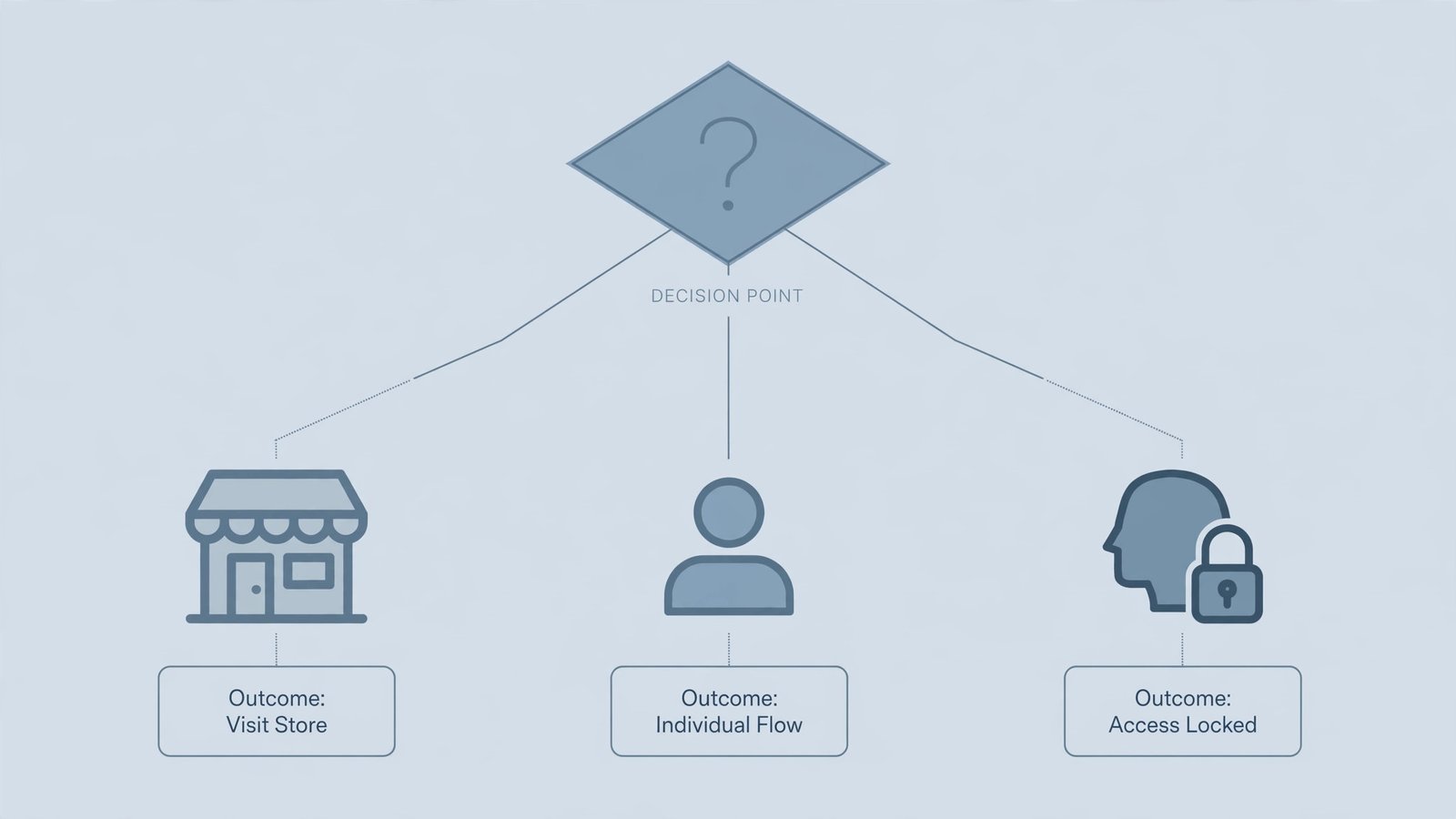
A second personal account puts your real account at risk every day it exists, one report or automated check can restrict both. A Page gives you the separation you wanted (different name, different audience, different posts) with none of that risk, plus tools a personal profile doesn’t have: insights, advertising, and roles so a team can help run it. If your goal was a hobby identity rather than a business, be honest about whether it’s worth the risk, most people find that a Page, a separate presence on another platform, or simply tighter audience controls on their one profile does the job.
Growing that new presence? Our Pinterest SEO tips apply to Facebook content strategy too, and writing good alt text makes your Page’s posts accessible to everyone.
Read next: Alternatives to Twitter, if what you really want is a separate social identity, here’s where to build one.

- How to Stop Samsung Galaxy Apps Running in the Background - November 4, 2026
- How to Turn Off Bixby Voice Wake-Up on Samsung Galaxy - November 3, 2026
- How to Turn Off Notification Reminders on a Samsung Galaxy Phone - November 2, 2026