
If you have heard that Google now sells an AI assistant that does your work for you, not just answers your questions, you heard right. On October 8, 2026, at its Gemini at Work event, Google announced the Gemini agent: a single AI system that plans tasks, works across your apps, and hands back finished results. There is one catch that matters more than anything else in this article: the business version is still rolling out, while a separate free version for consumers arrived on November 17, 2026. Here is the full picture, updated for late November 2026, based on Google’s official announcements and the reporting that followed.
The short answer: the business agent is rolling out, and consumers just got their own version
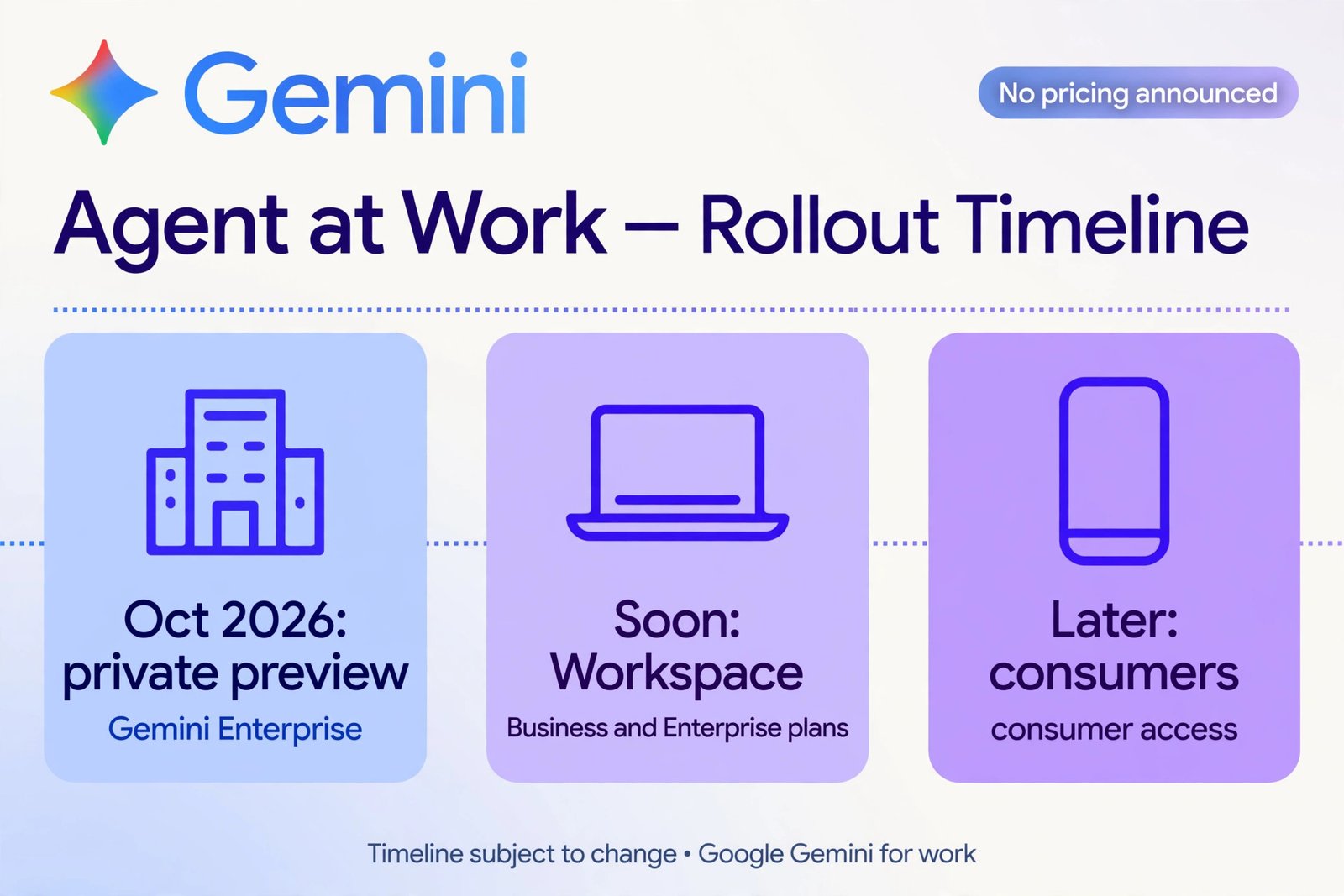
Google Cloud CEO Thomas Kurian introduced the Gemini agent on October 8, 2026, at Gemini at Work 2026 in Mountain View. It began in private preview for a selected group of Gemini Enterprise customers, and Google Cloud partners report general availability was set for mid-November, with existing Gemini Enterprise customers receiving it as a platform upgrade at the same list price. There is still no public signup page or download for the business agent, and no way for an individual to turn that version on directly.
Google says wider availability is coming for customers on select Google Workspace Business and Enterprise plans. For everyday consumers, the picture changed on November 17, 2026: Google made Tasks in Gemini free in the United States, Japan, Korea, Canada, Australia, and India. Tasks is the consumer version of the same idea, a mode in the Gemini app that takes on multi-step jobs in the background, runs on the Gemini 4 Hydrogen model, and in the United States can also call businesses, check out with Google Pay, and accept tasks by email or text. It is not the same product as the business agent, and the two should not be confused: the business agent works inside Workspace with company data and its own coworker accounts, while Tasks works on personal errands. Google has still not published a per-agent price for the business version, and no separate general-availability announcement could be confirmed as of late November, so treat any date you see outside Google’s own materials as unconfirmed.
What the Gemini agent actually is
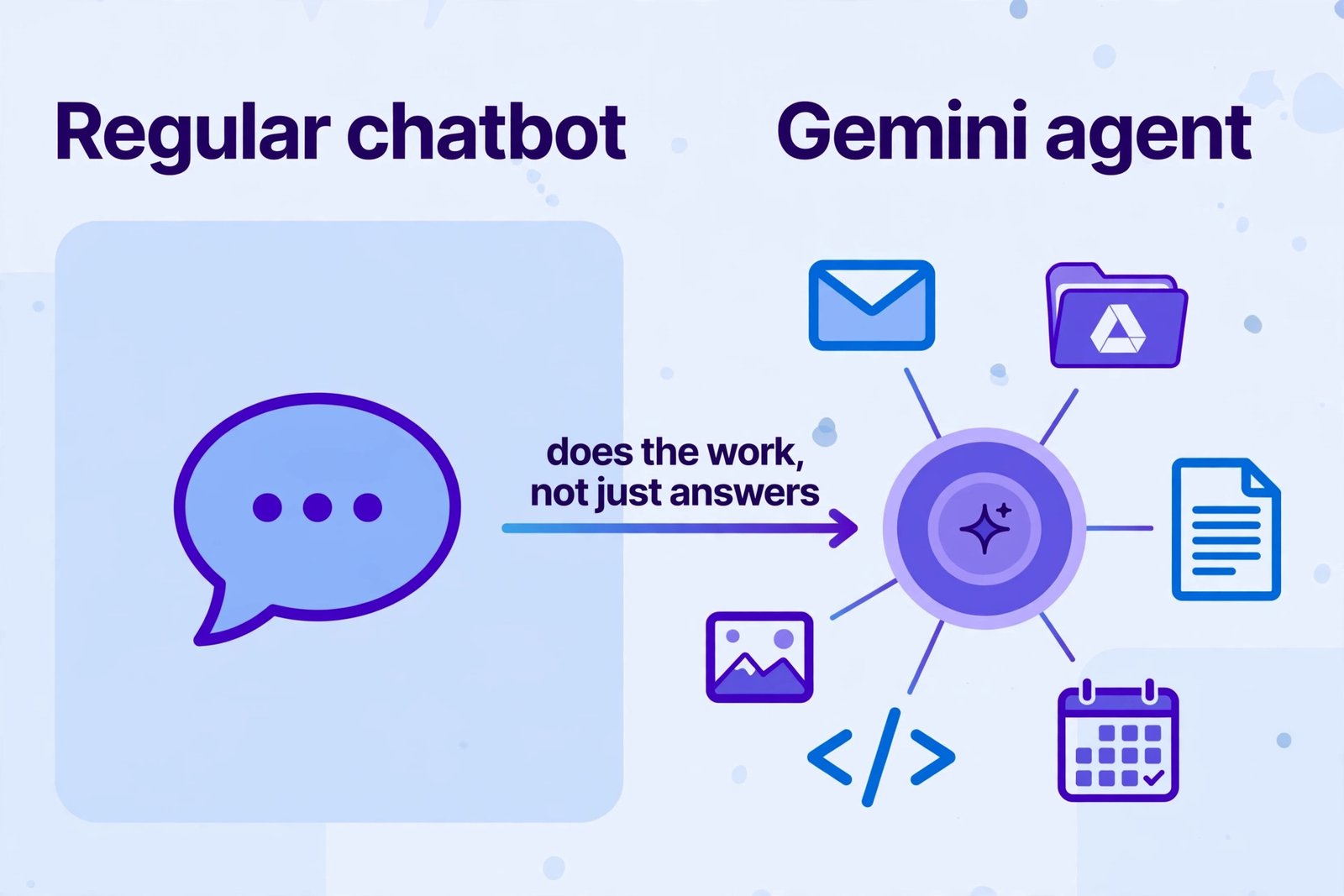
The easiest way to think about it: the Gemini agent is not a smarter chatbot. Google describes it as “a single, universal agent for work,” and the pitch fits on one line: you give it objectives, not instructions. Instead of typing step-by-step commands, you describe the outcome you want, for example, “prepare the project update as a slide deck.” The agent plans the work, picks the tools and skills it needs, connects to your company’s systems, and returns the finished result inside the documents, inboxes, and developer tools people already use.
Two things make this different from the AI features you have used before. First, it acts across applications rather than inside one chat window. A chatbot answers; the agent goes off, does the multi-step work, and comes back. Second, it keeps going without you. It runs in the cloud with a single set of memory and context, so a task that takes hours or days continues after you close your laptop. Google says the agent keeps four kinds of memory: the task in front of it, a knowledge base it builds from what it learns, the workflows it has picked up along the way (including skills it writes for itself), and a record of its past work.
It is reachable from one prompt box in the Gemini Enterprise app, and from the web, mobile, and desktop, the command line, Google Workspace, Microsoft 365, Slack, and through an API that lets developers embed it in third-party apps.
What it can do
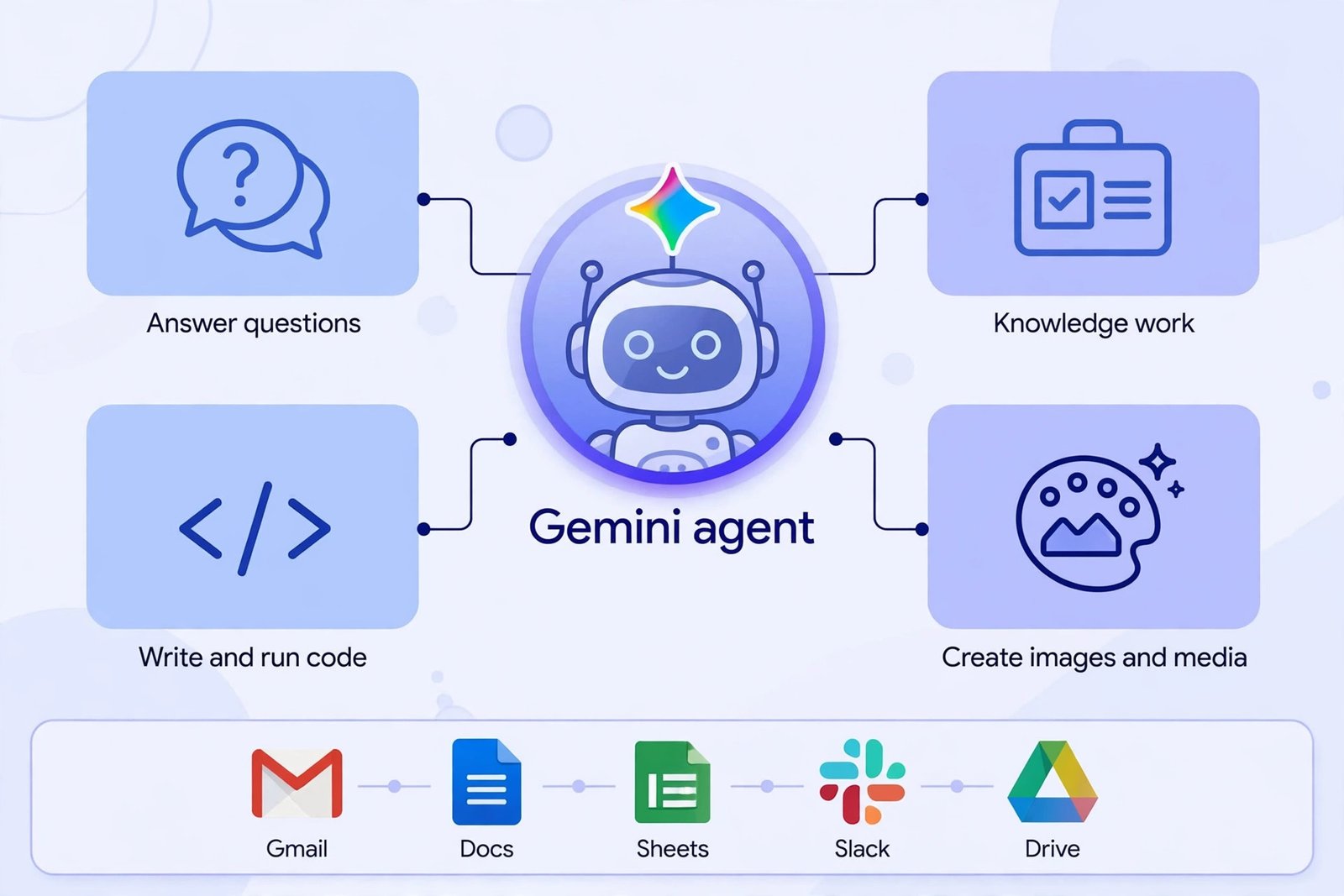
Google groups the agent’s abilities into four buckets: answering questions, handling knowledge work, creating images and media, and writing and running code. Here is what each one looks like in practice.
Answer questions and handle knowledge work
This is the familiar part, but pointed at your company’s own information. Ask in plain language, and the agent searches across Drive, documents, and spreadsheets instead of just the web. For example, ask “what did we agree with the vendor in March,” and it can pull the answer from email threads and signed documents rather than making you dig. Google also announced new data and analytics skills that let both technical and non-technical staff ask plain-language questions and get usable operational answers in minutes, drawing on sources like BigQuery.
Create images and media
The agent generates images and media and builds them into finished deliverables. The example Google used: your manager emails asking for the latest project update as a slide deck, and the agent gathers the content, builds the deck, and delivers it. It is not generating a picture for fun; it is producing the asset your team actually needs and placing it where the team works.
Write and run code
The agent writes code and runs it, which matters for developers and for automating routine technical chores. It connects to code repositories like Git and to databases like Postgres, so it can work with real systems rather than producing code snippets that sit in a chat window. A progress inbox shows the reasoning, the sub-tasks it delegated, the skills it loaded, and any code it wrote, so a human can follow what happened.
Work inside the apps you already use
This is the part Google is betting on most. The agent works directly inside Gmail, Drive, Docs, Sheets, Slides, Chat, and Calendar, carrying the same memory and skills everywhere. It is not limited to Google’s world either: it connects with Microsoft 365, Slack, and Teams, plus business systems like Jira, Confluence, Salesforce, ServiceNow, Git, BigQuery, Snowflake, Databricks, and any server that speaks the Model Context Protocol (MCP). Teams can also publish their own tools and skills to a shared company registry, so one team’s workflow can become reusable by everyone.
Keep working, coordinate helpers, and become a coworker
For big jobs, the agent can spin up temporary sub-agents that handle parts of a task in parallel or in sequence. The more unusual version is the coworker agent: a persistent, role-based agent that gets its own Google Workspace account, complete with an email address (in the form @agents.company.com), a calendar, Drive storage, and an entry in the company directory. Colleagues add it to a Chat space, mention it by name, or tag it in a document comment, and its edits appear under its own name in version history.
Crucially, a coworker agent acts under its own identity rather than borrowing the identity of the person who created it, and it can only see the context people share with it. Access follows the company’s existing sharing rules. Every action it takes is logged to an audit trail attributed to the agent itself, which is exactly what IT and compliance teams will want to hear.
Behind the scenes, the agent picks the AI model that fits each job. The current lineup is the Gemini 4 family, with Argon for interactive work, Carbon for long, heavy jobs (generally available November 10, 2026), Hydrogen for fast everyday agent work (generally available November 12, 2026), and Neon, which arrived November 23, 2026. Google also routes some jobs to Anthropic’s Claude models, with more models promised later, and administrators can limit which models their agents are allowed to use. Companies can also set hard spending caps per project: the agent pauses when a budget is reached, and costs can be charged back to departments.
Who gets it, and how to check eligibility
Right now, eligibility for the business agent is still narrow: it is rolling out to Gemini Enterprise customers, and the path in is through your IT administrator or your Google Cloud account team, not through a public signup. Google says select Google Workspace Business and Enterprise plans are next in line. There is no public waitlist or download for the business version. Consumers have a different route: Tasks in Gemini is free in the six countries named above, and you try it by opening the Gemini app and flipping the home-screen switch from Chat to Task.
Google is also rolling out industry-specific versions: agents tailored for financial services and legal teams are already in preview, with versions for government, healthcare, and retail expected later. If you work in one of those fields, your industry’s version may arrive alongside or ahead of the general rollout.
On pricing, the honest answer is that Google has not published a per-agent price. Google Cloud partners report that existing Gemini Enterprise customers receive the agent as a platform upgrade at the same list price, with no separate product to buy, and usage-based details are still to follow. Do not budget around a number you have not seen from Google itself. If you are a regular consumer, the change is real but different from the business rollout: Tasks in Gemini is free in six countries, while the full business agent stays behind the enterprise wall for now. You will still meet Gemini in the Gemini app and in AI answers in search, which you can turn off if you prefer the classic results.
| Detail | Status as of October 2026 |
|---|---|
| Announced | October 8, 2026, at Gemini at Work 2026 |
| Availability | Rolling out to Gemini Enterprise customers; general availability was set for mid-November |
| Next in line | Select Google Workspace Business and Enterprise plans |
| Consumers | Tasks in Gemini free since November 17, 2026 in the US, Japan, Korea, Canada, Australia, and India; full business agent still enterprise-only |
| Models used | Gemini 4 family (Argon, Carbon, Hydrogen, Neon) and Claude; more to come |
| Price | Not published by Google |
| General availability date | Set for mid-November 2026 per Google Cloud partners; no standalone Google announcement confirmed as of late November 2026 |
How it differs from the AI assistants you already use
A consumer chatbot lives in its chat window. You ask, it answers, and the work still falls to you. The Gemini agent is designed to leave the chat window: it plans the task, moves through your apps, remembers what it learned, and keeps working after you walk away. That shift, from answering to doing, is the whole point of the announcement.
Google is also not alone here. Microsoft has been pushing its own workplace agents, and OpenAI has focused more on consumer products, going so far as to discontinue its AI-powered browser, ChatGPT Atlas. Google’s bet is different: be the first to wire a frontier AI agent directly into enterprise workflows, with its own Workspace identity, audit trail, and cost controls. If your company already runs on Workspace, this lands where you work. If it runs on Microsoft 365 or Slack, Google is betting the cross-platform connections are good enough to pull you in anyway.
Limitations and open questions
The announcement is ambitious, but a launch announcement is a promise, not proof. Here is what is still unknown or unresolved.
- Reliability is unproven. A limited rollout means only a small group of customers has used it so far. Google has not published independent benchmarks showing how reliably the agent completes long, multi-step assignments across different apps. Customer stories in the announcement, such as document review times dropping dramatically, are Google-reported figures, not independent results.
- Pricing is a blank page. No published price, no confirmed detail on whether each coworker agent needs its own license, and no word on how long-running tasks will be billed. Companies planning budgets will want answers before committing.
- Governance is now your problem. An agent with its own email address and calendar is convenient, but it raises real policy questions: who is allowed to create agents, what data can each one see, what can it spend, and who reviews its work before it acts. Companies will need an agent-account policy before they scale this.
- It depends on rivals cooperating. The cross-platform story only works if the connections to Microsoft 365, Slack, Teams, and third-party systems stay solid. Google can control its own apps; the rest depends on integrations it does not fully own.
- Consumers have a version now, but not this version. Tasks in Gemini is free in six countries since November 17, 2026, so an individual can try agent-style task handling on a personal account. The business agent itself, with Workspace data, coworker accounts, and audit trails, is still enterprise-only, with no announced date for personal accounts.
The bottom line
The Google Gemini agent is Google’s clearest statement yet that AI at work is moving from chatbots that answer to agents that do. One agent, one prompt box, working across Workspace, Microsoft 365, and Slack, with its own identity, memory, and budget controls, rolling out to enterprise customers since its October 8, 2026 announcement, while consumers got their own free version, Tasks in Gemini, on November 17, 2026. If your company runs on Google Workspace, this is worth watching closely and discussing with your IT team. If it does not, the pattern still matters: agents with real identities, audit trails, and spending caps are where the whole industry is heading, and Google just made the biggest move of the year.

- How to Fix a New SSD Not Showing Up in Disk Management [Fix] - November 27, 2026
- How to Fix Excessive SSD Writes Caused by the NVIDIA Driver on Windows 11 (TBW Verdict) - November 26, 2026
- How to Add a Printer on Windows 11 (Step-by-Step Guide) - November 24, 2026