
Want to swap your face into a movie clip, a funny photo, or a trending video? These are the face swap apps that actually still work in 2026, with honest notes on price, watermarks, and limits.
What to check before installing a face swap app
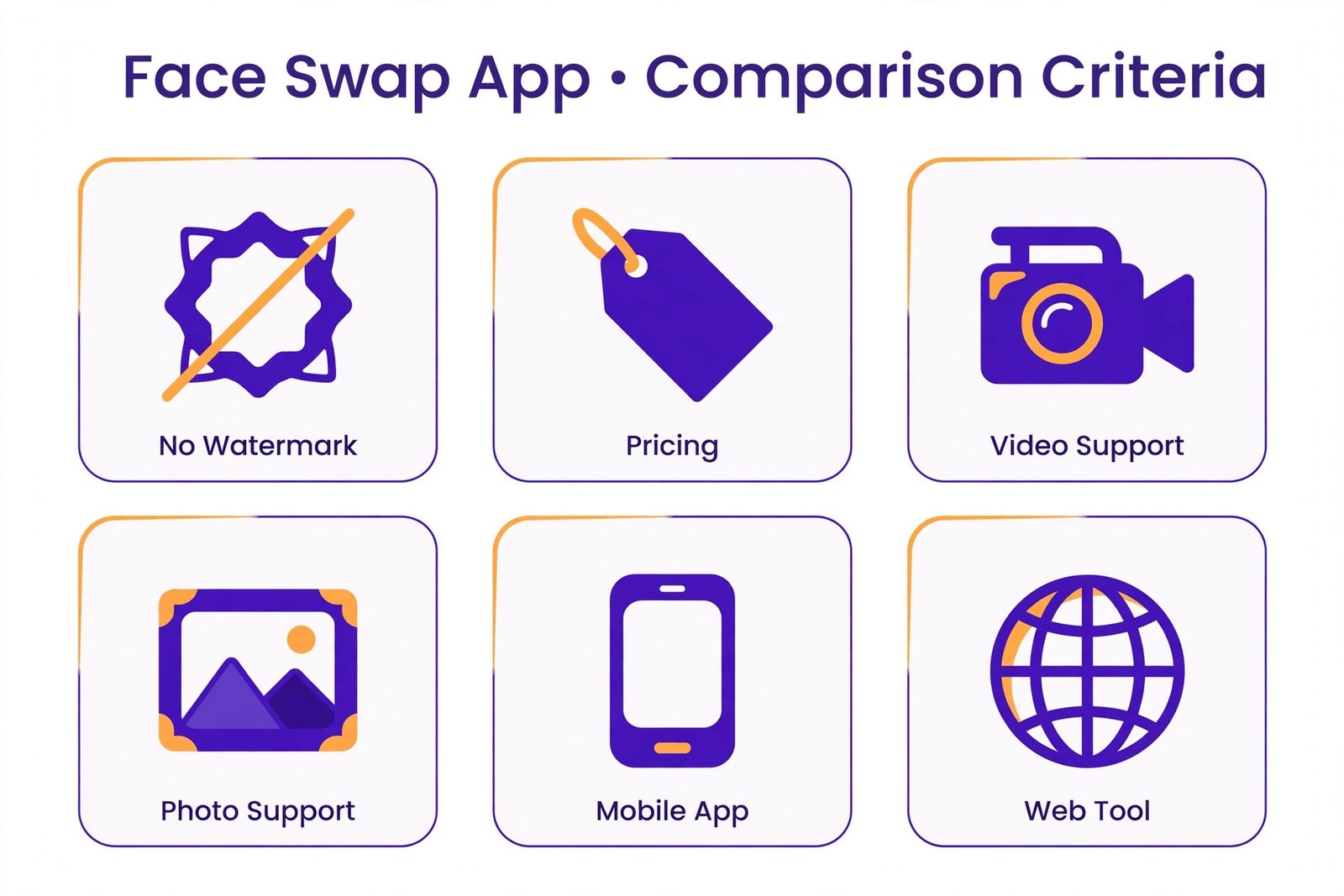
Not every “free” face swap app is really free. Most of them let you try one or two swaps, then add a watermark or ask you to pay. Before you download anything, check three things: whether the free tier watermarks your results, whether it handles photos or video (rarely both well), and whether your photos are processed on your phone or uploaded to someone else’s server. That last one matters more than people think, so it is worth a minute of your time.
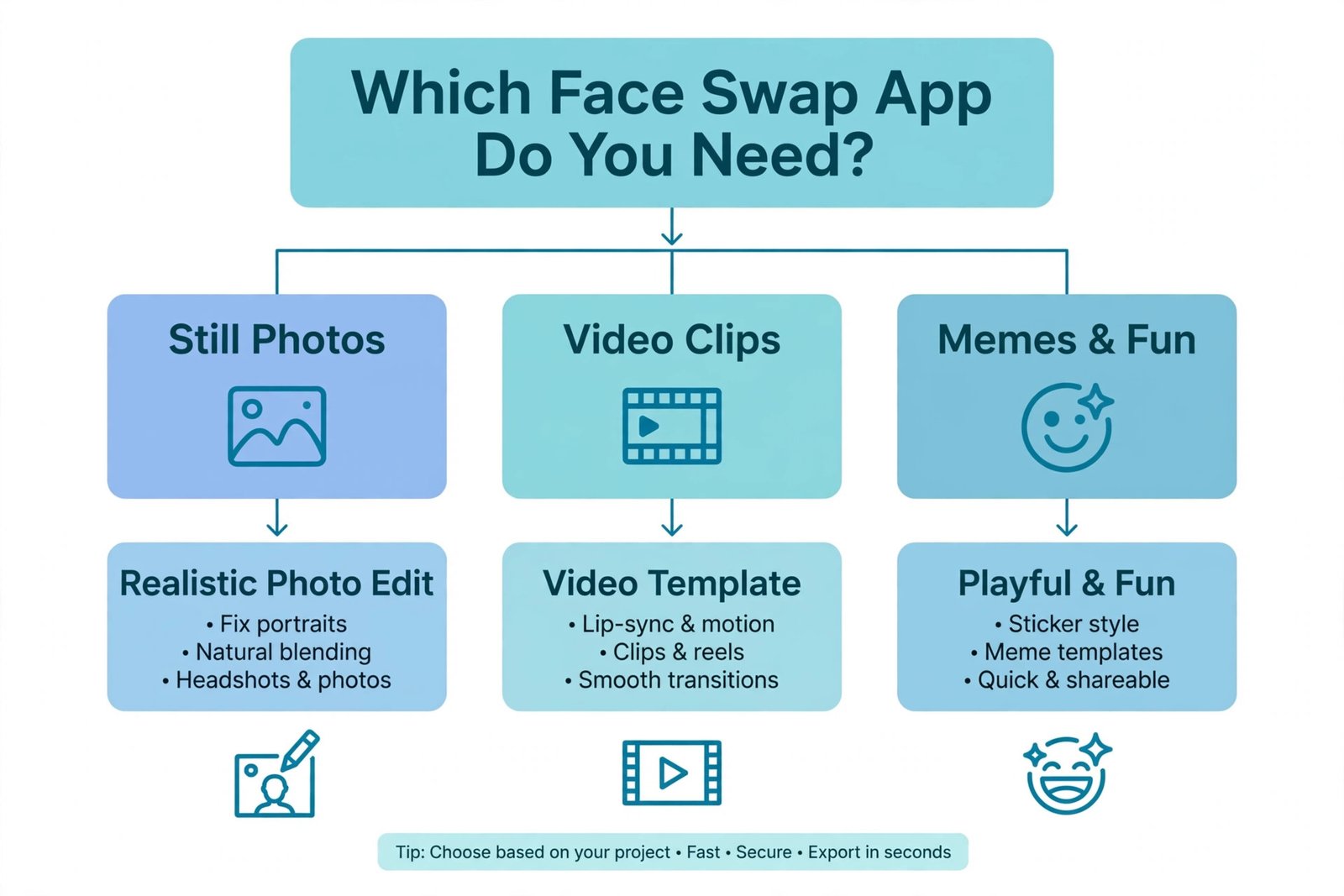
The 6 best face swap apps in 2026
Every app below is live and maintained in 2026. Each pick lists what it does well, where it falls short, and a straight verdict.
1. Reface: best for video and GIF swaps
Reface swaps your face into videos, GIFs, and a huge library of ready-made templates: movie scenes, music clips, and meme formats. You take a selfie, pick a template, and the app does the rest in seconds.
- Strengths: fast results, big template library, handles video well, available on iOS and Android.
- Caveats: the free tier is limited and adds a watermark to videos; the paid plan costs around $3.99 per month.
Verdict: the easiest way to put yourself into a video clip. Worth the subscription only if you make these regularly.
2. FaceApp: best for realistic still photos
FaceApp uses AI to swap and transform faces in still photos, and its results are still among the most realistic for portraits. Beyond swaps, it can change hairstyles, age a face, or alter expressions, all from your photo library.
- Strengths: very natural-looking results on photos, works with images you already have, simple interface.
- Caveats: the free version shows ads, queues your processing, and limits quality; full features need a paid plan.
Verdict: the best choice when realism in a still photo matters more than speed or video.
3. FacePlay: best for video templates
FacePlay is built around AI video templates: you upload a selfie and the app generates short clips of you dancing, acting, or wearing outfits from different eras. It is template-driven, so you do not need any editing skill.
- Strengths: large template collection, fun AI outfit and scene effects, quick sharing to social apps.
- Caveats: free exports carry a watermark and template access is limited; a subscription unlocks the good stuff.
Verdict: pick this for ready-made viral-style videos, not for precision swaps of your own footage.
4. DeepSwap: best browser-based swaps
DeepSwap runs entirely in the browser, so there is nothing to install. Upload a photo, video, or GIF, pick the face, and get a swapped result. It handles multi-face images better than most mobile apps.
- Strengths: no app install, works with photos, videos, and GIFs, decent results on group photos.
- Caveats: the free tier is small (a few credits to start), free exports carry a watermark, and full use starts around $9.99 per month.
Verdict: the convenient option when you want a quick swap on a computer without downloading an app.
5. Remaker AI: best generous free image swaps
Remaker AI is a web and mobile tool that swaps faces in photos and short videos. Its free plan includes daily credits and watermark-free image exports, which is rare in this category, and paid credits start from about $2.99 for a batch.
- Strengths: watermark-free exports on the free plan, batch processing, simple upload-and-swap workflow.
- Caveats: results can over-smooth facial details, and video features cost credits quickly.
Verdict: the best free option for clean image swaps with no watermark, as long as you accept slightly softened results.
6. Cupace: best simple free photo swaps
Cupace is a lightweight Android app that cuts a face from one photo and pastes it onto another. It is not AI-driven like the others, but it is free, fast, and highly rated by users.
- Strengths: completely free to use, tiny app size, quick manual swaps, one of the highest-rated face swap apps on the Play Store.
- Caveats: manual cut-and-paste looks less realistic than AI swaps, and it only handles still photos.
Verdict: a solid no-cost pick for casual photo jokes where perfect realism is not the goal.
Quick comparison
| App | Media | Free tier | Paid from | Platform |
|---|---|---|---|---|
| Reface | Photos, video, GIFs | Yes, watermarked | ~$3.99/mo | iOS, Android |
| FaceApp | Photos | Yes, limited | Paid plan | iOS, Android |
| FacePlay | Video templates | Yes, watermarked | Paid plan | iOS, Android |
| DeepSwap | Photos, video, GIFs | Yes, small credit grant | ~$9.99/mo | Web |
| Remaker AI | Photos, short video | Yes, daily credits, no watermark | ~$2.99/credit batch | Web, mobile |
| Cupace | Photos | Fully free | Free | Android |
A serious note on consent
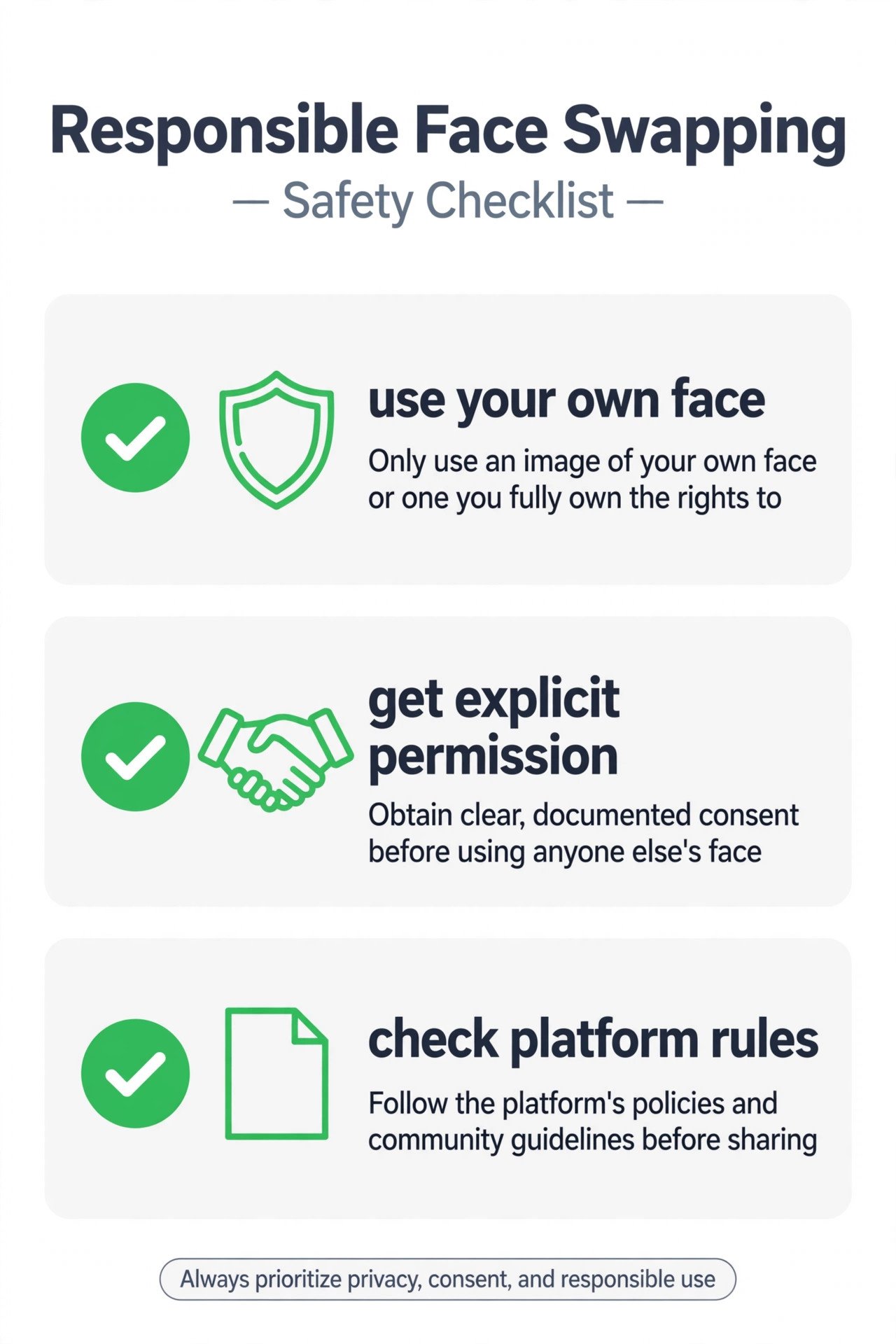
Face swap technology in 2026 is realistic enough that the line between a joke and harm is entirely about consent. Only swap faces you have explicit permission to use, ideally your own. Non-consensual deepfakes, especially sexualized ones, are illegal in a growing number of places and banned by every major platform. If you want to understand the sharper edge of this technology, read our comparison of deepfake apps, which covers the same ground rules in more depth.
Our take
For most people, the answer is simple. Want a fun video swap? Start with Reface’s free tier. Want a realistic photo swap? Try FaceApp or Remaker AI. If you end up swapping faces often enough to hit the free limits, that is the signal a paid plan is worth it. If you only do it twice a year, the free tiers are plenty.
And if what you actually want is to restyle your photos rather than swap faces, see our guides to photo-to-cartoon apps and background remover tools for cleaner starting points.
Frequently asked questions
Are face swap apps free?
Most offer a free tier with real limits: watermarks, fewer templates, or a daily credit cap. Cupace is the exception here and is fully free. If you want clean, unlimited results, expect a subscription of a few dollars per month.
Do face swap apps upload my photos to a server?
Many do, especially the AI-powered ones that need heavy processing. Check each app’s privacy policy before uploading sensitive photos, and prefer apps that offer on-device processing if that matters to you.
Can I face swap in a video I already recorded?
Yes, with DeepSwap, Remaker AI, or the desktop tools we covered in our deepfake comparison. Mobile apps like Reface and FacePlay mostly work with their own templates rather than your footage.
Is face swapping legal?
Swapping your own face, or someone else’s with their permission, for personal fun is generally fine. Creating realistic fakes of real people without consent, especially for fraud or sexualized content, is illegal in many jurisdictions and violates platform rules everywhere.

- How to Change the Lock Screen Timeout on Windows 11 - October 25, 2026
- How to Fix the Windows 11 Taskbar Auto-Hide Problem - October 24, 2026
- How to Fix a Laptop Camera Not Working in Windows 11 - October 23, 2026