
Key Takeaways
- Streamlabs is the most capable phone streaming app in 2026, with overlays, alerts, chat, and multistreaming to Twitch, YouTube, and Facebook.
- Twitch still rules gaming, YouTube Live wins on discoverability and archiving, TikTok LIVE is best for short viral sessions, and Kick offers the friendliest revenue split for new streamers.
- Mobile streaming on YouTube needs at least 50 subscribers; TikTok LIVE needs 1,000 followers and an 18+ account.
- Periscope is long dead. It shut down on March 31, 2021, so do not download lookalike apps trading on its name.
Streamlabs turns your phone into a pocket broadcast studio, with overlays, alerts, and multistreaming built in. But the best live streaming app depends on where your audience already spends its time. Here are the five best live streaming apps for Android and iOS in 2026, what each does best, and which old favorites are gone for good.
Streamlabs: The Best All-Round Mobile Streaming App
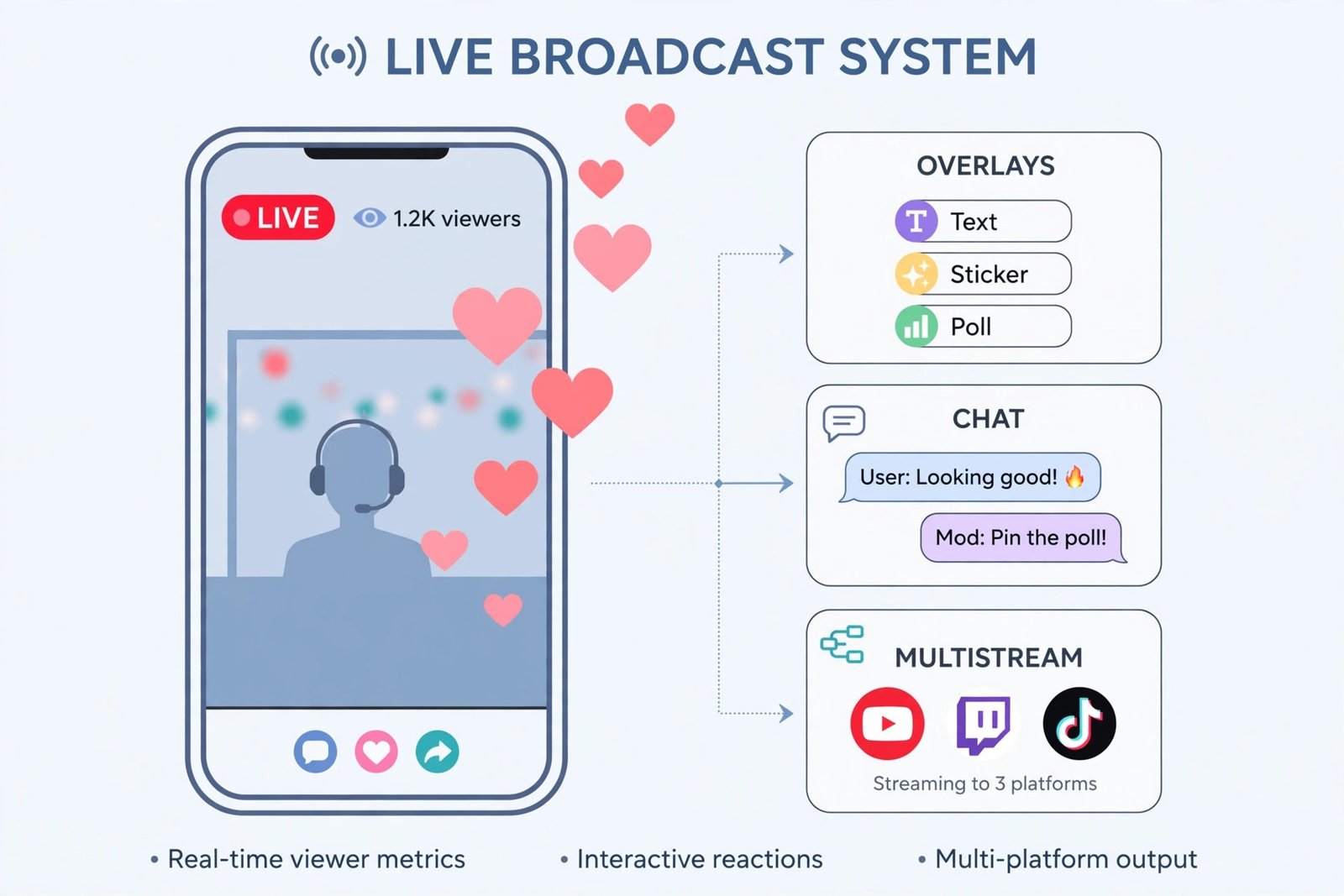
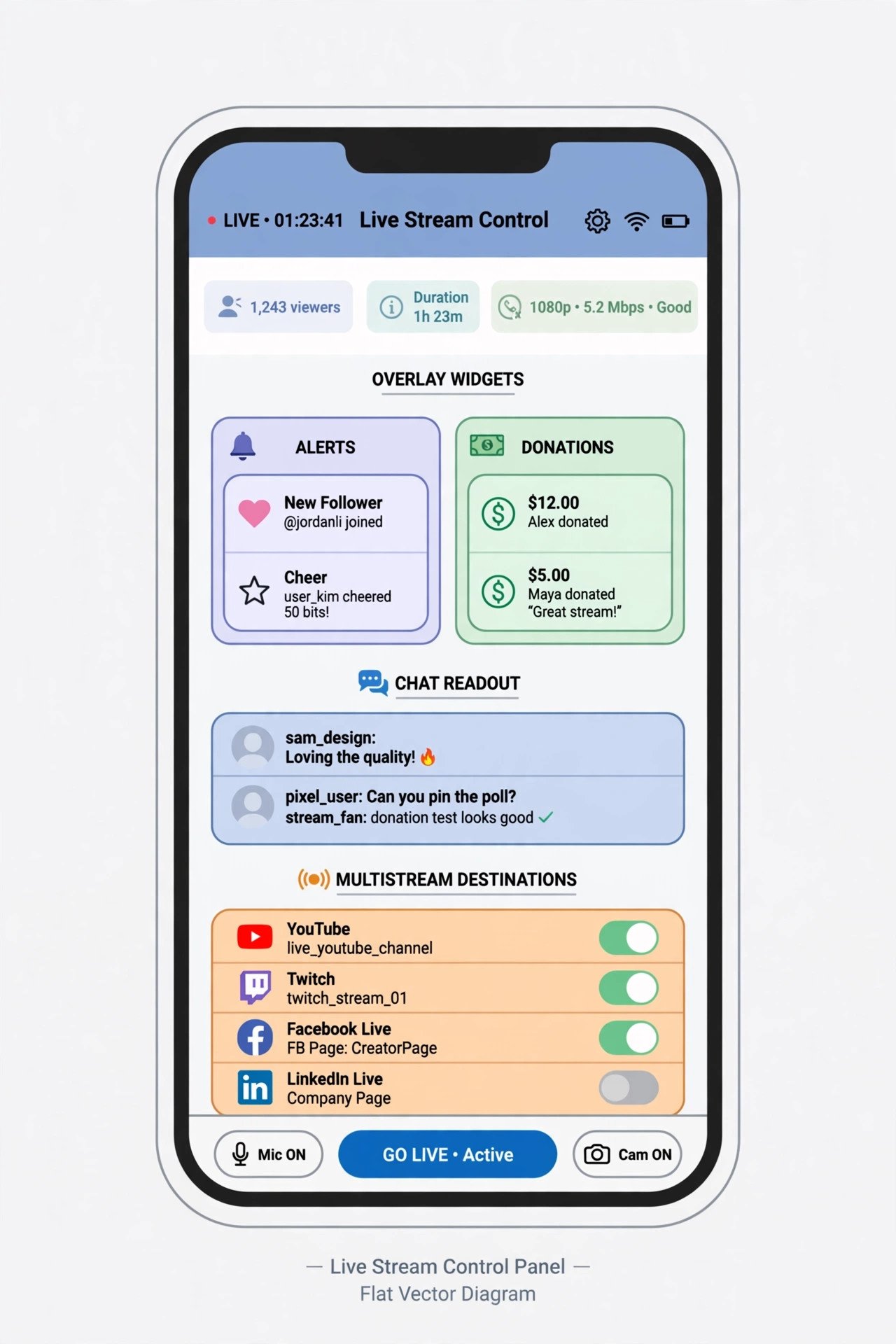
Streamlabs is the closest thing to a mobile studio. It streams to Twitch, YouTube, and Facebook from one app, layers on overlay widgets, donation alerts, and a chat readout, and supports custom RTMP destinations for the technically inclined. The free tier covers single-platform streaming with basic overlays; Streamlabs Ultra, around $19 a month or $149 a year, adds multistreaming, premium themes, and merch tools. It is the default pick for a creator who wants one app open while broadcasting.
Two honest caveats: the phone-only stream leans entirely on your phone’s encoder, so heat and battery drain are real on long sessions, and the best features sit behind the paywall. Best for: mobile creators who want overlays, alerts, and multistreaming without a PC.
Twitch: Best for Gaming
Twitch remains the home of gaming culture: the largest community of gaming streamers, deep chat culture with emotes and raids, and subscriptions and Bits for monetization. The mobile app streams and watches natively, and going live takes seconds. Twitch’s overall watch hours have been stabilizing rather than growing in 2026, but for gaming audiences it is still the community that matters most. Best for: gamers who want the biggest built-in audience of fellow gamers.
YouTube App: Best for Discoverability
Nothing beats the native YouTube app for simplicity: open it, hit create, go live. The killer advantage is what happens after: streams stay on your channel as regular videos, keep earning through ads and Super Chat, and rank in search for years. Twitch VODs expire; YouTube videos compound. The one gate is eligibility: streaming from a phone requires at least 50 subscribers, while desktop streaming has no minimum. Filmora’s tested list of YouTube Live apps is a useful second opinion if you want alternatives to the native app. Best for: creators playing the long game on search and evergreen content. Save your best moments afterward: the best YouTube Shorts channel ideas turn stream highlights into a second audience.
TikTok LIVE: Best for Short, Viral Sessions
TikTok LIVE is built for the For You Page: short, high-energy sessions that the algorithm can push to strangers fast. It overtook Twitch in mobile-first watch hours back in 2025 and stayed flat through 2026, which still makes it enormous. Monetization runs on gifts converted to Diamonds, with creators keeping roughly half. Access requires 1,000 followers and an 18+ account in most regions, so it is not the place to start from zero. Best for: casual, personality-driven streams that thrive on discovery.
Kick: Best Revenue Split for New Streamers
Kick is the challenger that grew by paying creators better: its 95/5 revenue split in the creator’s favor is the most generous of any major platform, and it passed 100 million registered users in April 2026. The audience skews gaming, the culture is looser than Twitch’s, and discoverability for small streamers is kinder than on the incumbents. The tradeoff is a smaller overall audience and a rowdier reputation. Best for: new streamers who care most about keeping what they earn.
| App | Best for | Free? | The catch |
|---|---|---|---|
| Streamlabs | All-round mobile studio | Yes; Ultra ~$19/mo | Best features need Ultra; heats your phone |
| Twitch | Gaming community | Yes | Single platform; VODs expire |
| YouTube app | Discoverability, archiving | Yes | 50 subscribers needed for mobile streaming |
| TikTok LIVE | Viral short sessions | Yes | 1,000 followers and 18+ required |
| Kick | Revenue split | Yes | Smaller audience; gaming-skewed |
Gone for Good: Periscope and Other Dead Services
Old “best streaming app” lists still name services that no longer exist, so here is the honest record. Periscope, the Twitter-owned app that popularized phone livestreaming, shut down on March 31, 2021, after its features were folded into Twitter Live (9to5Mac covered its final day). Mixer, Microsoft’s Twitch competitor, closed in 2020. Meerkat, Periscope’s 2015 rival, died in 2016. If you find an app store listing trading on the Periscope name today, it is not the original: skip it and pick from the five above.

Pick Your Stage and Go Live
Choose Streamlabs if you want a full studio on your phone, Twitch for gaming community, the YouTube app for content that keeps working after the stream ends, TikTok LIVE for viral discovery, or Kick for the best cut. If your streams eventually move to a desk setup, the best screen recorders for Windows 10 cover recording them on PC.

- How to Fix the Windows 11 Taskbar Auto-Hide Problem - October 24, 2026
- How to Fix a Laptop Camera Not Working in Windows 11 - October 23, 2026
- How to Fix the Brightness Slider Missing in Windows 11 - October 22, 2026