
Solitaire has quietly become one of the most crowded corners of the app store. There are hundreds of versions, and they are not all the same game, which is the first thing nobody tells you. Some are calm and ad-free, some are stuffed with timers and pop-ups, and a few will try to sell you things mid-game. Here’s how to find the one that fits the way you play.
People play solitaire for different reasons: a quiet morning ritual, a way to unwind without doomscrolling, or a genuine love of card puzzles. Knowing your reason helps, because the best app for a relaxing break isn’t the same as the best app for a daily competitive challenge.
First, pick your solitaire
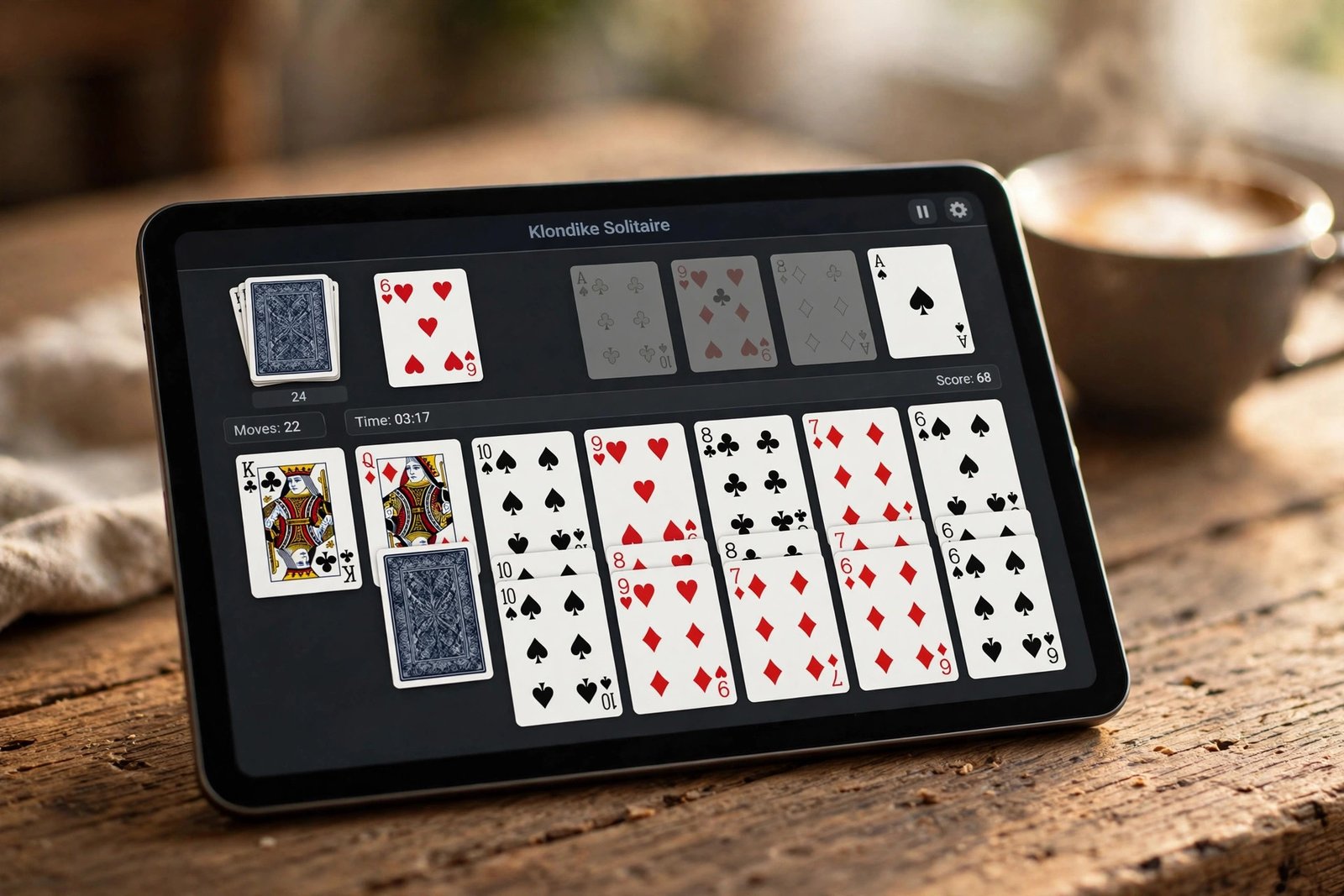
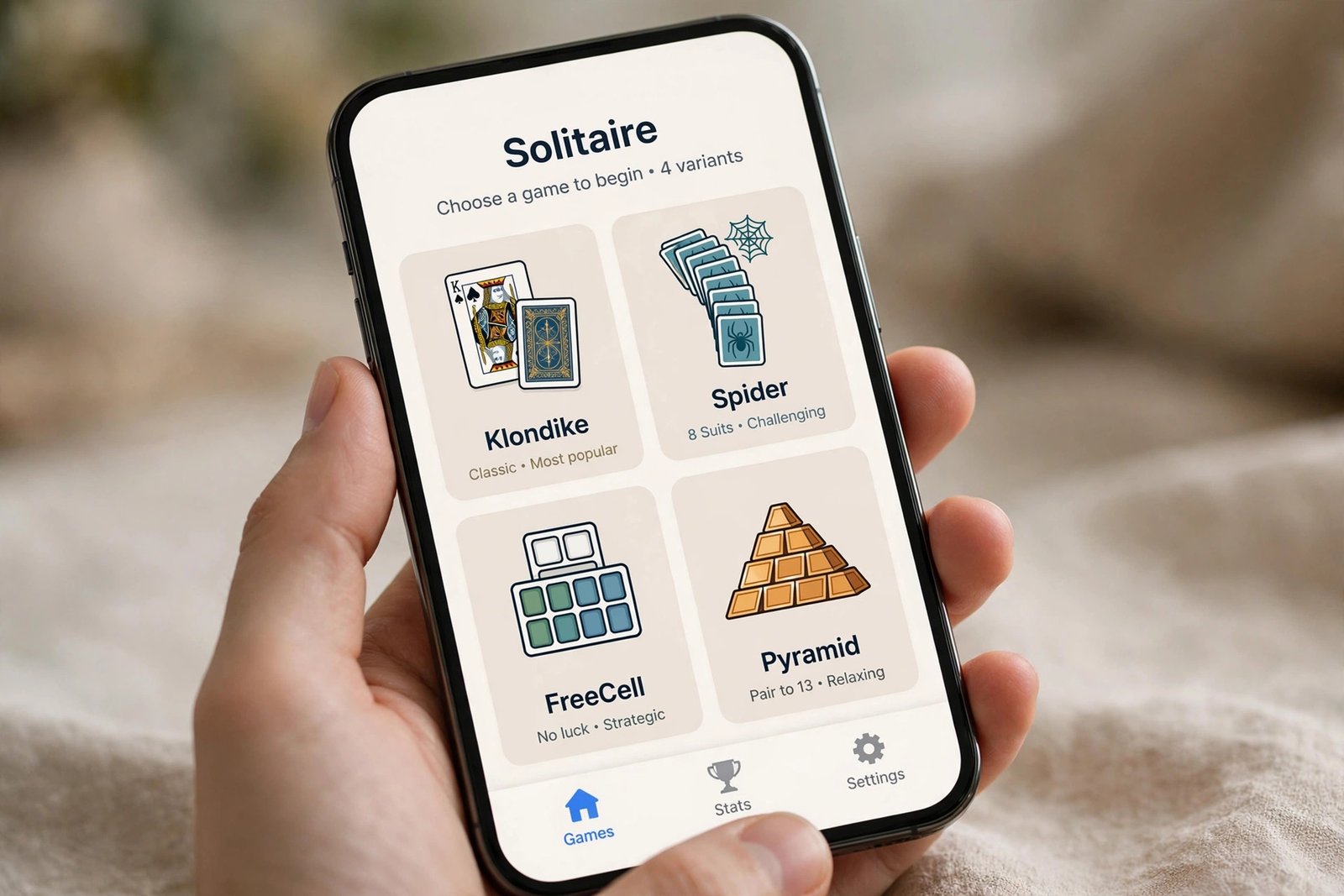
“Solitaire” usually means Klondike, the classic seven-column game from old Windows. But the best apps include several variants, and knowing which you like narrows the field fast:
- Klondike: the classic. Simple rules, satisfying when it clicks.
- Spider: ten columns, all about sequencing suits. Slower and more strategic.
- FreeCell: nearly every deal is winnable, pure logic, no luck excuses.
- Pyramid and TriPeaks: quick, breezy clearing games. Great for five-minute breaks.
The best apps right now
Microsoft Solitaire Collection
The one most people know. It bundles Klondike, Spider, FreeCell, TriPeaks, and Pyramid with daily challenges, stat tracking, and themes. It is free with ads, and a small one-time premium upgrade removes them for good. Available on Android, iOS, and Windows, with progress that follows you.
Solitaire Bliss
The calm option. A clean, classic look with Klondike, Spider, FreeCell, and Pyramid, deep customization, and no ads interrupting your game. If you want solitaire to feel like a quiet break rather than a casino, start here.
MobilityWare Solitaire
The original mobile solitaire, still going strong. Smooth card physics, a familiar feel, and goals to chase. The free version has ads, and the premium version clears them out.
Brainium Solitaire
A polished collection with sharp visuals, left-handed mode, and a fun touch: you can use your own photos as card backgrounds. Free on Android and iOS.
Solitaired
Not an app at all, which is the point. It runs in your browser with hundreds of solitaire variations and no install. Handy on a shared computer or a Chromebook.
Which app is right for you?
| You want | Pick this | Platforms |
|---|---|---|
| Daily challenges and variety | Microsoft Solitaire Collection | Android, iOS, Windows |
| No ads, calm design | Solitaire Bliss | Android, iOS |
| The classic mobile feel | MobilityWare Solitaire | Android, iOS |
| Custom backgrounds | Brainium Solitaire | Android, iOS |
| No install, tons of variants | Solitaired | Web browser |
More apps worth a look
Hardwood Solitaire IV packs over 100 solitaire variations into one polished app, for players who get bored of Klondike. The 250 Solitaire Card Games Pack goes further still with more than 250 variants, rebuilt for modern phones in its 2026 edition. Solitaire FRVR is a lightweight, drag-and-drop option that runs well on older devices. And Green Felt Solitaire is a fast, minimal browser game if you want zero installs and zero fuss.
Which variant should you learn next?
If Klondike is getting stale, learn Spider next: it uses the same instincts but adds real depth. When you want pure logic with almost no luck, FreeCell is the answer, and nearly every deal is winnable if you think it through. For quick sessions, TriPeaks clears in minutes and is weirdly hard to put down. Most of the apps above include all of these, so you’re not downloading anything new, just tapping a different icon.
A quick note on cash-prize solitaire apps
You will also see apps that turn solitaire into cash tournaments. They are real, but they are a different hobby: entry fees, geographic restrictions, and real-money risk. If you just want a relaxing card game, stick with the list above.
Daily challenges and stats: do they matter?
Most solitaire apps now include daily challenges and win statistics. They’re worth using if they motivate you: a daily challenge gives you a reason to open the app, and stats show whether you’re actually improving at Spider or just getting lucky. But if numbers stress you out, ignore them completely. Solitaire doesn’t grade you, and the undo button exists precisely so a bad deal doesn’t ruin a good break. Play the way that feels good, not the way the app’s leaderboard wants.
Make it a better habit
- Turn on airplane mode if ads bother you. Most solitaire games play fully offline.
- Try Draw 3 in Klondike once Draw 1 feels too easy. It changes the game completely.
- Use the undo button shamelessly. It is there to help you learn, not to judge you.
Solitaire works best as a small daily ritual, not a rabbit hole. For more low-key phone time, see our puzzle game picks, card games for Android, and offline Android games. For a wider sweep of what is available, this 2026 solitaire roundup and this alternative-app list cover the field.

- How to Fix Windows 11 Search Not Finding Files - October 24, 2026
- How to Fix Windows 11 Clock Showing the Wrong Time - October 23, 2026
- How to Fix File Explorer Slow to Open in Windows 11 - October 22, 2026