
Key Takeaways
- Google retired Google Assistant on phones starting September 4, 2026. Gemini is now the default voice assistant on Android, with no switch-back option on eligible devices.
- Gemini is stronger at conversation, summaries, and research. The old Assistant was faster at quick commands like timers and smart home routines.
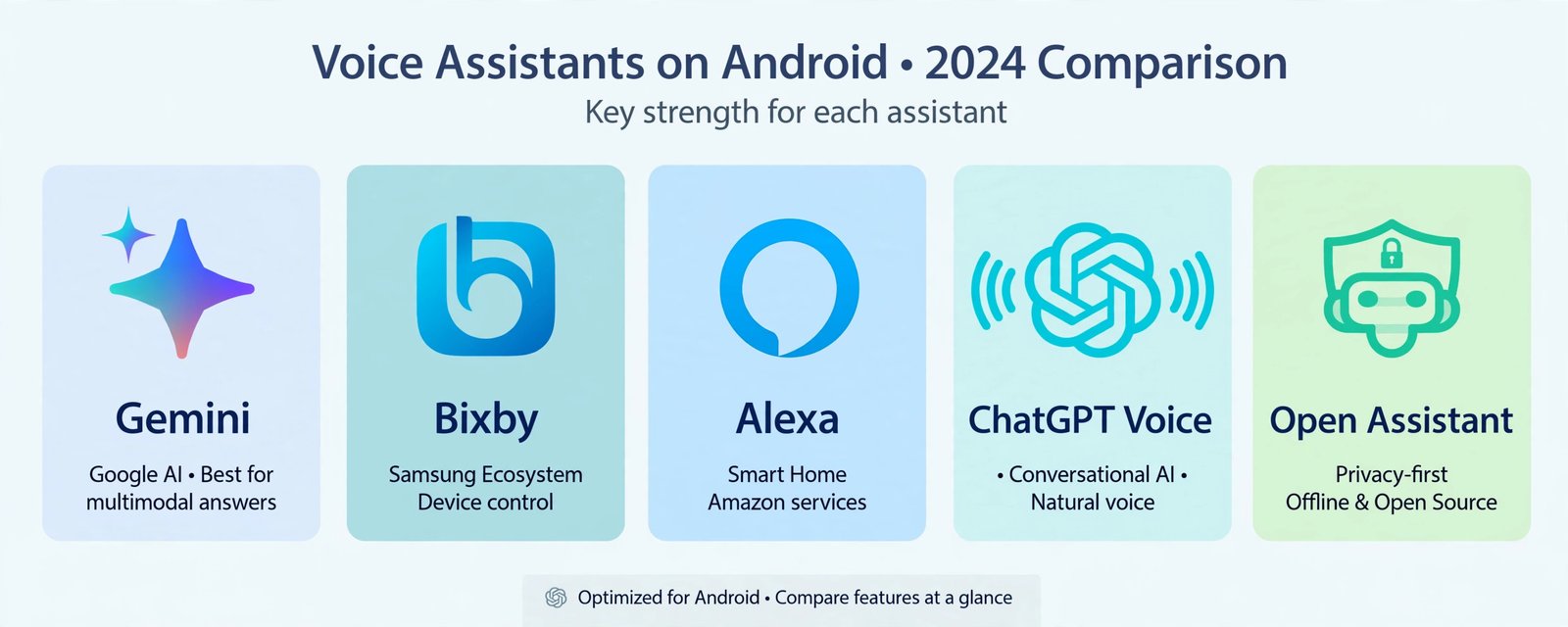
- The best alternatives on Android are Samsung Bixby for Galaxy owners, Amazon Alexa for smart home households, ChatGPT Voice for long conversations, and Dicio for privacy.
The voice that answers when you say “Hey Google” on your Android phone changed in 2026. Google retired Google Assistant on mobile devices starting September 4, 2026, and Gemini is now the default with no way to switch back. This guide compares Gemini with the alternatives that actually work on Android, so you can pick the assistant that fits how you use your phone.
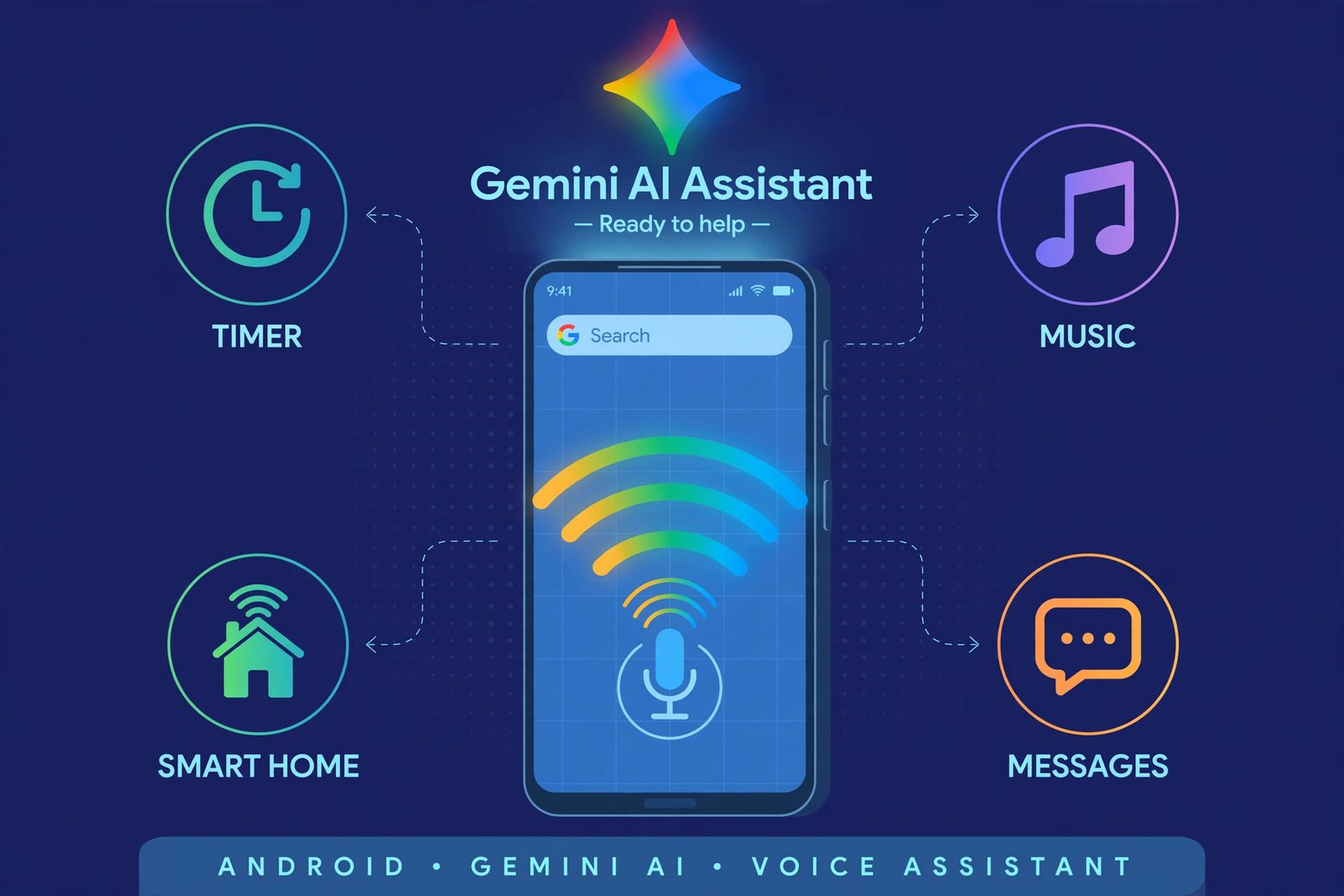
What Changed: Gemini Replaced Google Assistant
Google emailed Assistant users that the shutdown would begin on September 4, 2026, and the rollout took several weeks to reach every device. The clearest sign of the final phase was the removal of the “Switch to Google Assistant” option inside the Gemini app after a Google app update. Long-pressing the power button or swiping from the screen corners now routes strictly to Gemini on phones, tablets, Wear OS watches, compatible headphones, and Android Auto. Google Home and Nest speakers are staying on the classic Assistant for now, which is the one exception worth knowing. Google’s shutdown email set the September 4 date, and SamMobile’s breakdown for Galaxy owners covers how the change landed on Samsung devices.
Gemini on Android: What It Does Well, and Where It Falls Short
Gemini is a genuine upgrade for thinking work. It holds a conversation across multiple questions, summarizes what is on your screen, drafts messages, and pulls in context from Gmail, Calendar, and Drive. The free tier covers most of this; Gemini Advanced, at about $20 a month, adds the larger context window and deeper Workspace integration. It is one of the trending AI apps actually worth using in 2026 for that reason.
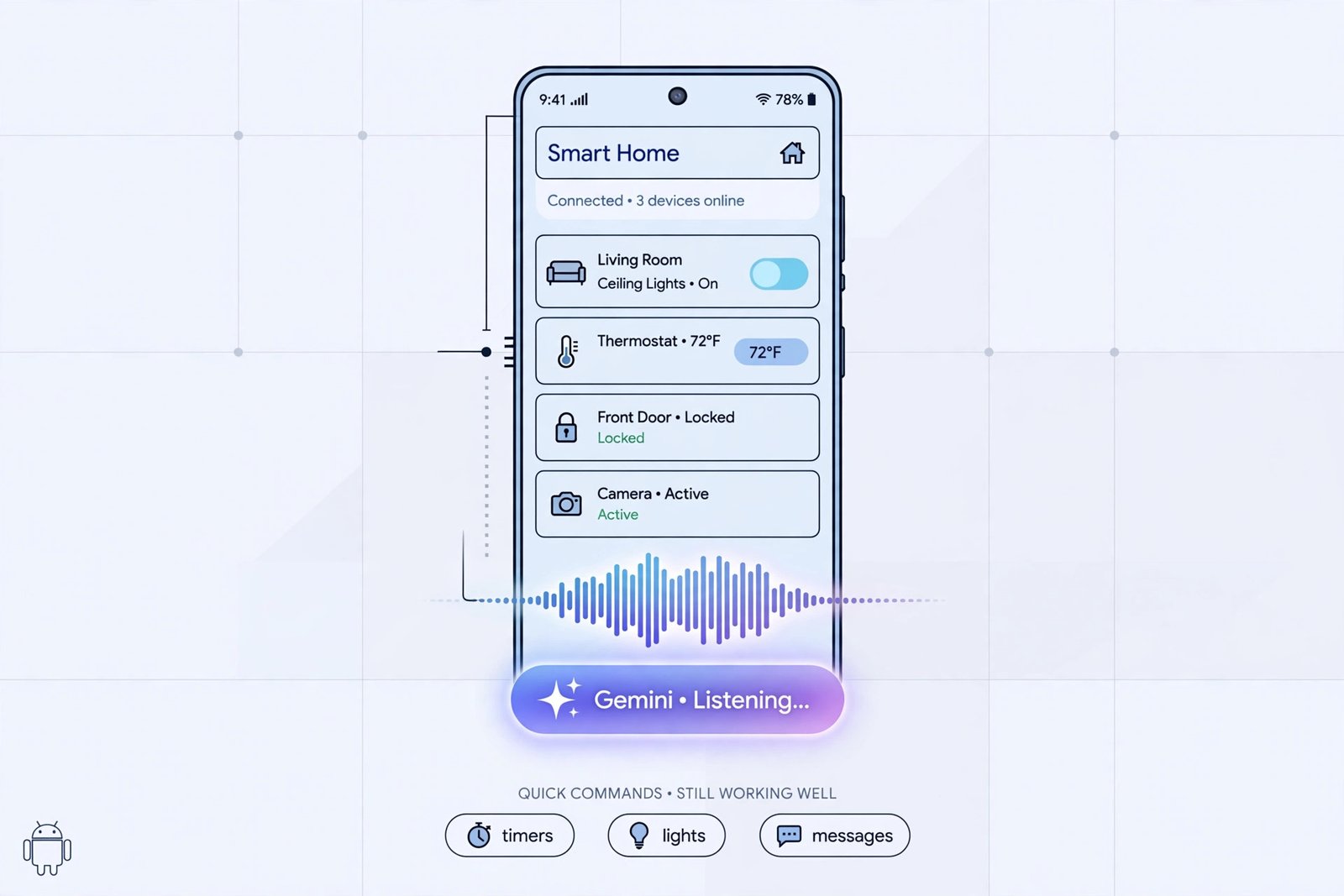
The honest downside: Gemini is slower and chattier than the Assistant it replaced. Quick commands that used to take a second, like setting a timer, playing a song, or toggling a light, can take several seconds and sometimes come back wrong. Smart home control and routines have been catching up through 2026, but if your phone mostly ran fast voice errands, the upgrade may feel like a sideways move.
| Assistant | Best for | Price | Standout strength |
|---|---|---|---|
| Gemini | Most Android users | Free; ~$20/month for Advanced | Conversation, summaries, Google app integration |
| Samsung Bixby | Galaxy owners | Free | Deep control of Samsung device settings |
| Amazon Alexa | Smart home households | Free app | Echo devices and mature smart home routines |
| ChatGPT Voice | Long conversations | Free tier; subscription for the best voice | Natural back-and-forth dialogue |
| Dicio | Privacy-first users | Free, open source | Runs mostly on your phone, no cloud account needed |
Samsung Bixby: Best for Galaxy Owners
If you own a Galaxy phone, Bixby is already installed and deeply wired into Samsung’s settings. It handles device-level commands better than anything else on a Samsung phone: changing system settings, running Bixby Routines, and chaining multi-step phone tasks (“open Maps and start navigation home”) in one sentence. It is not the conversationalist Gemini is, but for controlling the phone itself, it is the most capable option on Galaxy hardware.
Amazon Alexa: Best for Smart Home Households
Alexa’s strength was never the phone; it is the house around it. If you have Echo speakers, smart bulbs, plugs, or a Ring doorbell, the Alexa app on Android gives you the most mature routines and the widest device compatibility of any assistant here. Voice control from the phone works fine, but most Alexa households keep using their Echos for the actual talking.
ChatGPT Voice: Best for Long Conversations
For talking through an idea rather than barking commands, ChatGPT’s voice mode is still the most natural conversationalist. It remembers context, handles interruptions, and explains things like a patient tutor. The tradeoff is that it lives inside the ChatGPT app rather than the system: it cannot toggle your phone settings or run smart home routines the way Gemini and Bixby can. If you want a chatbot rather than a phone controller, this is the one, and our list of ChatGPT alternatives covers where else that kind of AI help is useful.
Dicio: Best for Privacy
Dicio is the open-source outlier: a free voice assistant that runs mostly on your phone instead of sending everything to a cloud server. It handles the basics, like timers, calls, weather, and media control, well enough for daily use. The voice recognition is rougher than Google’s, and it does not work with Android Auto, so it is a deliberate tradeoff. For the privacy-conscious, it is currently the best on-device option on Android.
How to Set Your Default Assistant on Android
You are not locked into whichever assistant your phone shipped with. Android lets you choose which one answers the system trigger:
- Step 1: Open Settings and tap Apps.
- Step 2: Tap Default apps, then Digital assistant app.
- Step 3: Choose Gemini, Bixby, Alexa, ChatGPT, or Dicio from the list. The assistant’s app must be installed first.
- Step 4: Test it with a long-press of the power button or your usual voice trigger.
The Verdict: Which Voice Assistant Should You Pick?
For most Android users, the honest answer is to stay with Gemini. It is the default, it is deeply integrated with Google’s apps, and it keeps getting better at the quick commands it launched weak on. Students leaning on it for research will get the most out of the free tier; our roundup of the best AI tools for students shows where it fits a study workflow.
Switch only for a specific reason: Bixby if you live inside Samsung’s ecosystem, Alexa if your house runs on Echo devices, ChatGPT Voice if you want the best conversational partner, and Dicio if you would rather your voice never left your phone.

- How to Fix a Laptop Camera Not Working in Windows 11 - October 23, 2026
- How to Fix the Brightness Slider Missing in Windows 11 - October 22, 2026
- How to Stop Phone Link From Opening on Startup in Windows 11 - October 21, 2026