
ChatGPT Atlas is dead. If you came here hoping to download it, do not. OpenAI’s AI-powered browser was discontinued on August 9, 2026, after less than ten months of life, and copies still installed on Macs no longer work properly. What you can do instead is move the workflow Atlas promised, an assistant that reads your tabs and completes web tasks for you, into the tools OpenAI is actively building: the ChatGPT desktop app, the ChatGPT Chrome extension, and Codex.
Below is the full story of what happened, the three replacements worth your time in 2026, what happened to your Atlas data, and how to rebuild the Atlas workflow step by step.
What Happened to ChatGPT Atlas: The Short Version
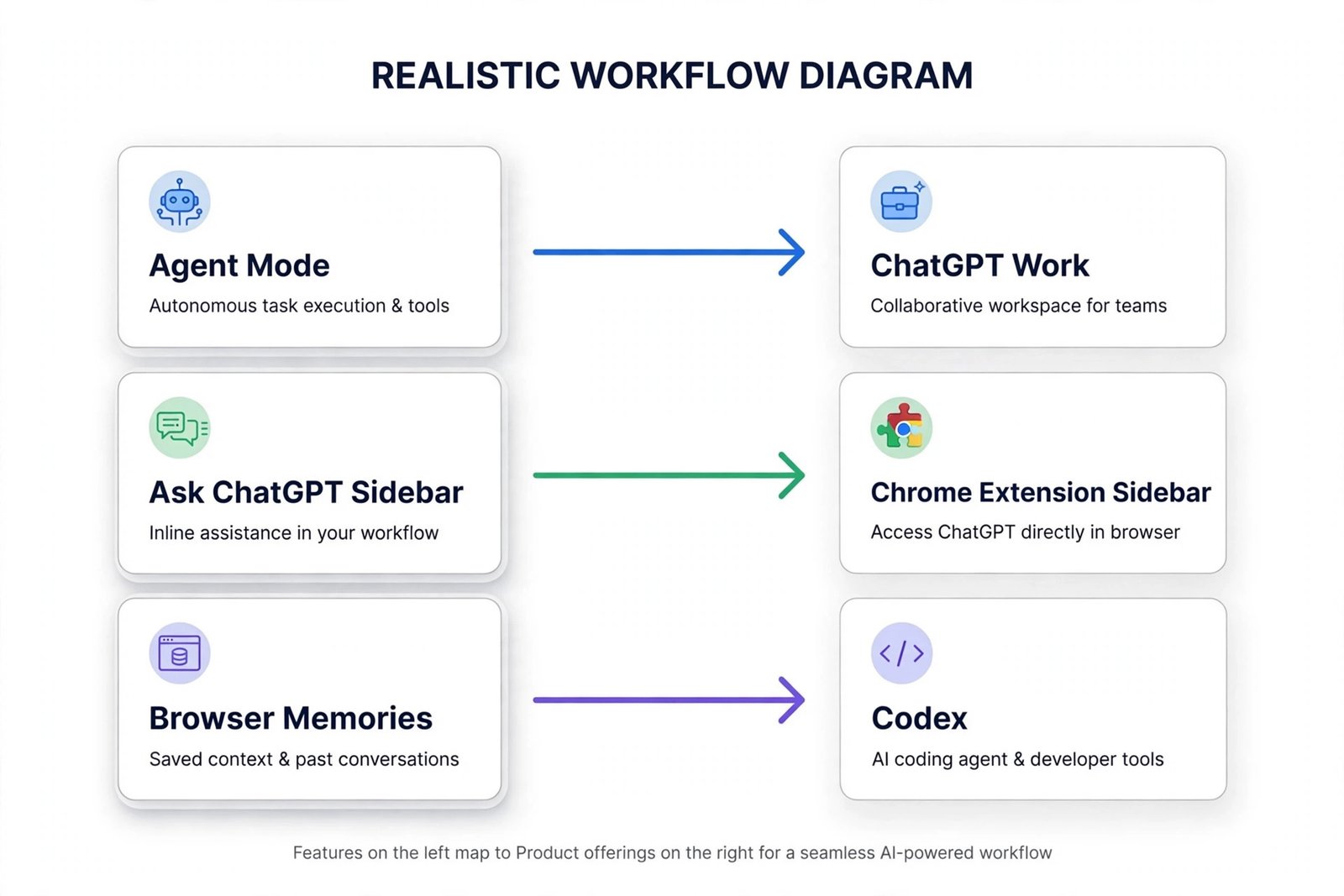
OpenAI launched ChatGPT Atlas on October 21, 2025 as a macOS-only browser with ChatGPT built into every tab. It had an Ask ChatGPT sidebar, an optional Browser Memories feature, and an Agent Mode preview that completed multi-step tasks across tabs for paid tiers. Windows, iOS, and Android versions were promised on day one but never shipped, so the browser stayed Mac-only for its entire run.
On July 9, 2026, OpenAI confirmed it was shutting Atlas down, giving users about a month of warning. The service stopped working on August 9, 2026. OpenAI framed the move as a strategy change: rather than asking people to install a whole new browser, it would fold Atlas’s agentic browsing features into the ChatGPT desktop app and a Chrome extension. You can read OpenAI’s own notice about the change for the official wording.
| Date | What happened |
|---|---|
| October 21, 2025 | Atlas launches on macOS with ChatGPT, an Ask ChatGPT sidebar, and Agent Mode |
| March 2026 | OpenAI says Atlas, the ChatGPT desktop app, and Codex will merge into a single app |
| July 9, 2026 | OpenAI confirms the deprecation, about one month before shutdown |
| August 9, 2026 | Atlas stops working; copies that still open are unsupported and unpatched |
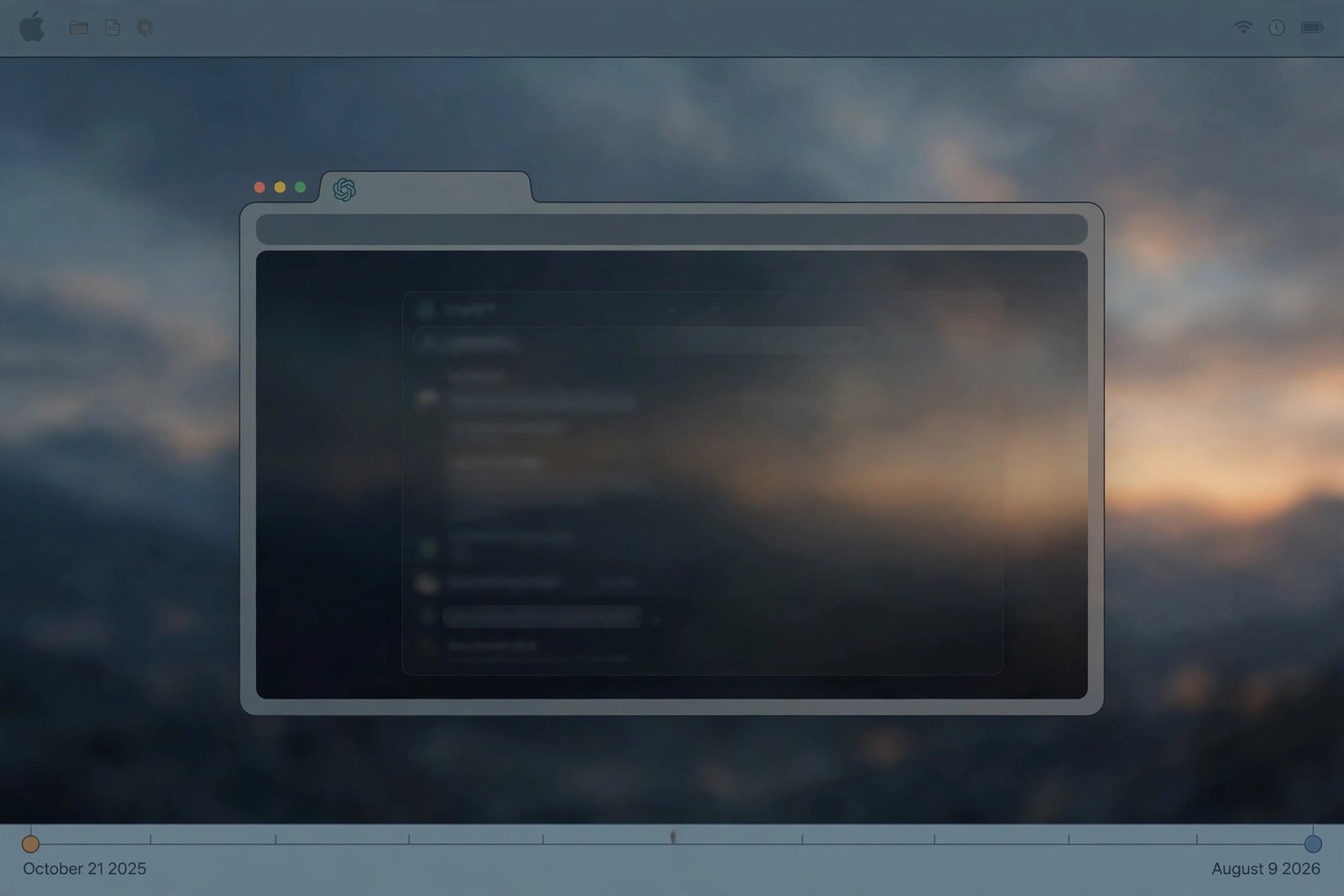
If a copy of Atlas still opens on your Mac, treat it as unsupported rather than usable. A discontinued browser stops getting security updates, which makes it a poor place for banking, work systems, or private accounts. The smart move is to export anything you need and then remove it.
What Atlas Was, and Why People Liked It
Atlas was built on Chromium, so it handled websites the way Chrome does, with a layer of ChatGPT across the top. Every tab had the assistant available: it could summarize the page in front of you, compare products across open tabs, or revise an email draft without copying text back and forth.
Agent Mode was the standout feature. Instead of just answering questions, it could take approved actions in the browser: filling in forms, working through multi-step checkouts, planning a trip across several travel sites, and similar routine chores. Browser Memories, which was optional, let ChatGPT remember tabs, sites, and tasks so you could pick up work later, for example by asking it to find job postings you looked at last week.
Those two ideas, an assistant that sees your tabs and an agent that acts on them, are what people actually miss. The good news is that neither idea died with Atlas. They just moved house. The next sections cover the three places OpenAI moved them, and which one fits your daily routine.
The 3 Replacements That Work Right Now
OpenAI did not replace Atlas with a single product. It split the browser’s capabilities across three tools, each covering a different slice of the old workflow. Most people only need one or two of them.
1. The ChatGPT Desktop App (Windows and Mac)
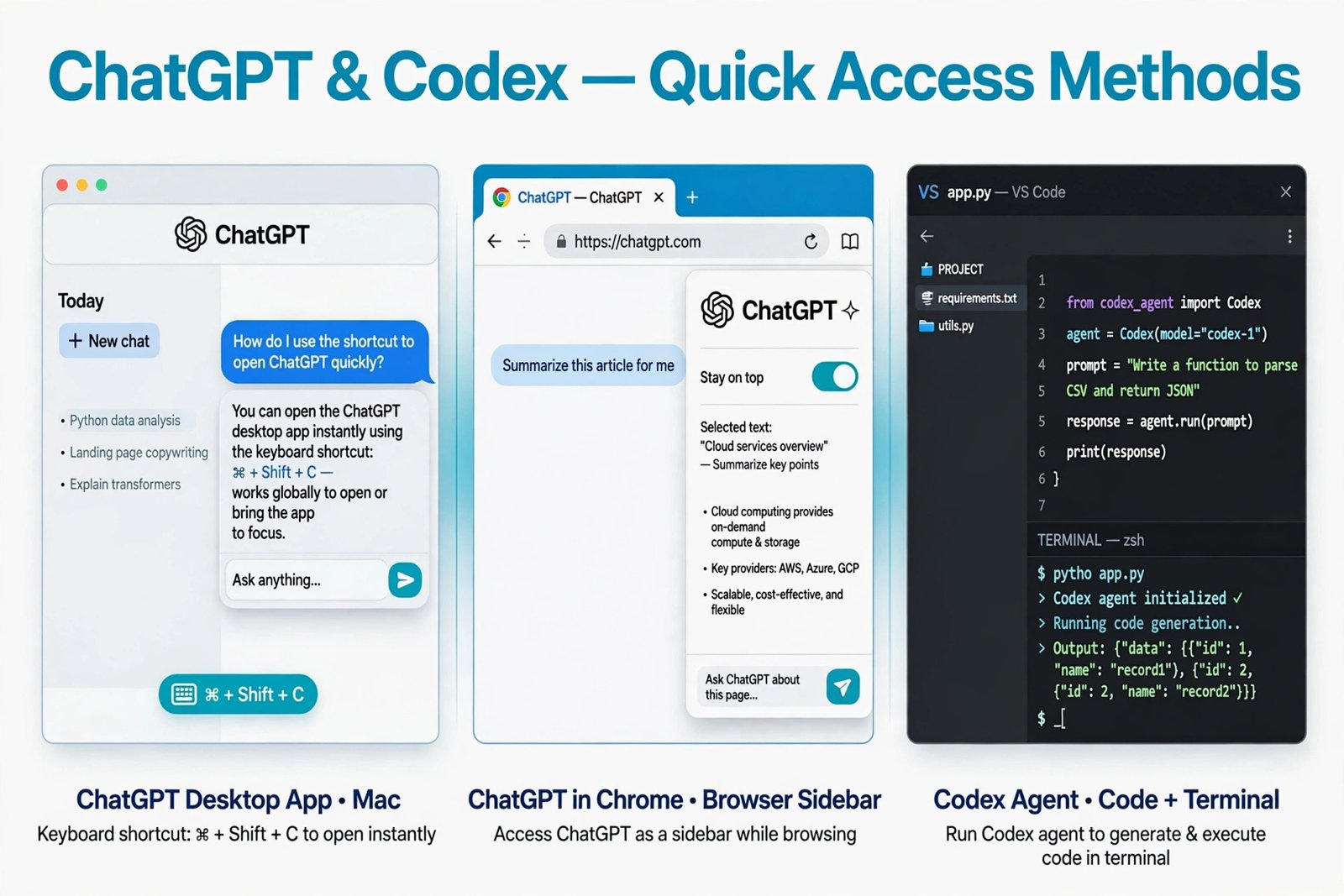
This is the closest thing to a direct successor. In July 2026, OpenAI merged Chat, Work, and Codex into a new ChatGPT desktop app for macOS and Windows, and this is where the old Atlas team moved its browser work. The new app supports browser-style agentic tasks, and OpenAI’s help center confirms the previous desktop app was renamed ChatGPT Classic and is still supported if you prefer the older version.
The app is free to download, and it works on Windows 10 or later and on macOS 14 or later, on both Apple Silicon and Intel Macs. OpenAI lists Windows and Mac builds on its official download page, and the Windows version is also in the Microsoft Store published by OpenAI. Check OpenAI’s download guide for the current system requirements and the right installer for your machine, and avoid third-party download sites that offer their own setup files.
Get the desktop app if you want the fullest ChatGPT experience in a dedicated window, with keyboard shortcuts, voice mode, and file uploads.
2. The ChatGPT Chrome Extension (Your Existing Browser)
If you never wanted a second browser in the first place, this is your replacement. OpenAI’s ChatGPT extension for Chrome turns the browser you already use into something close to Atlas. An updated sidebar keeps the full ChatGPT experience, including your entire conversation history, next to whatever page you are reading.
On October 15, 2026, OpenAI upgraded the extension in a big way: ChatGPT can now look at your open Chrome tabs when you mention Chrome in the web or desktop app. In Chat, it gathers and compares information across tabs, like comparing prices and specs across three open product pages. In ChatGPT Work, OpenAI’s agent for multi-step tasks, it can actually act in those tabs: filling out forms, sending messages, downloading files, and grouping tabs. The extension is available on the Chrome Web Store for all ChatGPT plans, and it also works in other Chromium browsers such as Edge, Brave, and Opera.
Get the extension if your Atlas habit was mostly research and comparison work across tabs, or if you want the agent’s help without leaving Chrome. Our list of Chrome extensions for copywriters covers other useful add-ons.
3. Codex (For Developer-Style Agentic Work)
Codex is OpenAI’s cloud software-engineering agent, and it picked up the deep agentic work that Atlas’s Agent Mode only hinted at. You give Codex a high-level task, like restructuring a data pipeline or drafting code for an automation, and it plans and executes the work in the cloud without you watching it click through pages.
Codex is available through ChatGPT plans, with the fullest access on Plus and above, and it runs on the web at chatgpt.com/codex, in the terminal, and in IDE extensions. If your Atlas agent-mode habit leaned toward technical workflows, Codex handles that class of work now. For lighter AI tools in general, see our roundup of trending AI apps worth using in 2026.
Check OpenAI’s official page for current availability and plan details before you sign up for anything, since tiers and limits change through the year.
| What you want | Best replacement | Why |
|---|---|---|
| A dedicated ChatGPT window with voice and shortcuts | ChatGPT desktop app | Made by the former Atlas team, runs Chat, Work, and Codex |
| Help inside the browser you already use | ChatGPT Chrome extension | Sidebar plus tab reading and tab control in Chat and Work |
| An agent that does long technical tasks on its own | Codex | Cloud agent for coding and multi-step work, web, CLI, and IDE |
Moving Your Atlas Workflow Over: Step by Step
Switching is less about installing something and more about recreating the habits Atlas made easy. Here is a practical order of operations that former Atlas users are following.
- Save your Atlas data first. None of your bookmarks, history, open tabs, or saved passwords transferred automatically. Export your bookmarks to an HTML file and import that file into your new browser. Your ChatGPT conversations were stored separately from Atlas and are still available in the ChatGPT app and website, so those are safe.
- Install the replacement that matches your main habit. Heavy researcher? Start with the Chrome extension and its sidebar. Prefer a dedicated app? Install the ChatGPT desktop app. Developer doing agentic work? Set up Codex.
- Rebuild your tab-comparison workflow. Open your usual tabs, mention Chrome in ChatGPT, and ask it to compare prices, specs, or options across them. This recreates the side-by-side summaries Atlas did, and it works in the browser you already keep.
- Try ChatGPT Work for agent-style tasks. This is the direct descendant of Atlas Agent Mode: ask it to collect vendor details into a comparison sheet, fill out a form and stop before submitting, or organize your tabs. Start with low-stakes tasks so you learn how it behaves before handing it anything sensitive.
- Clean up the old app. Once your bookmarks and passwords are confirmed elsewhere, uninstall Atlas through your normal macOS process. Do not keep it around as a backup browser, since it will never receive another security patch.
What Happened to Your Atlas Data
Atlas was a local browser, so bookmarks, history, and saved passwords lived on your Mac and had no automatic migration path to anything else. OpenAI warned users to export what they needed before the cutoff. If you missed that window and still have the profile folder, the bookmarks sit in a standard Chromium profile file that can still be read, so check before deleting the app. Your ChatGPT chat history was never part of Atlas and remains available wherever you use ChatGPT.
What About Other AI Browsers Like Comet or Dia?
If you want a standalone agentic browser rather than ChatGPT features bolted onto your current setup, two options are real products in 2026. Perplexity Comet is a free Chromium-based browser with an agentic assistant and deep research, available on Mac, Windows, iOS, and Android. Dia is a free browser from the makers of Arc, focused on personalized workflows and cross-tab context, and it is Mac-first.
Treat these as separate products, not Atlas revivals. None of them connects to your ChatGPT account, memory, or projects, and none of them imports Atlas data. They are worth testing if the idea of an AI browser appealed to you more than ChatGPT specifically. If you are comparing AI products more broadly, our guide to ChatGPT alternatives for small business use covers the wider landscape.
One habit worth building before you switch: an AI browser or agent can see everything on your tabs, including signed-in accounts. Try the new tools with ordinary research tasks first, and only grant access to sensitive sites once you are comfortable with how they behave.
Which One Should You Pick?
- Pick the desktop app if you want the most complete ChatGPT in one place, with the agentic features the old Atlas team built into it.
- Pick the Chrome extension if you want the least disruption: the same browser, the same tabs, with ChatGPT and ChatGPT Work sitting next to them.
- Pick Codex if the work you miss is long, technical, and autonomous, like Atlas Agent Mode aspired to be for developers.
- Pick Comet or Dia only if you specifically want a separate AI browser again, and accept that it is a fresh start, not a continuation of Atlas.
Atlas was a bold experiment that lasted about nine months, from October 21, 2025 to August 9, 2026. Its best ideas survived the shutdown: an assistant that can see your tabs and an agent that can work across them. In 2026, those ideas live in the ChatGPT desktop app, the upgraded Chrome extension, and Codex. Download from OpenAI’s official pages, move your bookmarks over, uninstall the old browser, and you will be back to the workflow you liked, on software that is actually maintained.

- What Happened to ChatGPT Atlas? And What to Use Instead in 2026 - October 16, 2026
- How to Avoid Black Friday Scams in 2026: The Scam-Spotting Field Guide - October 15, 2026
- Best Mini Projectors for Movie Nights in 2026 (Under $100) - October 15, 2026