
If you loved Internet Download Manager on your PC, it is natural to search for it on your phone. Here is the answer before you download anything: there is no official IDM app for Android in 2026, and there never has been. Everything calling itself “IDM for Android” is an unrelated clone. Below is what those apps really are, why to be careful with them, and the genuinely good download managers worth installing instead.
The short answer
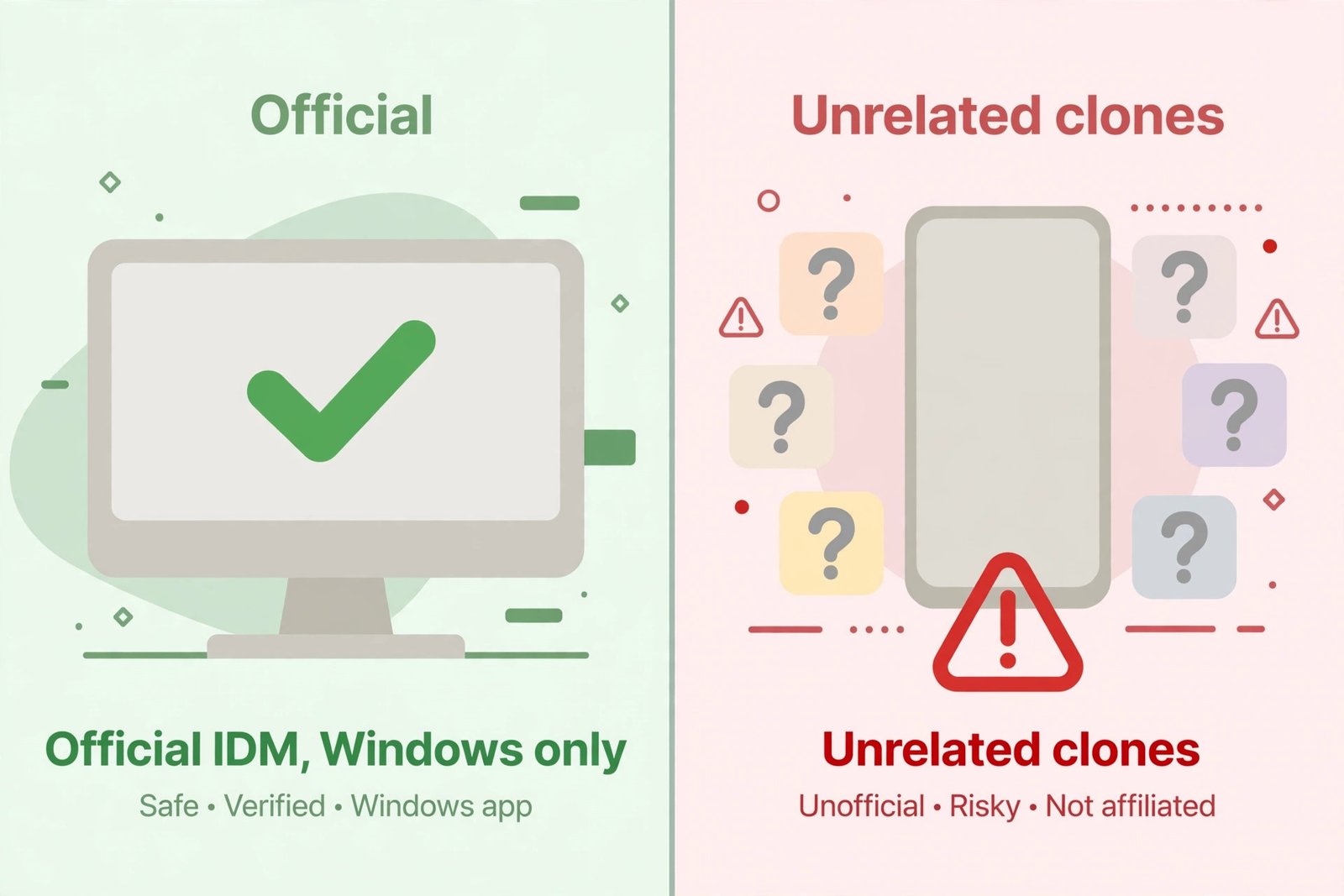
Internet Download Manager is made by Tonec Inc., and it is a Windows-only desktop program. The company has never released an Android version, and as of 2026 that has not changed. You will not find IDM on the Google Play Store under Tonec’s name. Any Android app with “IDM” or “Internet Download Manager” in its title, especially ones only available as APK downloads from third-party sites, is a different developer trading on the brand’s reputation.
What are all those “IDM for Android” apps then?
They are third-party download managers that borrowed the name. Some are functional apps with built-in browsers and multi-threaded downloading; others are outdated builds (several floating around are years old despite version numbers that look new), ad-heavy, or just wrappers around Android’s built-in downloader. The naming is deliberate: “IDM” is one of the most searched download terms on the planet, and a familiar name gets installs.
Why you should be careful with them
- They live outside the Play Store. Most of the “IDM” APKs circulate on third-party APK sites, which means no Play Protect review, no verified developer identity, and no automatic security updates.
- Permissions can be excessive. A download manager legitimately needs storage access. It does not need your contacts or SMS.
- Some are abandoned. Several clone builds have not been meaningfully updated in years, which means unpatched bugs on a modern Android version.
If you have one installed, there is no panic: check its permissions, keep it updated if it offers updates, and consider switching to one of the maintained alternatives below, which are all on the Play Store.
The real alternatives worth installing
These are established, Play Store-listed download managers that do the actual job IDM does on PC: faster multi-threaded downloads, pause and resume, scheduling, and catching downloads from a browser.
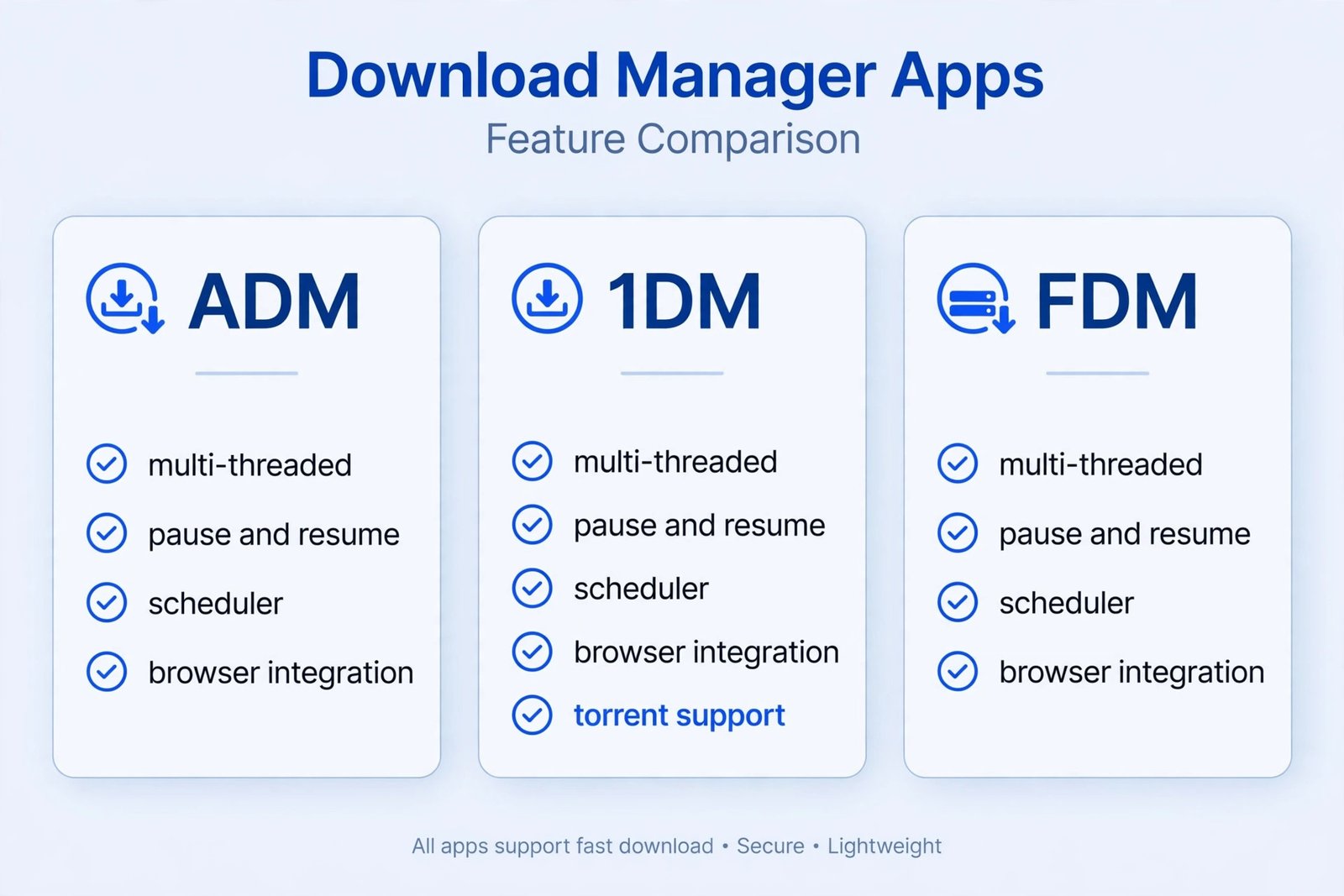
Advanced Download Manager (ADM) by DimonVideo, free with ads. The most downloaded Android download manager, with over 100 million installs. It splits files into up to 9 parts downloaded simultaneously, resumes interrupted downloads, schedules downloads for later, and includes a browser that detects downloadable files. There is a paid Pro version that removes ads.
1DM: Browser and Downloader, free with ads (1DM+ paid version available). An all-in-one browser plus downloader that supports up to 32 connections per file, torrent downloads via magnet links, video and audio downloading, Wi-Fi-only downloading, and a download scheduler. The paid 1DM+ version (around a couple of dollars/euros) removes ads. Note the naming history: it was once called IDM+ / IDM Lite, which is exactly why it shows up in “IDM for Android” searches, but it is its own independent app.
Free Download Manager (FDM), completely free and ad-free. From the makers of the desktop Free Download Manager, and the pick if you hate ads: no ads, no subscription, with an integrated browser and multi-threaded downloads. If your downloads keep failing for other reasons, our guide to fixing download problems on Android covers the usual culprits.
| App | Price | Multi-threaded | Torrent support | Best for |
|---|---|---|---|---|
| Advanced Download Manager | Free with ads, paid Pro | Yes (9 parts) | No | Most popular all-rounder |
| 1DM | Free with ads, paid 1DM+ | Yes (32 parts) | Yes | Power users, torrents |
| Free Download Manager | Free, no ads | Yes | No | Ad-free simplicity |
What makes a good download manager, anyway?
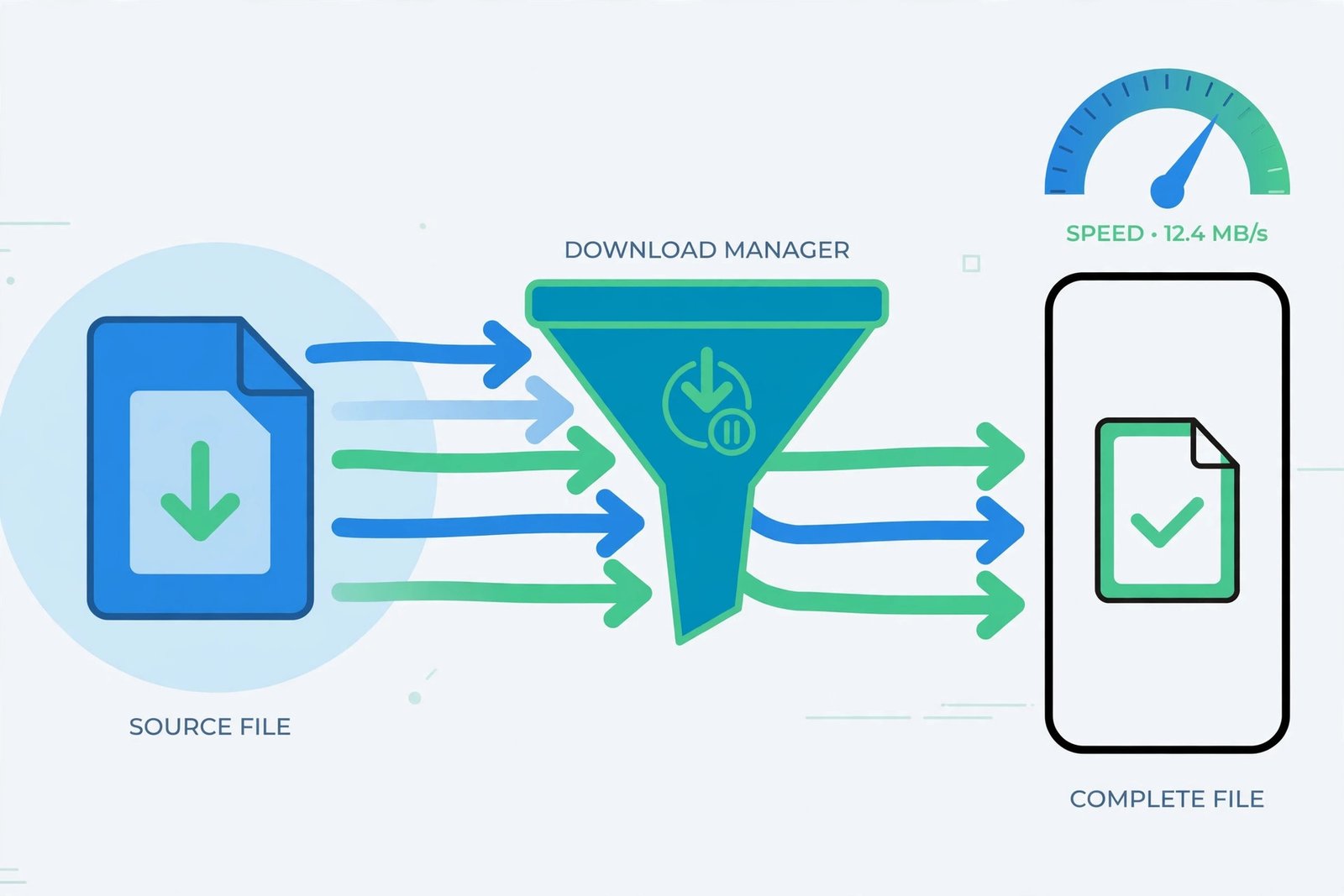
The whole point of a manager like IDM is splitting one file into several pieces downloaded at once, which is where the speed comes from, plus resume support so a dropped connection does not waste an hour. When comparing apps, look for multi-threaded downloads, pause and resume that actually works, a scheduler for off-peak downloading, Wi-Fi-only mode so you do not burn mobile data, and a built-in browser that catches download links. All three picks above check these boxes. Once files land on your phone, our guide to the best apps to open RAR files helps with the archives, and Android cleaner apps can help if downloads keep filling your storage.
Our verdict
Do not chase the IDM name on Android: the official app does not exist, and the clones are not worth the risk when better options are one Play Store search away. Install ADM if you want the proven crowd favorite, 1DM if you need torrents and maximum speed settings, or Free Download Manager if you want zero ads. Any of the three is a more honest “IDM for Android” than the apps actually using the name.

- How to Fix Windows 11 Clock Showing the Wrong Time - October 23, 2026
- How to Fix File Explorer Slow to Open in Windows 11 - October 22, 2026
- How to Fix a Printer Showing Offline in Windows 11 - October 21, 2026