
The AI app everyone talks about is rarely the one you actually need. In 2026 the field has settled into a handful of genuinely useful tools, each with a clear strength, and most of them have free tiers good enough to start with. Here are the ten worth your time, what each one is best at, and what it costs.
How to pick just one
- Match the app to where you already work. If your life runs on Gmail and Docs, Gemini saves you steps. If you live in Windows and Office, Copilot is the natural fit.
- Pay for one, use free tiers for the rest. Most people only need a single subscription, and the free plans in 2026 are generous enough for casual use.
- Decide what matters most to you: writing, research with sources, images, video, or voice. No single app wins at everything, so pick by your main task.
The 10 apps, and who each one is for
1. ChatGPT (OpenAI)
Still the safest default. It handles everyday questions, drafts, images, voice conversations, and file analysis in one place, and its free tier covers casual use comfortably. Paid plans start at around $8 a month for the Go tier, with Plus at $20.
2. Claude (Anthropic)
The writer’s pick. Claude shines at long documents, careful editing, and coding help, with a very large context window that lets it work through whole reports without losing the thread. Pro costs $20 a month, less on annual billing. If writing is your main work, also see our roundup of AI writing tools.
3. Gemini (Google)
Best if you already live in Google’s world. It sits inside Gmail, Docs, Sheets, and Drive, and the free tier is one of the most generous available. Google AI Pro, at $19.99 a month, adds more capability plus a large cloud storage allowance.
4. Microsoft Copilot
The one already on your computer. It is built into Windows and Microsoft 365, answers questions with web sources, and generates images. The free version covers the basics, with a $20 Pro tier for heavier use.
5. Perplexity
A research tool first and a chatbot second. Every answer comes with cited sources you can actually click, which makes it the fastest way to check a fact or get up to speed on a topic. The free tier is solid for quick lookups, and Pro is around $20 a month.
6. Grok (xAI)
The one plugged into the live conversation. Grok draws on posts from X, so it is strongest on breaking news, live events, and what people are saying right now. It is available through X’s premium tiers.
7. Muse (Meta)
The newest face on this list. Meta launched Muse in the United States in September 2026, and it picked up millions of downloads in its first weeks. It is worth a look if you want an assistant tied into Meta’s apps, though it is still early days.
8. Midjourney
Still the image generator with the most distinctive style. If you want artwork, illustrations, or concept visuals rather than plain photorealism, this is where most people start. Plans begin at $10 a month. For more options, see our guide to AI image generators.
9. ElevenLabs
The standard for AI voice. It turns text into natural-sounding narration and can clone voices with permission, which podcasters and video makers use constantly. The Creator plan runs about $22 a month.
10. Runway
Video from a text prompt, without a film crew. Runway is the most approachable video generator for non-professionals, good for short clips, social posts, and storyboards. The Standard plan is around $12 a month on annual billing.
The 10 apps at a glance
| App | Best for | Starting price |
|---|---|---|
| ChatGPT | Everyday everything | Free, paid from $8/mo |
| Claude | Writing and long documents | Free, Pro $20/mo |
| Gemini | Google ecosystem users | Free, Pro $19.99/mo |
| Microsoft Copilot | Windows and Office users | Free, Pro $20/mo |
| Perplexity | Research with citations | Free, Pro around $20/mo |
| Grok | Real-time social topics | Via X premium tiers |
| Muse | Meta app users | Free, newly launched |
| Midjourney | Stylized images | From $10/mo |
| ElevenLabs | Voiceovers and narration | Paid plans from about $22/mo |
| Runway | Short AI video | From about $12/mo |
The free tiers are better than you think
You don’t need to pay to get real value here. Here’s what the free plans actually include:
- ChatGPT: everyday questions, image generation, and voice conversations on the free tier.
- Gemini: one of the most generous free plans, especially useful for students and Google Workspace users.
- Copilot: a capable assistant at no cost, built into Windows and the web.
- Perplexity: quick research questions with cited sources, free for casual use.
- Claude: free conversations with usage limits, enough to test whether its writing style suits you.
The paid tiers mostly buy you higher limits, faster responses, and access to the newest models. A good rule: use the free version for a month, and only upgrade when you keep hitting its limits.
A word on privacy
These apps learn from what you type, so treat them like a helpful stranger, not a diary. Don’t paste passwords, financial details, medical records, or anyone else’s private information into a chat. Most offer settings to limit how your data is used for training, and it’s worth spending two minutes finding them. For work documents, check your employer’s AI policy first: many companies now have one.
Start free, pay only if you hit a wall
Prices shift often, so check the vendor’s own page before you pay. A pricing roundup verified in October 2026 put the serious plans at roughly $20 a month across the board, which makes this a choice about fit, not price. Try the free tier for a week or two, and only upgrade when you keep bumping into its limits. Our productivity app picks pair well with whichever assistant you choose.
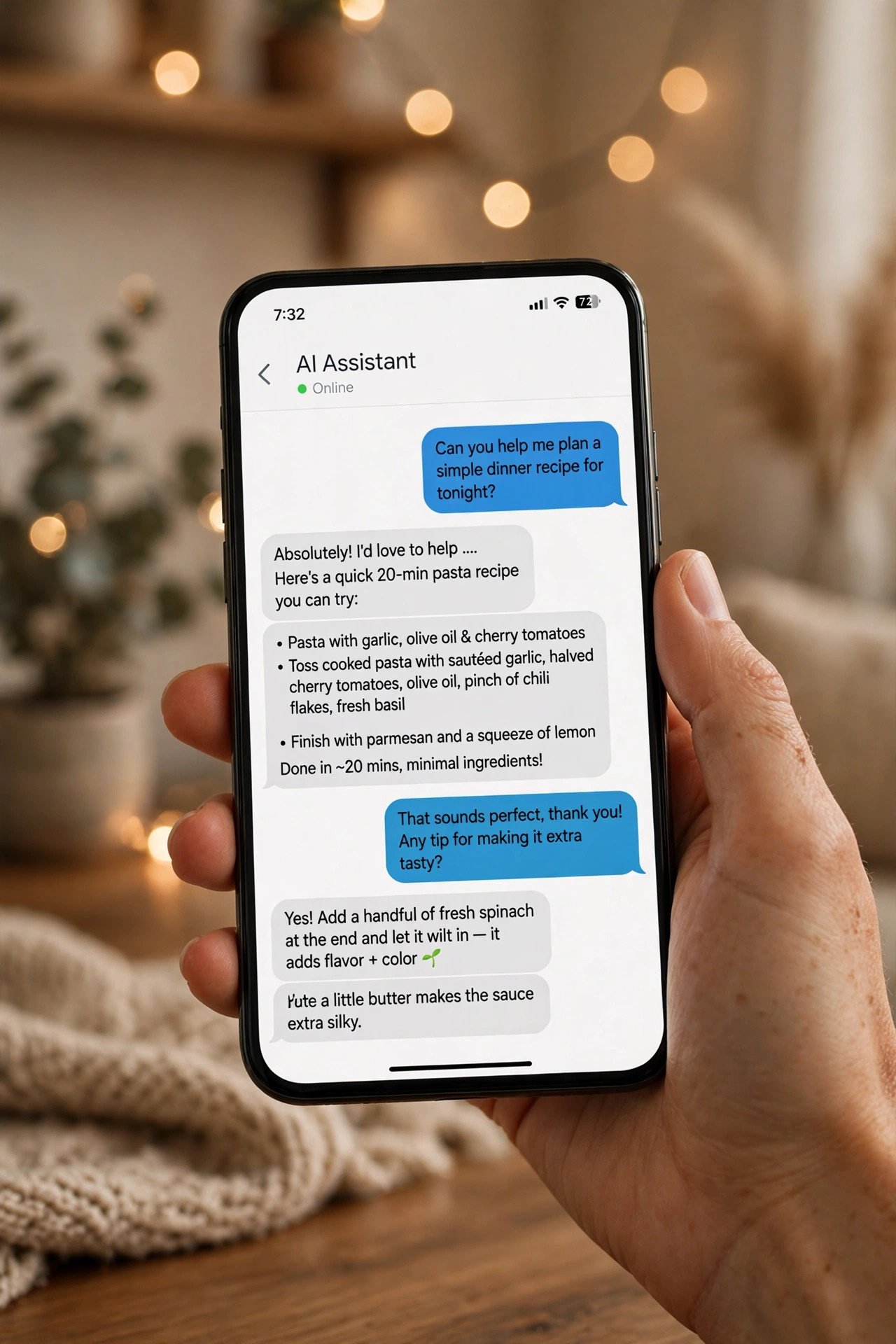
If you only install one, make it the one that matches your daily work: ChatGPT for most people, Claude for writers, Gemini for Google households, Copilot for Microsoft ones. For a deeper look at how the chatbots compare this year, this 2026 chatbot breakdown is worth a read.

- How to Turn Off HDR in Windows 11 When Colors Look Washed Out - October 22, 2026
- What Is Samsung Free and How to Stop It Opening on Your Home Screen - October 21, 2026
- What Is Now Brief on Samsung Galaxy Phones and How to Turn It Off - October 20, 2026