
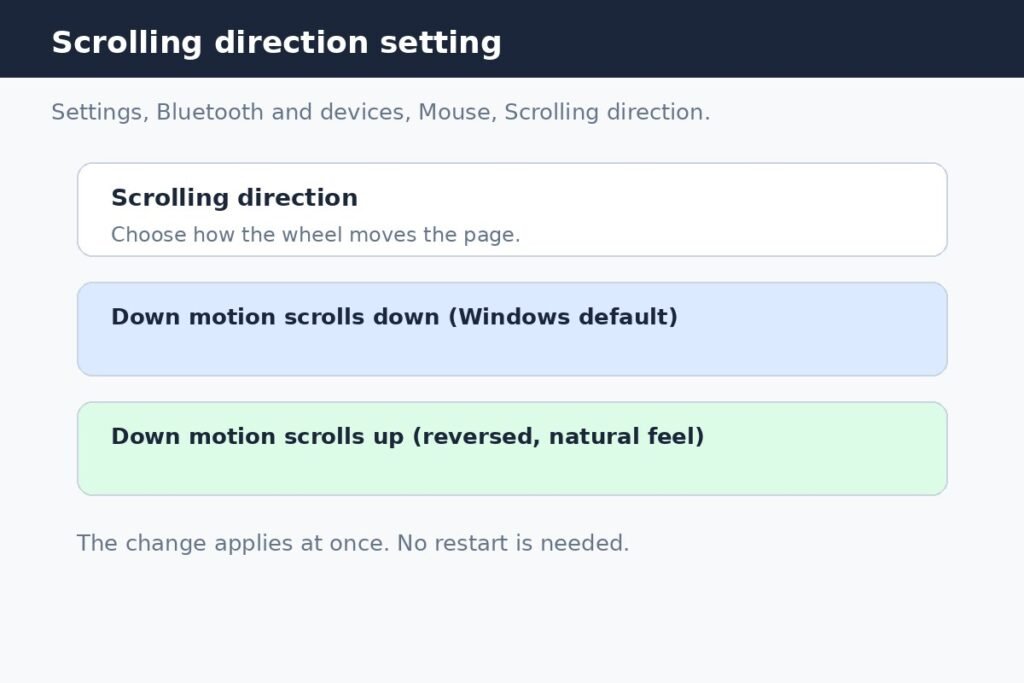
How to Reverse Mouse Scroll Direction on Windows 11
To reverse mouse scroll direction on Windows 11, open Settings, go to Bluetooth and devices, then Mouse, and set Scrolling

To reverse mouse scroll direction on Windows 11, open Settings, go to Bluetooth and devices, then Mouse, and set Scrolling
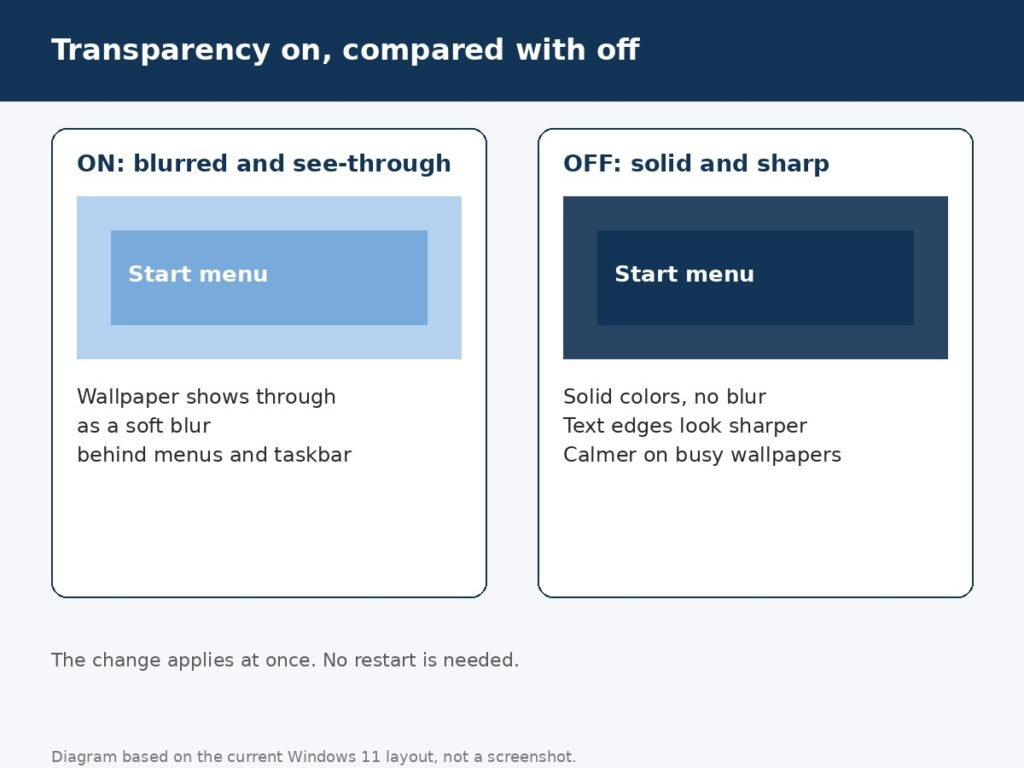
Windows 11 gives the Start menu, taskbar, and open windows a frosted glass look, with the wallpaper blurring softly behind
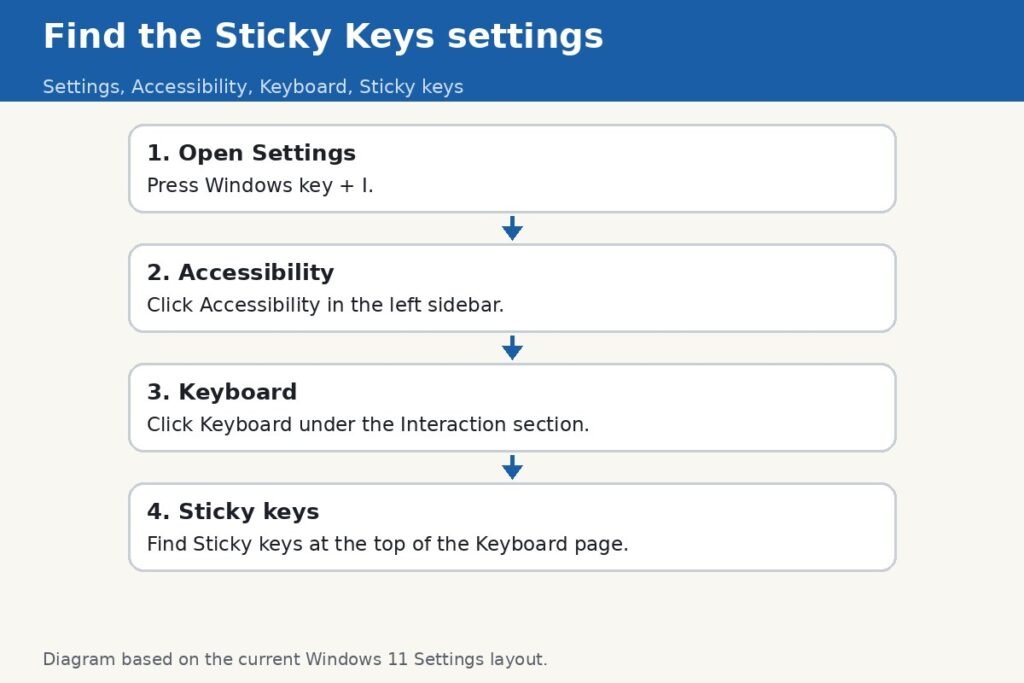
You are mid-game or mid-sentence, you tap Shift a few times too quickly, and suddenly a little window asks whether
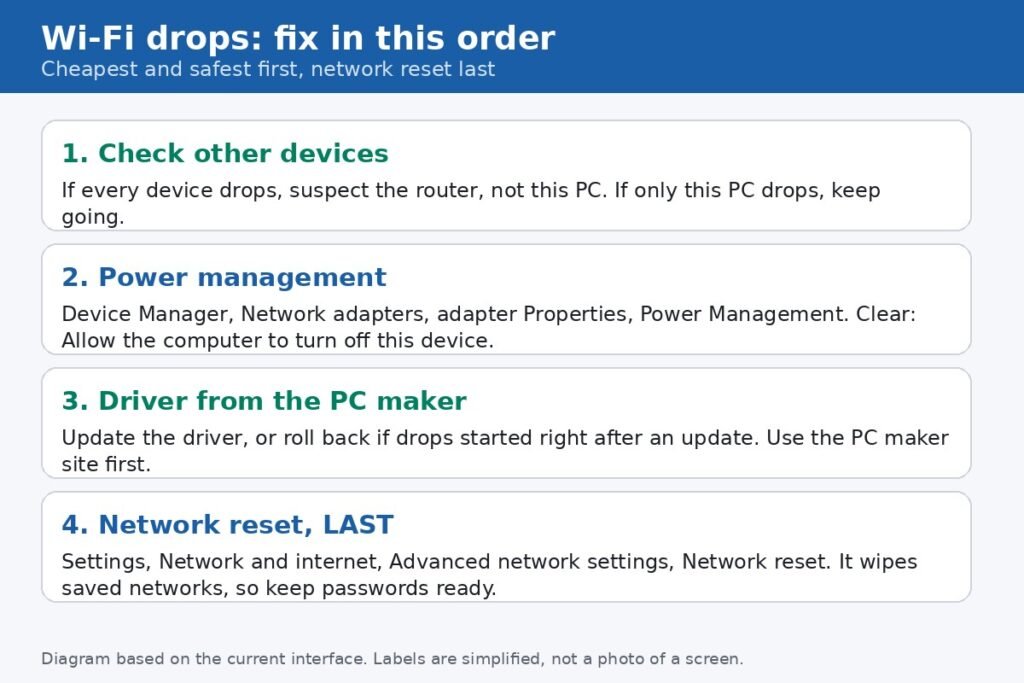
Your Windows 11 Wi-Fi drops in the middle of a video call, then reconnects on its own a minute later,
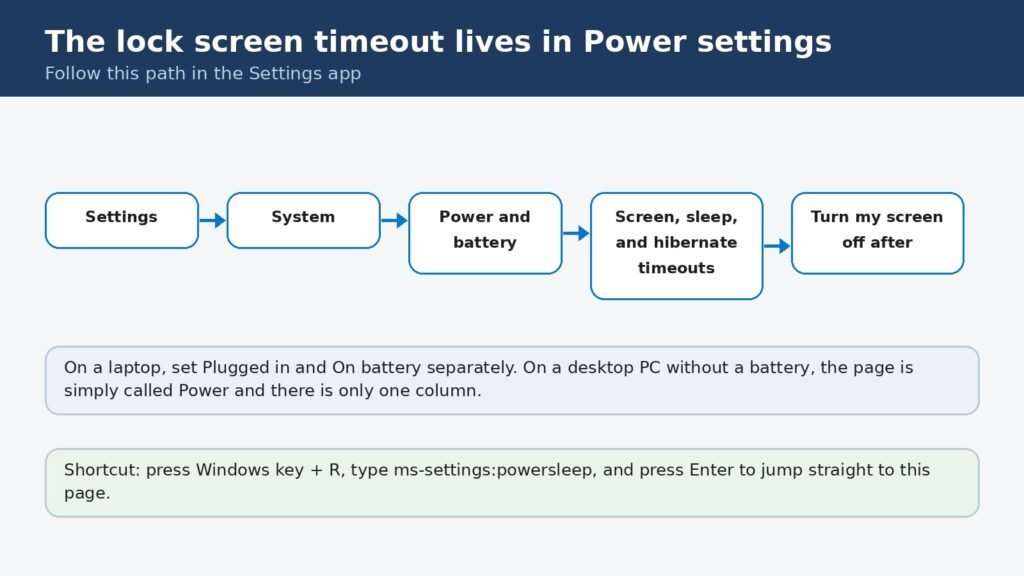
Here is the honest starting point: Windows 11 has no single slider called “lock screen timeout.” The time before your
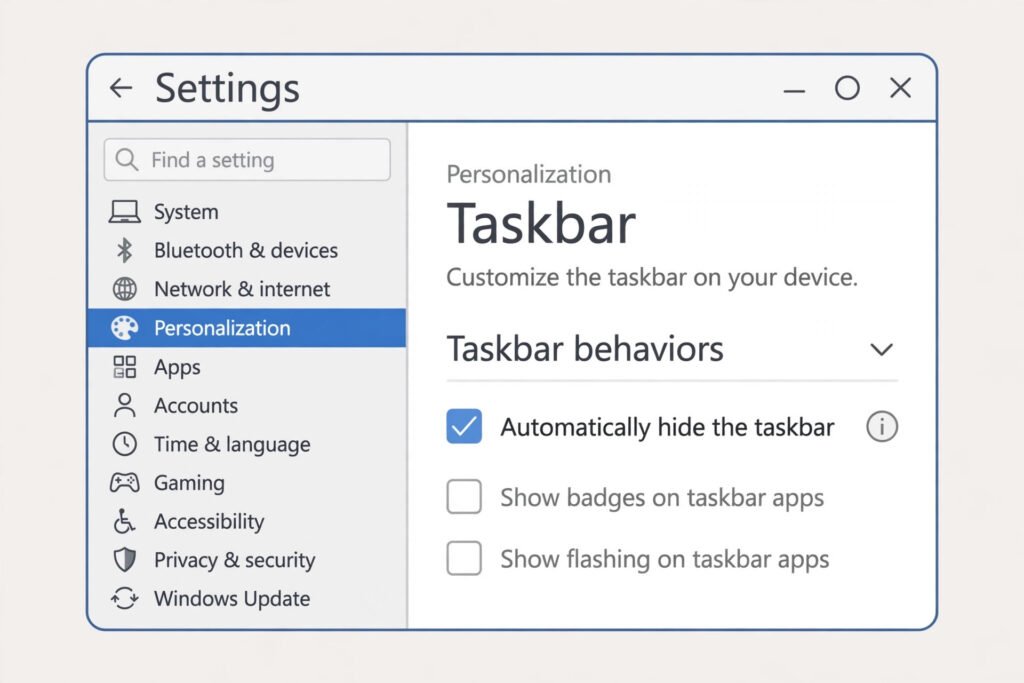
Auto-hide is supposed to be simple. Turn it on, and the taskbar slides out of sight until you move the
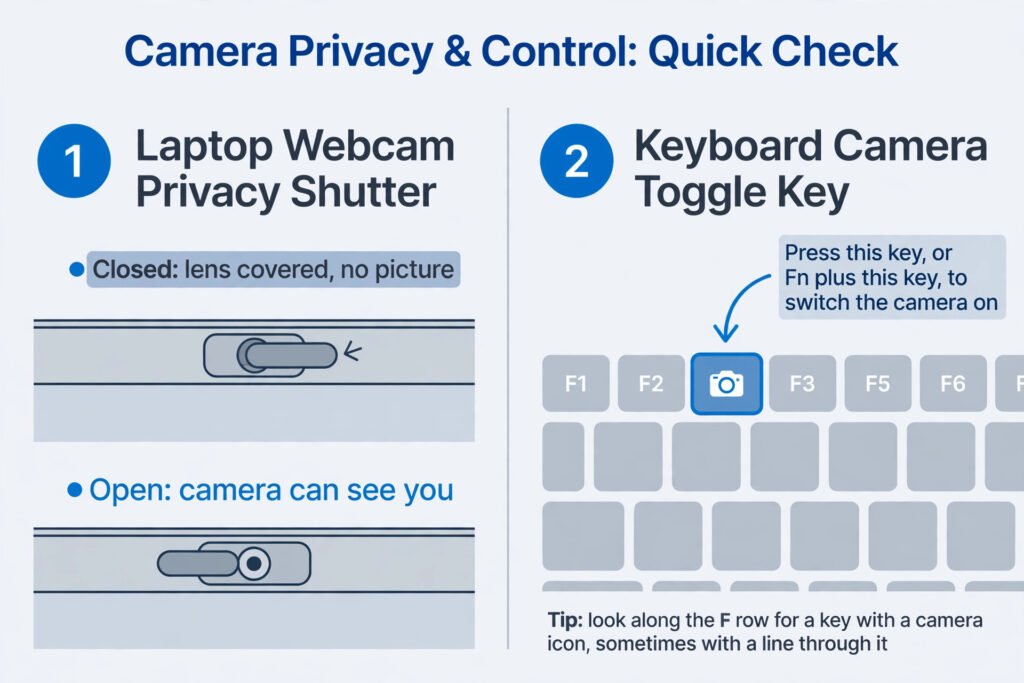
Key facts Most dead laptop cameras are not broken. The usual cause is a closed privacy shutter, a switched-off camera
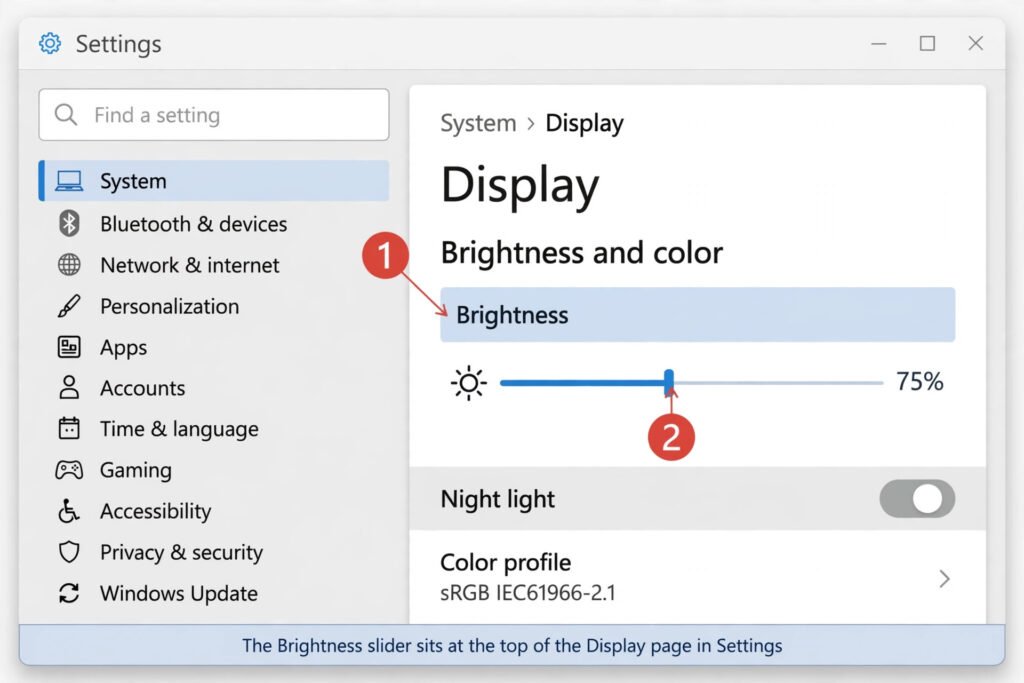
Key takeaways: On laptops, a missing brightness slider is almost always a disabled Generic PnP Monitor entry or a broken
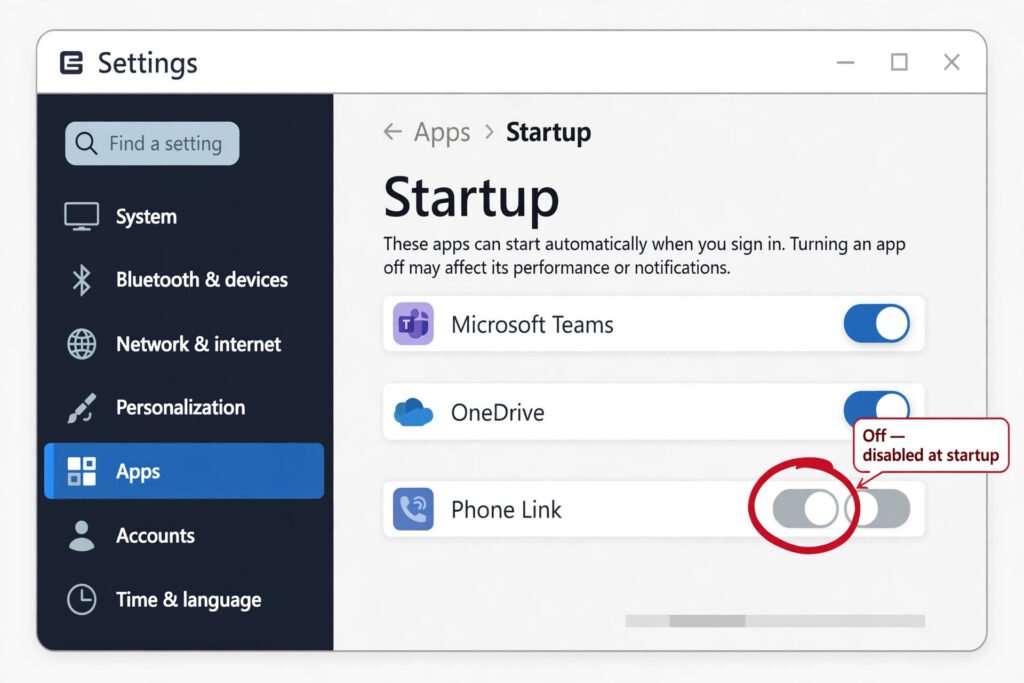
How to Stop Phone Link From Opening on Startup in Windows 11 Phone Link is the app that connects your
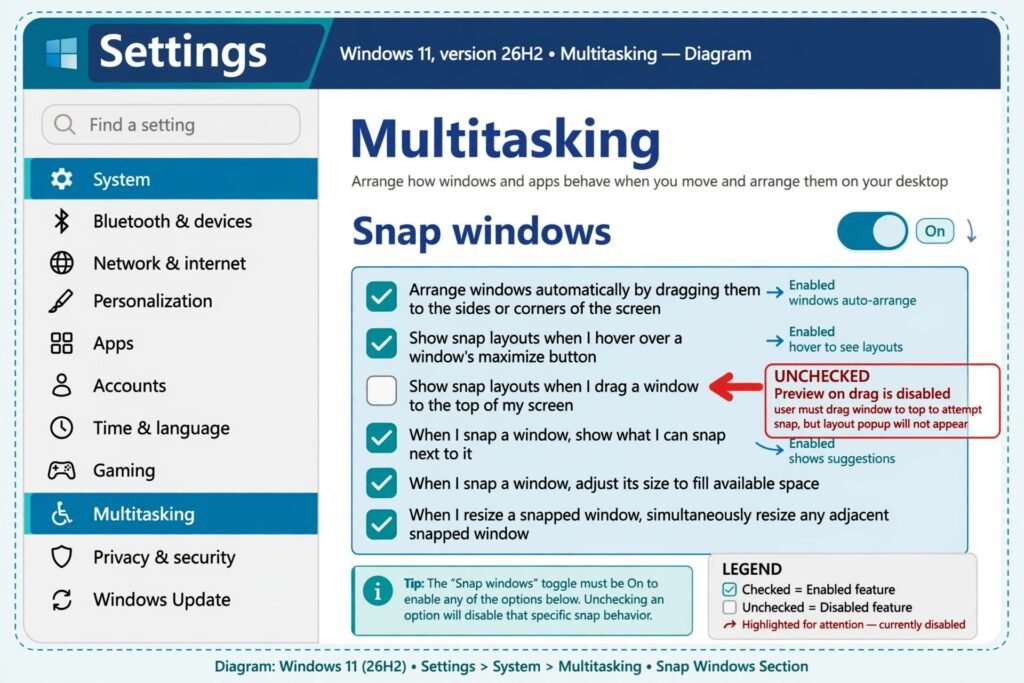
How to Turn Off the Snap Layouts Popup When Dragging a Window to the Top in Windows 11 Key takeaways
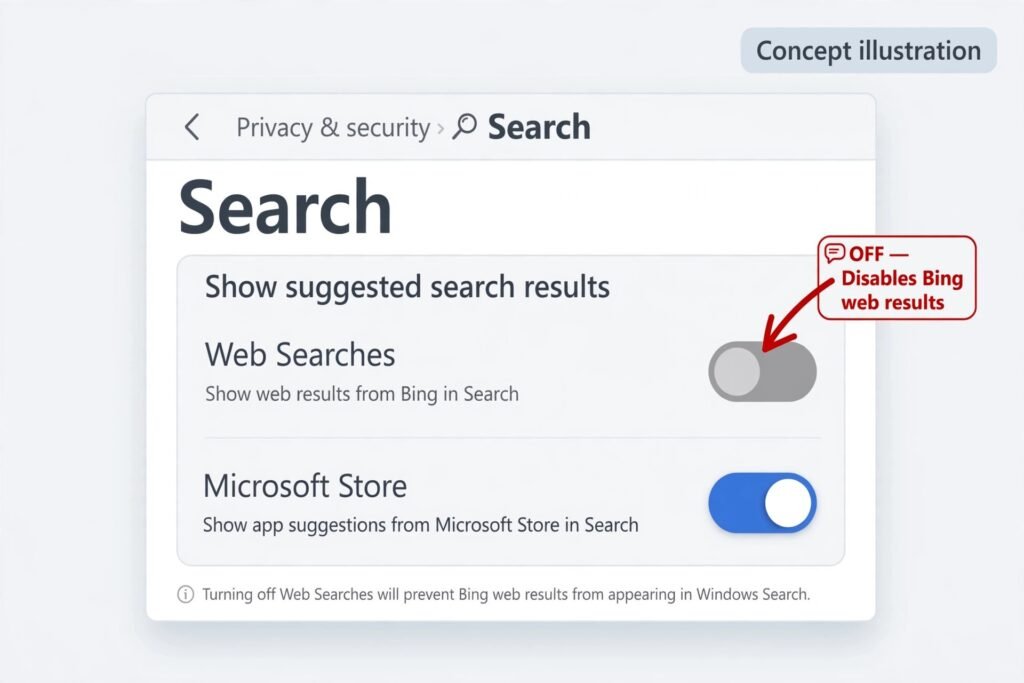
The short version: Microsoft added an official Web Searches toggle under Settings > Privacy & security > Search during 2026,
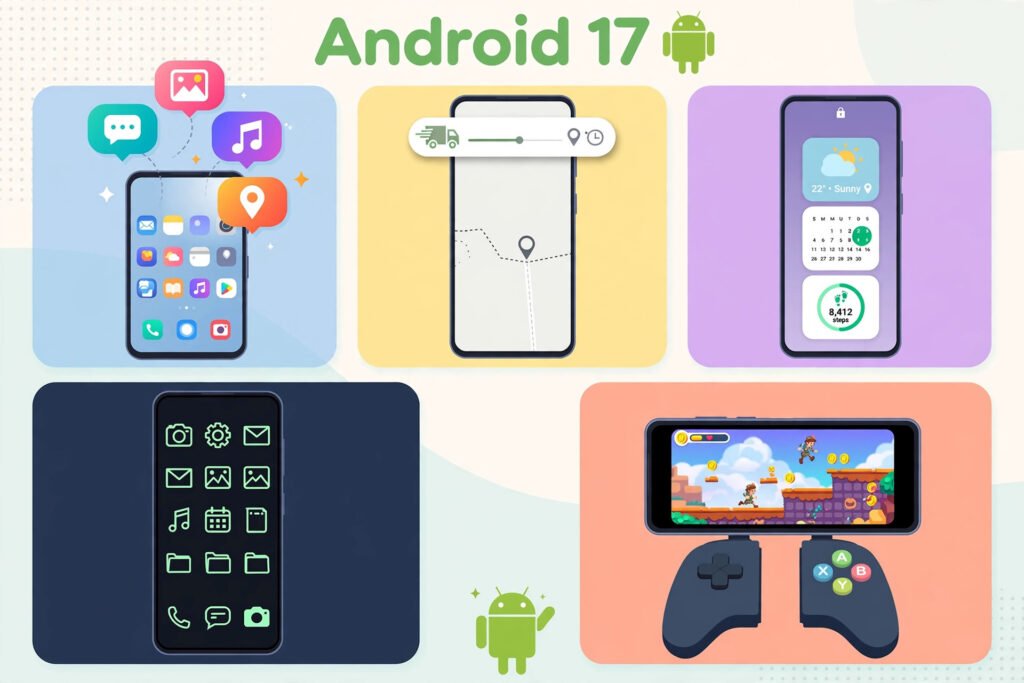
Android 17 is the 2026 version of the software that runs most of the world’s phones. Google released it for