
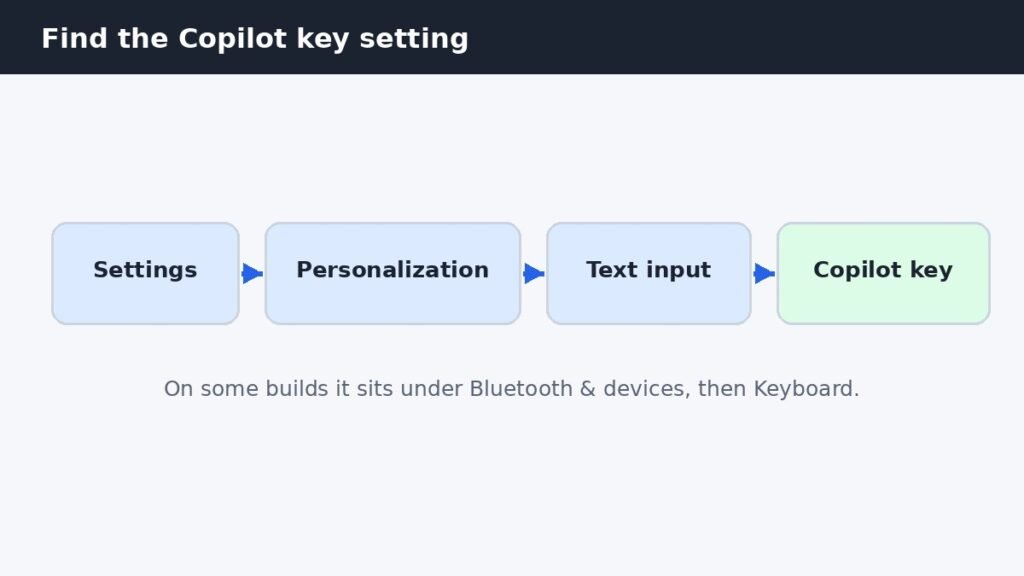
How to Remap or Turn Off the Copilot Key in Windows 11
Newer Windows 11 keyboards have a Copilot key where Right Ctrl used to sit, and one stray press opens the
Newer Windows 11 keyboards have a Copilot key where Right Ctrl used to sit, and one stray press opens the
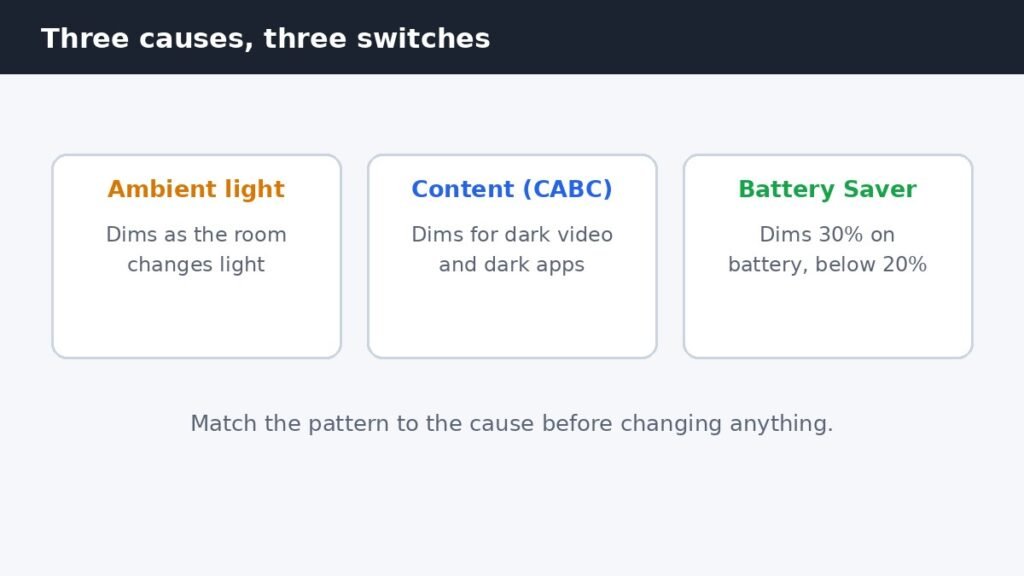
Your laptop screen keeps dimming on its own, and the brightness slider is not the problem. Three separate Windows 11
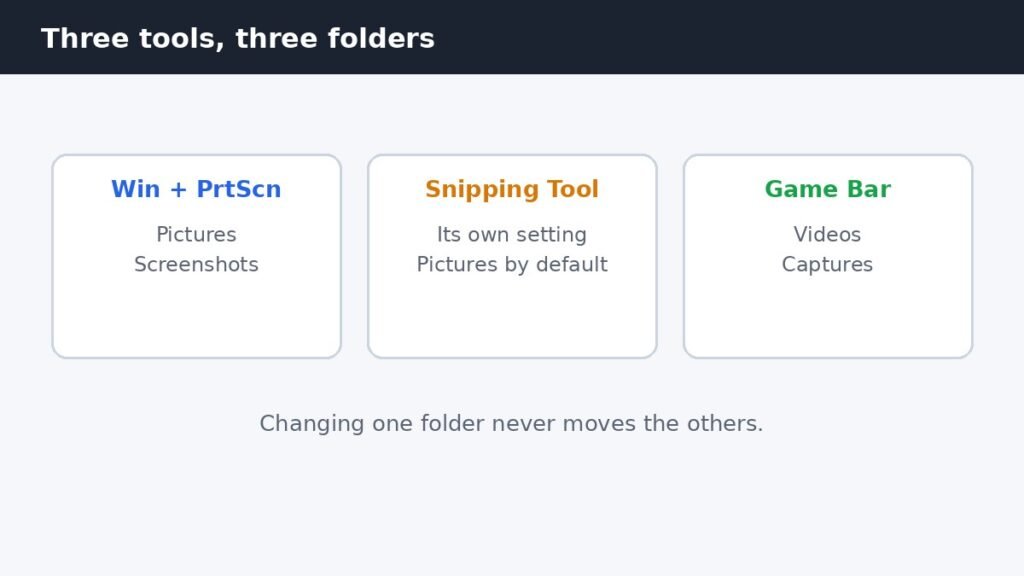
Windows 11 has no single screenshot save setting, because three different tools each save to their own folder. Win +
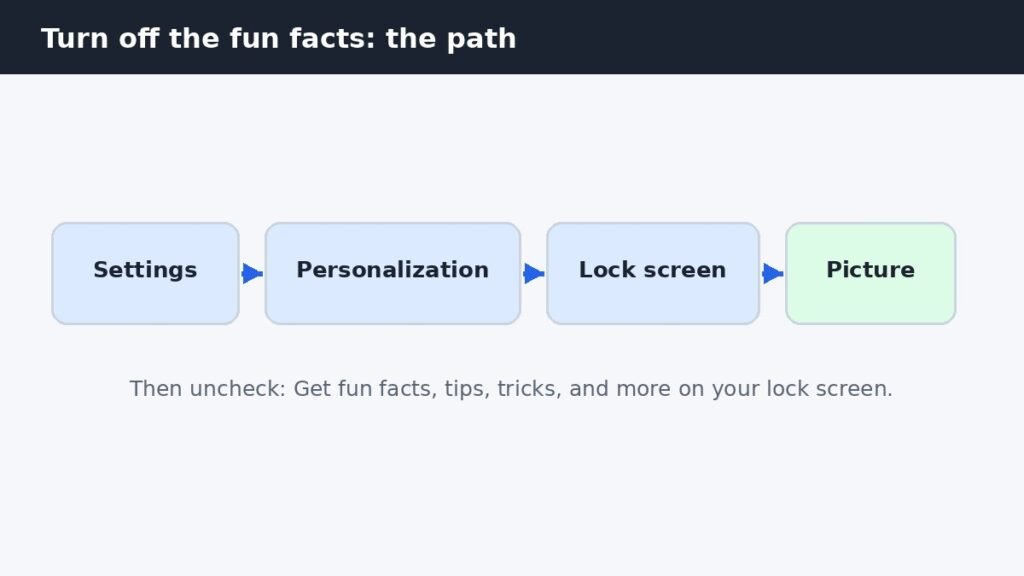
The tips, fun facts, and tricks on your Windows 11 lock screen come from one checkbox, but that checkbox only
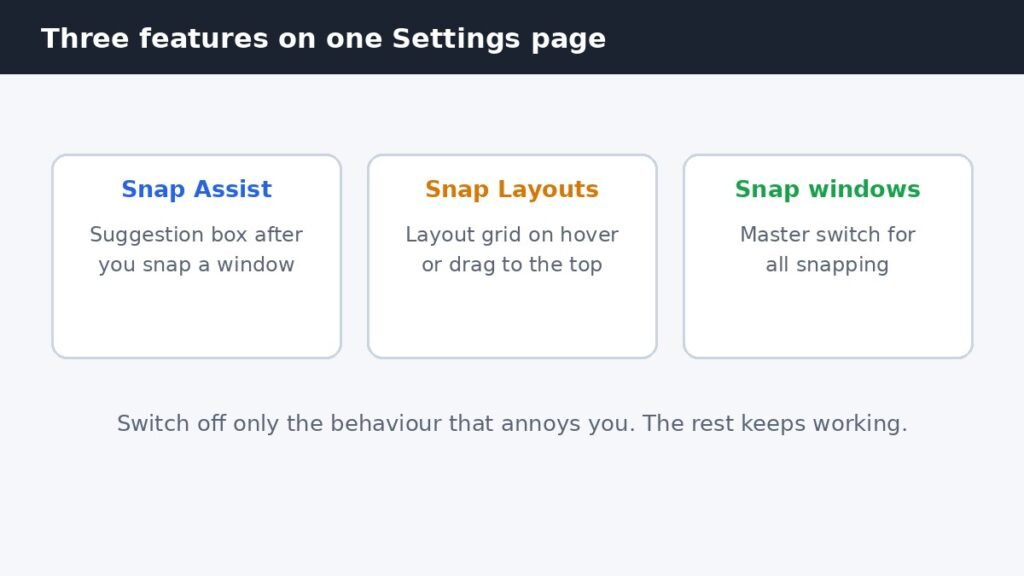
Snap Assist is the suggestion box that appears after you snap a window to one side of the screen, offering
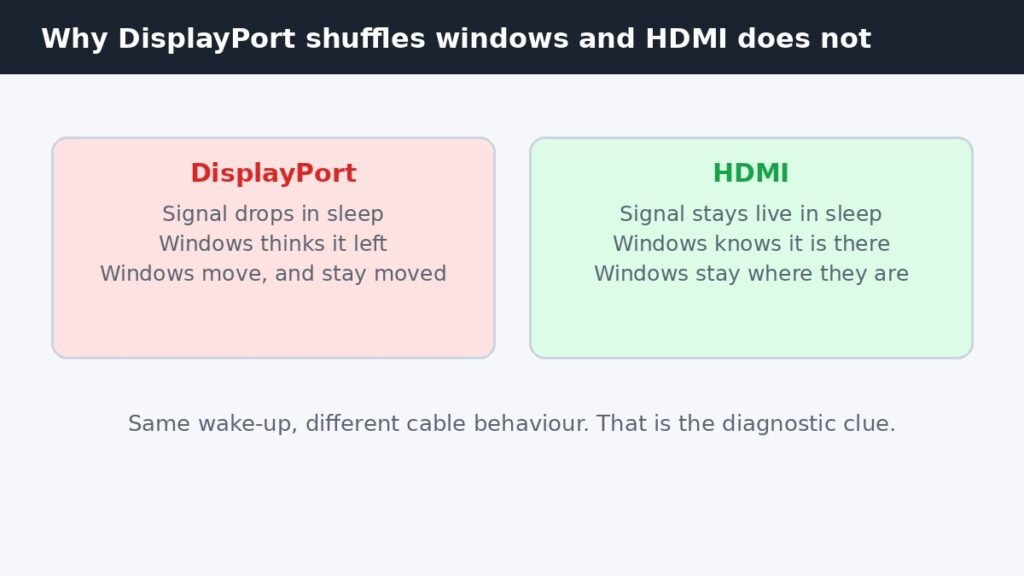
You wake your PC, the second monitor comes back on, and every window has moved. Windows from the second screen
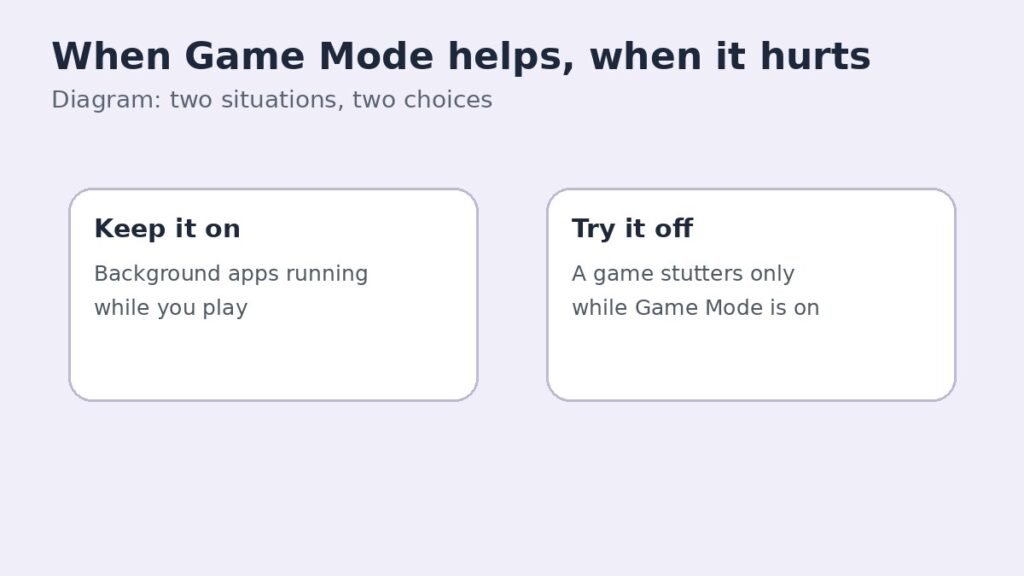
Game Mode is a Windows 11 setting that gives the game you are playing priority over background activity. It is
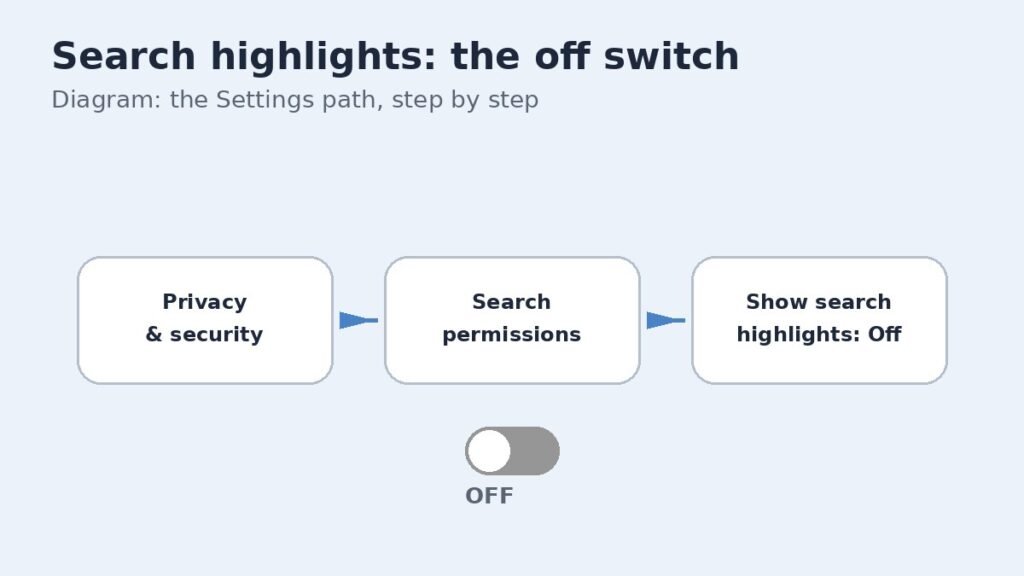
Search highlights are the daily pictures, anniversaries, trending topics, and news snippets that appear in the Windows 11 search panel.
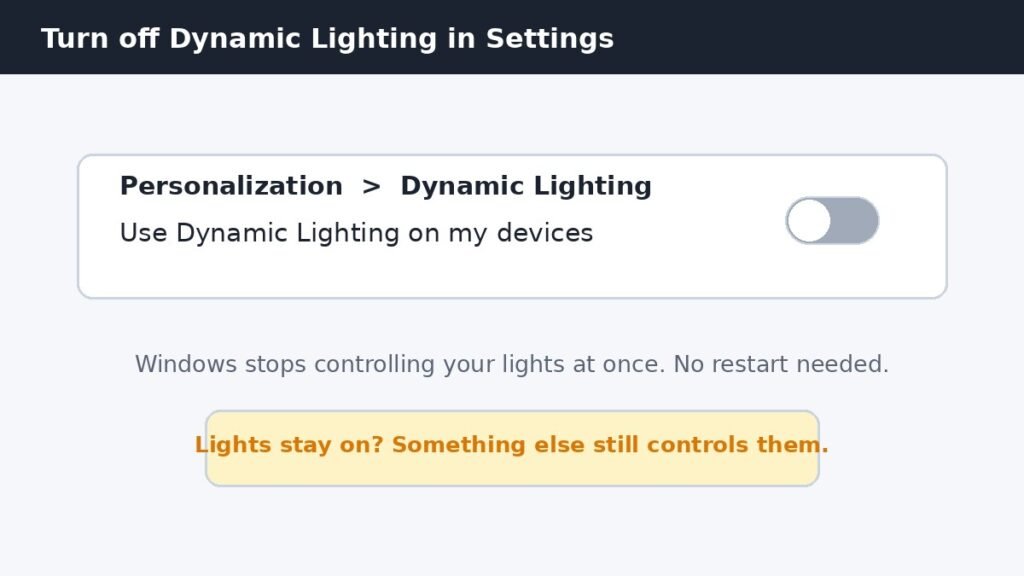
Dynamic Lighting is Windows 11’s built-in way to control RGB lights on keyboards, mice, and case lighting from one place
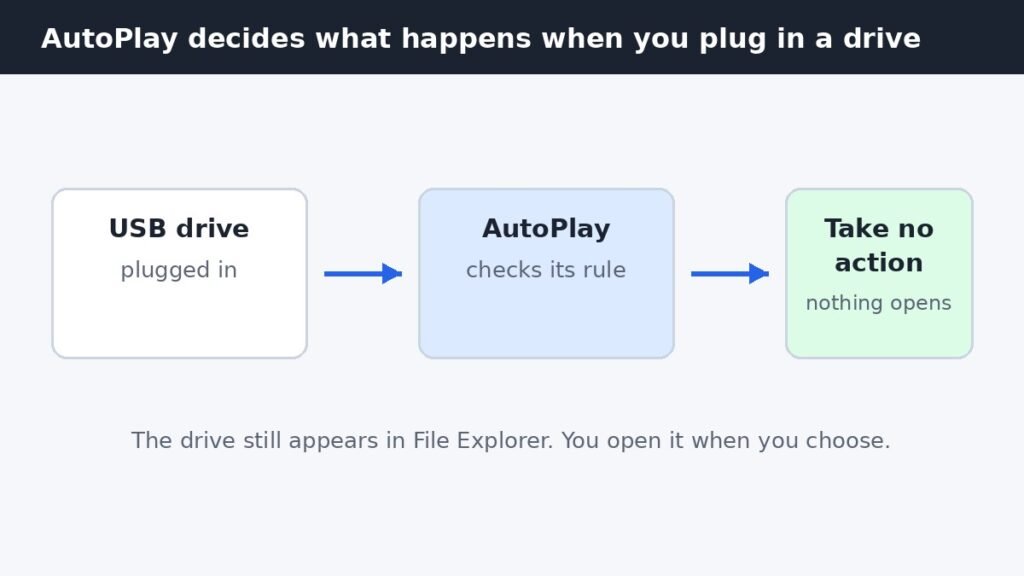
If Photos pops open every time you plug in a USB drive, the app is not misbehaving. Windows is following
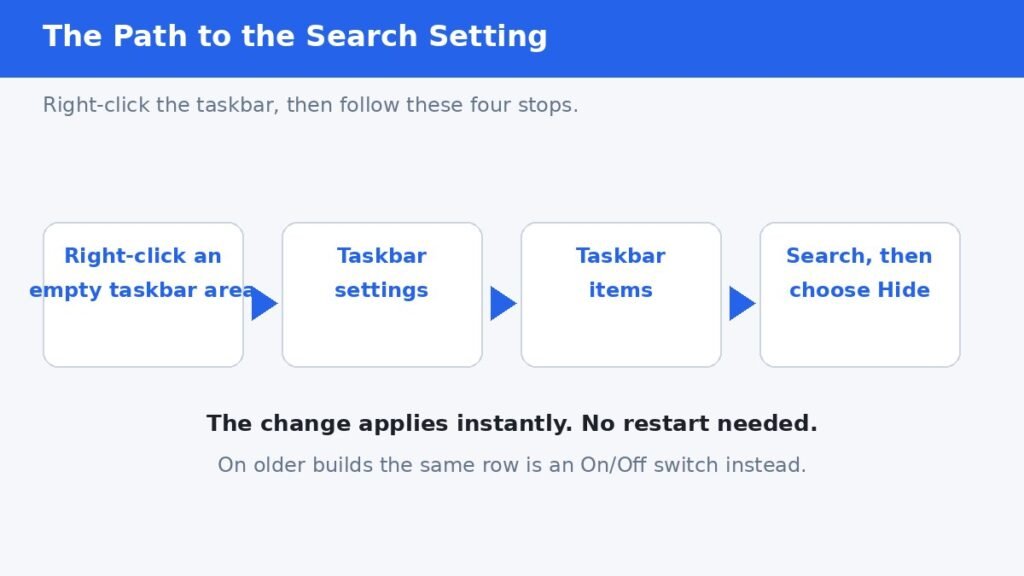
You can hide the search box on the Windows 11 taskbar in under a minute, and search keeps working exactly
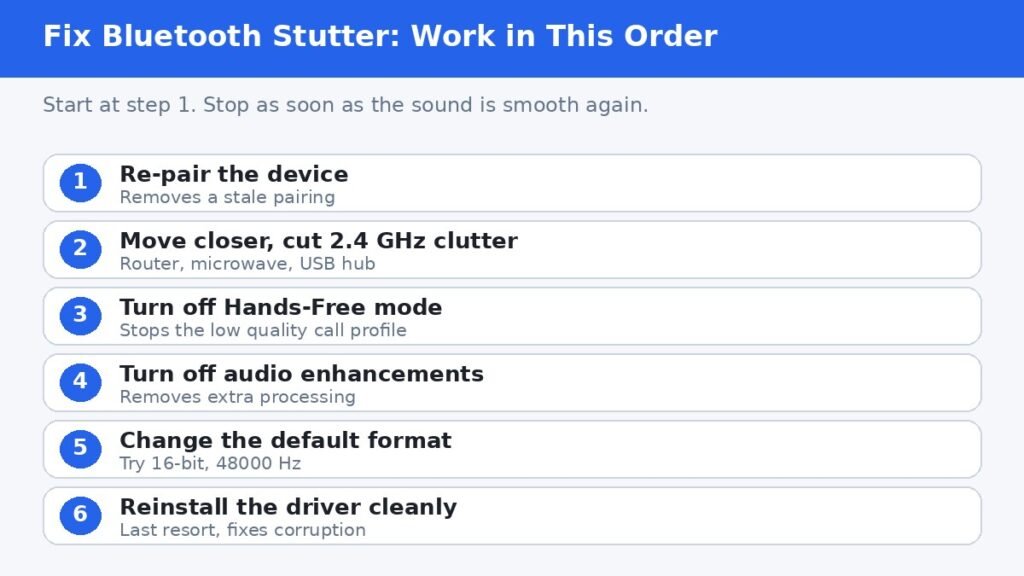
Bluetooth audio stuttering on Windows 11 is almost always fixable without buying anything new. The usual causes are Windows switching