
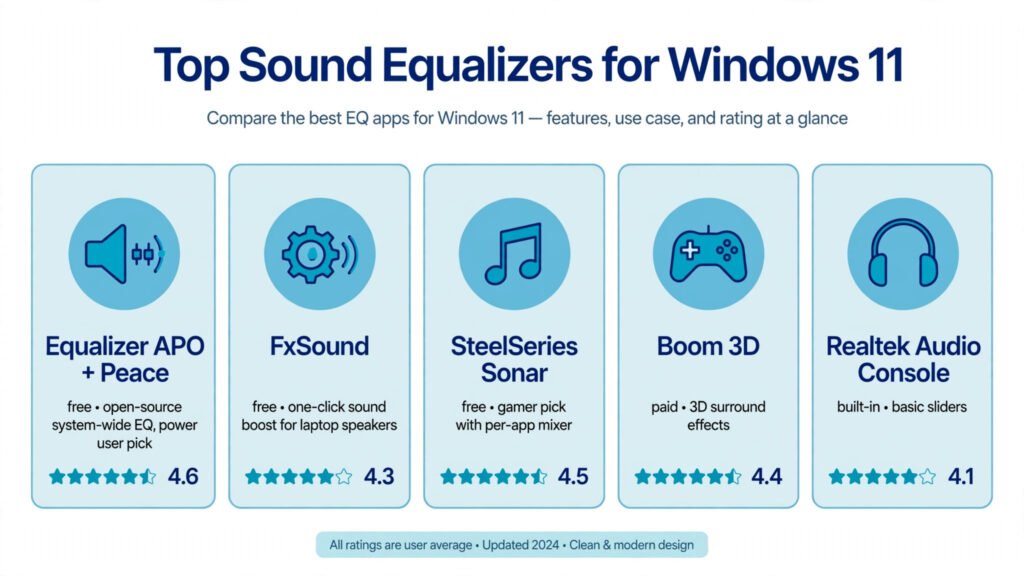
Best Sound Equalizer for Windows 11
Music that sounds thin and lifeless, dialogue you can barely hear in movies, bass that disappears the moment you switch
Music that sounds thin and lifeless, dialogue you can barely hear in movies, bass that disappears the moment you switch
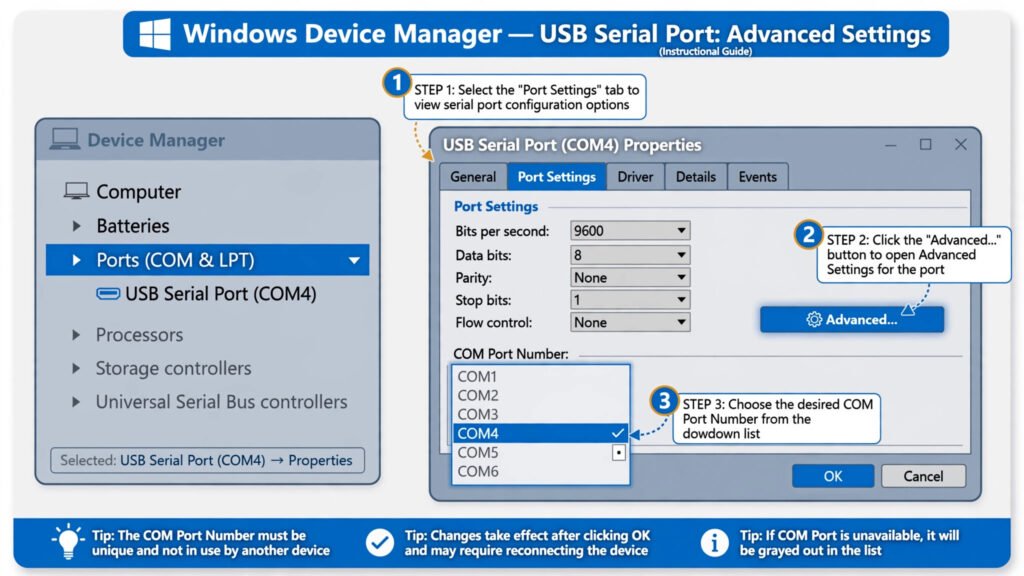
You plug in a USB-to-serial adapter and Windows hands it COM17, while your radio programmer, Arduino IDE, or 3D-printer software
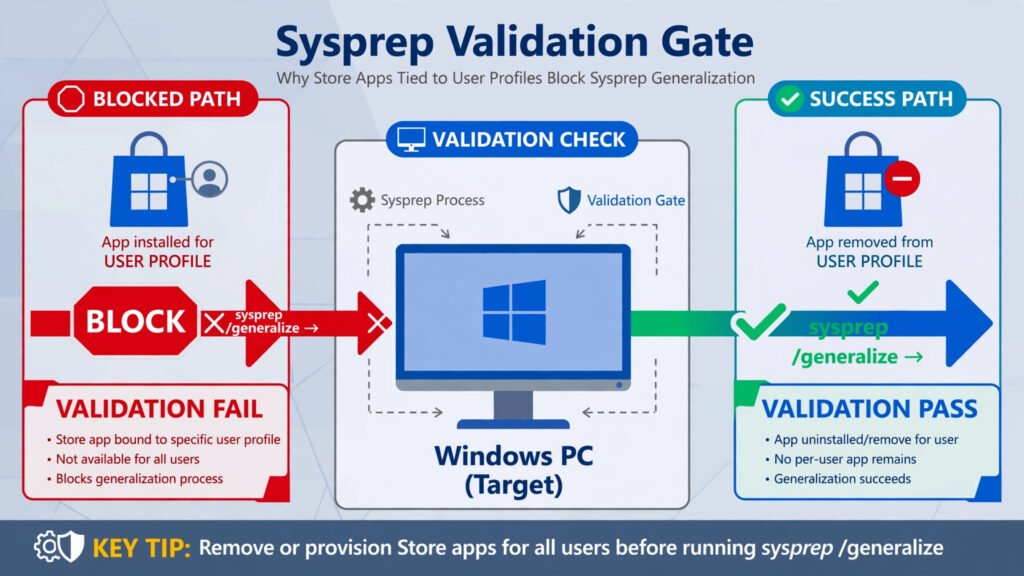
Sysprep exists to do something unnatural: take your personalized Windows installation and scrub it down to a neutral master image
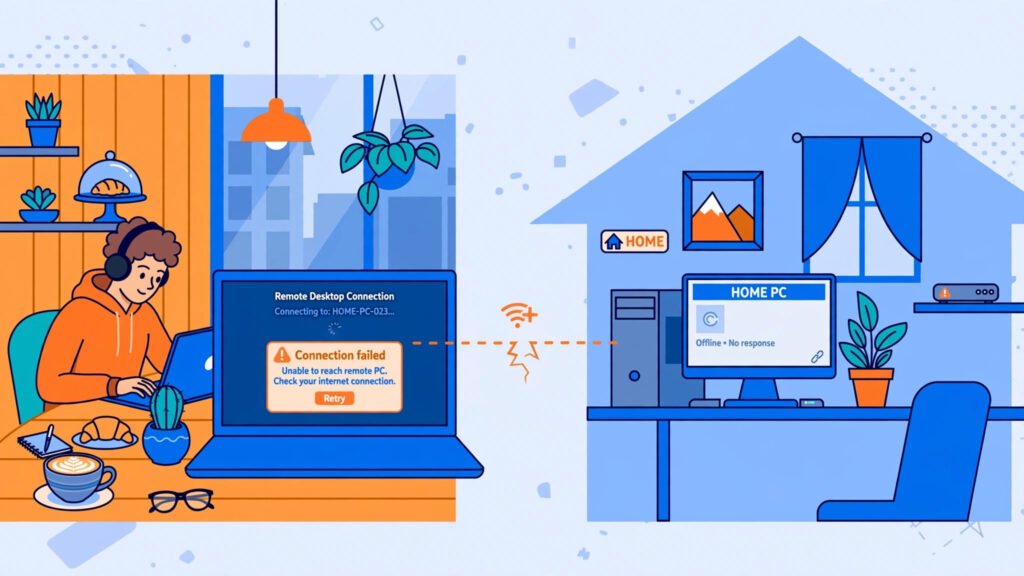
You are on your laptop at a coffee shop, you need one file from your home PC, you open Remote
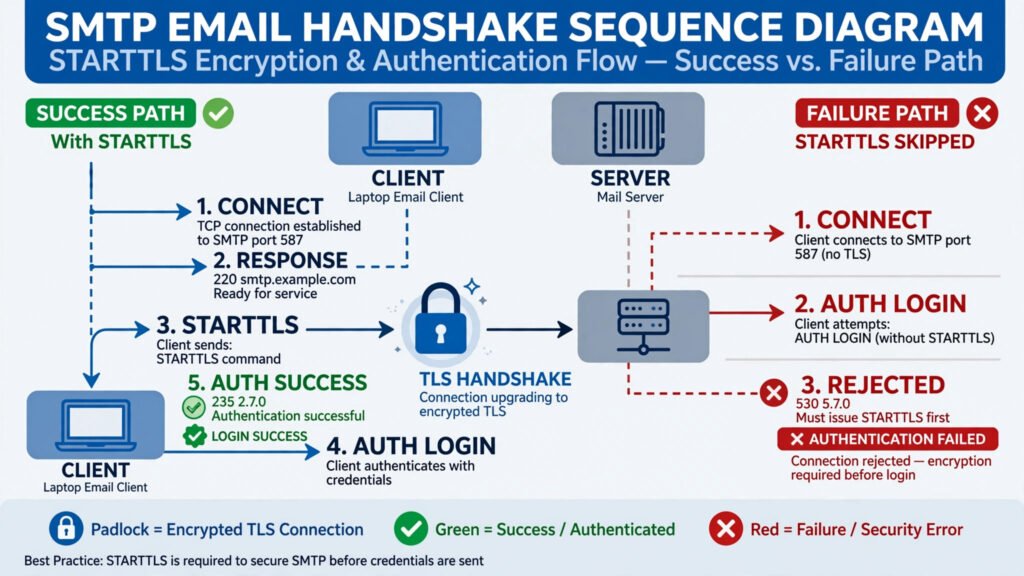
“StartTLS is required to send email.” Or the shorter server version: “Must issue a STARTTLS command first.” You hit Send,
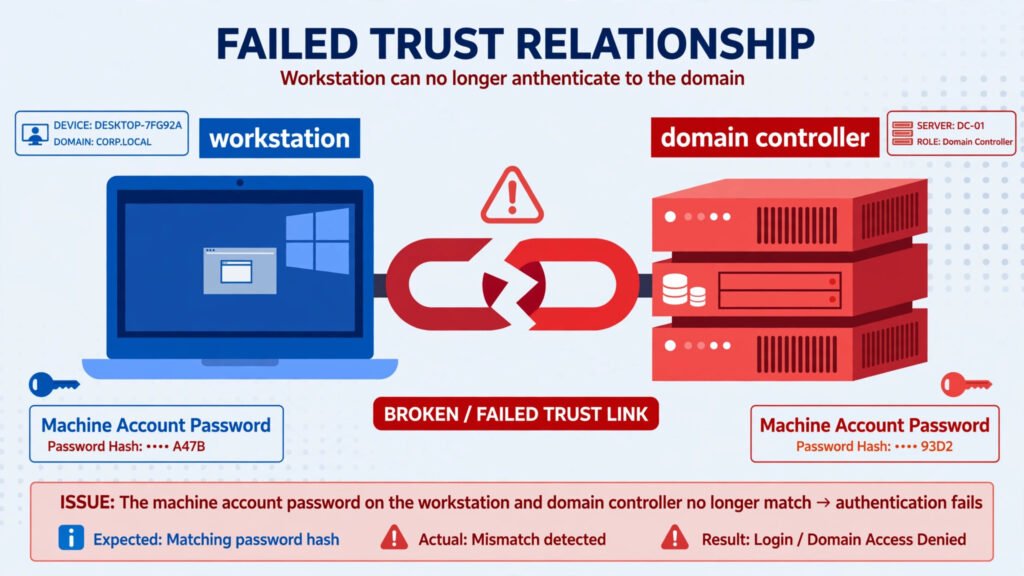
Yesterday your PC signed you in without a thought. This morning you type the same password you always use, and
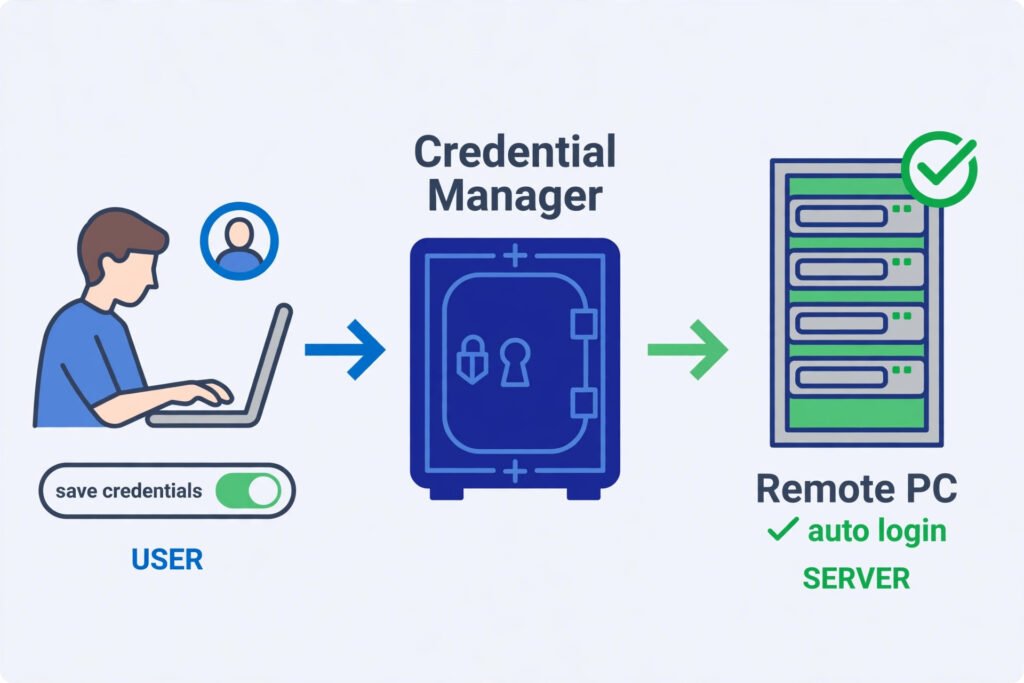
Typing your username and password every time you open Remote Desktop gets old fast. Windows can remember your login for
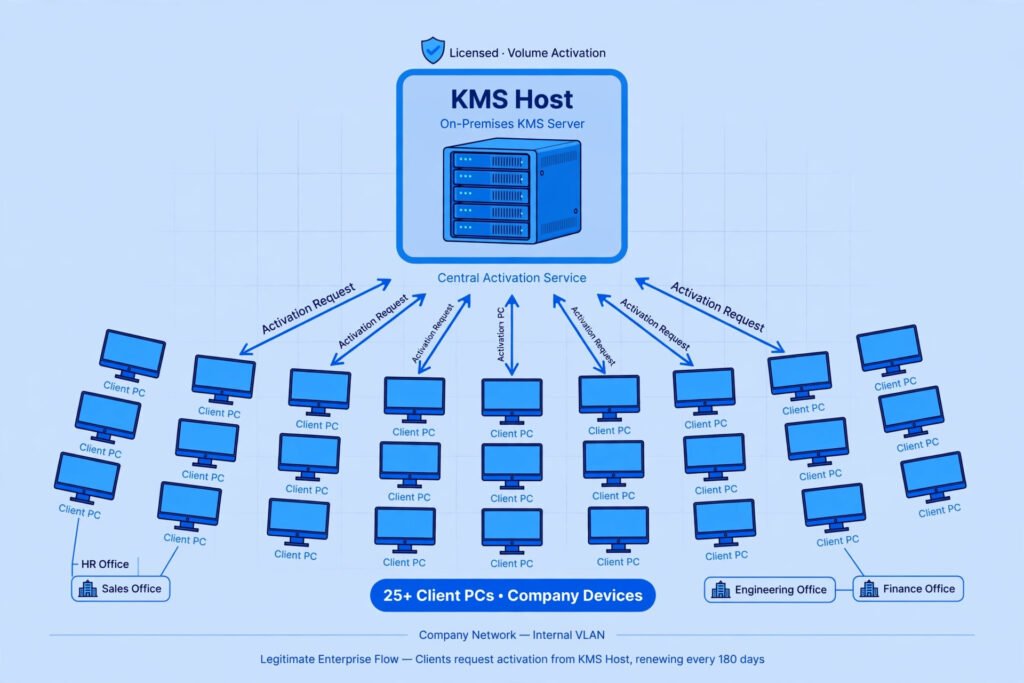
KMS activation is one of the most misunderstood topics in Windows. It is a legitimate Microsoft technology, but it was
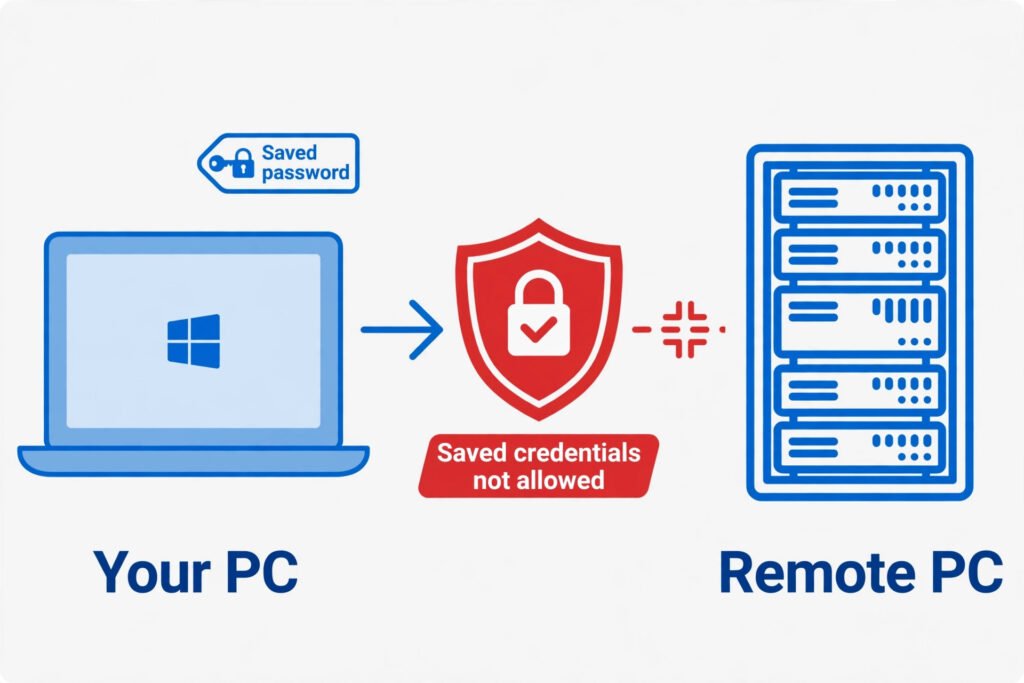
You tick “Remember me” in Remote Desktop Connection, but Windows throws it straight back: your system administrator does not allow
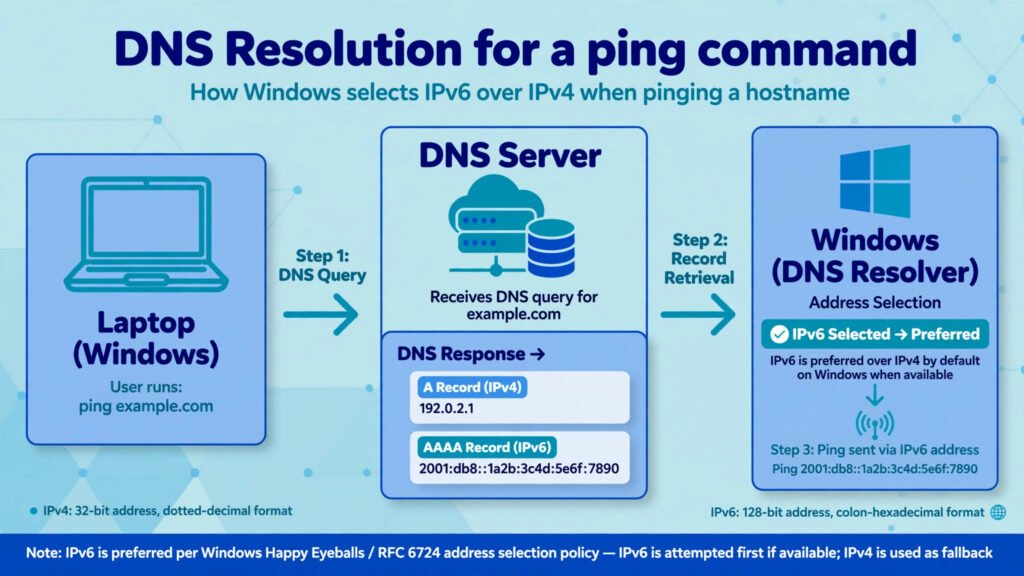
You type ping google.com, expecting a familiar string of numbers, and instead the replies come from a long address full
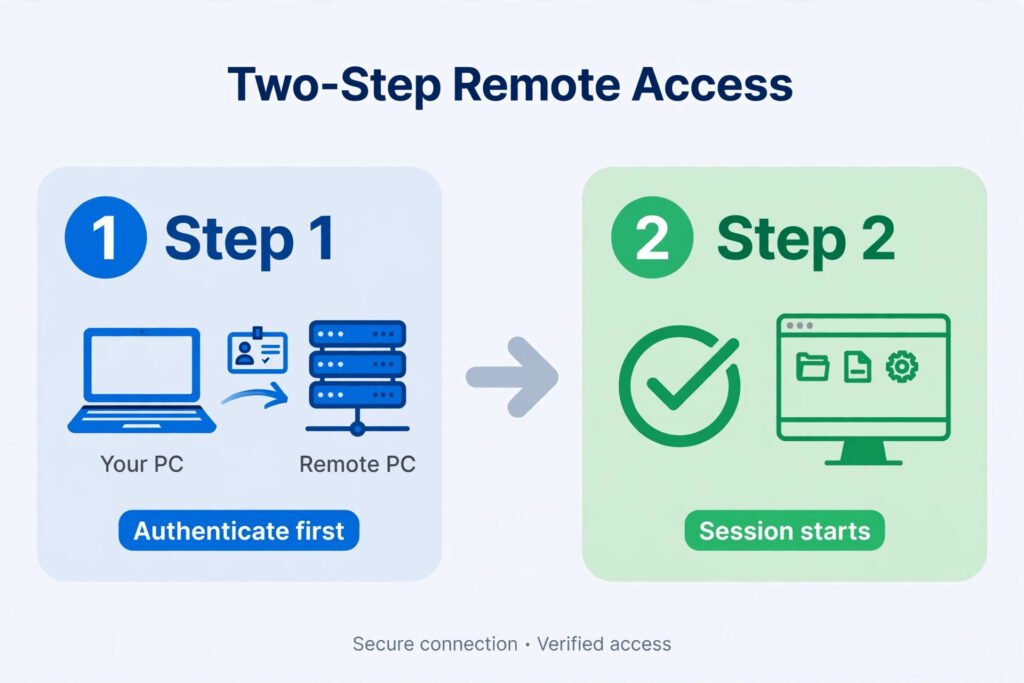
You try to connect to a remote computer and Windows stops you cold: the remote computer requires Network Level Authentication.
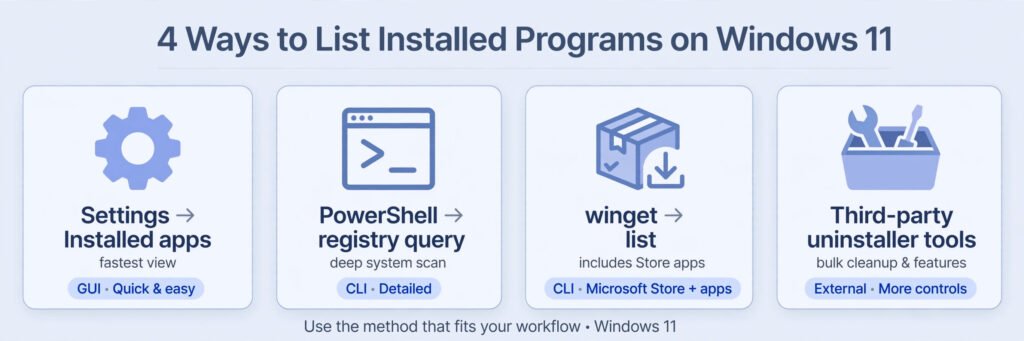
Key Takeaways Every time I set up a fresh Windows install, I end up asking the same question: what exactly