
This article covers only Android barcode scanner apps, and only for three real use cases: scanning a QR code now and then, scanning lots of product barcodes for inventory or a small business, and scanning without handing your data to an ad network. Everything else in this app category is mostly adware, so the honest recommendation is short.
Everyday QR Codes and the Occasional Barcode
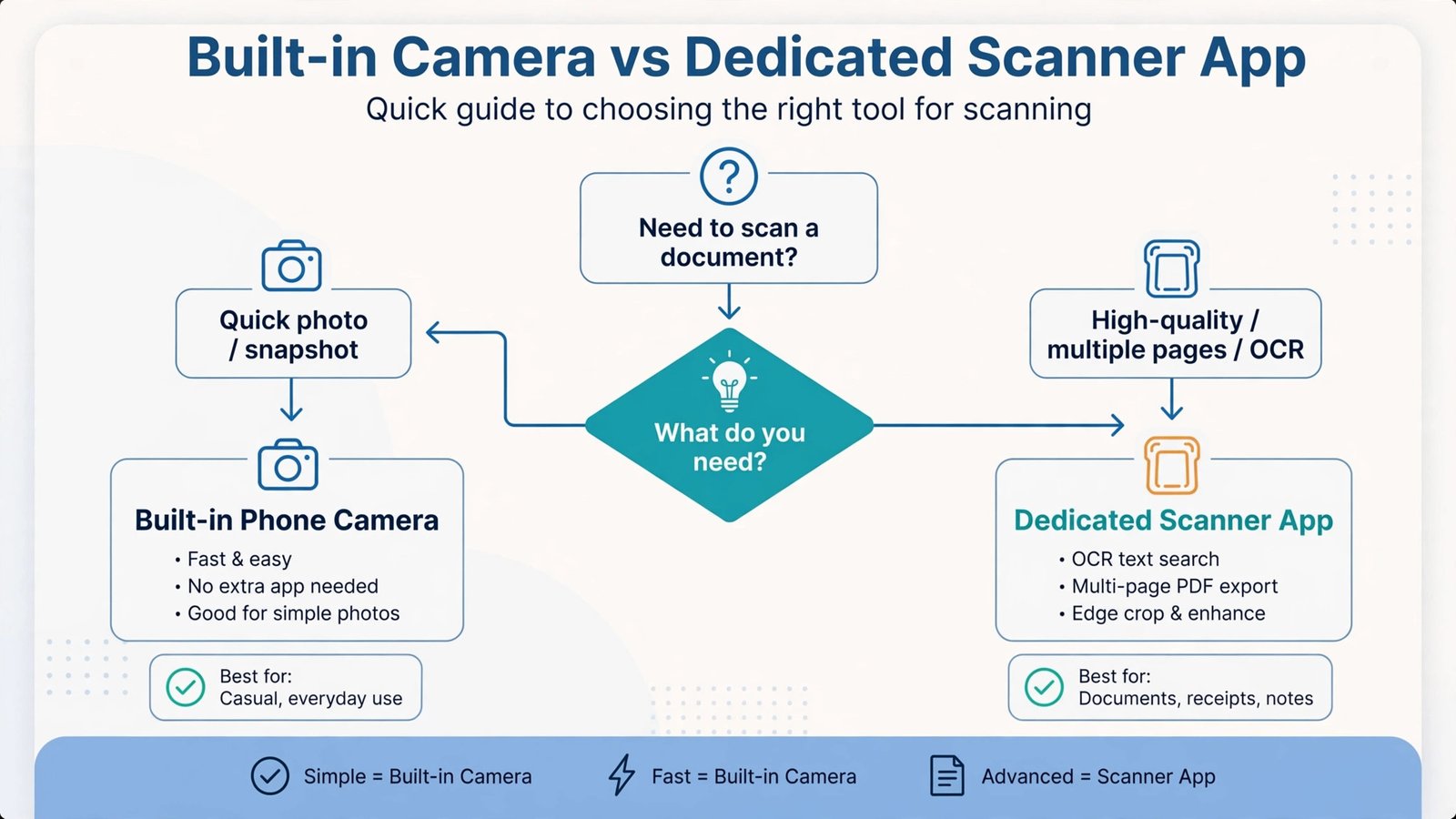
Recommended: your phone’s built-in camera. Most Android phones scan QR codes directly from the camera app or from Google Lens, with no install, no ads, and no extra permissions. Before installing anything, check whether your camera already handles it, because it almost certainly does.
If you want a dedicated app anyway, QR Code Scanner – without ads by Triple Tap is exactly what the name promises: completely ad-free, no in-app purchases, works without internet, and one of the highest-rated scanners on the Play Store. Its weakness is that it focuses on QR codes rather than the full zoo of 1D product barcode formats, so it is a QR-first pick.
Inventory, Books, and Small Business Scanning
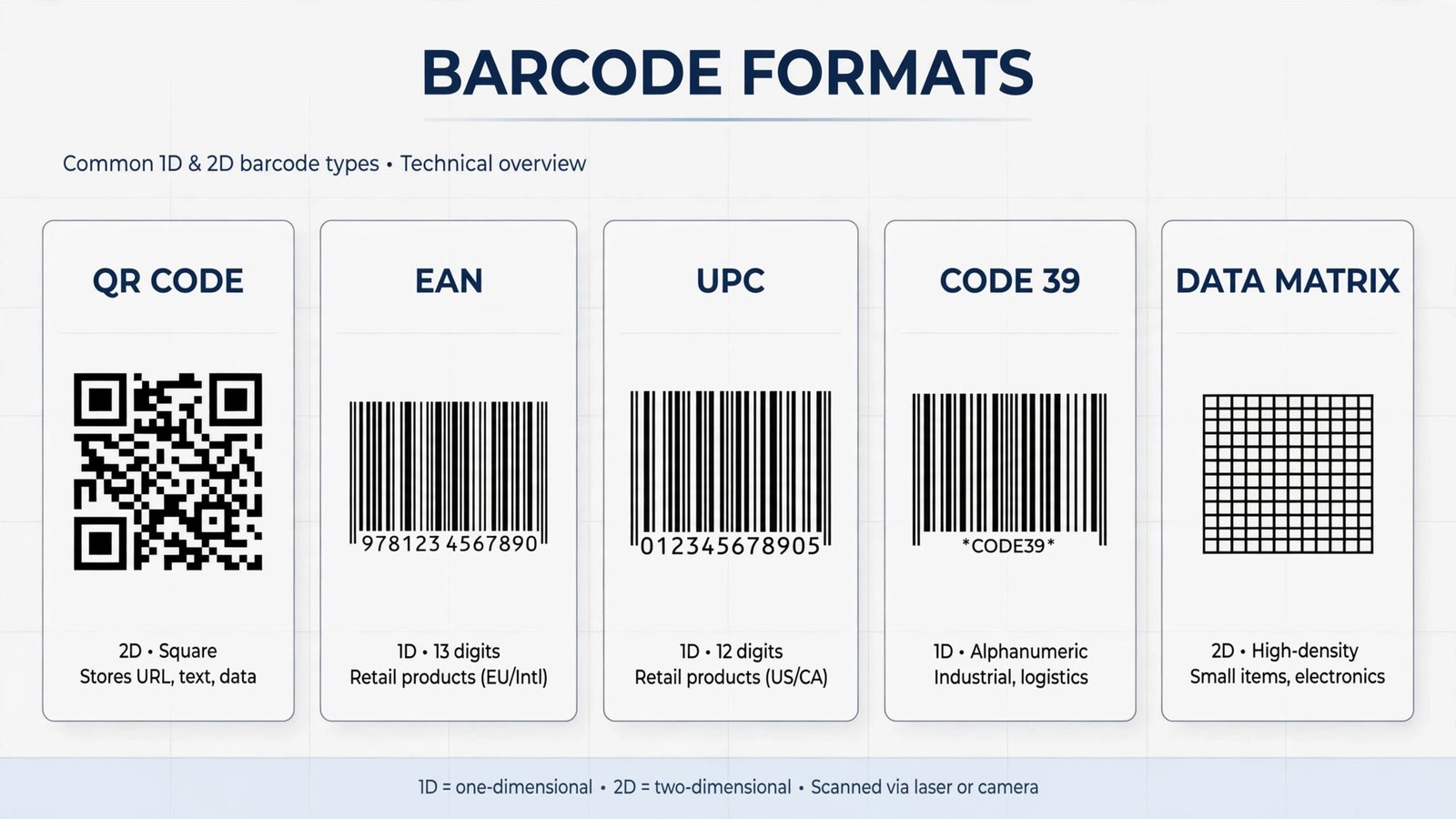
Recommended: QR & Barcode Reader by TeaCapps. This is one of the most-installed scanners on the Play Store because it supports a wide range of 1D and 2D formats, the kind of EAN, UPC, and Code 128 barcodes you find on books, groceries, and stock. For repetitive scanning it is fast, keeps a history, and is cleaner about ads than most generic scanners.
Its weakness is the same as the category’s: it is still a commercial app with in-app purchases and data practices worth checking in the Play Store’s Data safety section before you trust it with business use. For a polished paid option, QR Scanner: Barcode Scanner by Simple Design adds batch scanning, history, and a QR generator behind a one-time $2.99 purchase instead of a subscription, but again, check the privacy policy against your needs.
The Privacy Pick: Open Source and Ad-Free
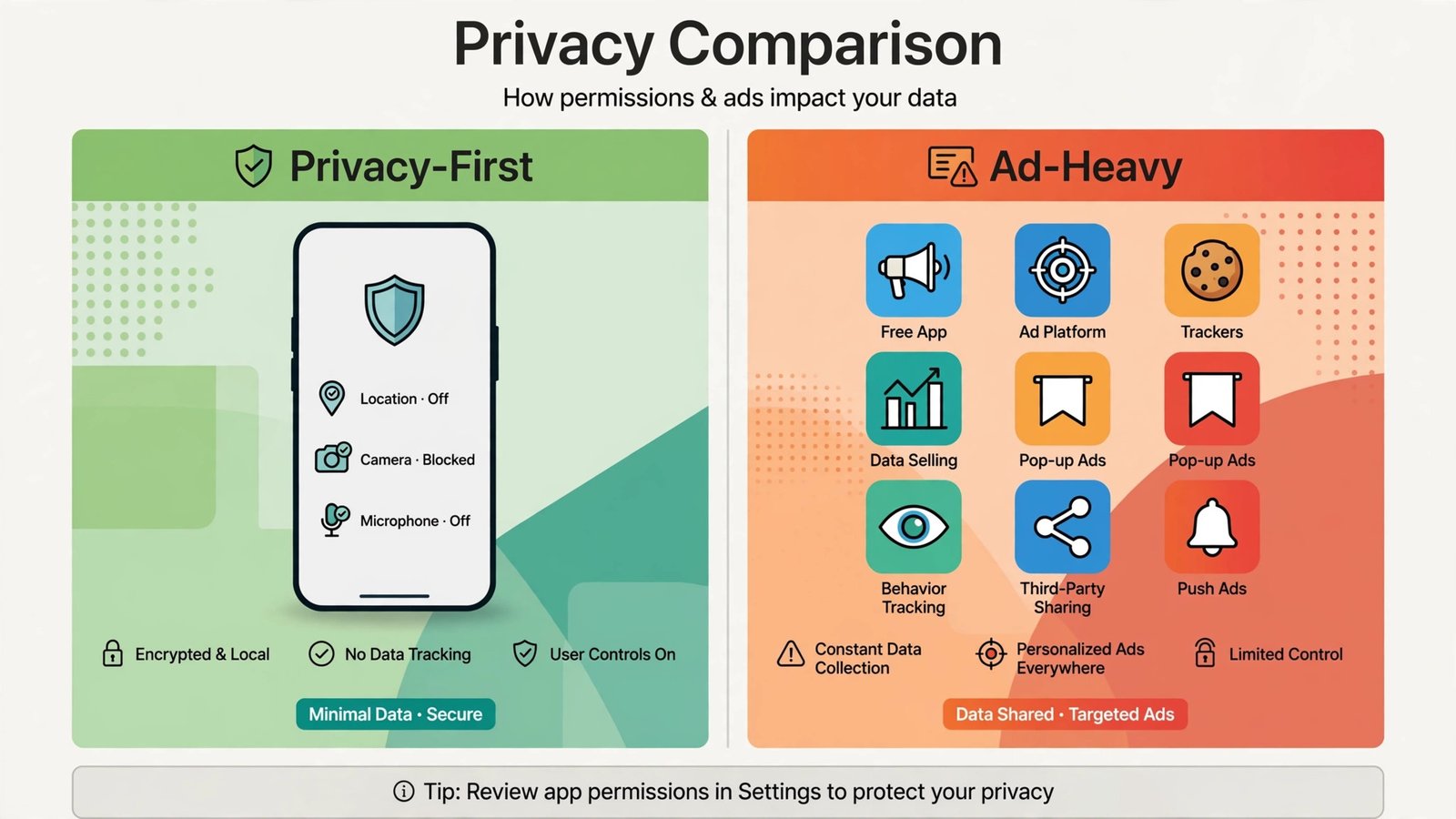
Recommended: Binary Eye. This is the app to install if you care about privacy. It is open source under the MIT license, updated as recently as March 2026, requests nothing beyond camera permission, and collects no data at all according to its Play Store listing. It reads an enormous range of formats, works in portrait and landscape, and can also generate barcodes, for example to digitize a store loyalty card.
Its weakness is cosmetic, not functional. The interface is plain and utilitarian compared to commercial scanners, and it lacks the cloud-synced history and analytics some power users want. If your priority is “scan the code and tell nobody,” that is a feature, not a bug.
Comparison Table
| App | Best for | Ads | Price |
| Built-in camera | Occasional QR codes | None | Free |
| QR Code Scanner (Triple Tap) | Ad-free QR scanning | None | Free |
| Binary Eye | Privacy, all formats | None | Free, open source |
| QR & Barcode Reader (TeaCapps) | Inventory, product barcodes | Some | Free with purchases |
| QR Scanner (Simple Design) | Batch scanning, history | Some | Free, $2.99 one-time unlock |
Verdict
Here is the short version. For QR codes, use the camera you already have. For privacy, install Binary Eye. For heavy barcode work, TeaCapps’ QR & Barcode Reader is the practical pick. Anything else on the Play Store is likely selling you ads first and scanning second, so check the Data safety panel before you install. If your scanning needs grow into a business workflow, our roundup of Android productivity apps covers the next level up. And if privacy is what drove your choice of scanner, extend it to your logins with our password manager picks.

- How to Stop iPhone Apps Asking for Ratings and Reviews - October 23, 2026
- How to Turn Off HDR in Windows 11 When Colors Look Washed Out - October 22, 2026
- What Is Samsung Free and How to Stop It Opening on Your Home Screen - October 21, 2026