
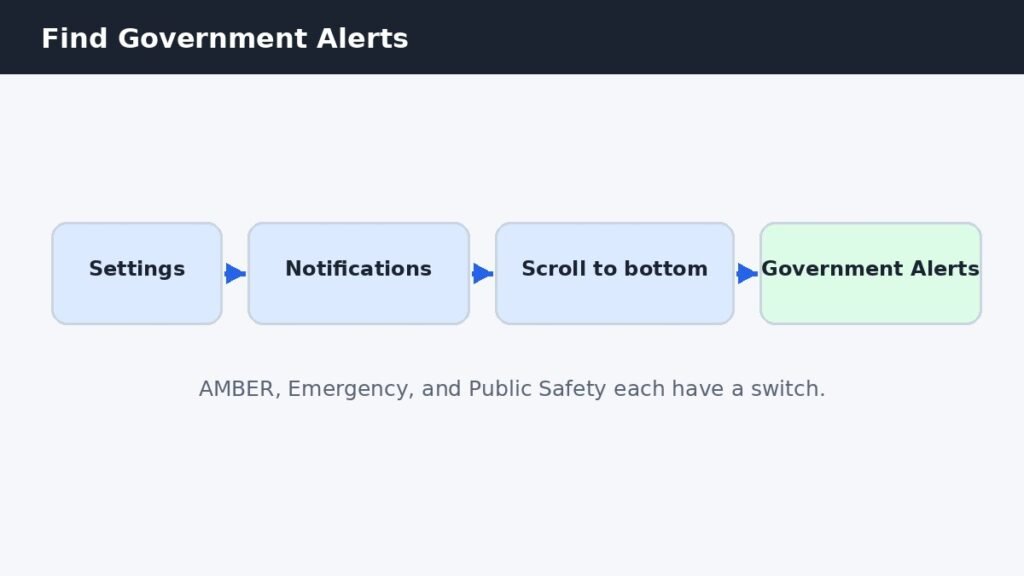
How to Turn Off Emergency Alerts on iPhone
Yes, you can turn off most emergency alerts on your iPhone in under a minute. Open Settings, tap Notifications, scroll

Yes, you can turn off most emergency alerts on your iPhone in under a minute. Open Settings, tap Notifications, scroll
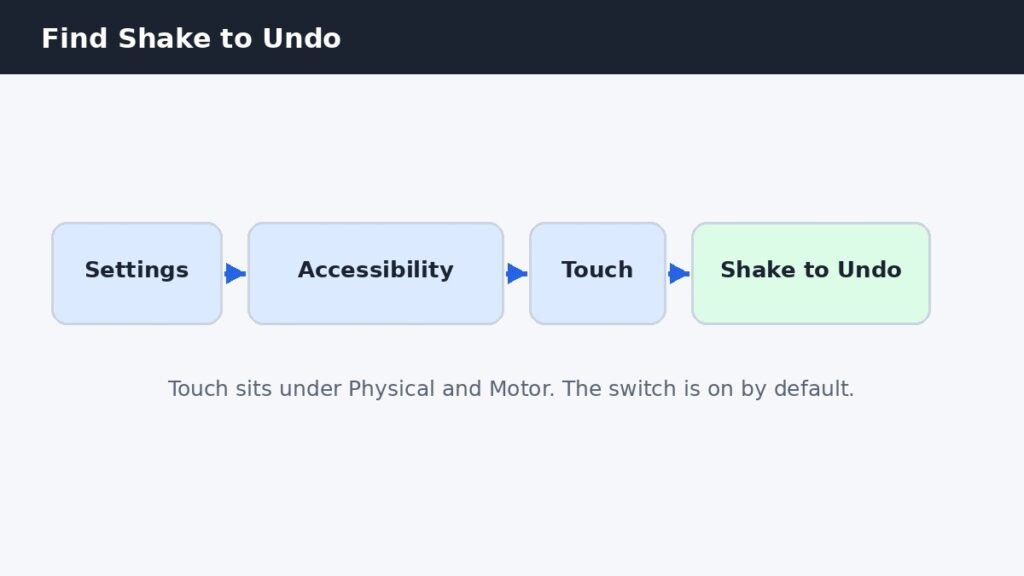
You are halfway through a message when the screen stops and a small box appears: “Undo Typing”. You did not
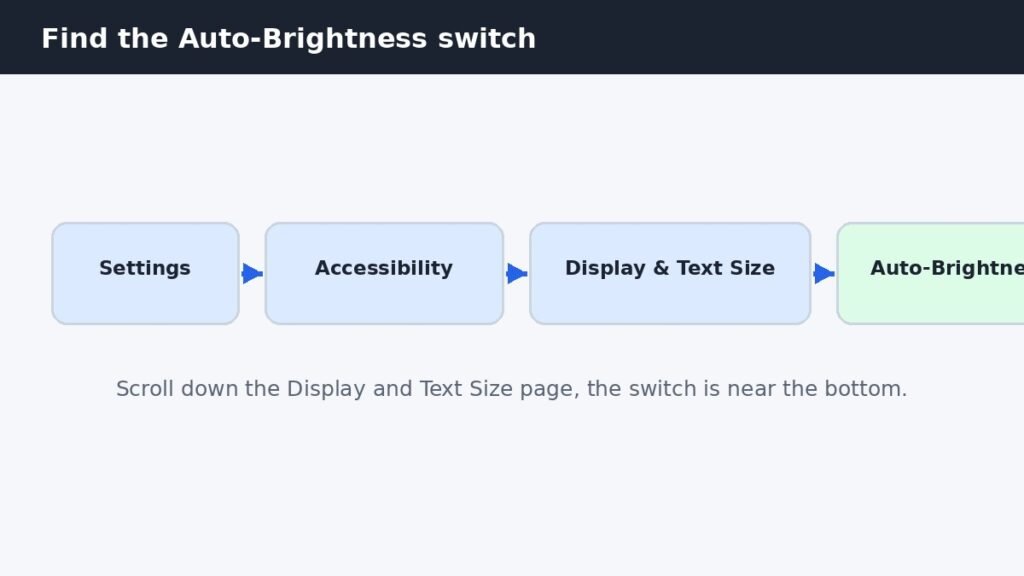
Your iPhone keeps changing its own brightness. You set it where you like it, walk into a brighter room, and
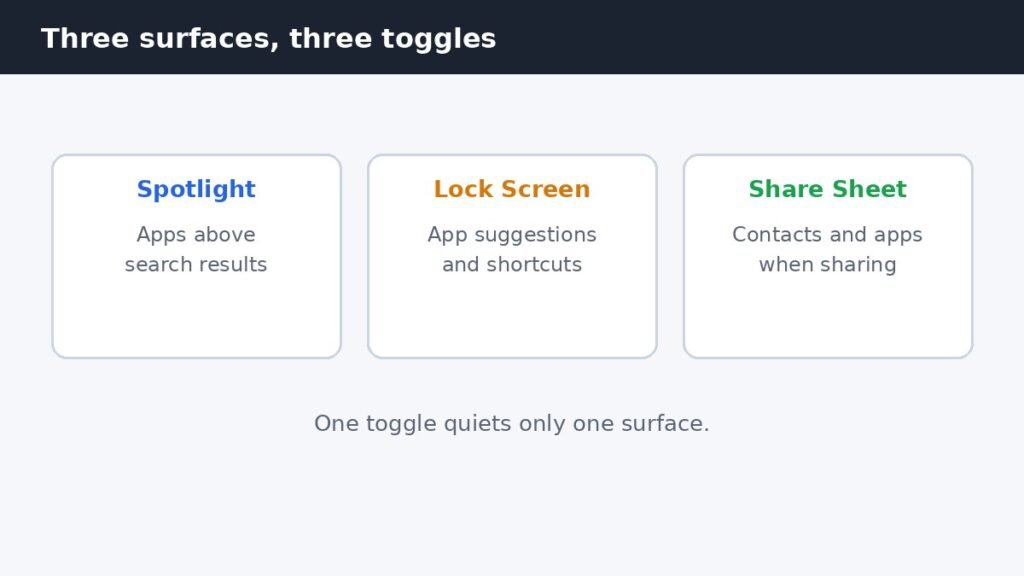
Siri Suggestions put apps, contacts, and shortcuts where you did not ask for them: at the top of search, on
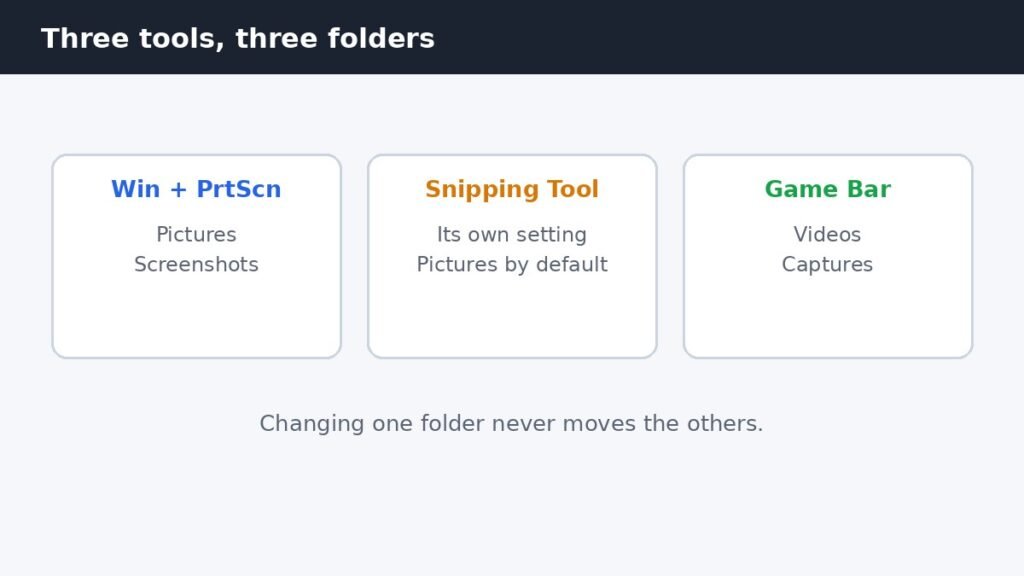
Windows 11 has no single screenshot save setting, because three different tools each save to their own folder. Win +
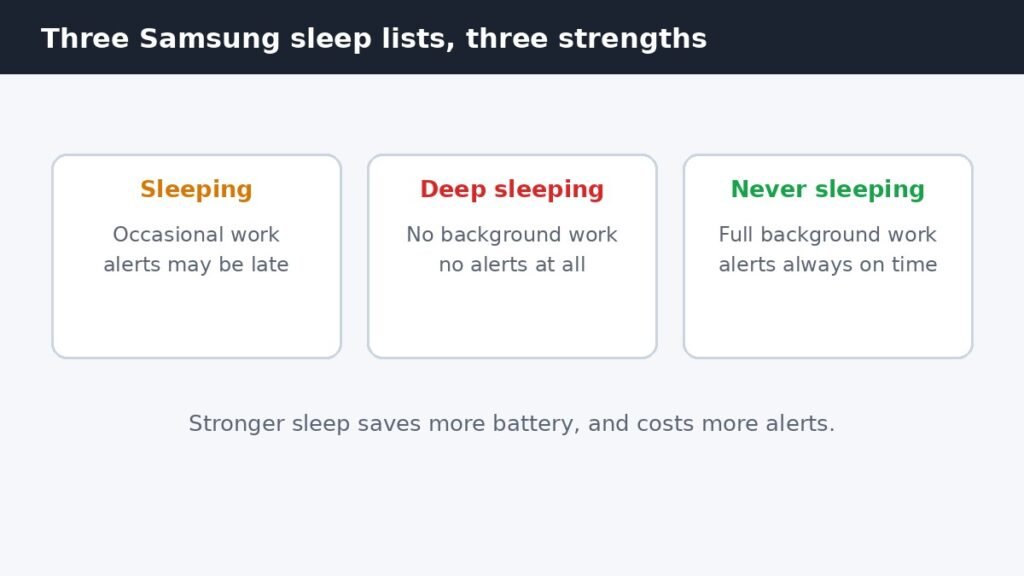
On a Samsung Galaxy phone, the strongest way to stop an app running in the background is to put it
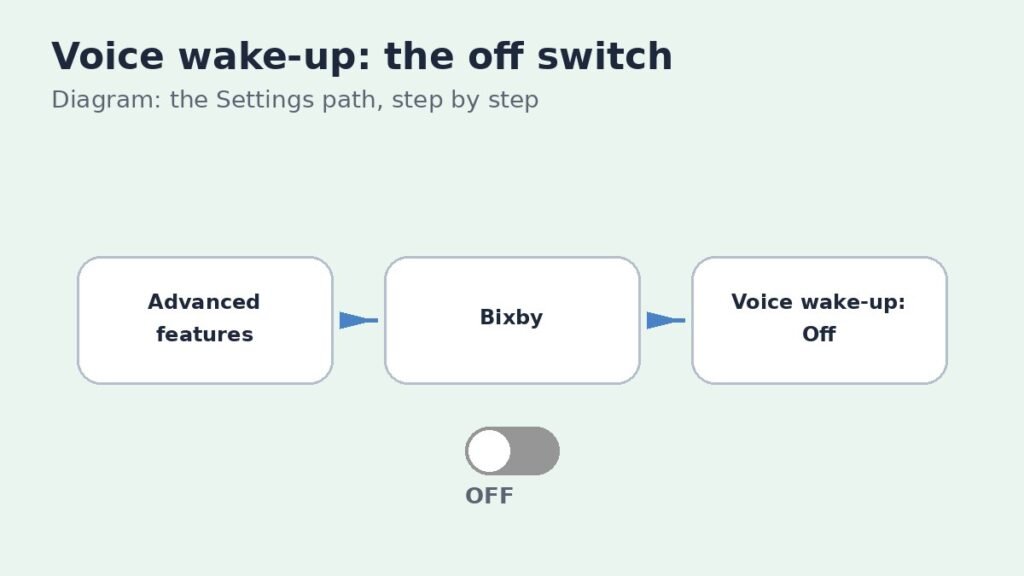
Bixby voice wake-up is the hands-free listening feature that wakes Samsung Galaxy phones when you say Hi, Bixby. If Bixby
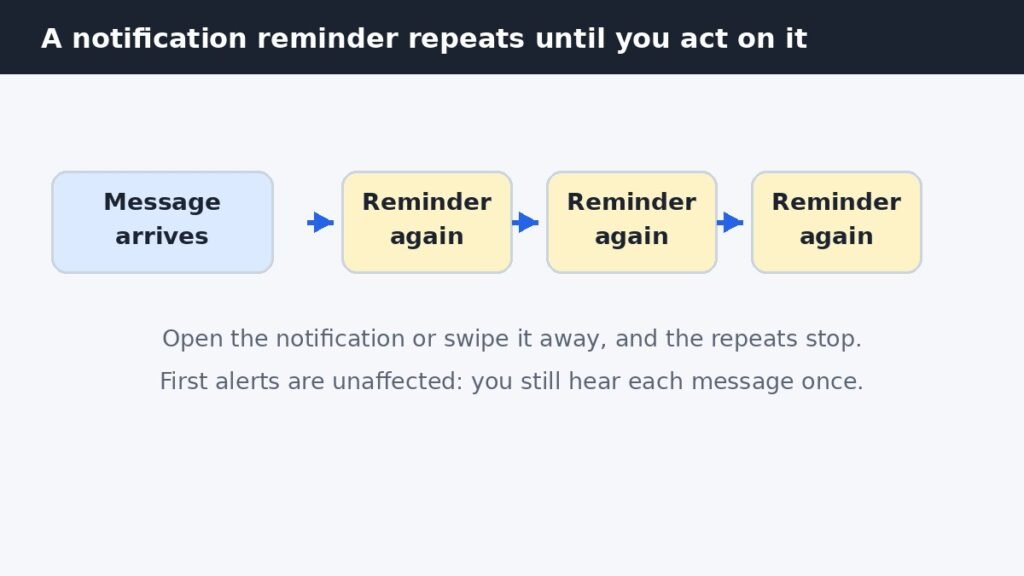
Your Galaxy phone buzzes about a message. You ignore it. Minutes later it buzzes again about the same message, and
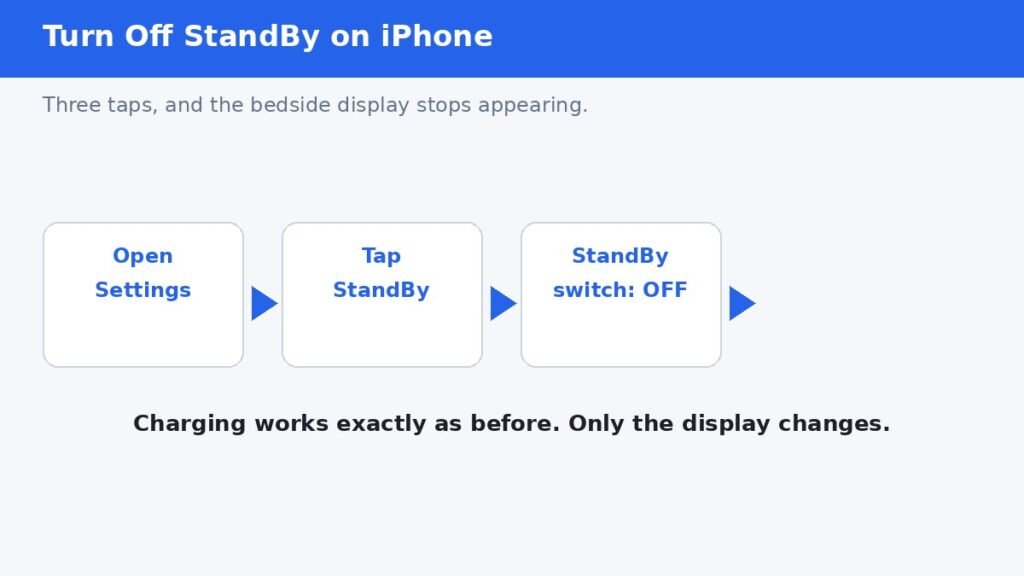
To turn off StandBy mode on iPhone, open Settings, tap StandBy, and switch the StandBy toggle off. From then on,
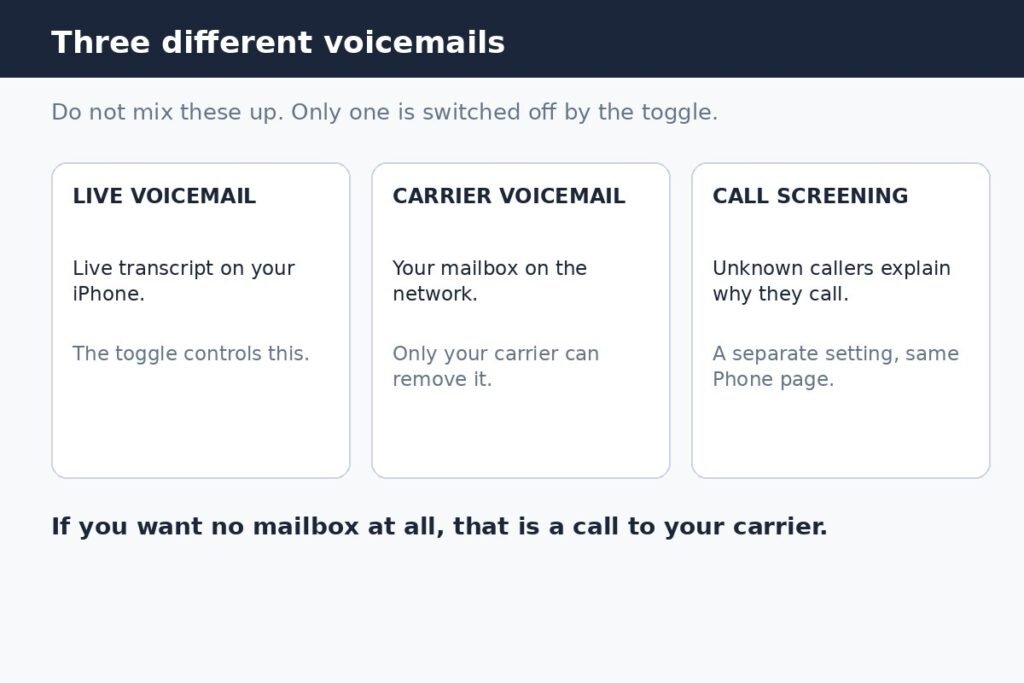
To turn off Live Voicemail on iPhone, open Settings, tap Apps, tap Phone, and switch Live Voicemail off. That stops
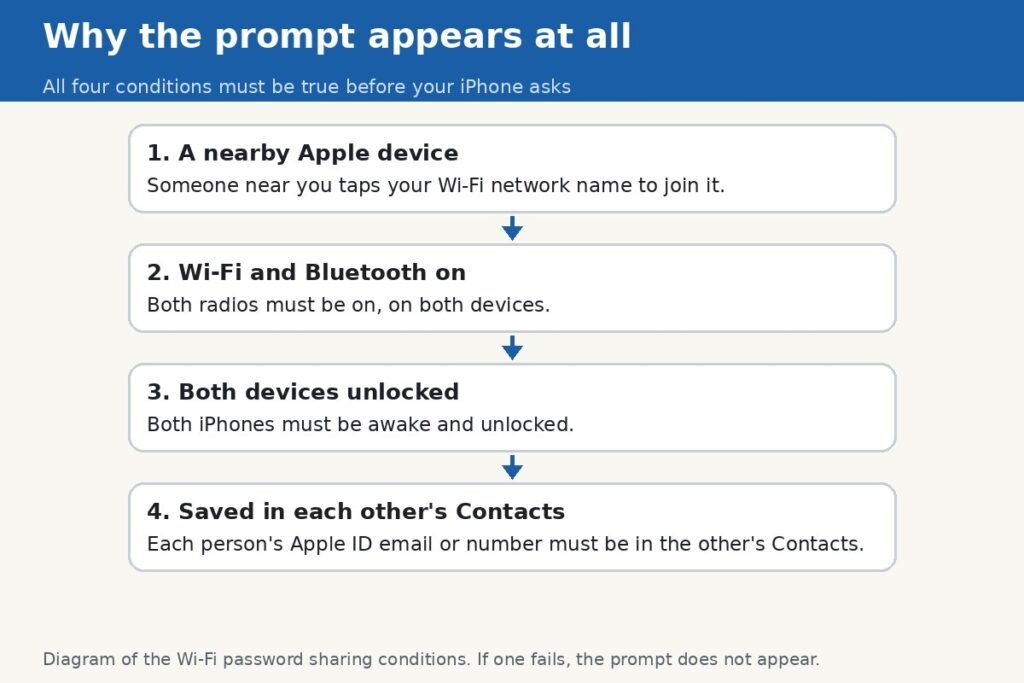
You are sitting with friends, someone new tries to join your Wi-Fi, and your iPhone lights up: do you want
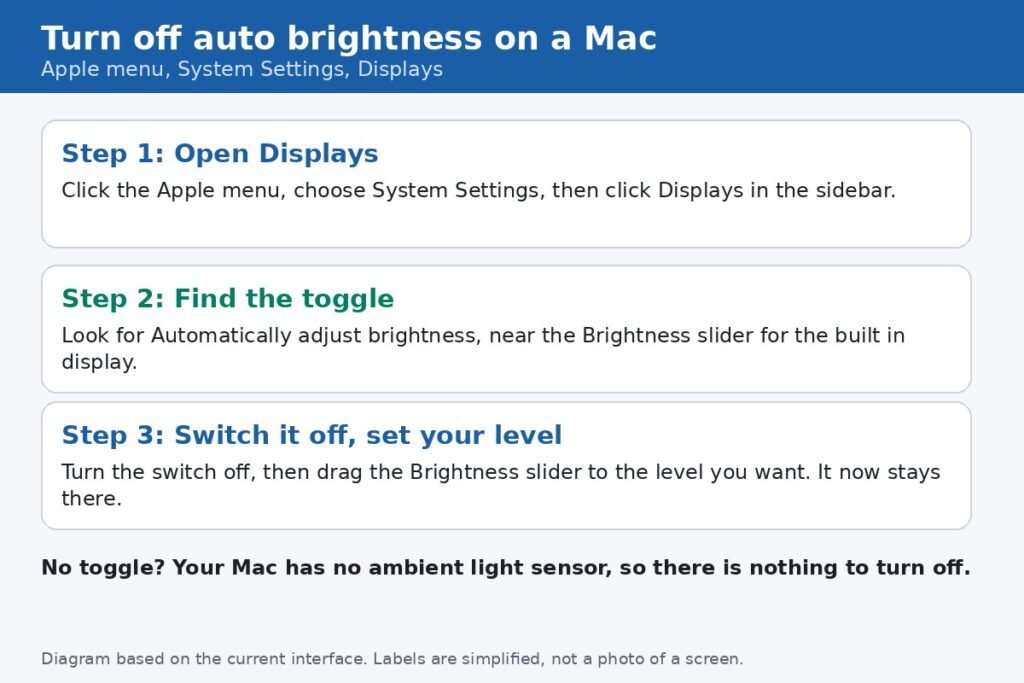
Your Mac screen keeps getting brighter and dimmer on its own, and it always seems to pick the wrong moment.