
You clicked one episode “just to try it” and surfaced at 3 a.m. on episode fourteen. That is the K-drama effect, and the app you watch on decides whether the subtitles keep up, whether new episodes land hours after Korea airs them, and whether your wallet survives the month. In this guide, I’ll make the case for a dedicated K-drama app and show you which of the five big ones fits how you actually watch.
Why a dedicated K-drama app beats a generic streamer
A general streamer treats K-dramas as one shelf among hundreds. A dedicated app treats them as the whole store, and that difference shows up in three places that matter on a weeknight.
New episodes arrive faster. Services built for Korean TV subtitle new episodes within hours of the Korean broadcast, so you watch on Wednesday night instead of reading spoilers until the weekend. On a general streamer, licensed dramas often appear days or weeks later.
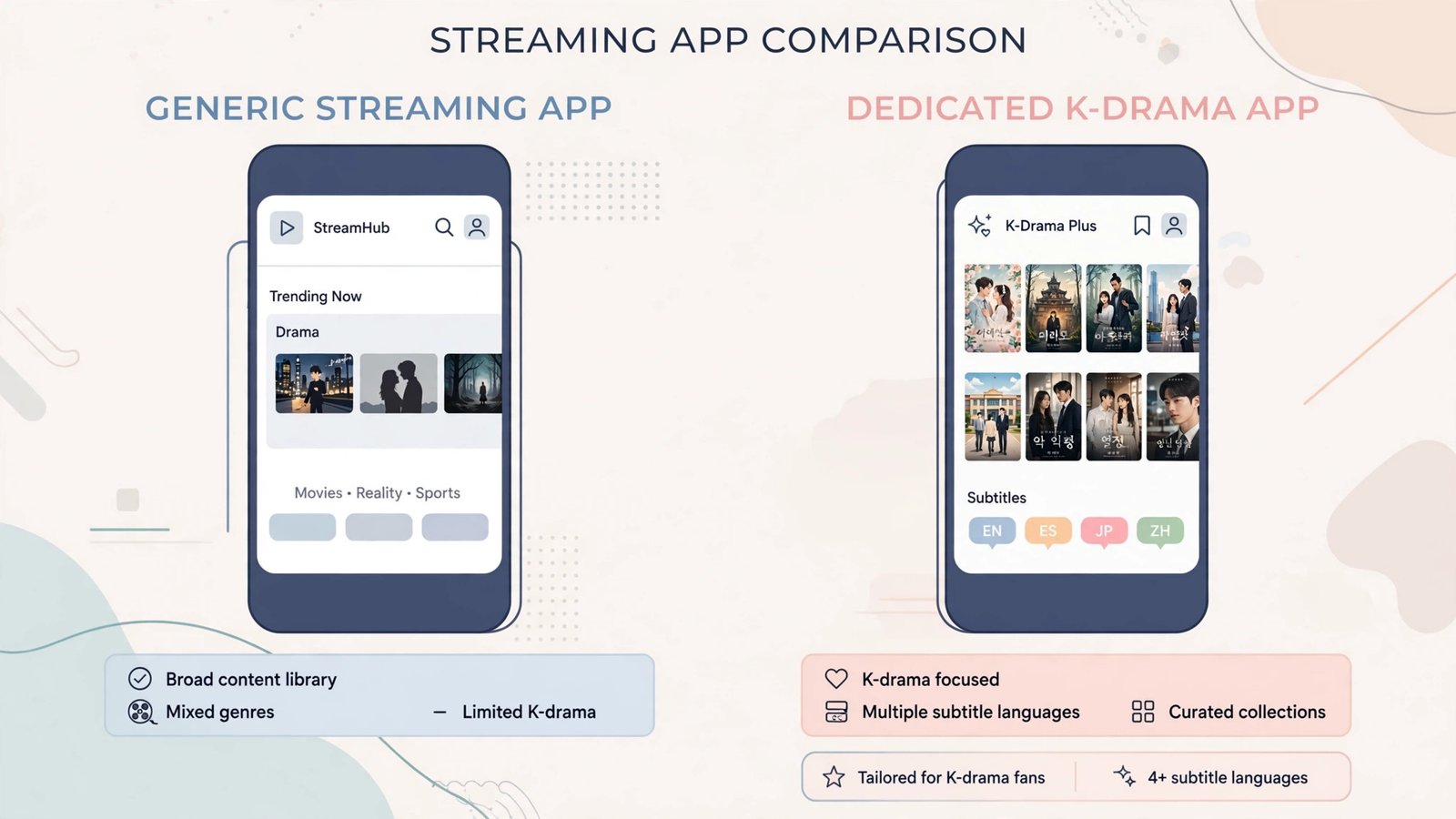
Subtitles are built for the genre. Dedicated apps subtitle jokes, honorifics, and cultural references that generic subtitles sometimes flatten. Rakuten Viki’s community subtitles cover more than 200 languages, and its Learn Mode even teaches you Korean phrases as you watch.
The back catalog is deeper. Classics, daily dramas, and variety shows that never get licensed by the big global platforms live on the specialist apps. If your watchlist is mostly the three or four worldwide hits, Netflix alone is honestly fine. If you finish those and want more, that is when a dedicated app earns its place.
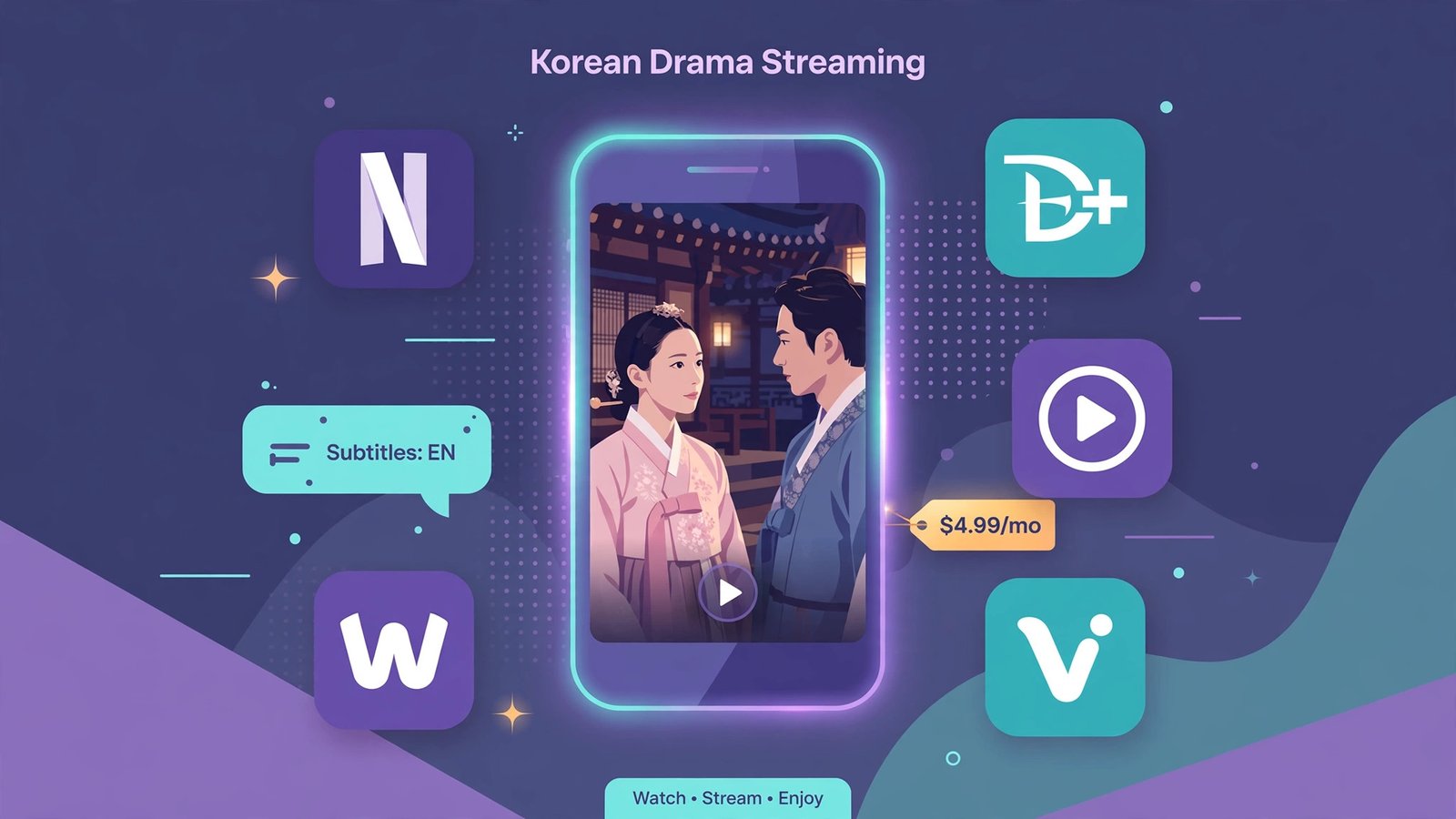
Netflix: best if K-dramas are one habit among many
Nobody doubts Netflix’s production budgets. Its K-drama originals get cinema-grade cinematography, professional subtitles in dozens of languages, 4K streams, and downloads that actually work offline. If you already pay for Netflix, its growing K-drama shelf costs you nothing extra.
The honest tradeoff is speed and depth. Simulcast episodes land slower than on the specialist services, and the catalog leans toward Netflix originals rather than the classics. After the March 2026 US price increase (Standard now $19.99 a month), it is an expensive way to watch K-dramas alone, but a fine deal if the family watches everything else too. For a broader look at what else it offers, see our best movies on Netflix roundup.
Rakuten Viki: best subtitles and deepest library
Viki is the K-drama specialist, with more than a thousand Korean series plus films, variety shows, and dramas from Japan, China, and Thailand. Its standout feature is the subtitle community: volunteers time and translate subtitles in over 200 languages, which is why a niche historical drama here can have better subtitles than it would anywhere else.
There is a genuinely free ad-supported tier, which is rare. Viki Pass Standard (around $5.99 a month, or about $60 a year) removes ads, unlocks exclusives, and streams in HD on one device. Viki Pass Plus ($9.99 a month) adds the full KOCOWA catalog, 1080p, four simultaneous devices, and downloads. Prices vary by country, so check your local page, but Standard remains the cheapest ad-free route to a huge K-drama library (plan details here).
Disney+: best for prestige originals you already pay for
Disney+ will never win on volume, but its K-drama originals are some of the best-funded shows in the genre, with professional subtitles to match. It makes sense as a K-drama source only if someone in the house already subscribes for Marvel, Star Wars, or the kids’ shelf.
Note the September 2026 price increase: Disney+ now costs $12.49 a month with ads and $21.49 a month ad-free in the US. At that price, do not subscribe for K-dramas alone. Do enjoy the K-dramas if you are already paying.
KOCOWA+: fastest new episodes, straight from Korean TV
If your question is “how do I watch tonight’s episode tonight,” KOCOWA+ is the answer. It streams shows from Korea’s big three broadcasters (KBS, MBC, SBS) with professional same-day subtitles, often within hours of airing. A 14-day free trial lets you test it during a drama’s run.
Plans are simple: Basic at $7.99 a month for one profile, Premium at $8.99 a month with four profiles, no ads, and offline downloads (see KOCOWA’s current plans). The back catalog is smaller than Viki’s, so this is the pick for simulcast chasers rather than classic-drama collectors. It pairs well with a big screen, so here is how to connect a Samsung Smart TV to Alexa for hands-free episode nights.
Viu: best free option where it is available
Viu offers a solid free ad-supported tier and an inexpensive Premium plan across much of Asia and the Middle East, with same-day subtitles in its markets. The catch is availability: Viu does not operate in the US, so check whether it serves your country before getting attached. Where it exists, it is the best value on this list.
Cost comparison at a glance
| App | Cheapest way in | Ad-free price | New-episode speed | Subtitle strength |
| Netflix | $8.99/mo (with ads) | $19.99/mo | Slow to moderate | Professional, many languages |
| Rakuten Viki | Free (with ads) | ~$5.99/mo | Fast | Community, 200+ languages |
| Disney+ | $12.49/mo (with ads) | $21.49/mo | Moderate | Professional |
| KOCOWA+ | 14-day free trial | $7.99-$8.99/mo | Fastest | Professional, same-day |
| Viu | Free (with ads) | Varies by region | Fast (in its regions) | Professional |
The binge setup: my verdict
Most K-drama fans should start with Viki Pass Plus at $9.99 a month: the biggest library, the best subtitles, and the KOCOWA catalog folded in. If you live episode to episode and must watch the night it airs, KOCOWA+ Premium at $8.99 is the faster pipe. Already paying for Netflix or Disney+? Watch their K-dramas first and add a specialist app only when you run dry. And if money is tight, Viki’s free tier and Viu’s free tier (where available) are genuinely watchable, ads and all.
Frequently asked questions
Can I watch K-dramas free and legally?
Yes. Rakuten Viki and Viu both offer free ad-supported tiers with large catalogs. You get ads and usually lower resolution, but the dramas themselves are licensed and legal.
Why is a drama available in one country but not mine?
Streaming rights are sold country by country, so every service’s K-drama catalog differs by region. A drama on Viki US may be on Netflix UK or nowhere at all in your country.
Are Viki’s community subtitles accurate?
Generally, yes. Subtitles go through volunteer review, and popular dramas get corrected quickly. For brand-new episodes watched within hours of release, expect the occasional rough line that gets polished within a day.

- How to Stop iPhone Apps Asking for Ratings and Reviews - October 23, 2026
- How to Turn Off HDR in Windows 11 When Colors Look Washed Out - October 22, 2026
- What Is Samsung Free and How to Stop It Opening on Your Home Screen - October 21, 2026