
Buying your first crypto is less complicated than it looks. The hard part is not the technology, it is picking an app that will not quietly eat your money in fees or leave your account exposed. This guide cuts through the noise with honest picks for 2026.
What Actually Matters in a First Crypto App
Forget the feature lists. For your first app, only four things really count: it must be properly regulated where you live, it must have a security record you can check, its fees must be visible before you tap buy, and the app itself must make sense to a normal person. Everything else is a bonus.

Our Picks for 2026
Coinbase: Best Overall for Beginners
Coinbase remains the clearest first step in the US and much of Europe. It holds about $294 billion in customer assets, keeps the large majority of crypto in offline cold storage, and operates as a publicly traded company under US disclosure rules, which is about as transparent as a crypto exchange gets. The app walks you through buying Bitcoin or Ethereum in minutes, and its built-in lessons actually teach you the basics instead of just pushing you to trade.
The catch is fees. The big friendly Buy button (Simple Trade) costs roughly 1.49% to 3.99% plus a spread near 0.5%, depending on how you pay. The same account has a second interface called Advanced Trade with fees of 0.40% maker and 0.60% taker at the entry tier and no spread, and switching takes seconds. Use the simple screen for your first tiny purchase, then graduate to Advanced Trade. That one move cuts your fees by more than half.
Kraken: Best When You Outgrow Beginner Fees
Kraken has one of the longest clean security records in crypto and publishes proof of reserves, which is why experienced users trust it. Its Kraken Pro interface starts around 0.16% maker and 0.26% taker on the standard global schedule, undercutting Coinbase Advanced in most regions. The trade-off is a steeper learning curve: the app assumes you know what a limit order is. Start on Coinbase, and move here when fees start to bother you. Note that Kraken does not serve residents of New York or Maine.
Robinhood: Simplest If You Already Invest in Stocks
If you already buy stocks on Robinhood, its crypto side feels instantly familiar. There is no commission; the cost is baked into the spread on each trade. The coin selection is smaller, around 50 assets, and it is a brokerage experience rather than a full exchange, so you will not find advanced order types. For a first small Bitcoin purchase with zero learning curve, it is hard to beat.
Gemini: Best for the Security-Conscious
Gemini built its reputation on compliance and custody, and its ActiveTrader interface charges 0 to 0.20% maker and 0.03 to 0.40% taker depending on tier. The coin list is deliberately short at around 70 assets, which is a feature for beginners rather than a bug: fewer obscure tokens means fewer bad decisions. If regulatory standing is your top priority, start here.
ZenGo: Best First Self-Custody Wallet
Every guide eventually tells you “not your keys, not your coins,” which means moving crypto you plan to hold into a wallet you control. ZenGo is the least intimidating way to do that: it replaces the dreaded 24-word seed phrase with biometric recovery, so there is nothing to lose on a piece of paper. It supports around 120 assets. Buy on an exchange, then move anything you plan to hold long-term here.
Honest Mentions
- Crypto.com: advanced fees from 0.075% and 400+ coins, plus a rewards ecosystem. The app tries to sell you many products at once, which can overwhelm beginners.
- eToro: the only mainstream app with copy trading, letting you mirror experienced traders automatically. The 1% flat fee plus spread is steep, and copying strangers is not a strategy.
- Binance.US: among the lowest US fees at around 0.1% spot, but it is unavailable in several states and its regulatory history is messier than the picks above.
The Picks Compared
| App | Best for | Typical beginner cost | Coins |
|---|---|---|---|
| Coinbase | First purchase, learning | 1.49-3.99% simple; 0.40/0.60% advanced | 330+ |
| Kraken | Lower fees as you grow | ~0.16/0.26% on Pro | 450+ |
| Robinhood | Zero learning curve | No commission, spread applies | 50+ |
| Gemini | Security and compliance | 0.03-0.40% on ActiveTrader | 70+ |
| ZenGo | Self-custody without seed phrases | Market rates on swaps | 120+ |
The Fee Trap Almost Every Beginner Falls Into
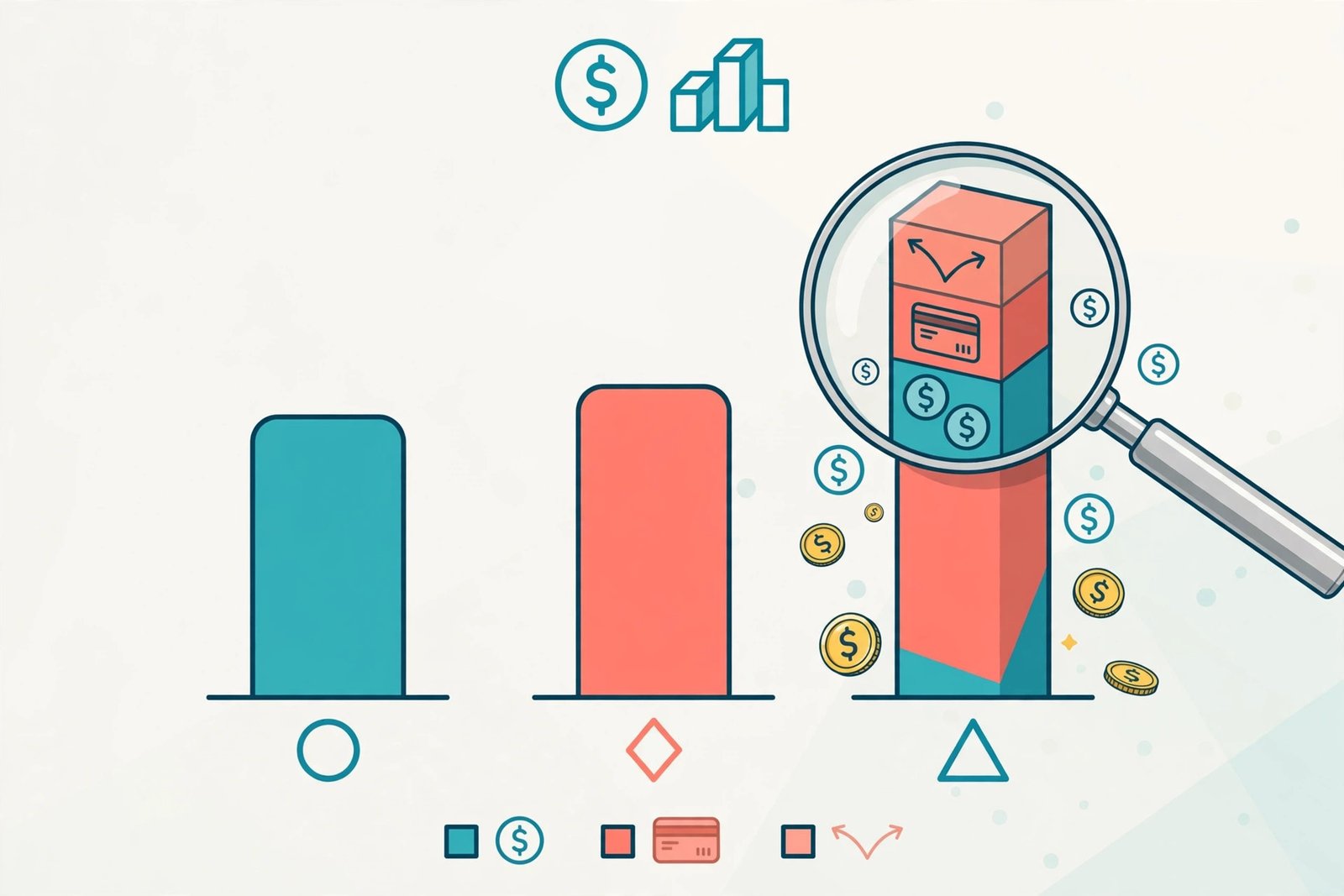
Here is the single most expensive mistake a new user makes: tapping the big Buy button. On Coinbase, that $1,000 Bitcoin purchase can cost $15 to $40 in the simple interface, while the same trade on Advanced Trade costs $4 to $6. On Kraken, instant buys cost 1% with the spread baked in. The apps do not hide this exactly, but they do not advertise it either.
Two rules fix most of it. First, fund your account with a bank transfer (ACH is free on Coinbase) instead of a debit card, which adds up to 3.99%. Second, once you are comfortable, use the advanced or pro interface on the same account. Independent fee breakdowns like this 2026 Coinbase fee analysis confirm the gap is an order of magnitude, and a broader 2026 exchange fee comparison shows how far apart the platforms sit.
5 Mistakes to Avoid on Your First App
- Skipping two-factor authentication. Set it up before you deposit a single dollar. An authenticator app beats SMS codes, and a strong unique password managed by one of the best password manager apps for Android (or your platform of choice) closes the easiest attack path.
- Using your exchange as a long-term wallet. Exchanges are for buying and selling. Anything you plan to hold for months belongs in a wallet you control, like ZenGo.
- Paying with a debit card. Convenient, but consistently 1.5 to 3.5% more expensive than a bank transfer. Use the card once for speed if you must, then switch.
- Downloading the wrong app. Fake crypto apps are a common scam. Install only from the exchange’s official website or a verified app store listing, and double-check the developer name. The same caution you would apply to any cybersecurity decision applies double here.
- Sending crypto on the wrong network. When withdrawing, match the network exactly (ERC-20 vs. BEP-20, for example). A mismatch can mean permanent, unrecoverable loss.

Our Take
Start on Coinbase, make a small first purchase with a bank transfer, turn on two-factor authentication immediately, and learn the Advanced Trade screen before your second buy. Move to Kraken when fees matter to you, and move holdings you will not touch into self-custody. If crypto gaming interests you more than trading, play-to-earn crypto games are worth a look too. And remember the boring truth every honest guide repeats: only put in money you can afford to lose, because crypto prices can and do fall hard.
Quick Answers
How much money do I need to start?
Very little. Most apps let you buy fractional coins, so $10 to $25 is enough to learn how everything works. Start small on purpose.
Is buying crypto on these apps safe?
The regulated apps above have strong custody and security practices, but no crypto is insured like a bank deposit, and prices are volatile. Enable every security feature offered and treat unsolicited investment advice as a scam.

- How to Fix the Windows 11 Taskbar Auto-Hide Problem - October 24, 2026
- How to Fix a Laptop Camera Not Working in Windows 11 - October 23, 2026
- How to Fix the Brightness Slider Missing in Windows 11 - October 22, 2026