
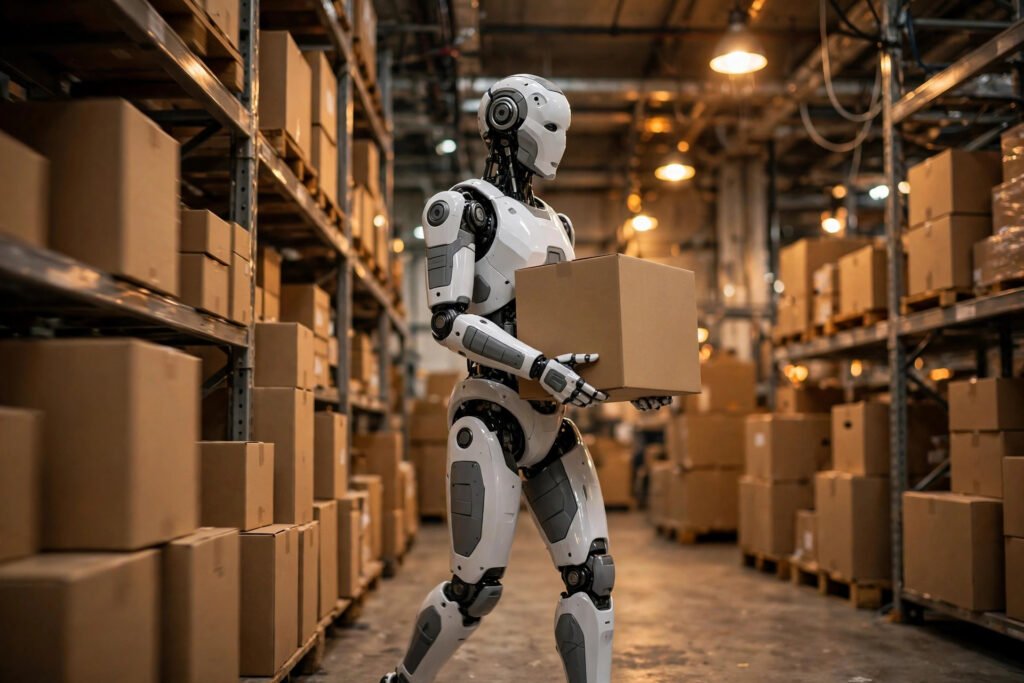
11 Futuristic Technologies Reshaping Our World in 2026
The future keeps arriving ahead of schedule. Technologies that sounded like science fiction a few years ago are now shipping,

The future keeps arriving ahead of schedule. Technologies that sounded like science fiction a few years ago are now shipping,
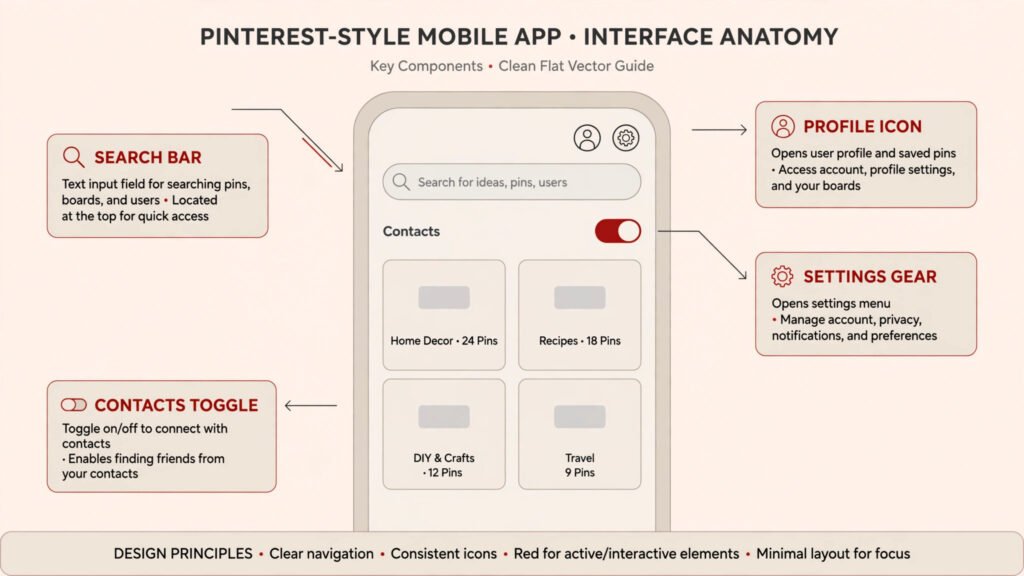
Pinterest never built a friends list the way Facebook did, which is why finding people there feels oddly hard. There
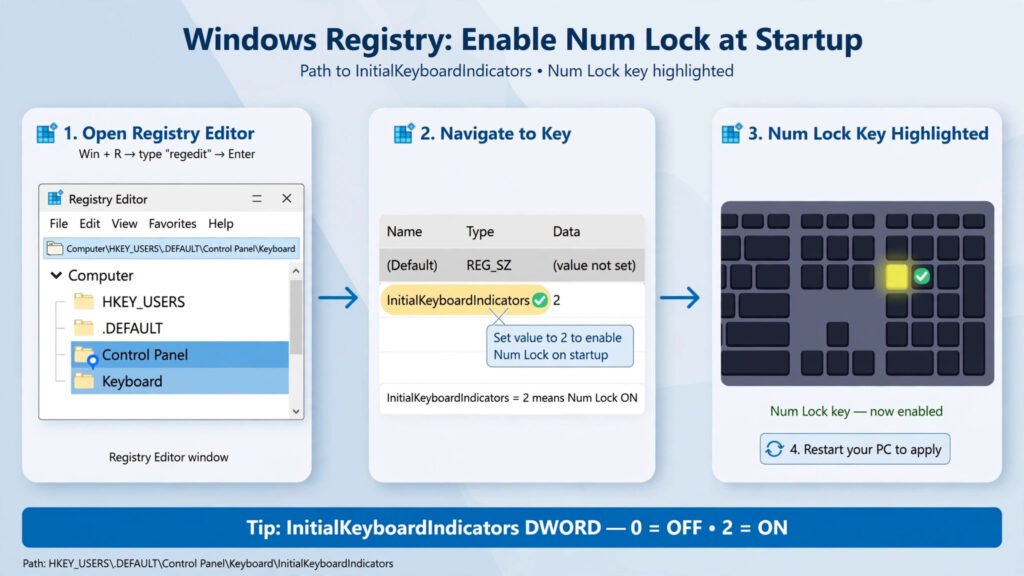
The fastest fix: open Registry Editor, go to HKEY_USERS\.DEFAULT\Control Panel\Keyboard, and set InitialKeyboardIndicators to 2. Then check that Fast Startup
Pinterest is a search engine that happens to be visual, and it rewards the same discipline as Google: the right
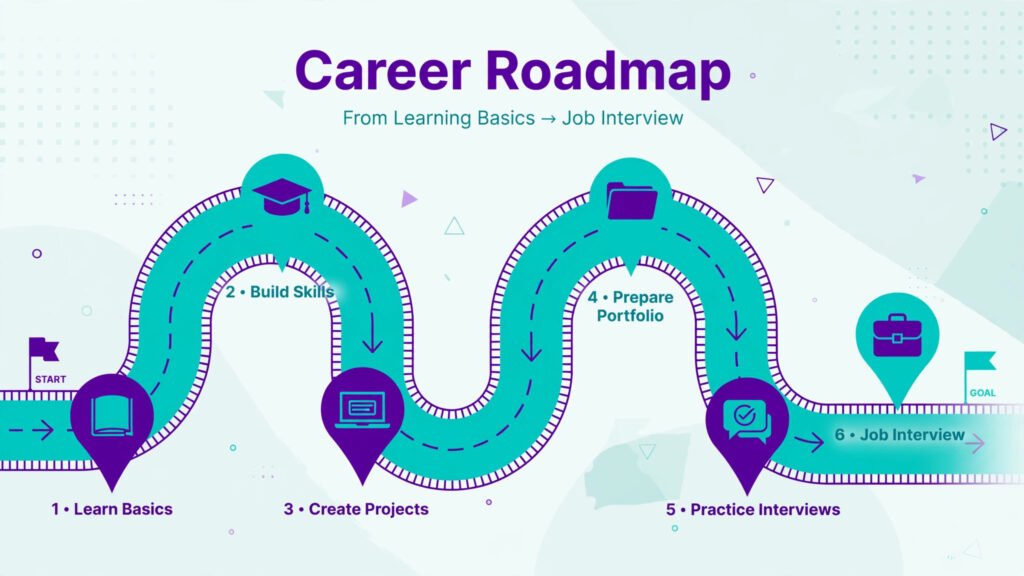
UI/UX design is still a strong career in 2026, but the road in looks different than it did a few
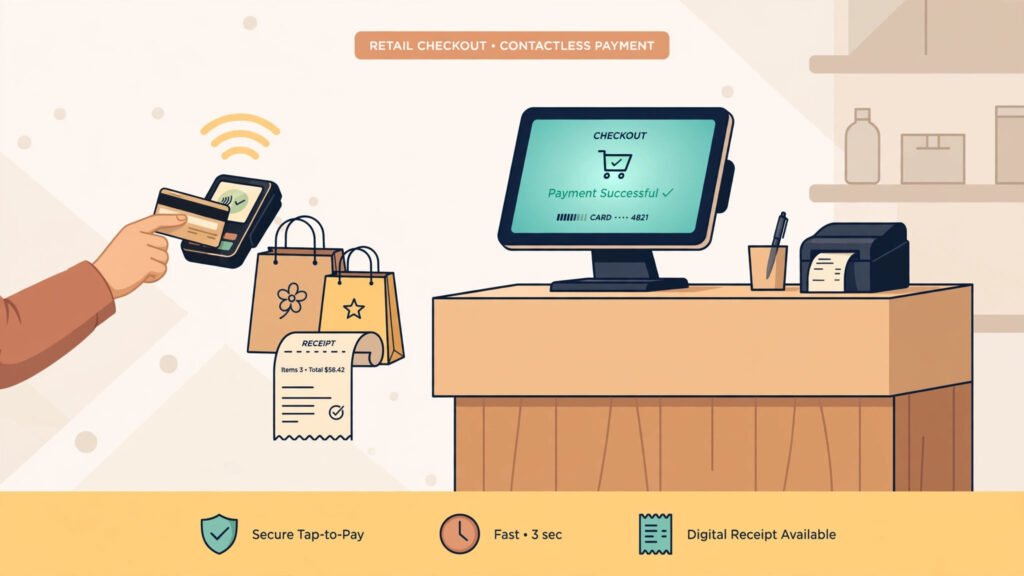
Picture a Saturday rush at a small café. The line is six deep, the card reader is a phone dongle,
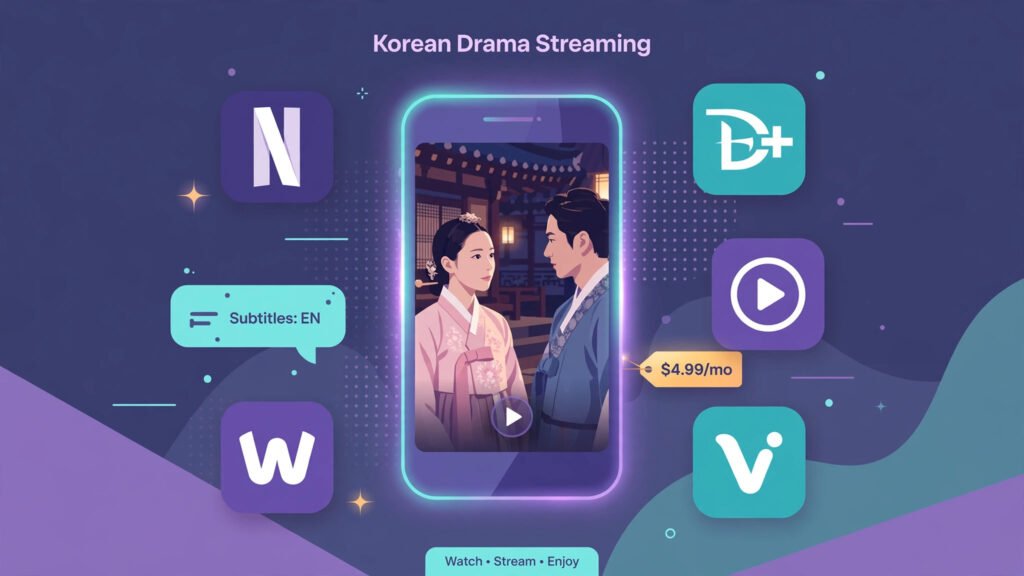
You clicked one episode “just to try it” and surfaced at 3 a.m. on episode fourteen. That is the K-drama
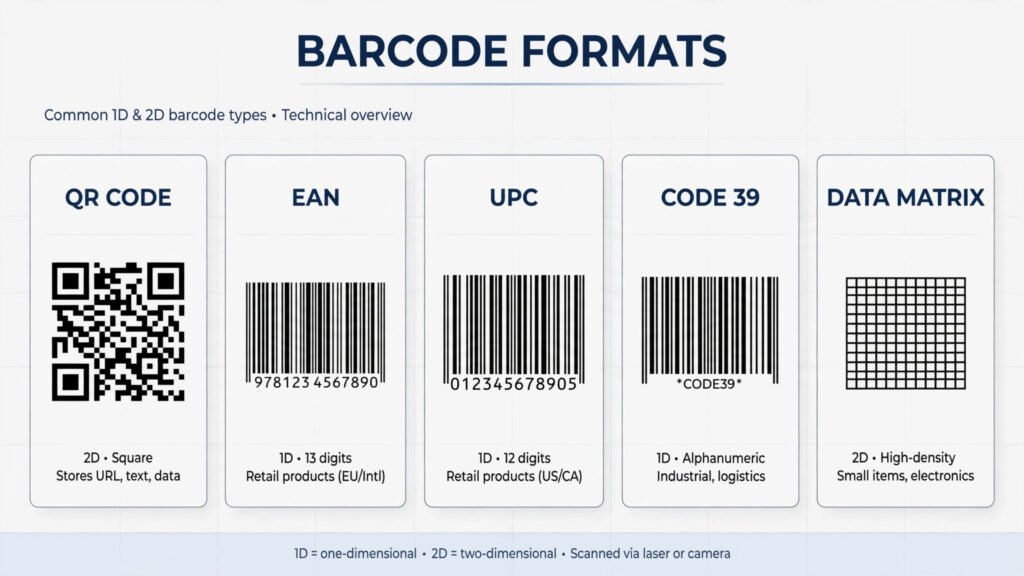
This article covers only Android barcode scanner apps, and only for three real use cases: scanning a QR code now
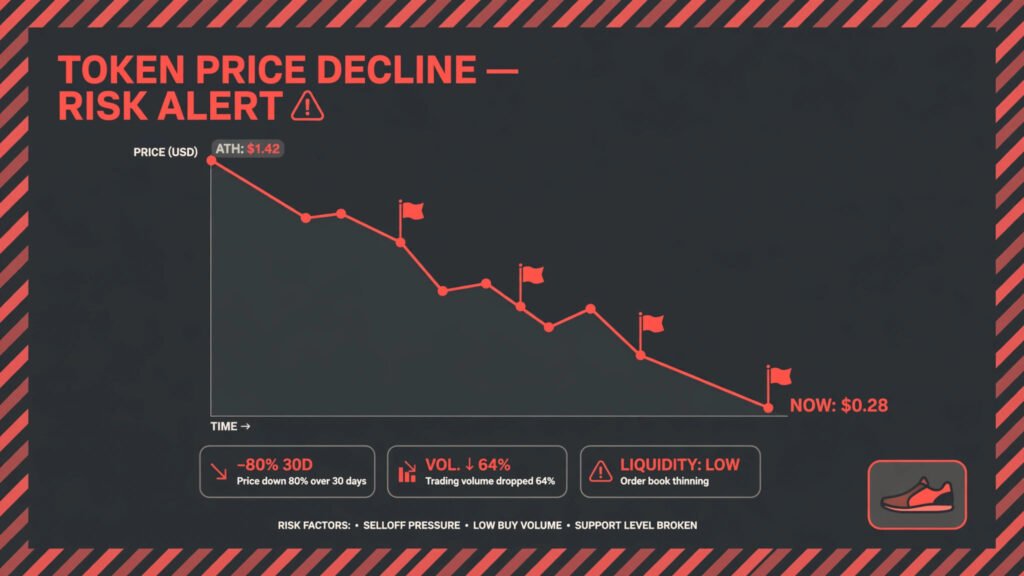
What happened to move-to-earn In 2021 and 2022, STEPN turned walking into a gold rush: buy NFT sneakers, walk, earn
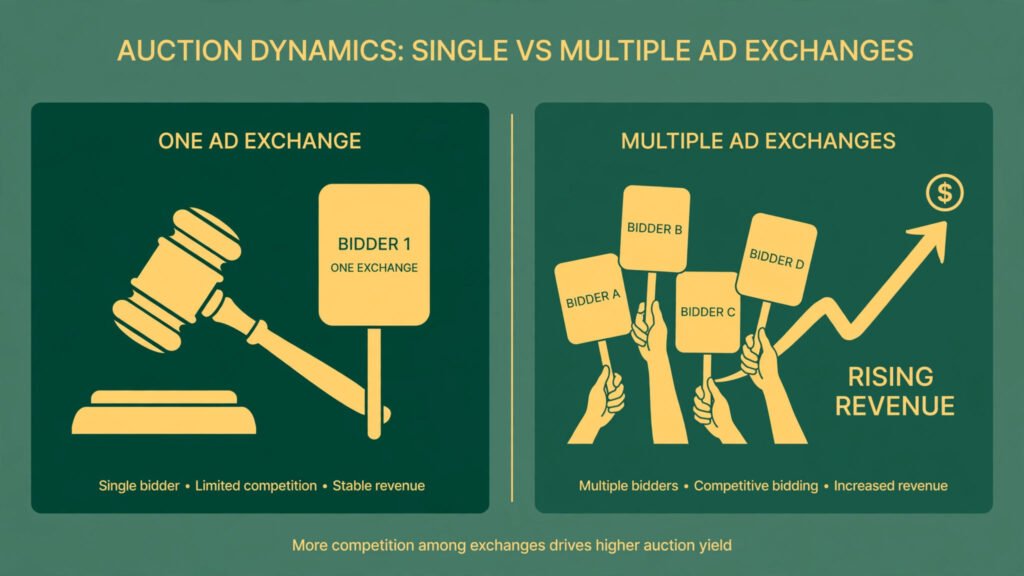
Sticking with AdSense feels safe. It was probably the first ad code you ever pasted, and it pays like clockwork
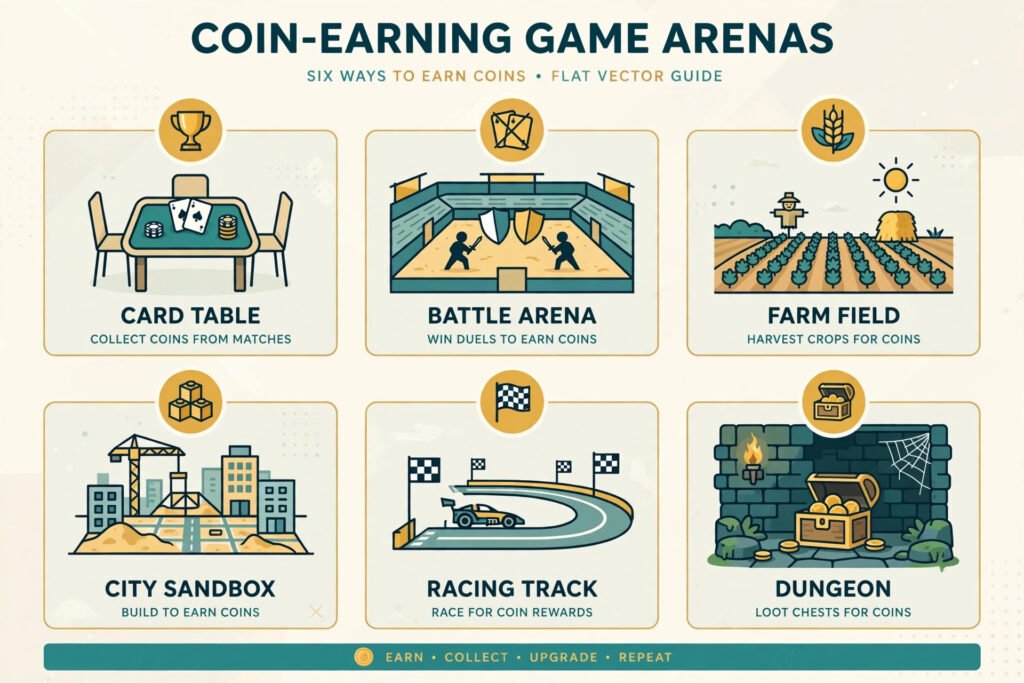
Let’s be honest first: nobody is going to pay your rent for playing a video game. What the surviving play-to-earn
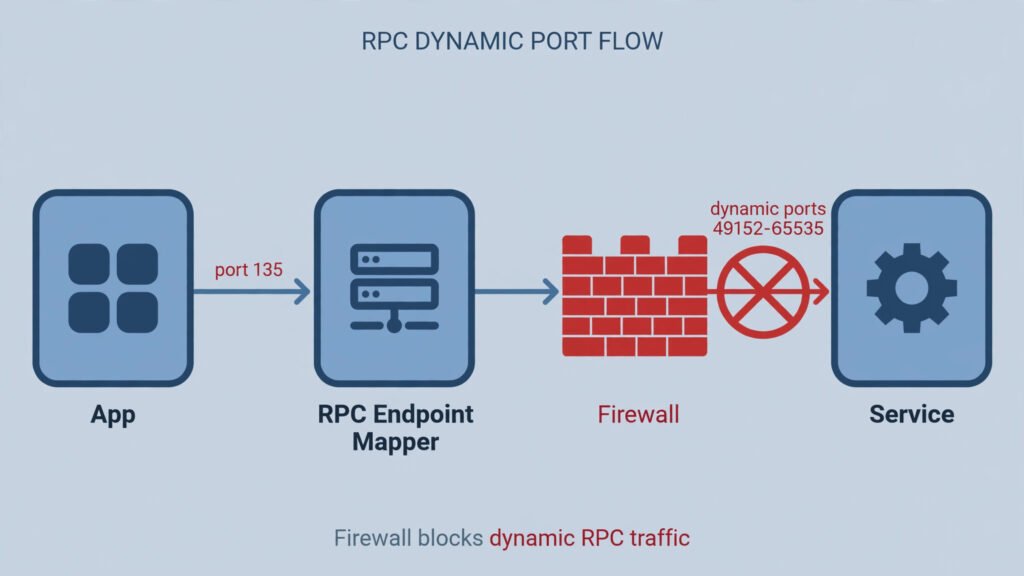
The “RPC server is unavailable” error (code 1722) appears when Windows tries to send a command to a service, on