
How to Turn Off Siri Suggestions on iPhone
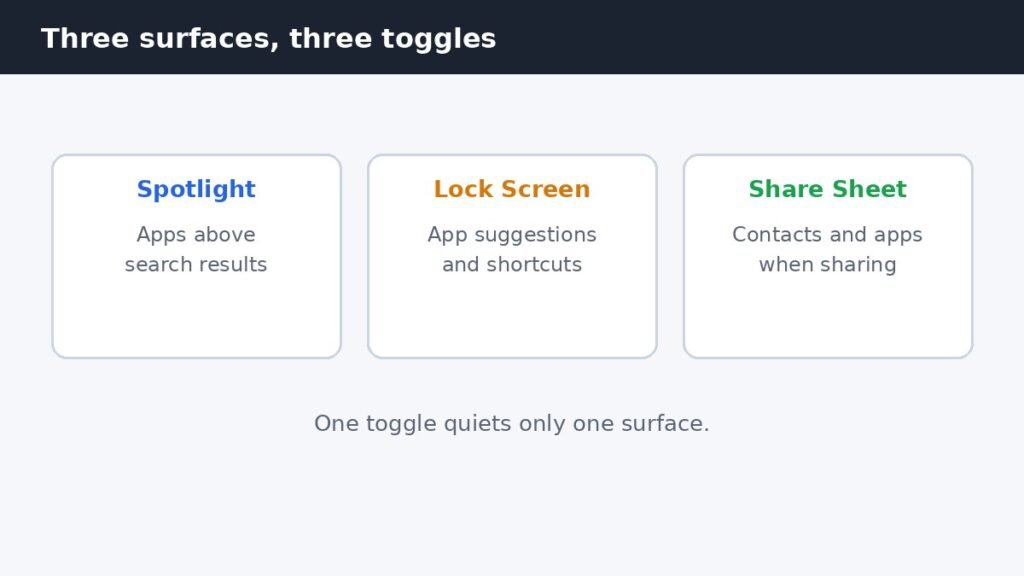
Siri Suggestions put apps, contacts, and shortcuts where you did not ask for them: at the top of search, on
Siri Suggestions put apps, contacts, and shortcuts where you did not ask for them: at the top of search, on
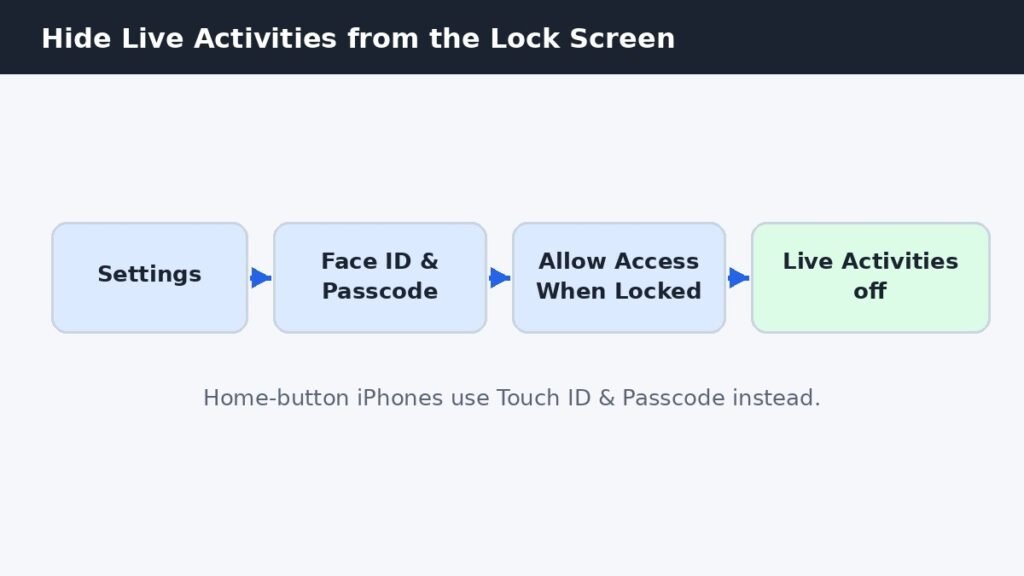
Live Activities are the cards that track a delivery, a ride, a workout, or a score on your iPhone Lock
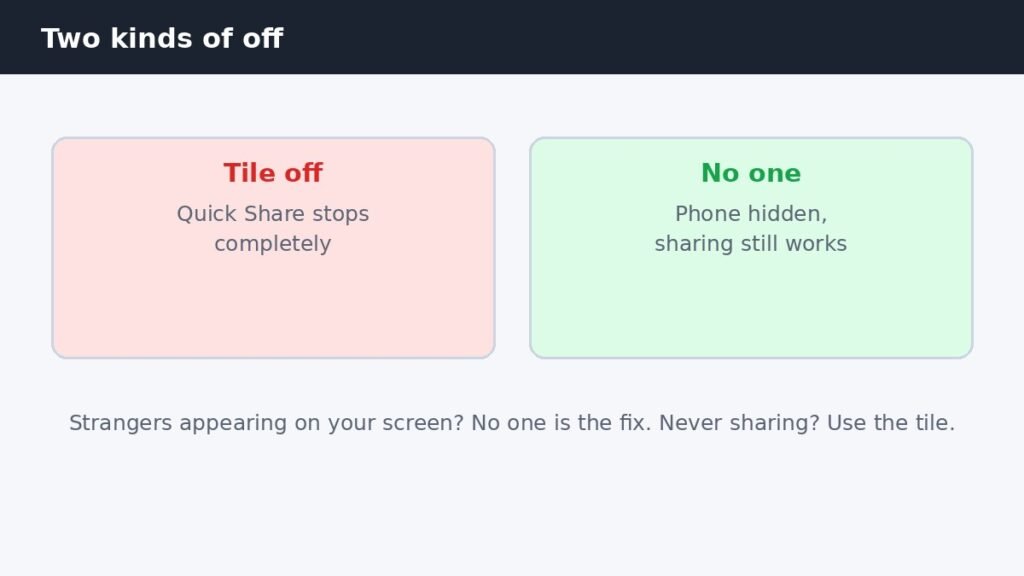
Turning off Quick Share on a Samsung Galaxy phone takes one tap, but there are two different kinds of off,
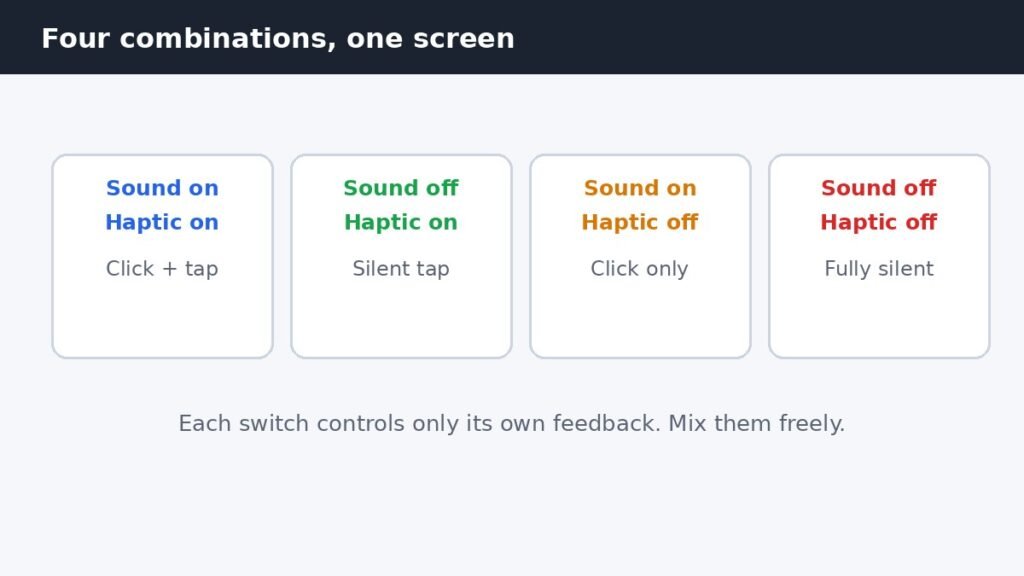
The clicks and the tiny vibration you feel while typing are two separate settings on one screen. Open Settings, tap
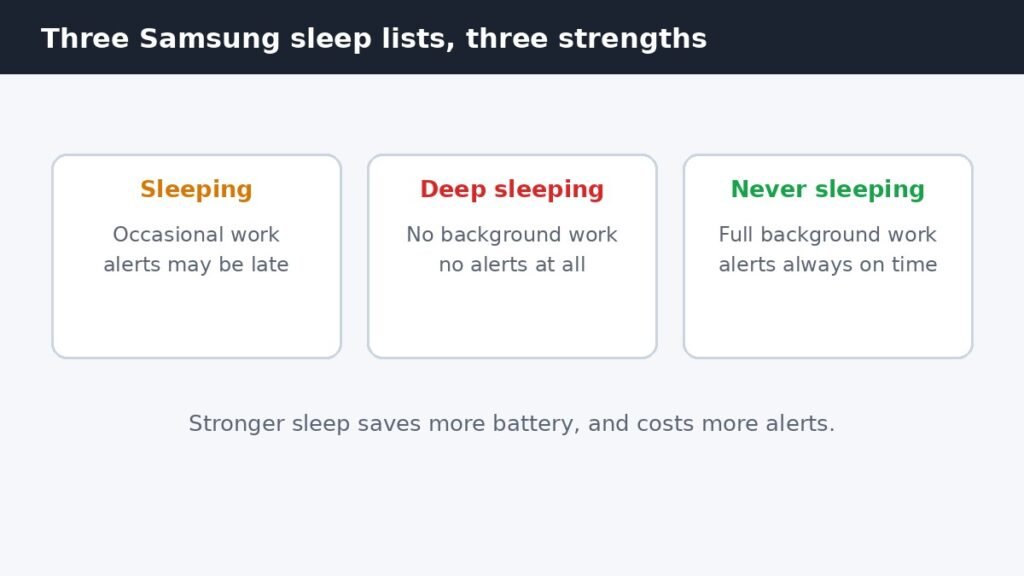
On a Samsung Galaxy phone, the strongest way to stop an app running in the background is to put it
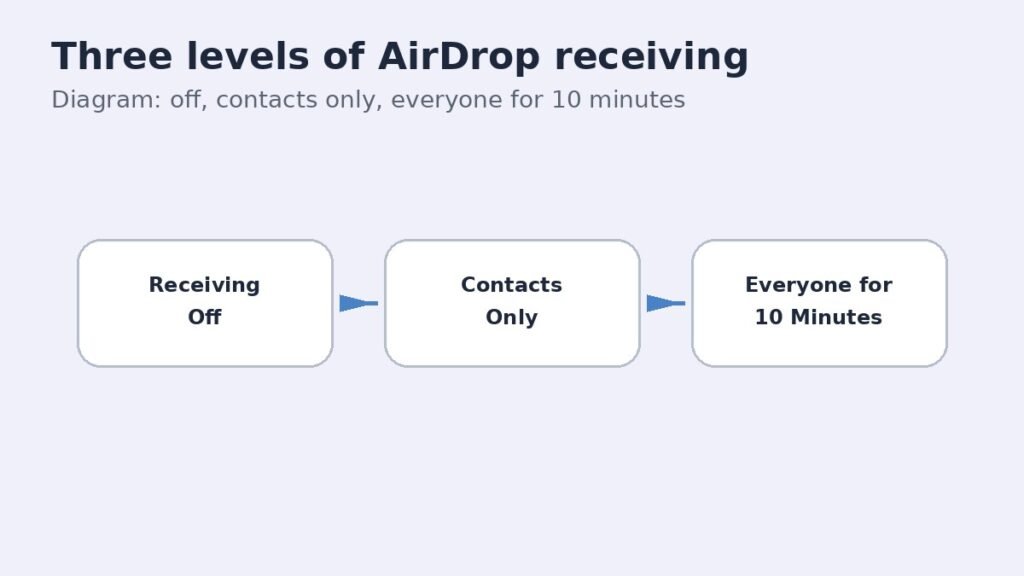
AirDrop receiving is the setting that decides who can see your iPhone and send you files over AirDrop. If you
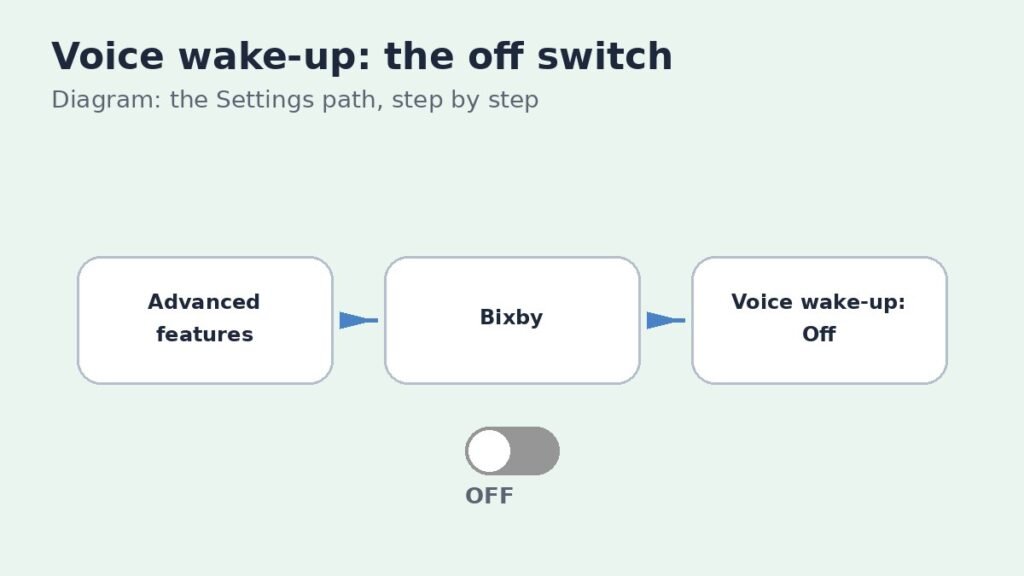
Bixby voice wake-up is the hands-free listening feature that wakes Samsung Galaxy phones when you say Hi, Bixby. If Bixby
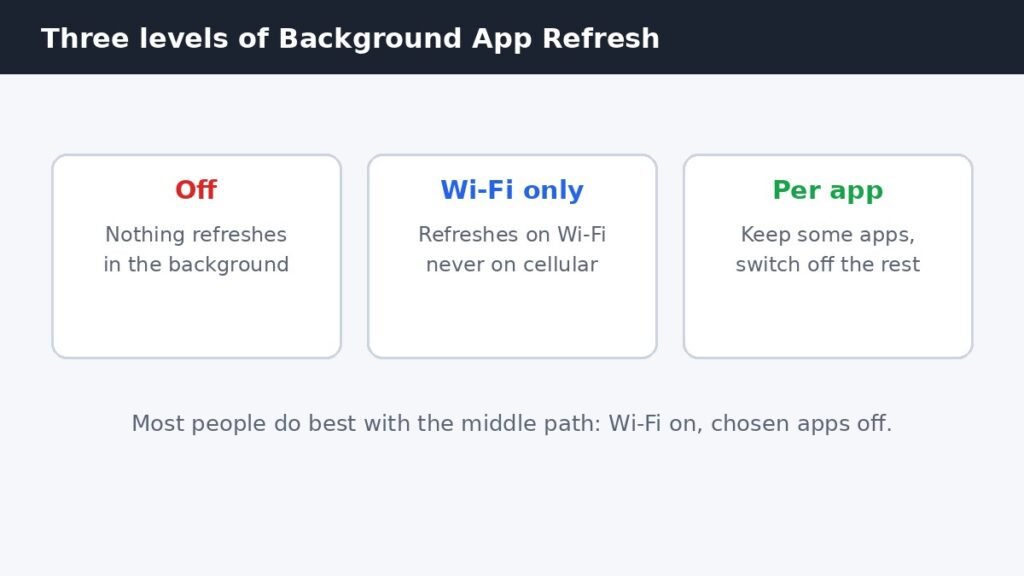
Background App Refresh lets apps fetch new content while you are not using them, so your news feed, inbox, and
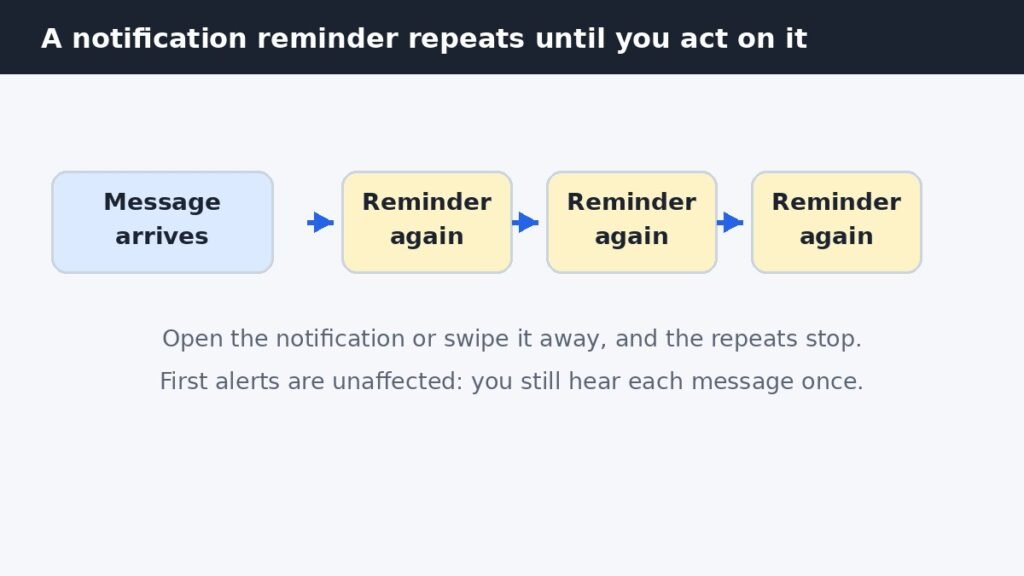
Your Galaxy phone buzzes about a message. You ignore it. Minutes later it buzzes again about the same message, and
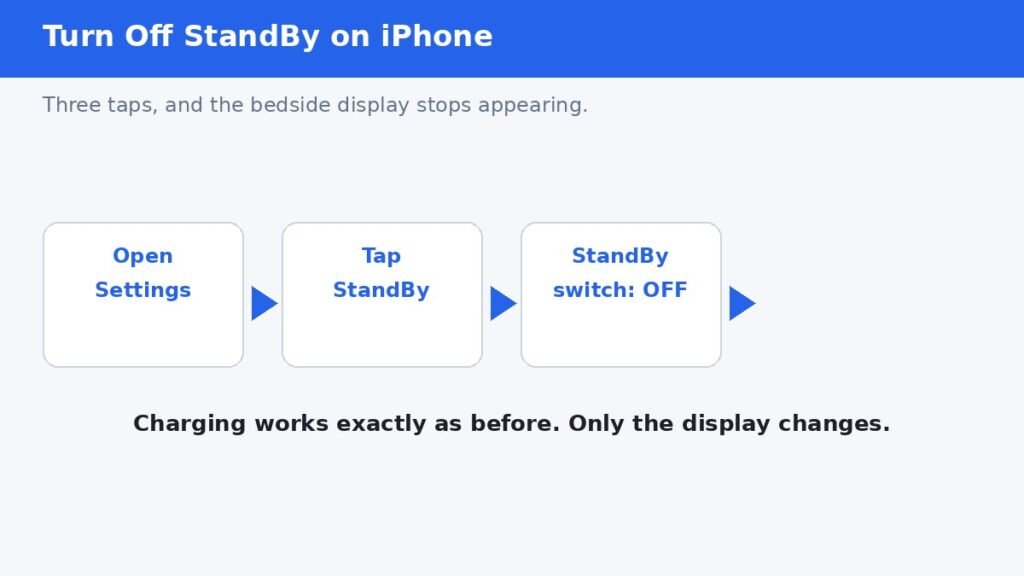
To turn off StandBy mode on iPhone, open Settings, tap StandBy, and switch the StandBy toggle off. From then on,
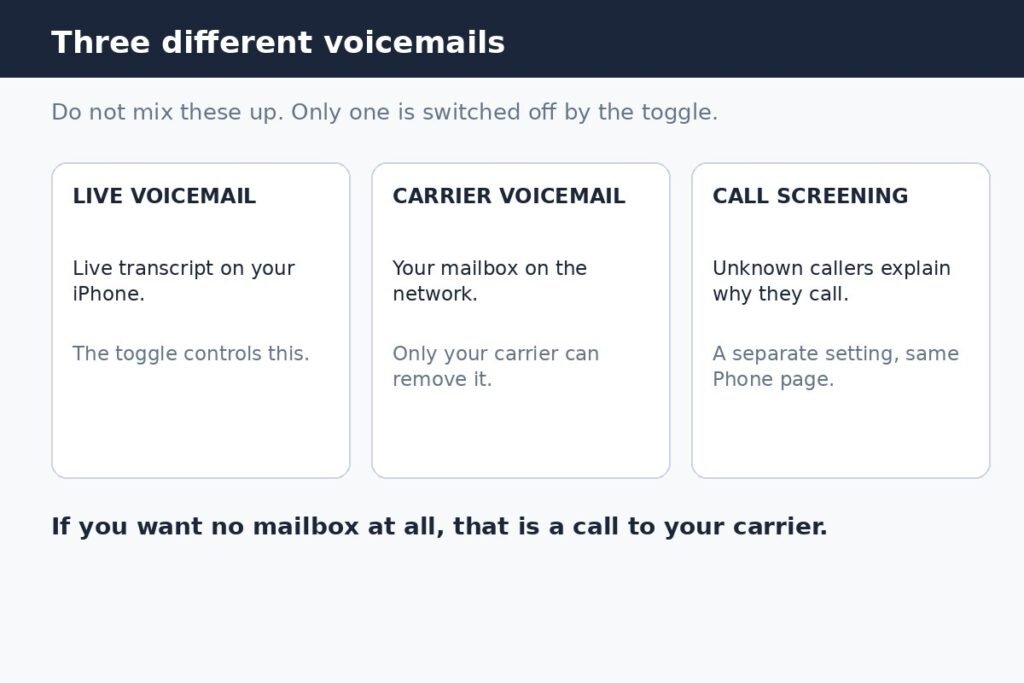
To turn off Live Voicemail on iPhone, open Settings, tap Apps, tap Phone, and switch Live Voicemail off. That stops
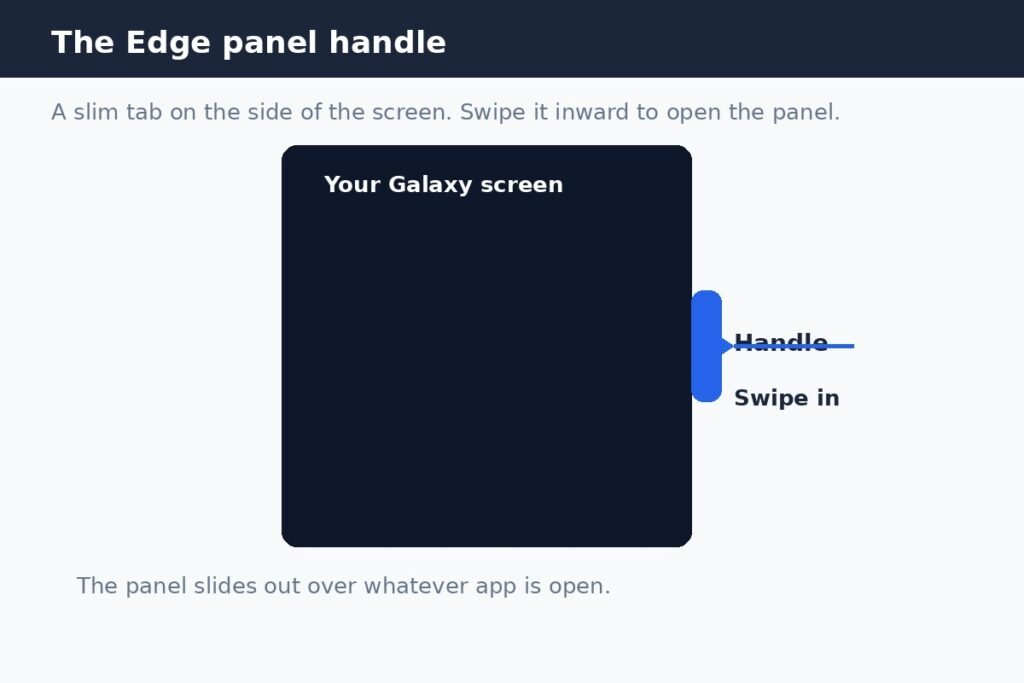
To turn off Edge panels on your Samsung Galaxy phone, open Settings, tap Display, tap Edge panels, and switch the