
Most resumes never reach a human. Applicant tracking systems scan them first, and a large share get filtered out before anyone reads a word. That is why AI resume makers took off: they do not just make your resume look nice, they help it survive the software gatekeeper.
But not every AI resume tool is worth your time. Some produce pretty templates that fail ATS parsing. Others lock your download behind a paywall after you finish writing. Here are ten AI resume makers that are actually useful in 2026, picked for ATS safety, writing quality, and honest free tiers.
What a Good AI Resume Maker Should Do
Before the list, it helps to know what separates a real tool from a template with a chatbot glued on. Look for these five things:
- ATS-safe formatting: single column, standard headings, no text baked into images or graphics.
- Job-description matching: compares your resume against a specific posting and flags missing keywords.
- Bullet-point writing: turns plain duties into achievement-focused lines with numbers where possible.
- Honest free tier: lets you build and export something usable without paying first.
- Real export options: clean PDF and DOCX downloads that parse correctly in Workday, Greenhouse, and Taleo.
The 10 Best AI Resume Makers in 2026
1. Rezi: Best Overall for ATS Optimization
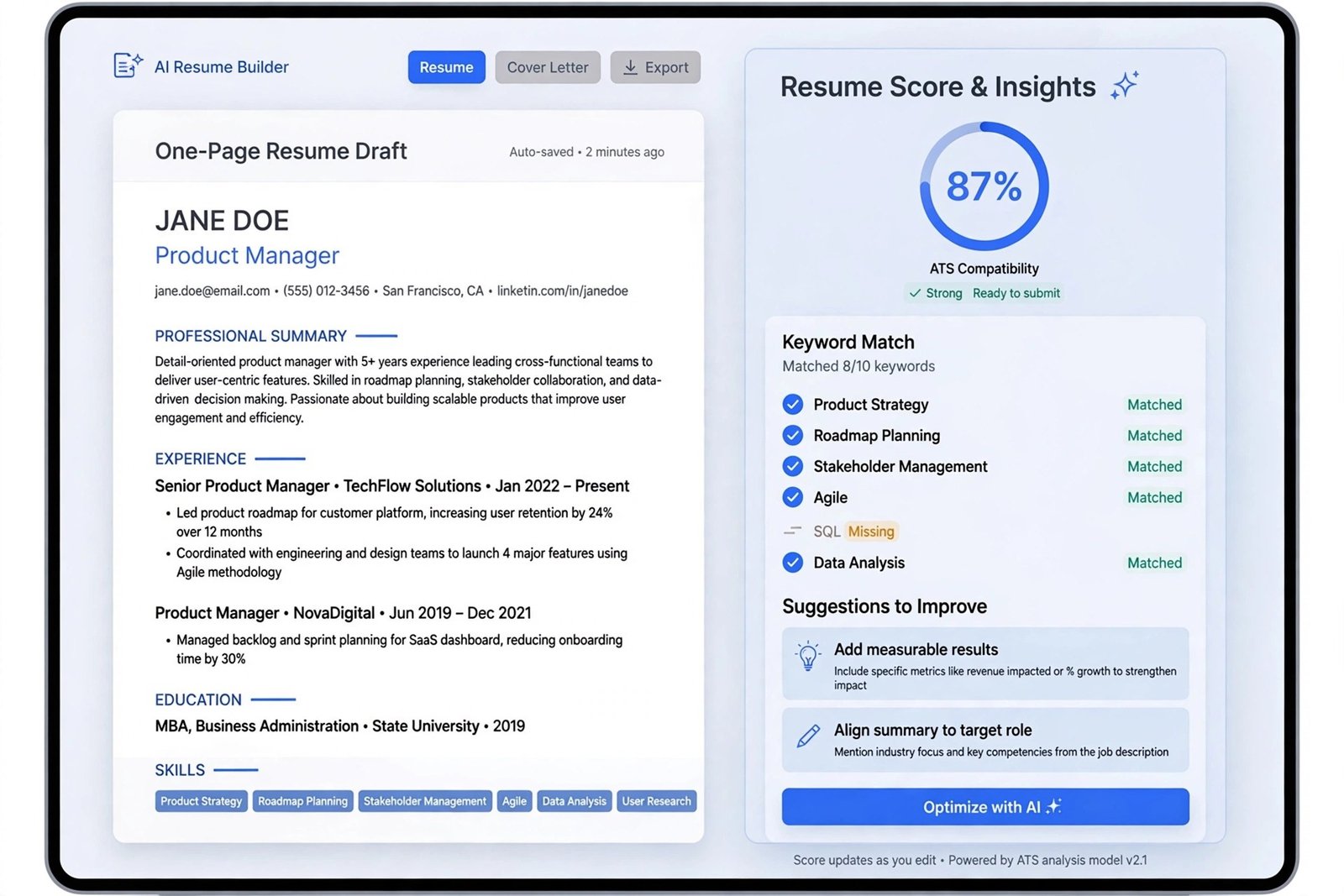
Rezi is built around one idea: your resume should score well against the software that reads it first. It scores your resume in real time against more than 20 checks covering keywords, formatting, and content, and its AI rewrites bullet points to match the job description you paste in.
The free tier includes one resume with limited AI features and a few PDF downloads, which is enough to test whether the workflow suits you. Paid plans start around $29 per month, with a lifetime option sometimes offered. If you are applying to large companies that definitely use ATS screening, Rezi is the safest first choice.
2. Teal: Best for Organizing a Full Job Search
Teal combines a resume builder with a job application tracker, so it suits people applying to dozens of roles at once. You can tailor each resume to a specific posting, track where every application stands, and use its Chrome extension to pull details from job boards.
The free plan is generous: unlimited resume creation and job tracking, with limited AI credits. Paid plans run about $29 per month. Teal is the best free starting point if you want structure around your whole search, not just one document.
3. Kickresume: Best Value for AI Writing
Kickresume pairs GPT-powered writing with genuinely attractive templates. Its AI writer generates bullet points from your job title and experience, and the template library is one of the largest around, with more than 40 designs.
The free tier includes a few basic templates with unlimited downloads, which is rare. Paid plans are among the cheapest for full features, starting around $4.50 to $8 per month billed annually. A good pick for students, recent graduates, and creative roles where design matters.
4. Jobscan: Best for Keyword Match Analysis
Jobscan does one thing extremely well: it compares your resume against a specific job posting and shows exactly which keywords and skills are missing. If ATS screening is your bottleneck, this is the most direct way to find out why.
The free tier covers a few scans per month. Paid plans start around $49.95 per month, which is steep, but it makes sense for a focused two or three week burst of applications to target roles. Use it as a diagnostic tool alongside a builder you already like.
5. Enhancv: Best for Visual Storytelling
Enhancv is for resumes that need to impress a human reader, not just a parser. Its templates use clean layouts with room for narrative sections, and its AI helps rewrite your experience into a story about impact rather than a list of duties.
Plans start around $13 to $25 per month depending on billing. The designs are ATS-safe as long as you stick to the simpler templates and avoid heavy graphics. Best for mid-career professionals and roles where the hiring manager reads every application.
6. Resume.io: Fastest Way to a Finished Resume
Resume.io wins on speed. Pick a template, answer guided questions, and the AI fills in role suggestions and bullet examples while you type. It supports multiple formats and languages, which matters for international job seekers.
The free tier allows building with a text export; paid plans start around $2.95 for a trial period and then about $24.95 per month. Good when you need something presentable today.
7. Novorésumé: Best for Strict One-Page Layouts
Novorésumé enforces clean, single-page layouts with guided feedback on every section. It is strict about ATS safety: no columns that break parsing, no decorative elements where text should be.
The free plan covers one basic one-page resume. Paid plans start around $19.99 per month. A strong option for European and international applications, where it also handles multilingual resumes well.
8. Zety: Best Guided Wizard for Beginners
Zety walks you through resume creation step by step, with thousands of pre-written bullet examples you can adapt. If you are writing your first resume or returning to the job market after years away, the hand-holding helps.
You can build for free but downloading requires a paid plan, starting around $2.70 for a two-week trial. Know that limitation going in: do not invest an hour unless you are willing to pay for the export.
9. Resume Worded: Best for Improving an Existing Resume
Resume Worded is not a builder, it is a critic. Upload the resume you already have and it scores it, rewrites weak lines, and shows how recruiters are likely to read it. Useful as a second opinion before you hit submit.
Pair it with any builder on this list: build in Teal or Kickresume, then run the result through Resume Worded for a final check. Pricing follows a free-plus-paid model similar to the others.
10. Canva: Best for Design Roles
Canva’s resume templates look great and its Magic Write AI can draft your content, but there is a catch: heavily designed templates can fail ATS parsing. Use Canva only for roles where a human reads every resume first, like design, marketing, or portfolio-based work.
Many templates are free, with Canva Pro around $15 per month unlocking more. Keep the layout simple, single column, and you get the best of both worlds. For broader AI tool ideas beyond resumes, see our trending AI apps roundup.
Pricing and Free Tiers at a Glance
| Tool | Free tier | Paid plans from | Best for |
| Rezi | 1 resume, limited AI | $29/month | ATS-first applications |
| Teal | Unlimited resumes, limited AI | $29/month | High-volume job search |
| Kickresume | 4 templates, unlimited downloads | ~$4.50/month annual | Students, creatives |
| Jobscan | 5 scans/month | $49.95/month | Keyword gap analysis |
| Enhancv | Limited trial | ~$13/month annual | Mid-career professionals |
| Resume.io | Free text export | $24.95/month | Speed |
| Novorésumé | 1 basic one-page CV | $19.99/month | International job seekers |
| Zety | Build free, pay to download | $2.70 trial | First-time writers |
| Resume Worded | Limited free scoring | Varies | Polishing existing resumes |
| Canva | Many free templates | $15/month Pro | Design roles |
Prices change often, so treat these as starting points and check the vendor’s pricing page before committing. Independent 2026 comparisons from Rezi’s testing roundup and Toolchase land on the same leaders: Rezi for ATS, Teal for free value, Kickresume for writing quality.
How to Use AI Without Sounding Like AI
The biggest mistake is accepting AI-generated bullet points word for word. Recruiters read hundreds of resumes, and generic AI phrasing is easy to spot. Use the AI for the first draft, then edit every line: add your real numbers, name your real tools, and cut anything you cannot defend in an interview.
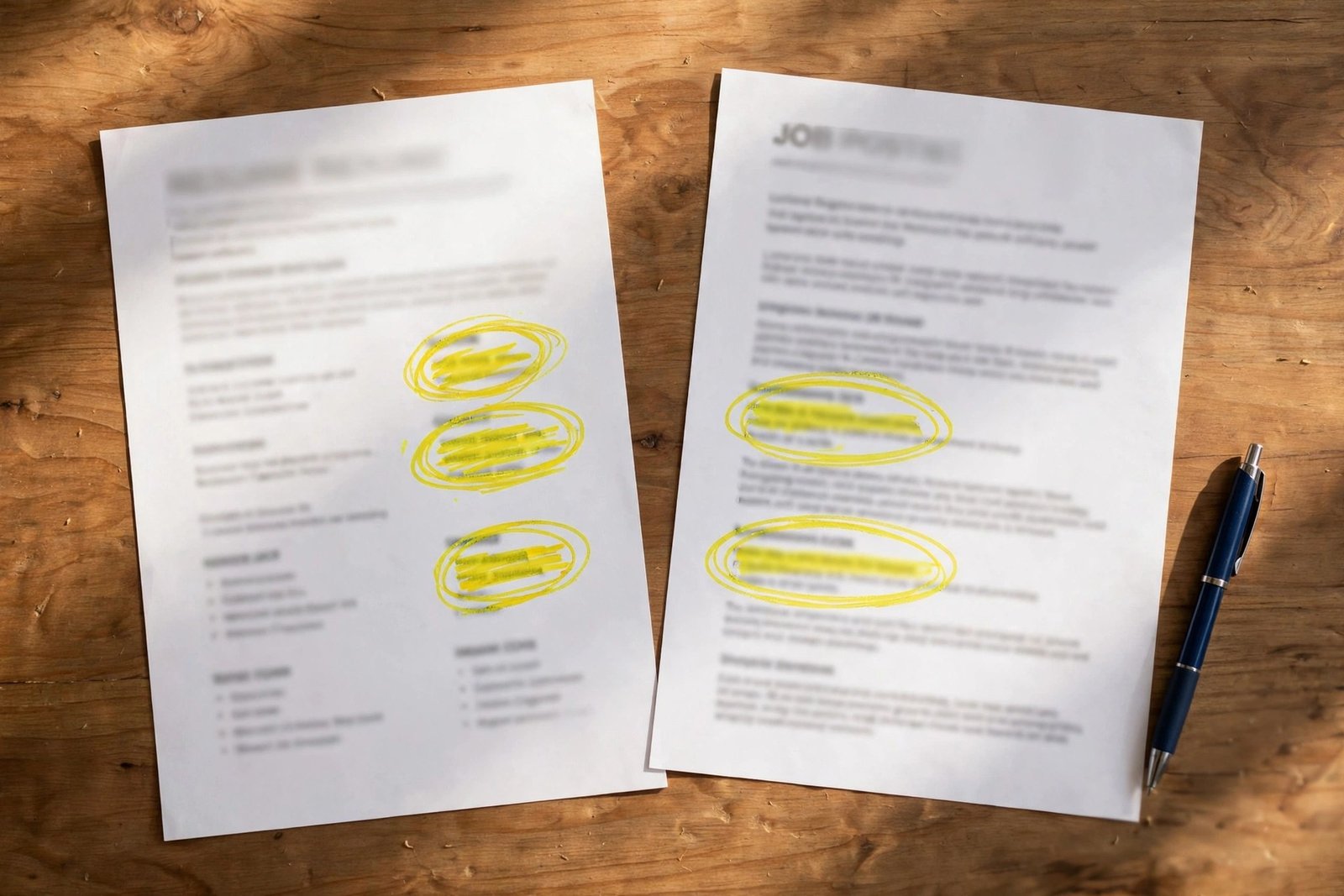
Tailor each application. The single highest-impact habit is pasting the job description into the tool and matching its language. A resume tuned for one posting beats a generic one sent to fifty. And keep your LinkedIn profile consistent with your resume: if you are cleaning up your online presence, our guide on deleting a LinkedIn account and Gmail alternatives for a professional email address can help round out the picture.
Frequently Asked Questions
Can I build a good resume with AI for free?
Yes. Teal’s free tier covers unlimited resumes, and Kickresume gives you templates with unlimited downloads at no cost. For a zero-cost approach, draft bullets with a free AI chat tool and format them in a free ATS-safe template.
Do AI resumes actually beat ATS filters?
They help with the two things ATS systems check: parseable formatting and keyword coverage. No tool guarantees you pass, but a resume built in an ATS-safe template and matched to the job posting clears the filter far more often than a designed-from-scratch document.
Should I use the same resume for every job?
No. Tailoring to each posting is the highest-value thing these tools do. Even ten minutes of keyword matching per application meaningfully improves your odds.
Bottom Line
Pick Rezi if ATS screening worries you, Teal if you are applying everywhere, or Kickresume if you want the best writing for the least money. Build the draft with AI, rewrite it in your own voice, and match it to every posting. That combination is what actually gets interviews.

- How to Change the Lock Screen Timeout on Windows 11 - October 25, 2026
- How to Fix the Windows 11 Taskbar Auto-Hide Problem - October 24, 2026
- How to Fix a Laptop Camera Not Working in Windows 11 - October 23, 2026